Balanced lighting and exposure
Lift underexposed rooms, control bright windows and skies, and recover useful shadow and highlight detail without a harsh HDR effect.
Upload an interior, exterior, or rental listing photo and correct poor exposure, color cast, flat contrast, noise, and softness in one pass. The scene, layout, furniture, materials, and camera framing stay recognizable.
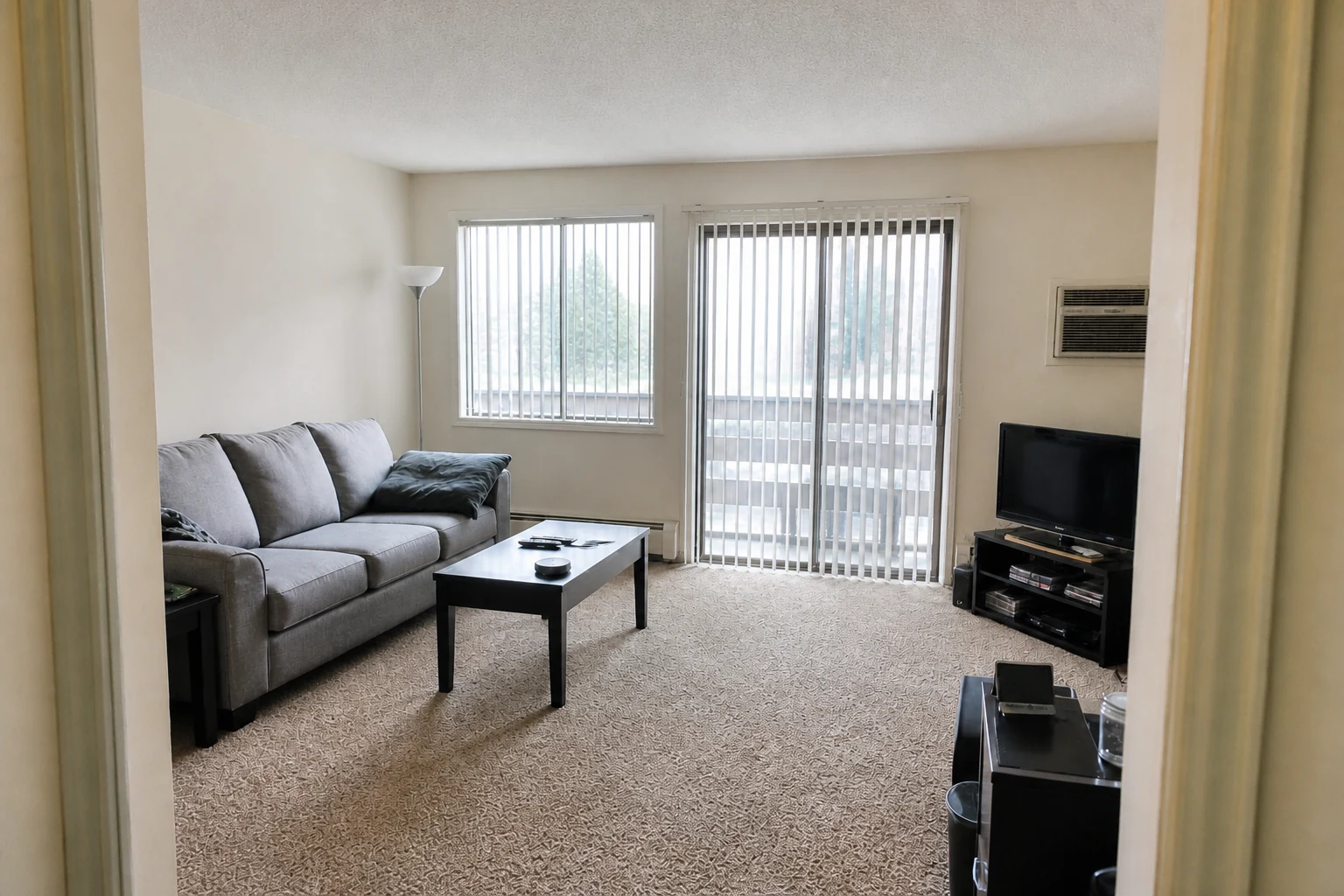
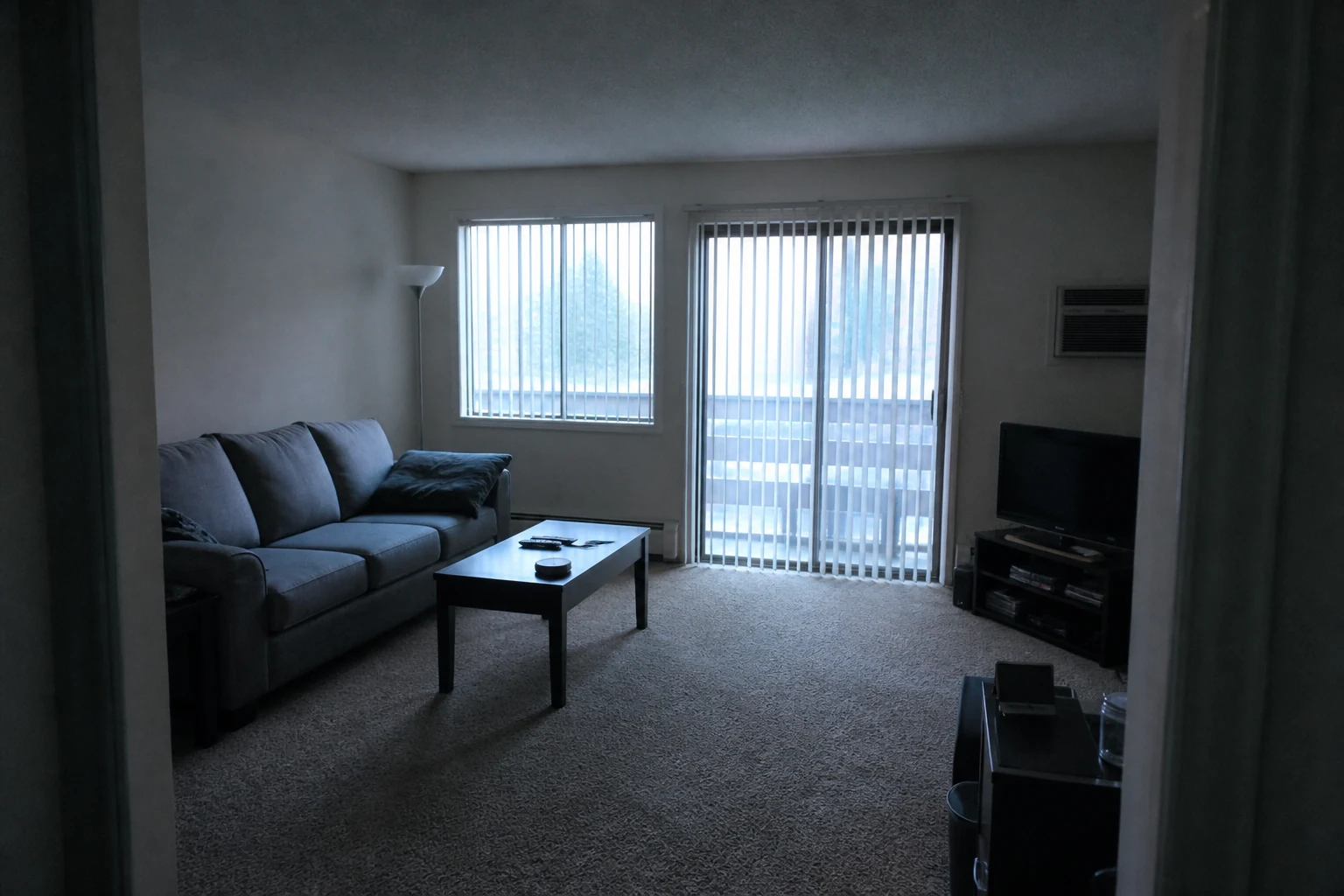
A focused enhancement workflow for home photos that need better presentation, not a different design.
Lift underexposed rooms, control bright windows and skies, and recover useful shadow and highlight detail without a harsh HDR effect.
Remove yellow, blue, green, or magenta color casts and restore believable whites, paint colors, wood tones, landscaping, and finishes.
Reduce noise and compression, improve local contrast, and sharpen edges conservatively while keeping materials and objects faithful to the source.
Correct lighting, white balance, dynamic range, and clarity while keeping original architecture and decor completely intact.
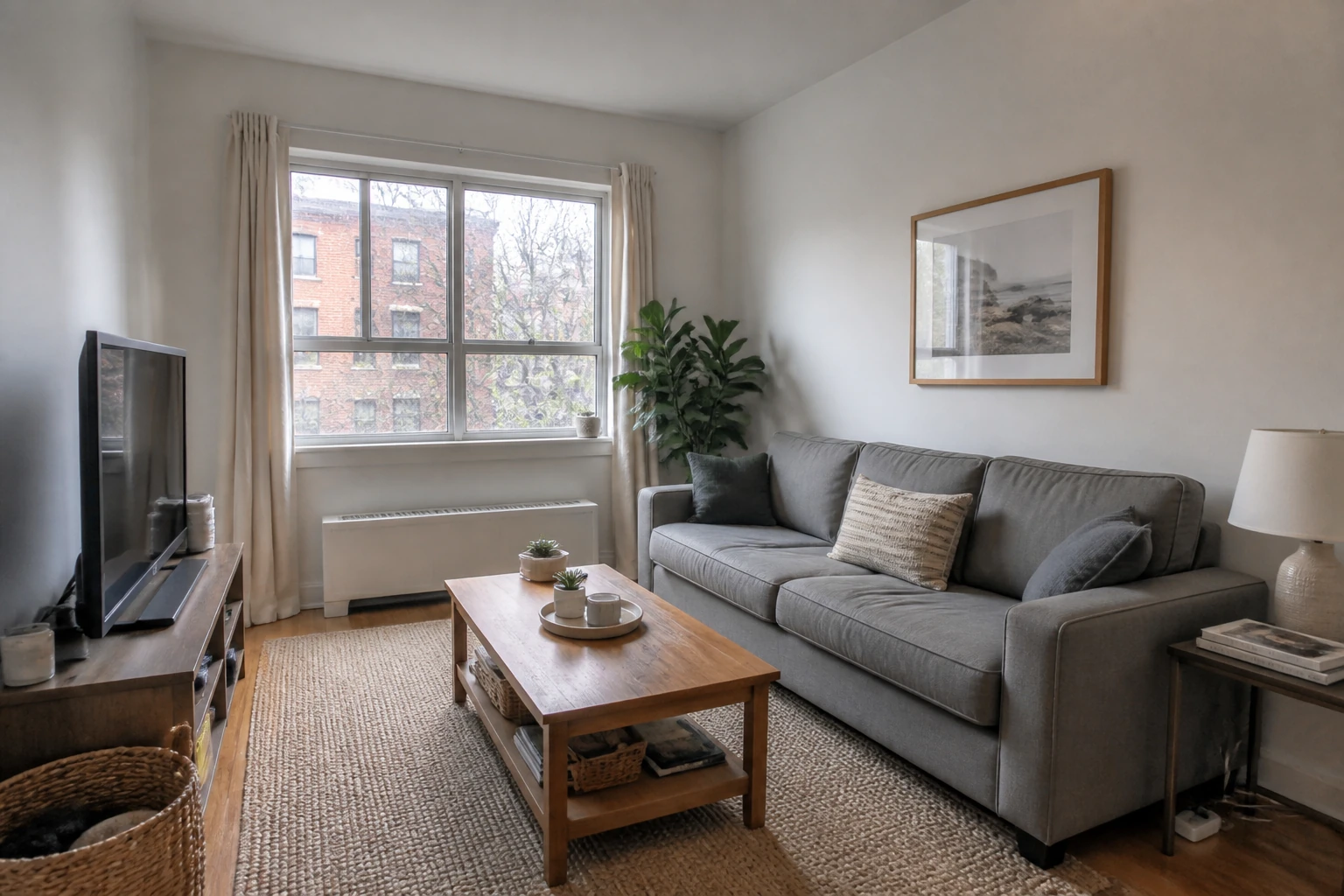
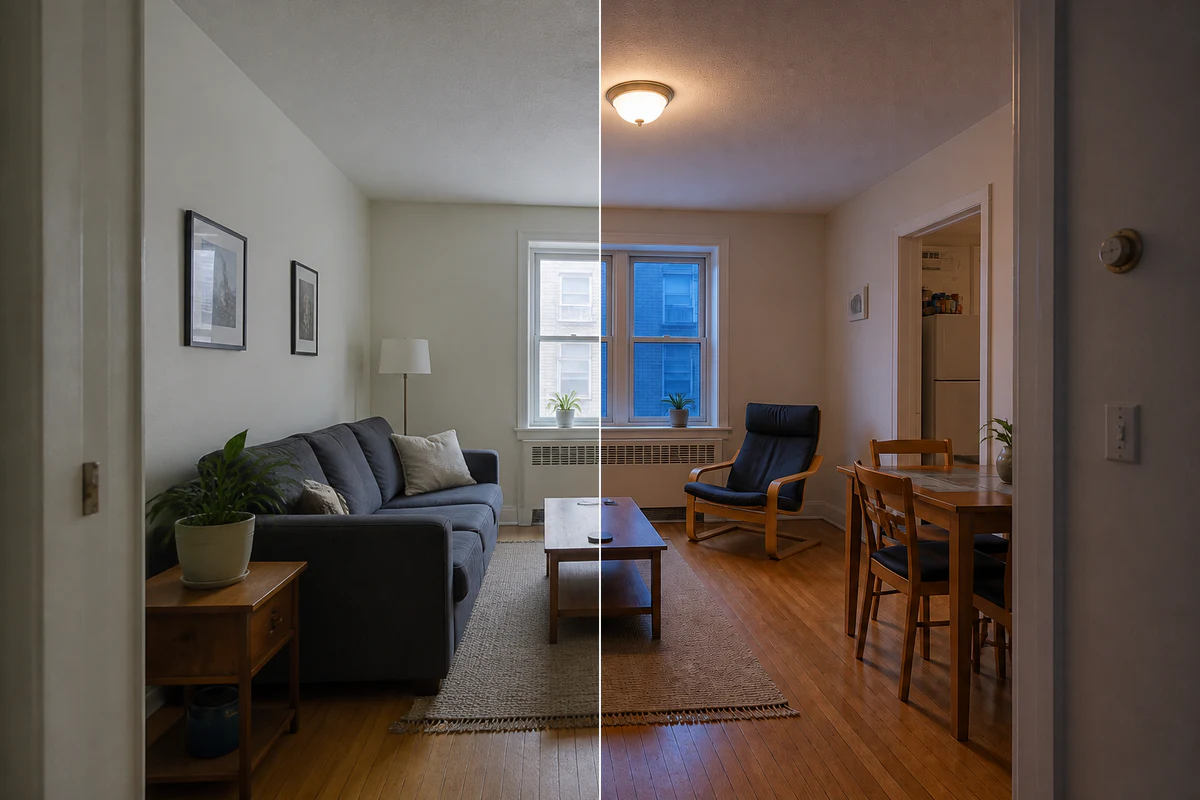
Correct a cool, underexposed phone photo into a bright but believable listing image without restaging the room.
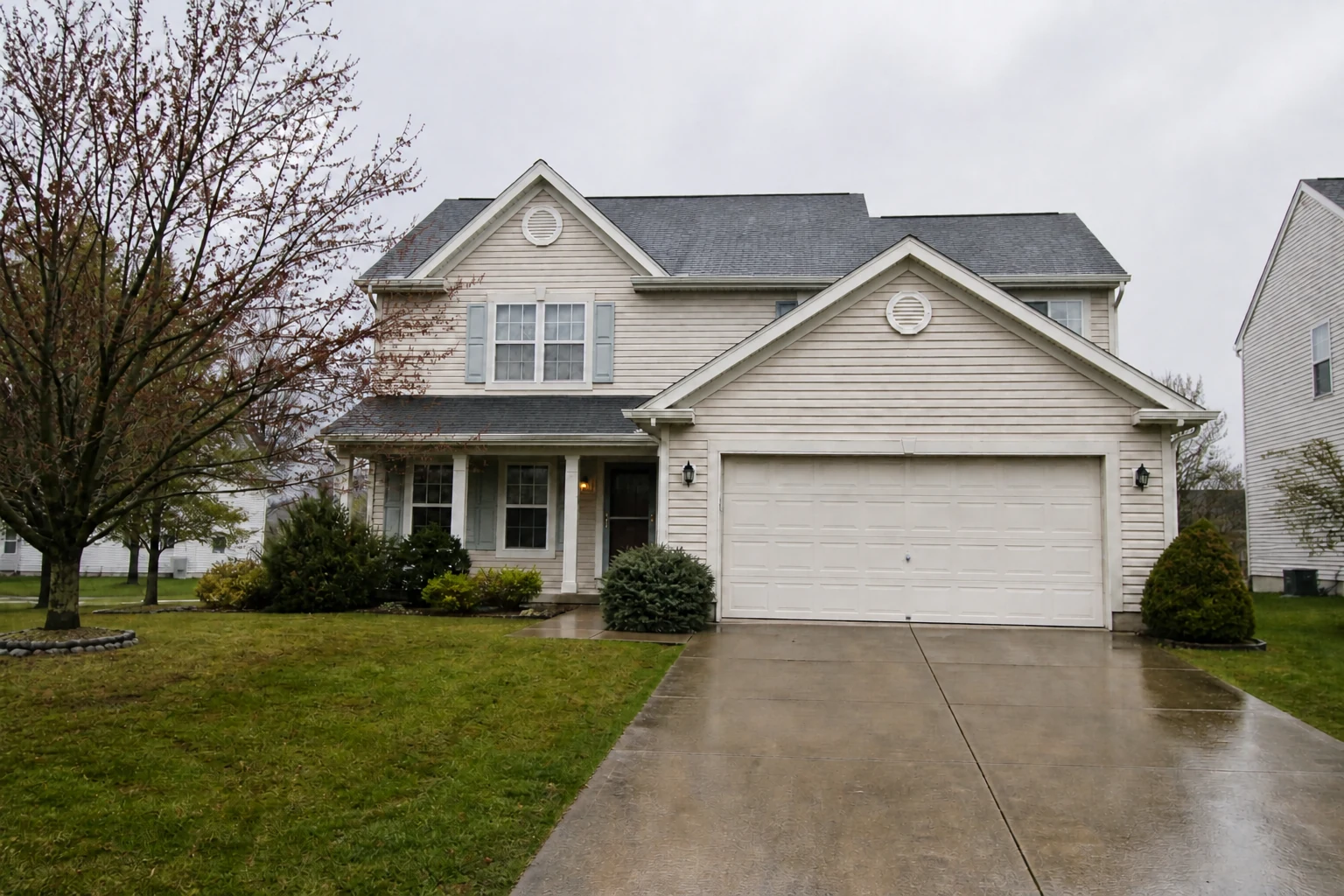
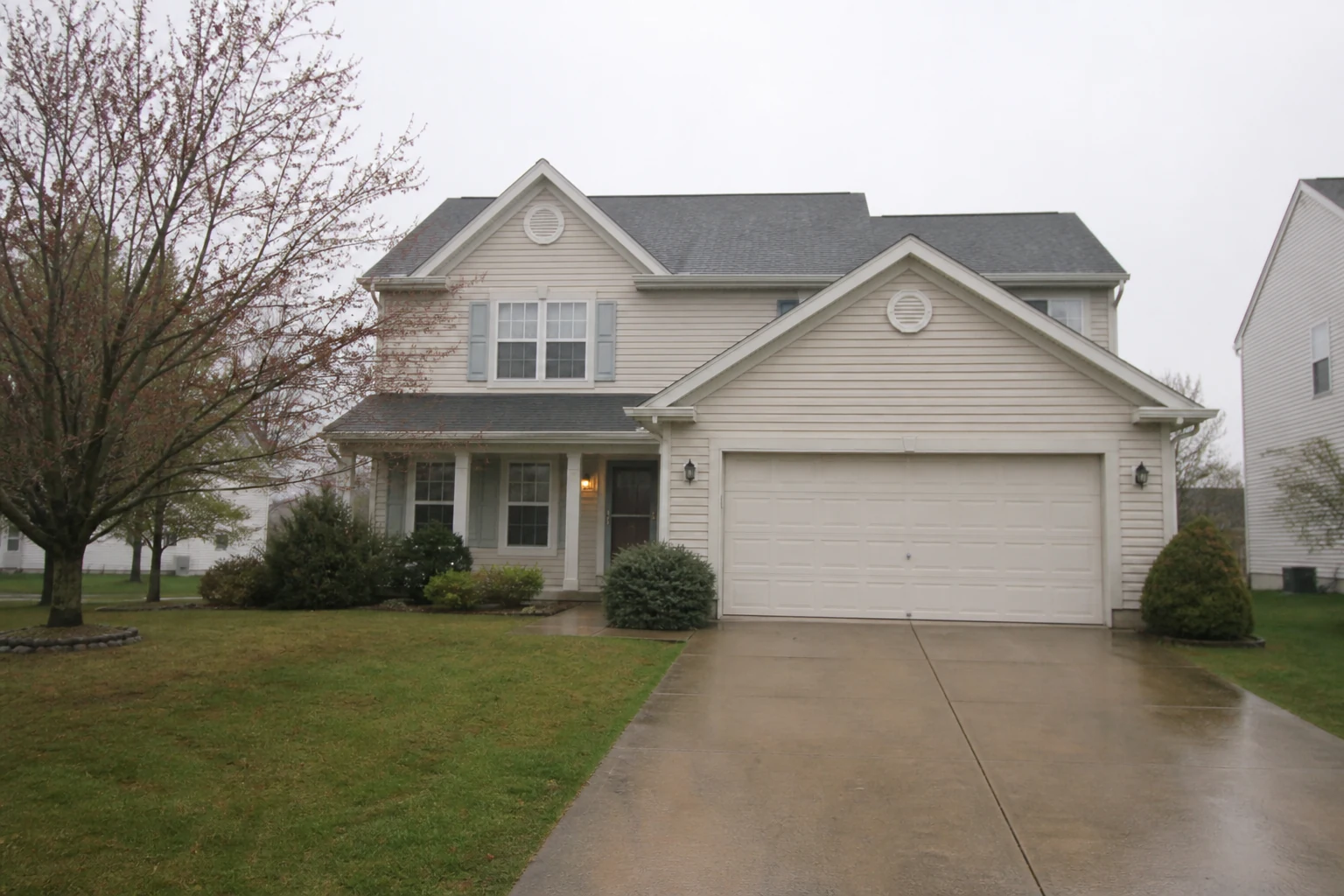
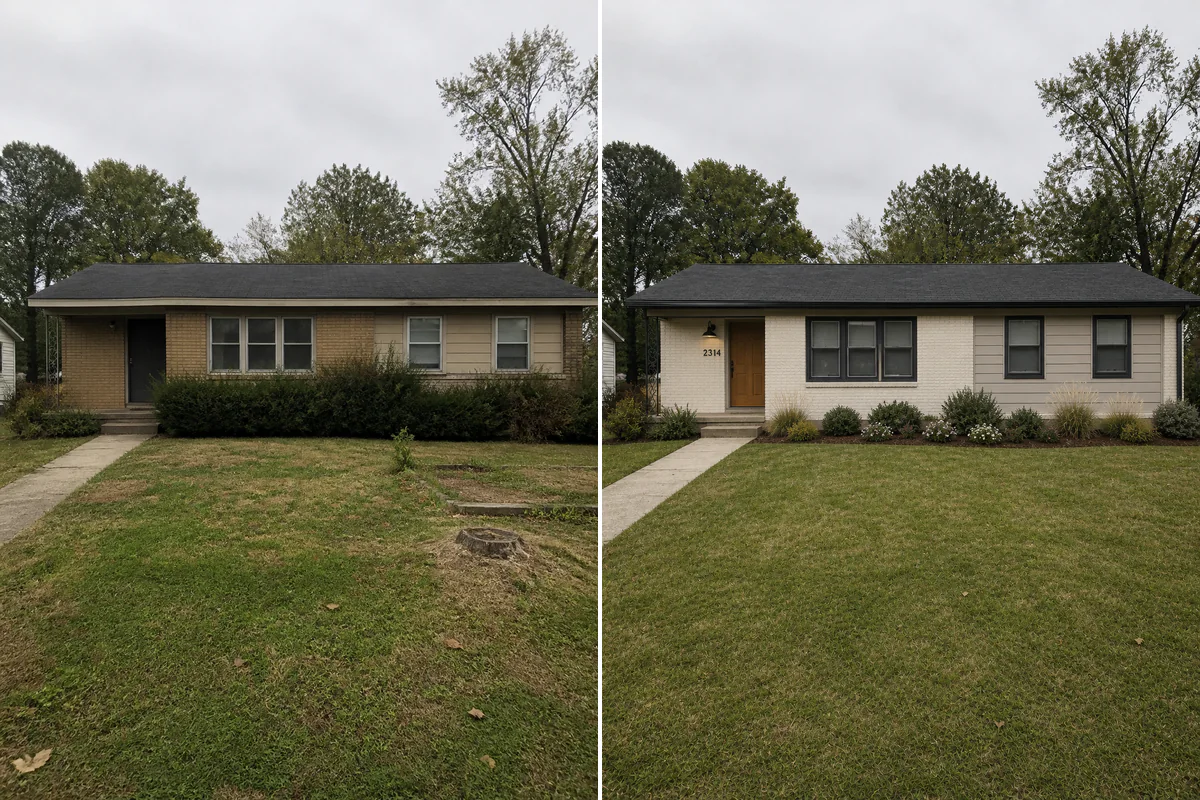
Recover clean facade, roof, window, lawn, and sky detail from a hazy exterior photo while preserving the exact property appearance.
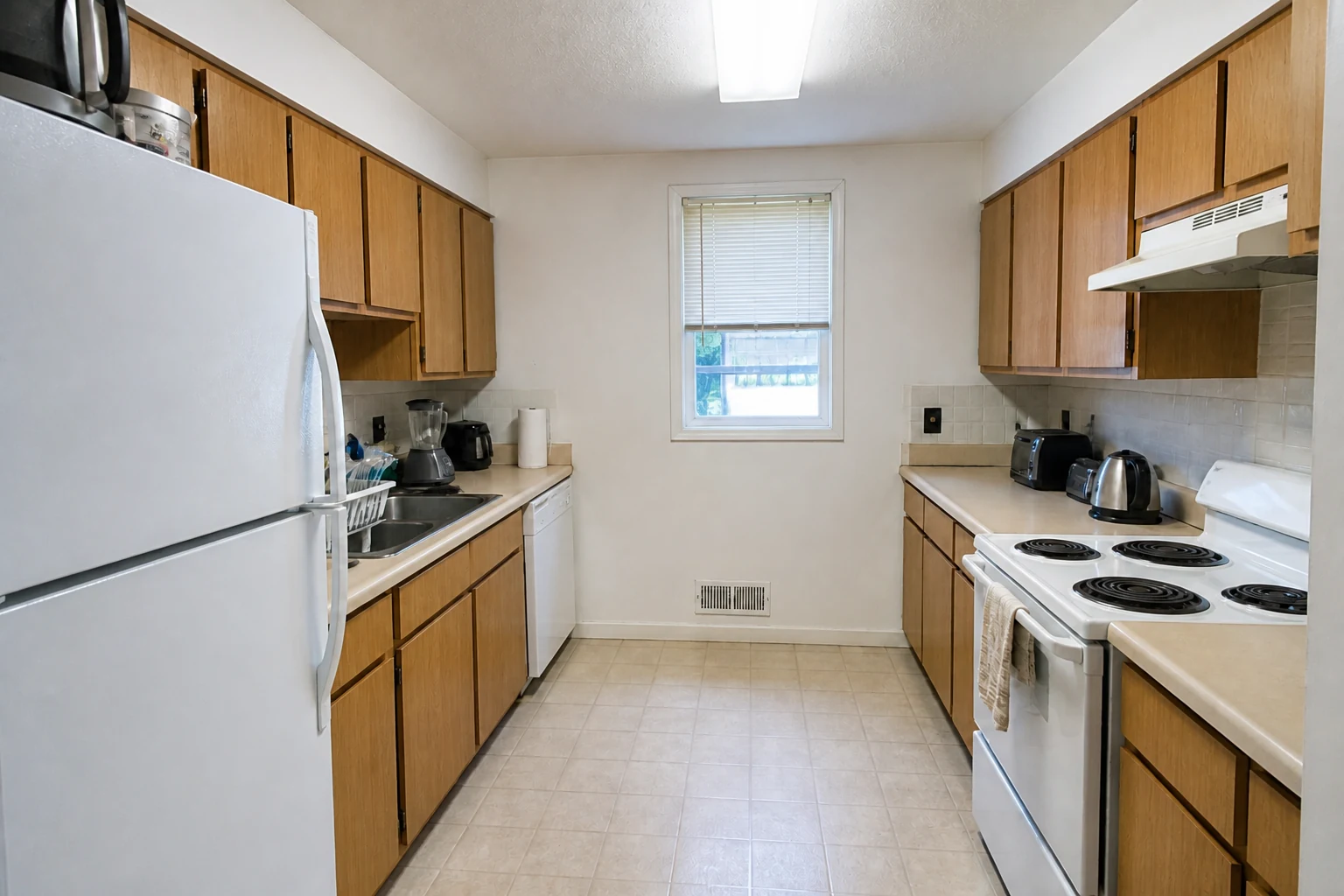
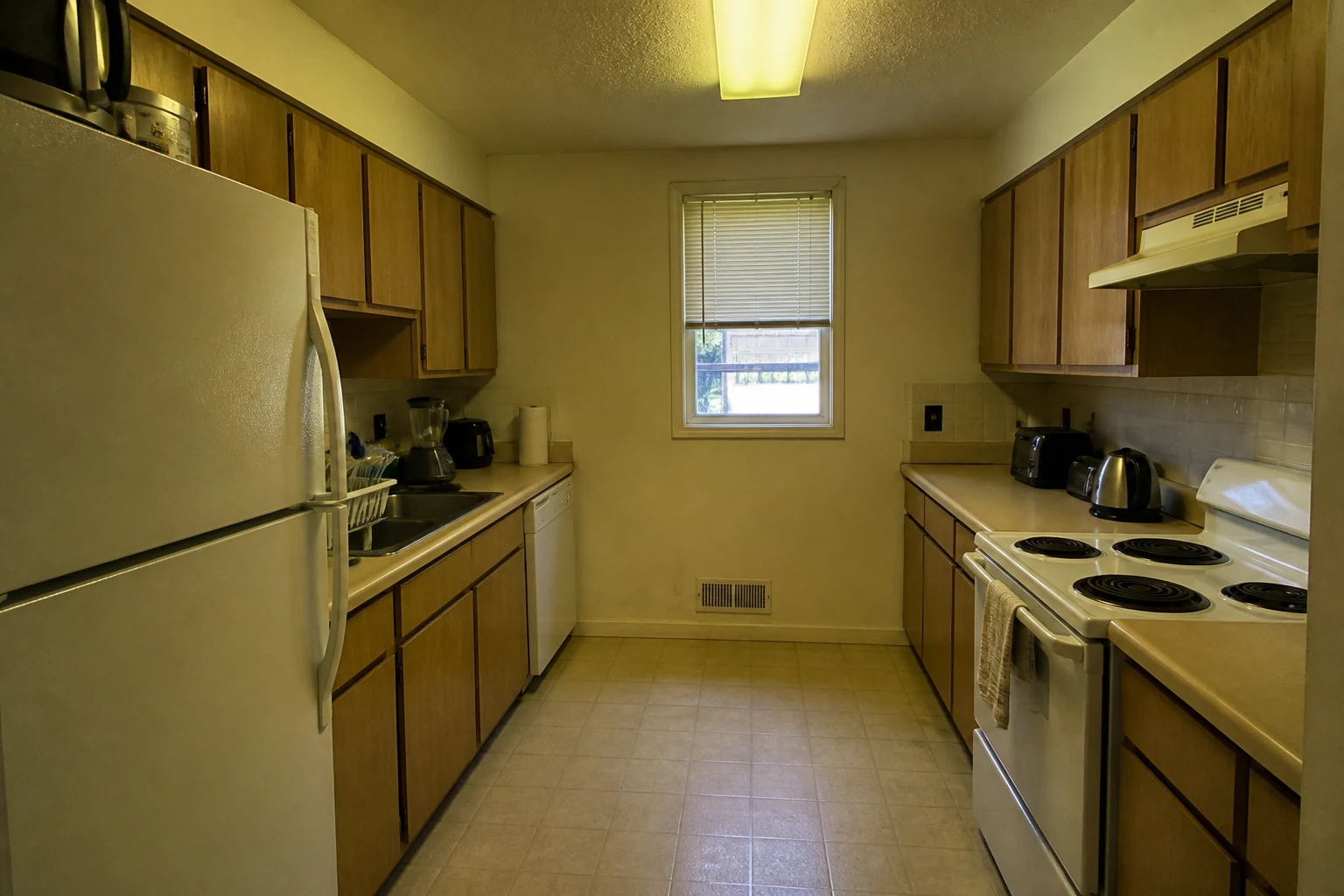
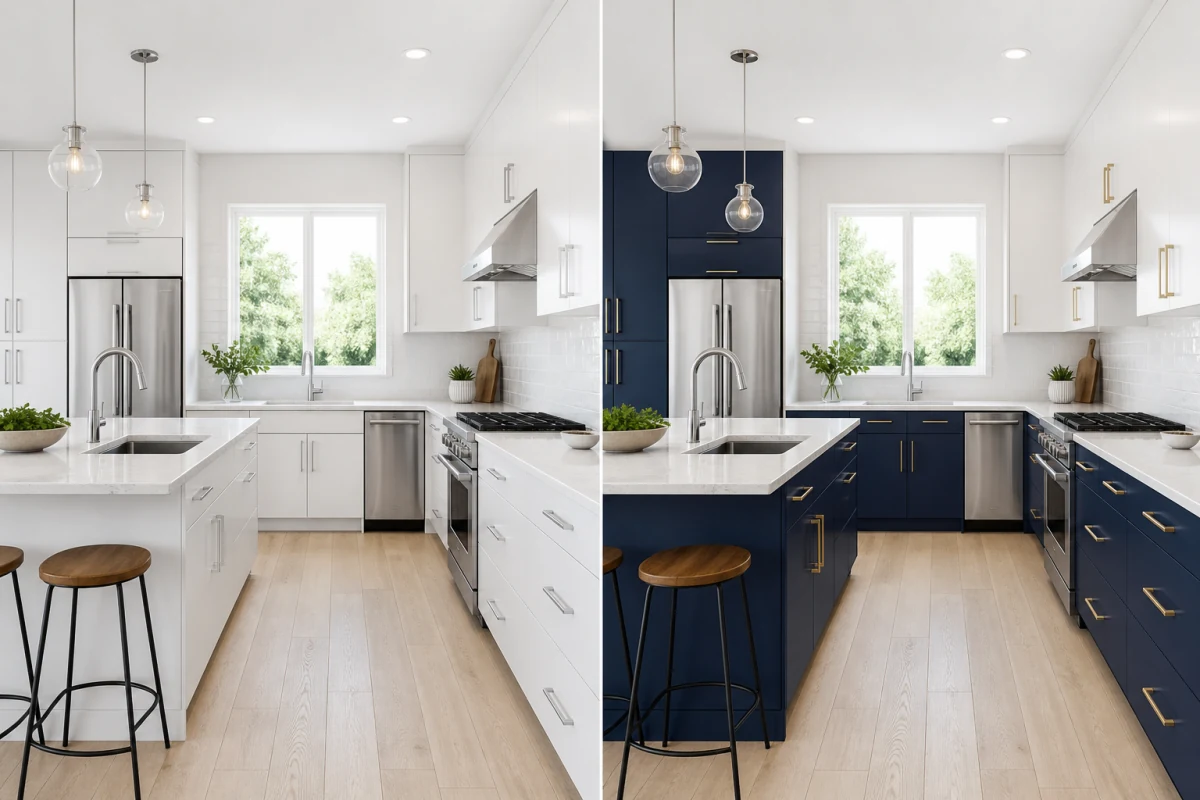
Neutralize mixed indoor lighting, reduce noise, and clarify cabinetry, counters, appliances, and tile without redesigning the kitchen.
Turn everyday phone and camera photos into cleaner marketing assets while keeping the space honest and recognizable.
Correct photos captured at different times or under mixed lighting so a property gallery feels cleaner and easier to review.
Improve a strong composition held back by dim light, haze, a color cast, noise, or soft detail instead of scheduling another shoot.
Use a strict preservation prompt that protects the scene, furniture, landscaping, materials, camera angle, text, and object placement.
Use the AI photo enhancer when the content is right but the photograph does not yet present it clearly.
Improve interior, exterior, amenity, and detail shots before publishing them to listing portals, brochures, or client updates.
Clean up phone photos for rental listings, renovation records, home-sale preparation, social posts, and project comparisons.
Correct fast location photos, scouting images, portfolio selects, and client previews without building a manual Lightroom workflow.
Choose the least-compressed JPG, PNG, or WebP available. Interior, exterior, landscape, rental, and finished-project photos are supported.
Use Auto Enhance for a balanced correction, or target lighting and color, low-light noise, or an exterior listing. Keep Natural strength for subtle edits or use Strong for a more visible but believable correction.
Drag the comparison, check property details, people, signage, and text, then download the result that best represents the real scene.
It corrects common photographic issues such as poor exposure, color cast, flat contrast, noise, compression, haze, and soft detail. It is intended to improve presentation quality rather than change the photographed design.
The photo enhancer focuses on overall lighting, color, tonal balance, noise, and clarity. The image upscaler is the more focused choice when the main problem is a small or compressed file that needs higher perceived resolution.
Yes. Phone photos often benefit from better white balance, shadow recovery, noise cleanup, and restrained sharpening, especially in dim rooms or mixed lighting.
No. The AI is engineered to preserve the exact architecture, furniture layout, materials, landscaping, and camera framing without redesigning or altering the property.
Yes. It can improve facade, roof, window, lawn, foliage, driveway, and sky clarity while keeping the property and outdoor elements unchanged.
It can rescue and polish a well-composed photo, but it cannot replace a good camera position, complete scene coverage, or accurate documentation. Start with the strongest source photo available.