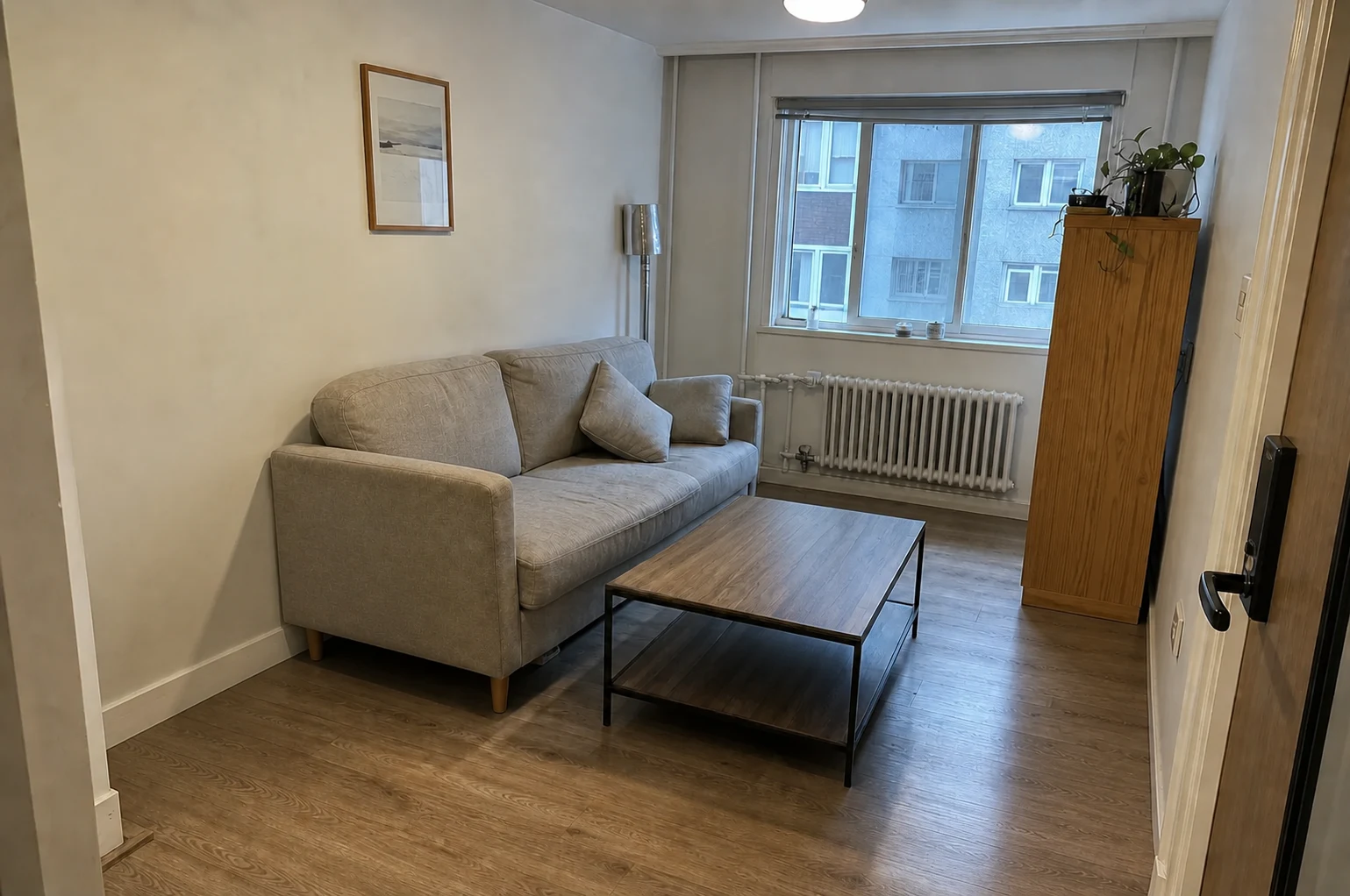
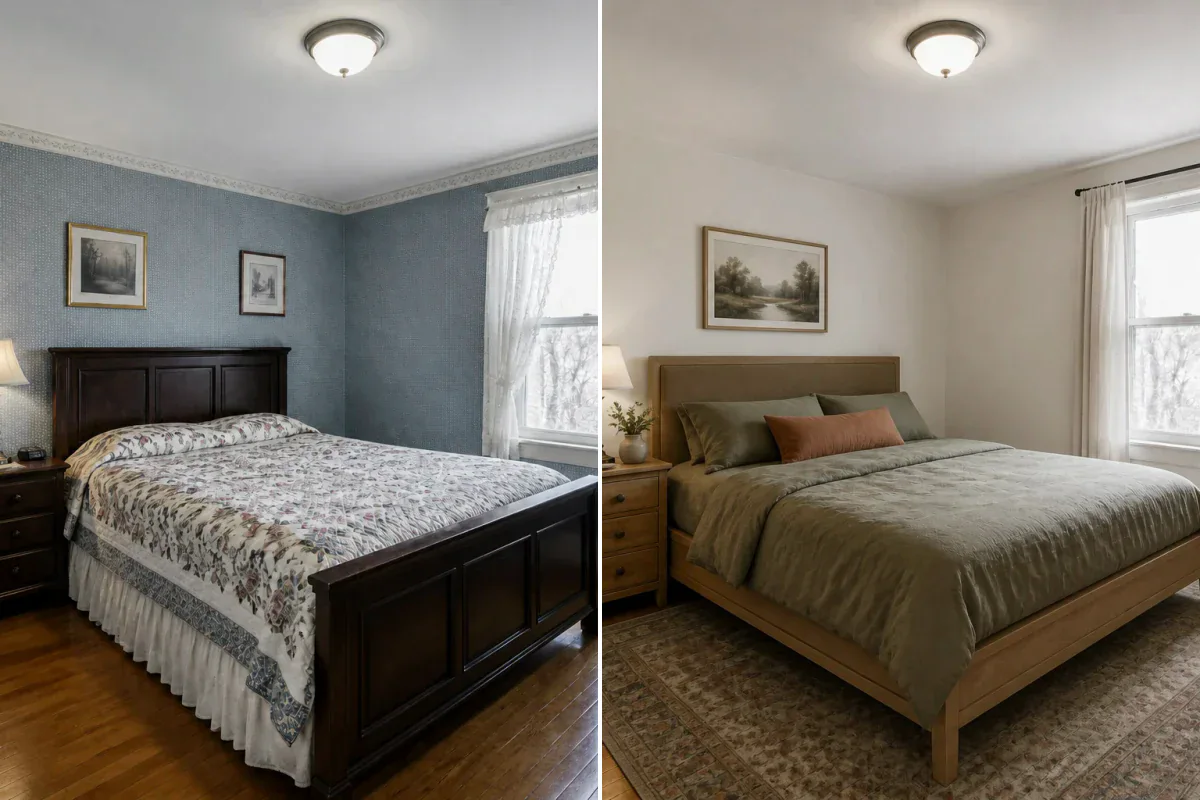
Complete Furniture Removal
Designed to remove sofas, beds, tables, chairs, rugs, and lamps from a single property photo.
Clear old or crowded furniture from your photo to reveal the clean, empty room. Perfect for space planning, virtual staging, and real estate marketing.
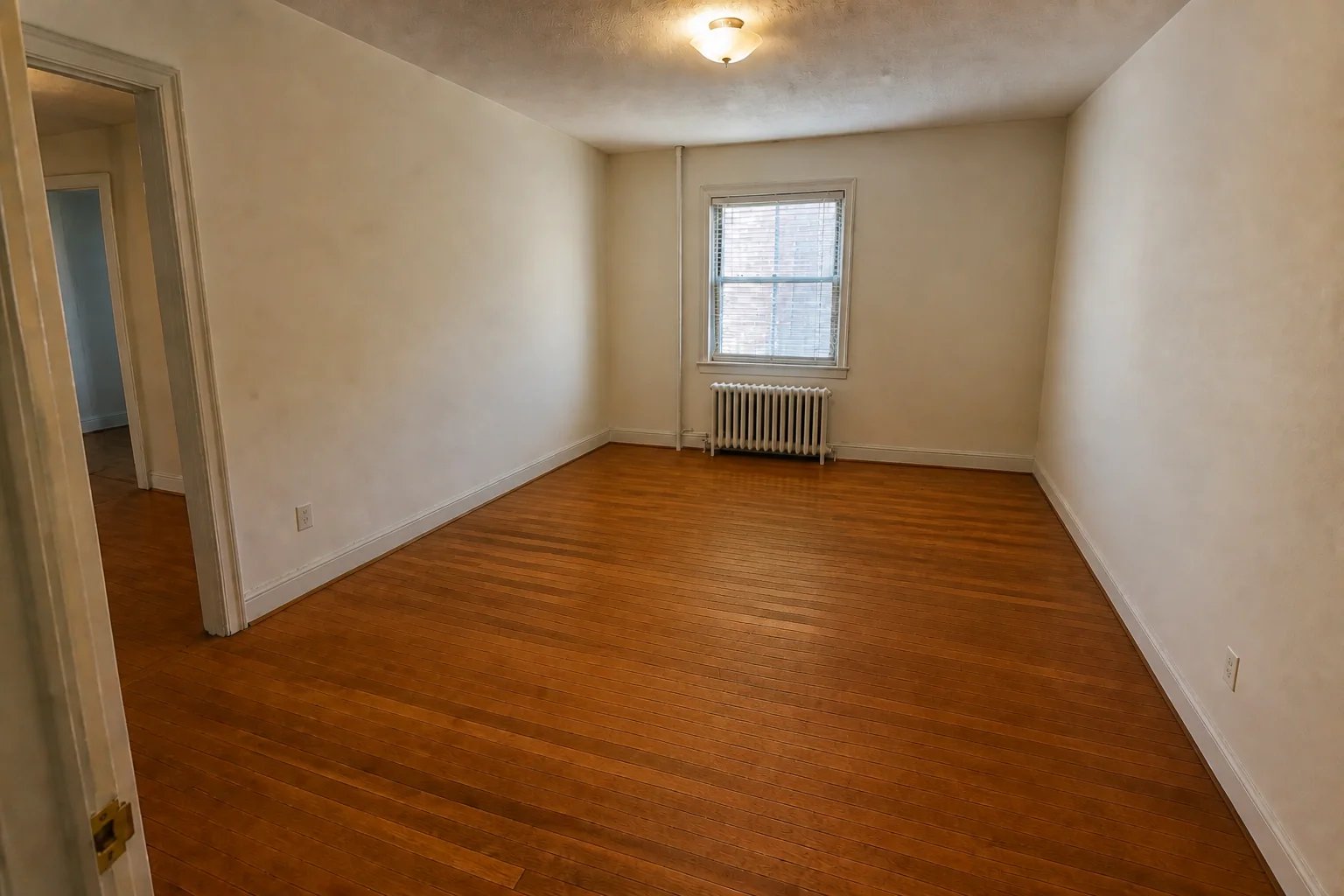
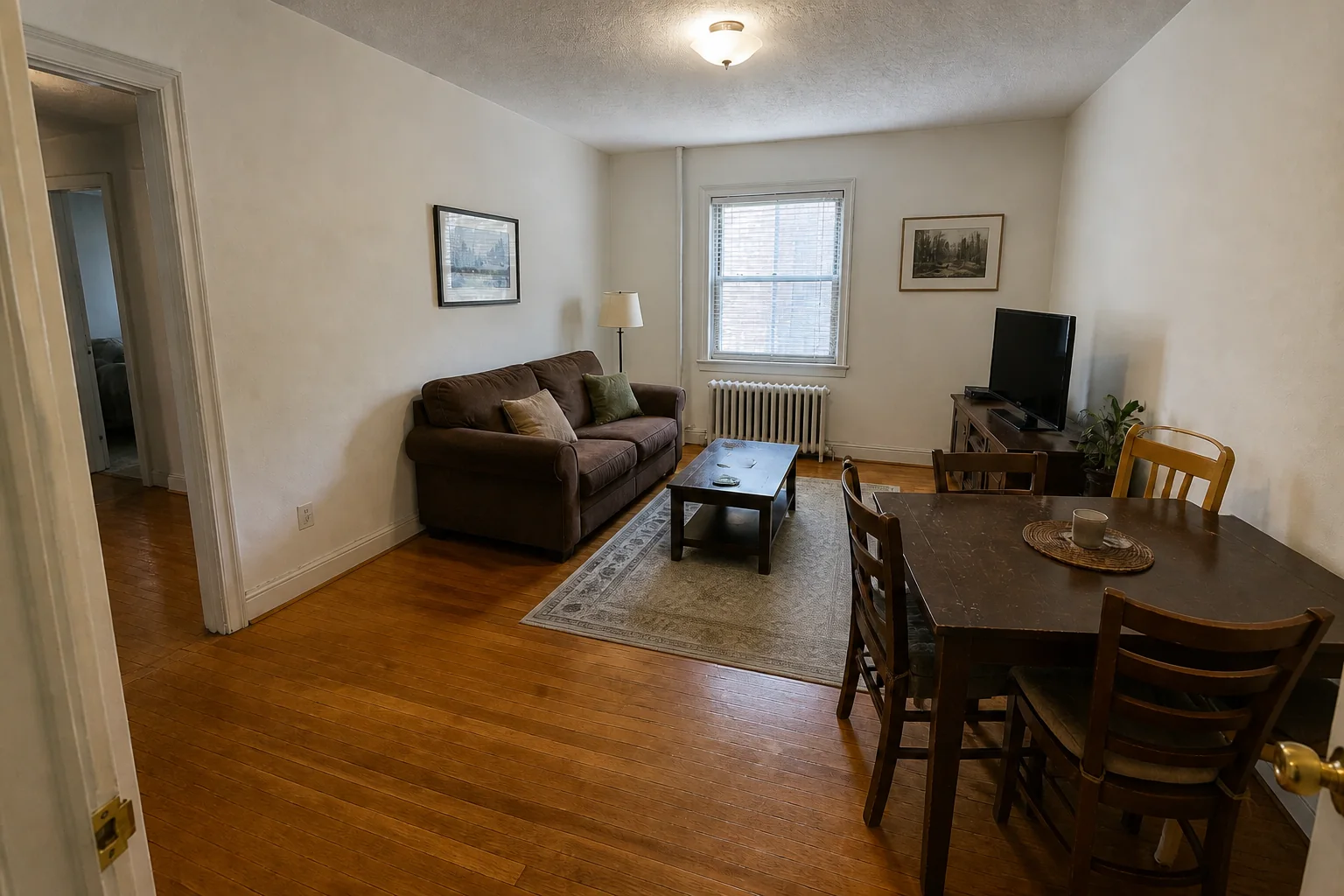
Automatically reconstruct clean floor and wall surfaces where furniture used to be.
Designed to remove sofas, beds, tables, chairs, rugs, and lamps from a single property photo.
Reconstructs plausible floor and wall areas that were hidden behind the removed furniture.
Keeps windows, doors, fireplaces, built-in shelves, and moldings intact.
Reconstruct clean floor and wall surfaces hidden beneath clutter and outdated furniture with seamless architectural consistency.
The dining set, rug, and movable decor are removed while the windows, floor, walls, and adjacent room remain recognizable.
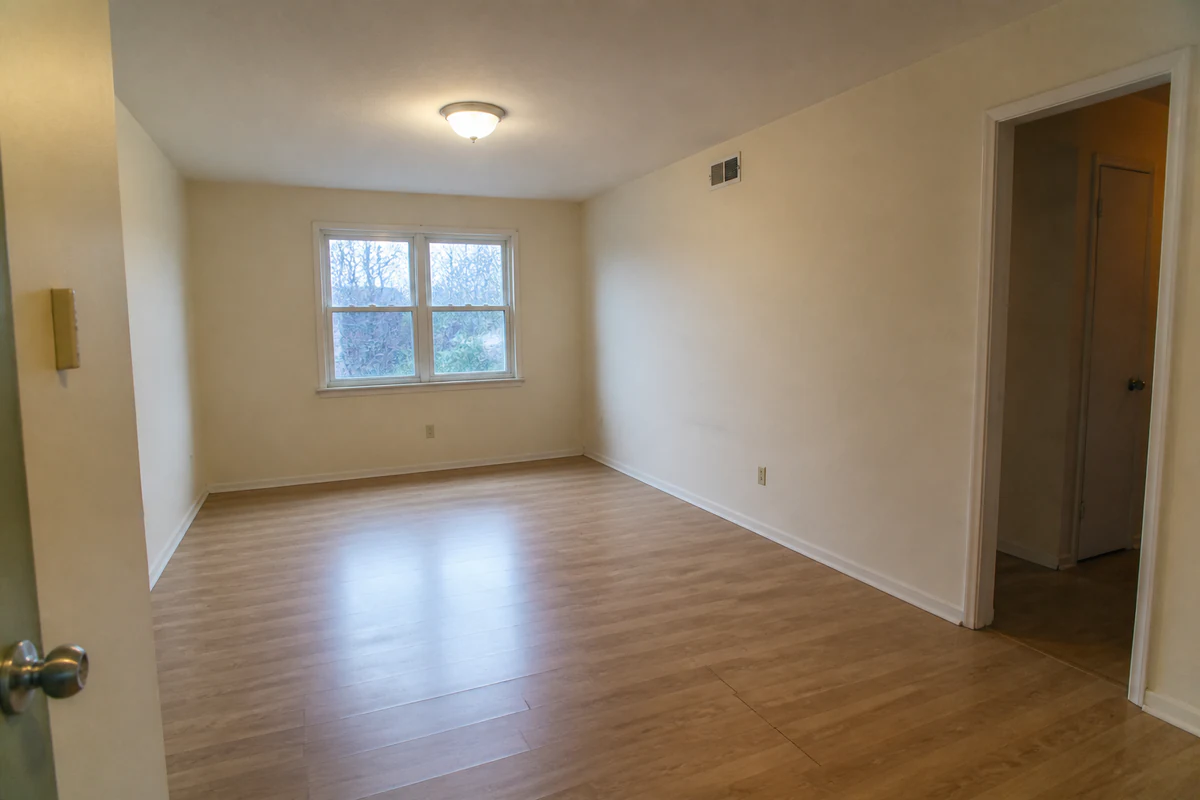
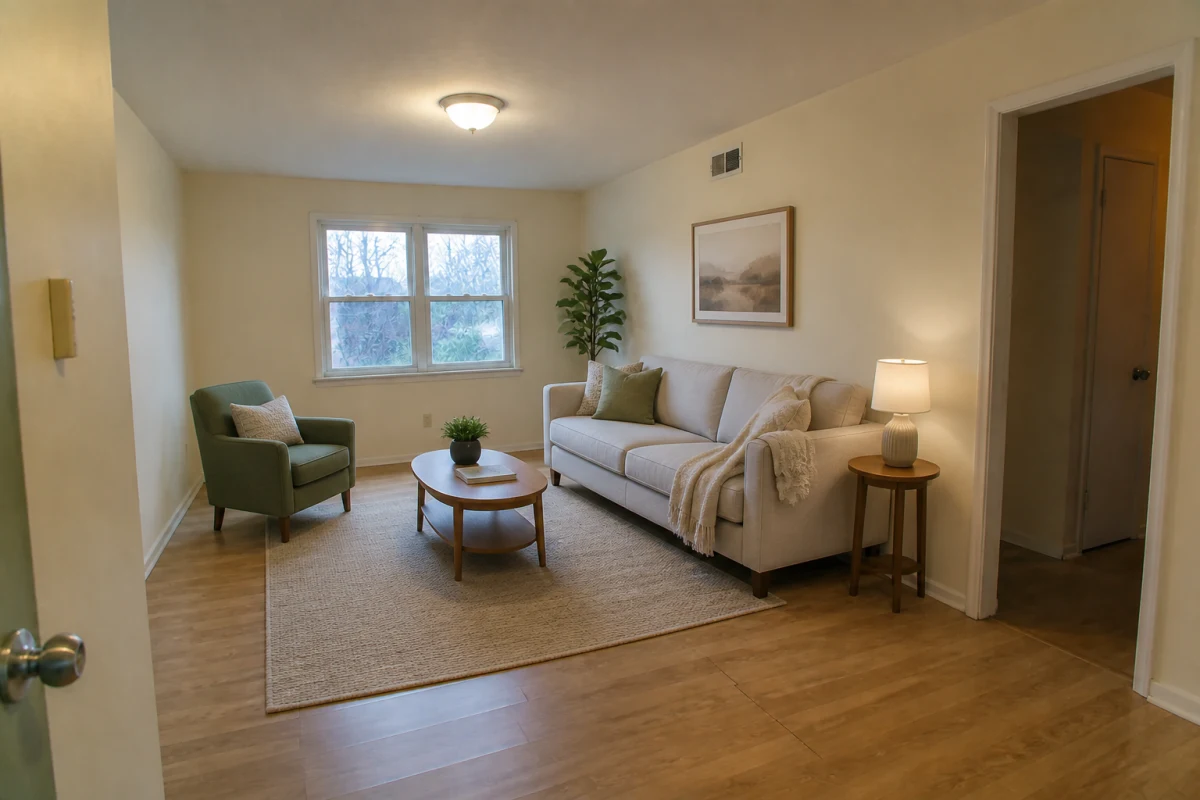
A complete staged seating group is cleared to expose the original floor area and open circulation without changing windows or finishes.
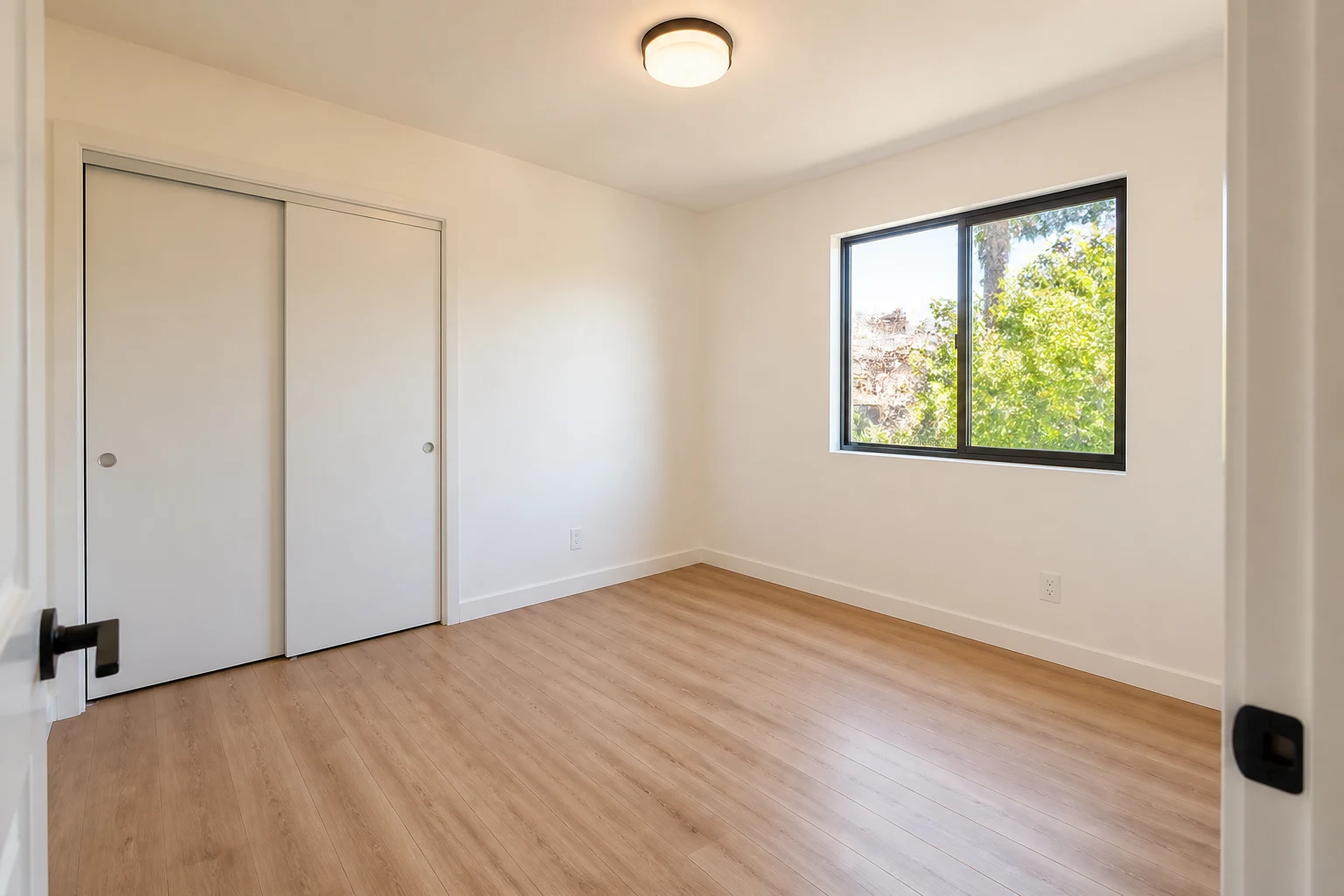
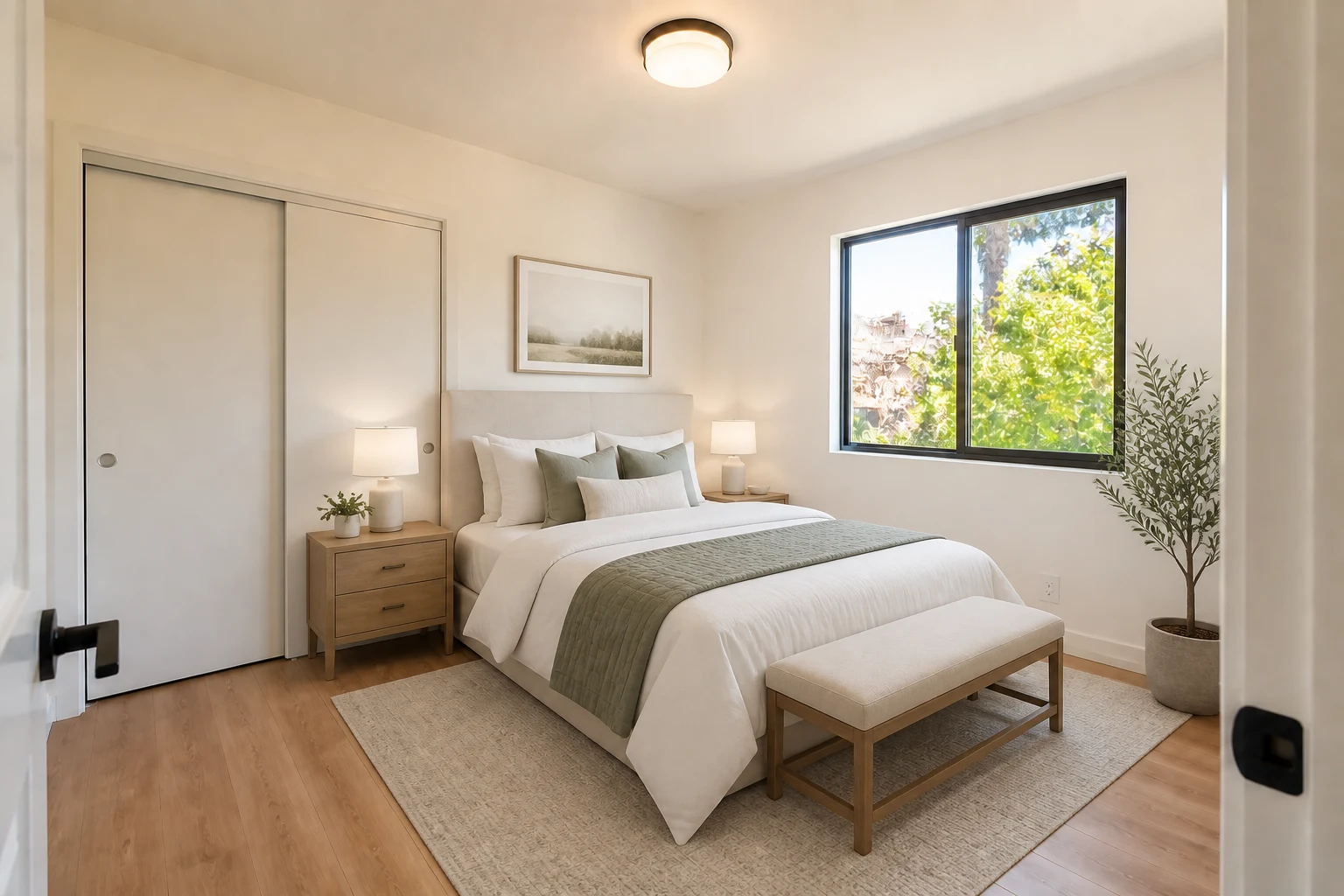
The bed, nightstands, bench, rug, artwork, and plant are removed while the closet, window, wall outlets, floor, and room proportions remain recognizable.
Ideal for real estate listings, space planning, and preparing photos for virtual staging.
Help home buyers and renters visualize empty room dimensions and open floor space.
Generate a clean empty room photo ready to stage with brand new furniture styles.
Inspect room scale, door placements, and wall lengths without furniture blocking the view.
Use a clear, level photo of the room showing main furniture pieces, floor area, and walls.
Mention any built-in cabinetry, fireplaces, or fixed fixtures you want retained in Details.
Instantly generate your clean empty room, compare it with the original photo, and download.
Furniture removal takes just a few seconds, generating a high-resolution empty room view automatically.
Yes. Built-in architectural elements such as fireplaces, cabinetry, doors, and windows are preserved while movable furniture is removed.
Yes. You can take the generated empty room and immediately apply Virtual Staging AI or AI Interior Design styles.
You can remove furniture from living rooms, bedrooms, dining rooms, kitchens, home offices, and commercial spaces.
Yes. Clearing crowded or dated furniture helps prospective buyers visualize the true room dimensions and potential.