Seating and layout direction
Compare sofas, sectionals, chairs, coffee tables, media units, and conversation layouts within the room's visible proportions.
Upload a real living room photo to compare complete directions for sofas, seating layouts, rugs, storage, wall colors, decor, and lighting before you shop or redecorate.
Preview the room as one complete composition instead of guessing how individual sofas, rugs, colors, and storage pieces will work together.
Compare sofas, sectionals, chairs, coffee tables, media units, and conversation layouts within the room's visible proportions.
Test upholstery colors, wood tones, rugs, wall paint, artwork, curtains, and accent palettes as one cohesive living room.
See how media storage, shelving, floor lamps, table lamps, and daylight affect both function and atmosphere.
Explore curated living room makeovers while preserving core windows, structural openings, and room layout.
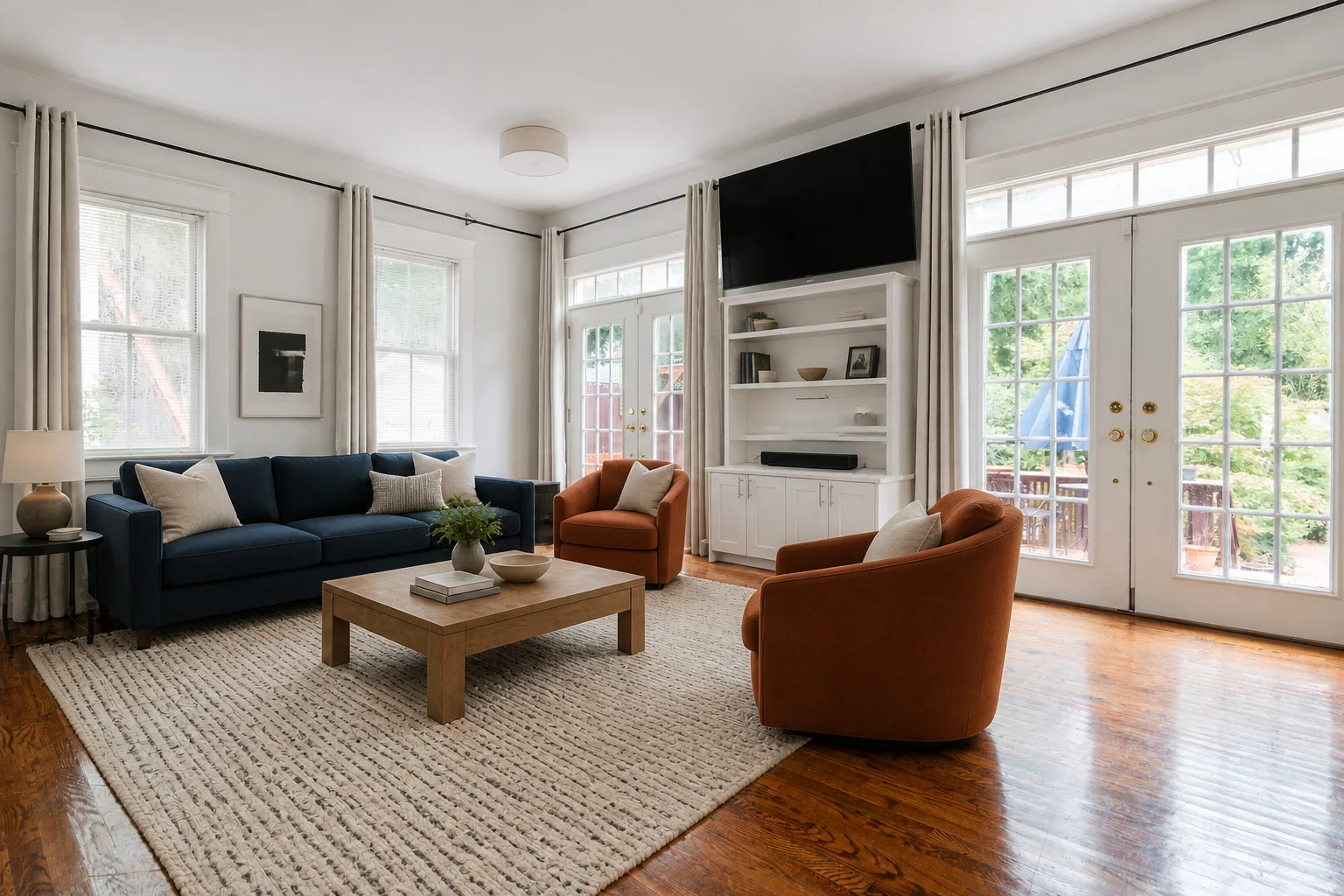
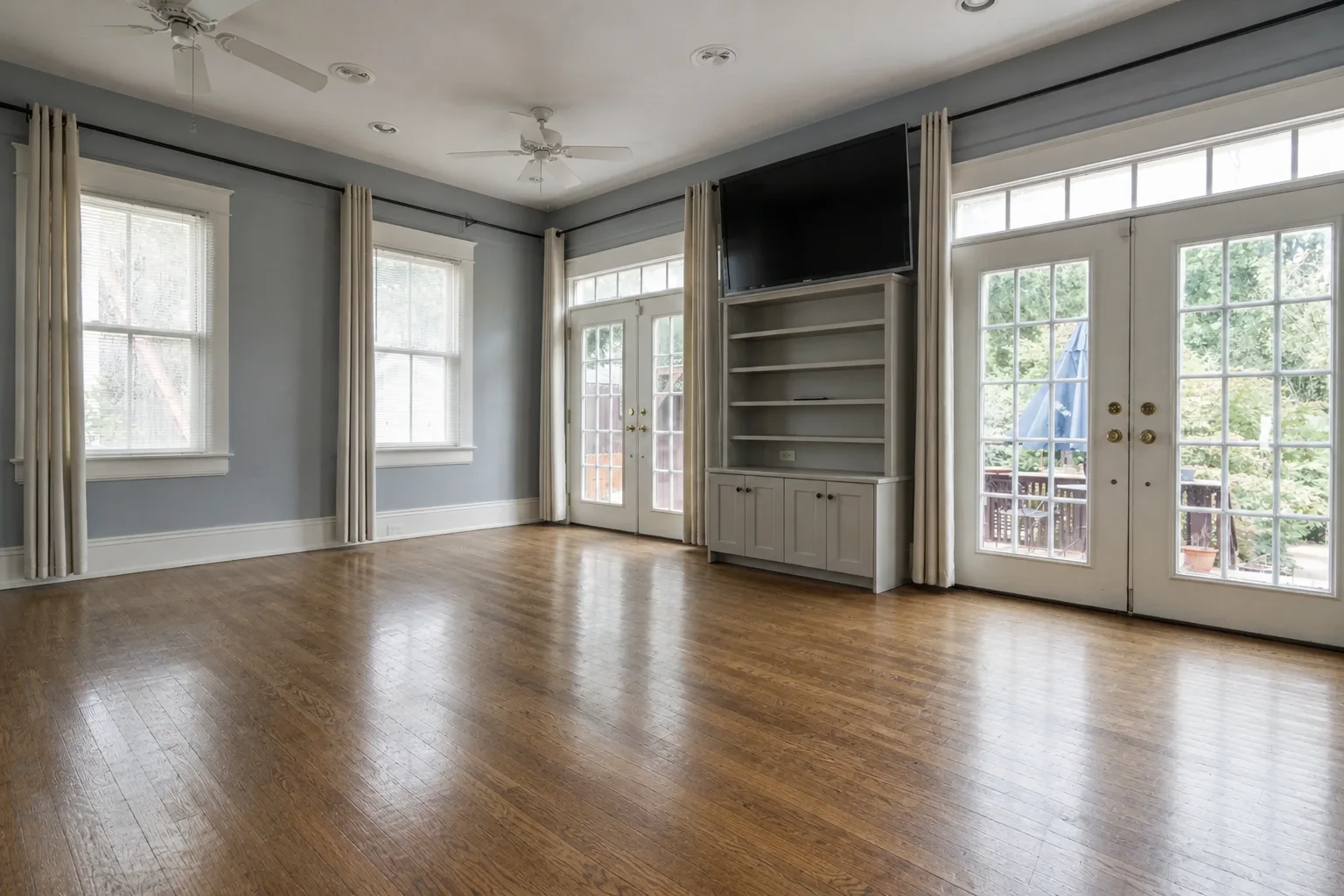
A navy sofa, rust chairs, medium oak, and a graphic neutral rug turn an empty blue-gray room into a practical gathering space without changing its windows, doors, floor, or media wall.
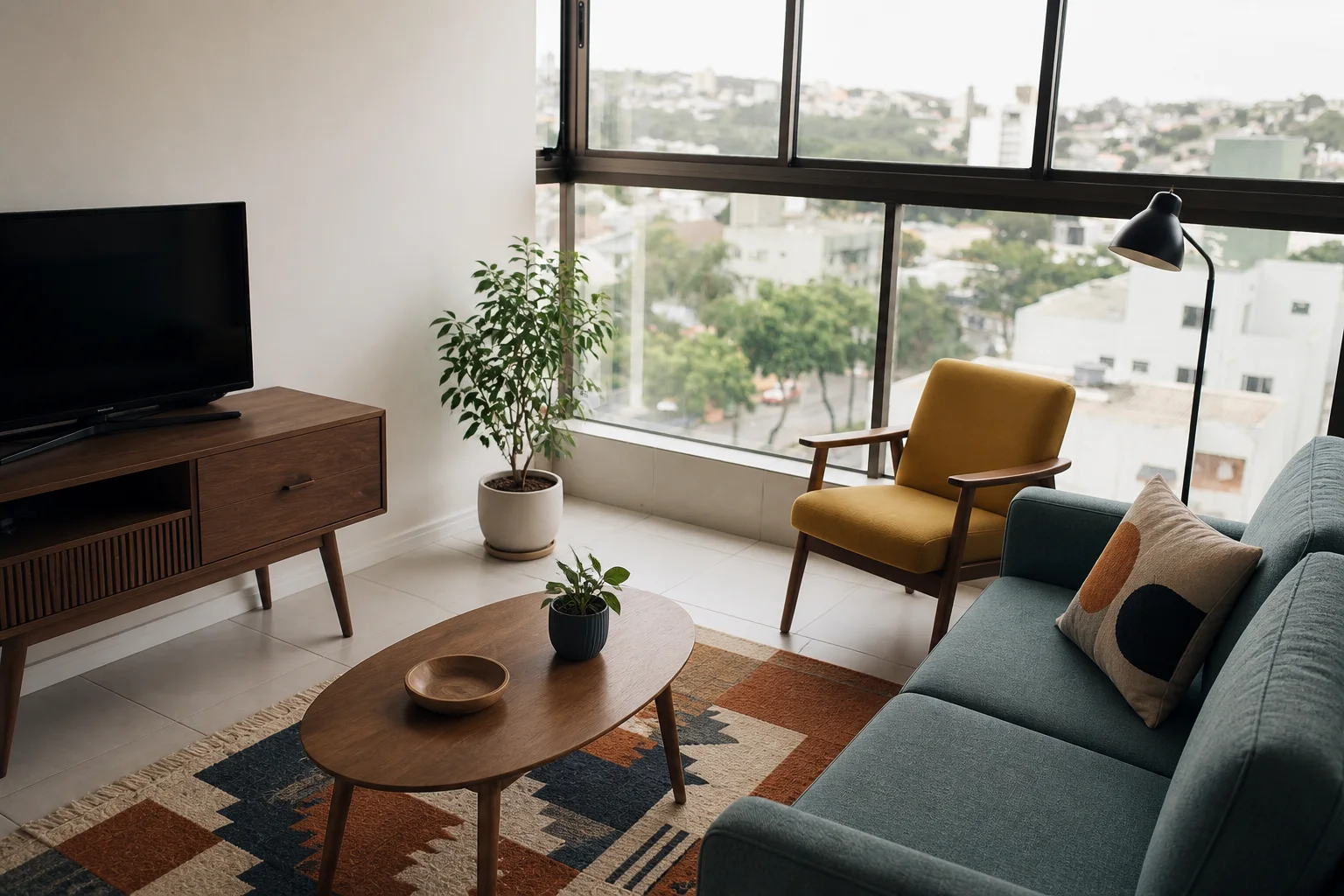
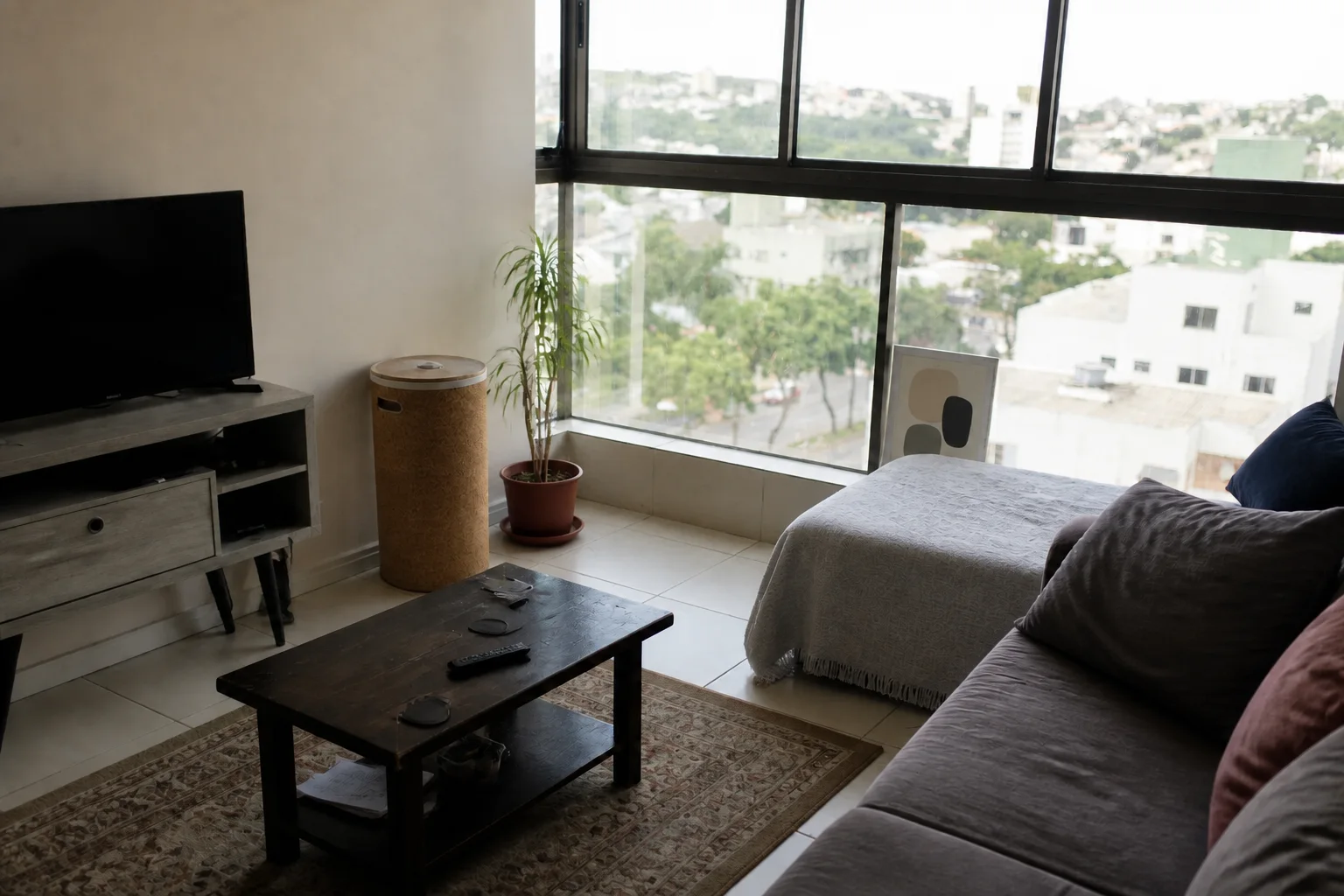
A compact teal sofa, walnut console, mustard chair, and geometric rug replace visual clutter while keeping the city window, TV location, and renter-scale footprint intact.
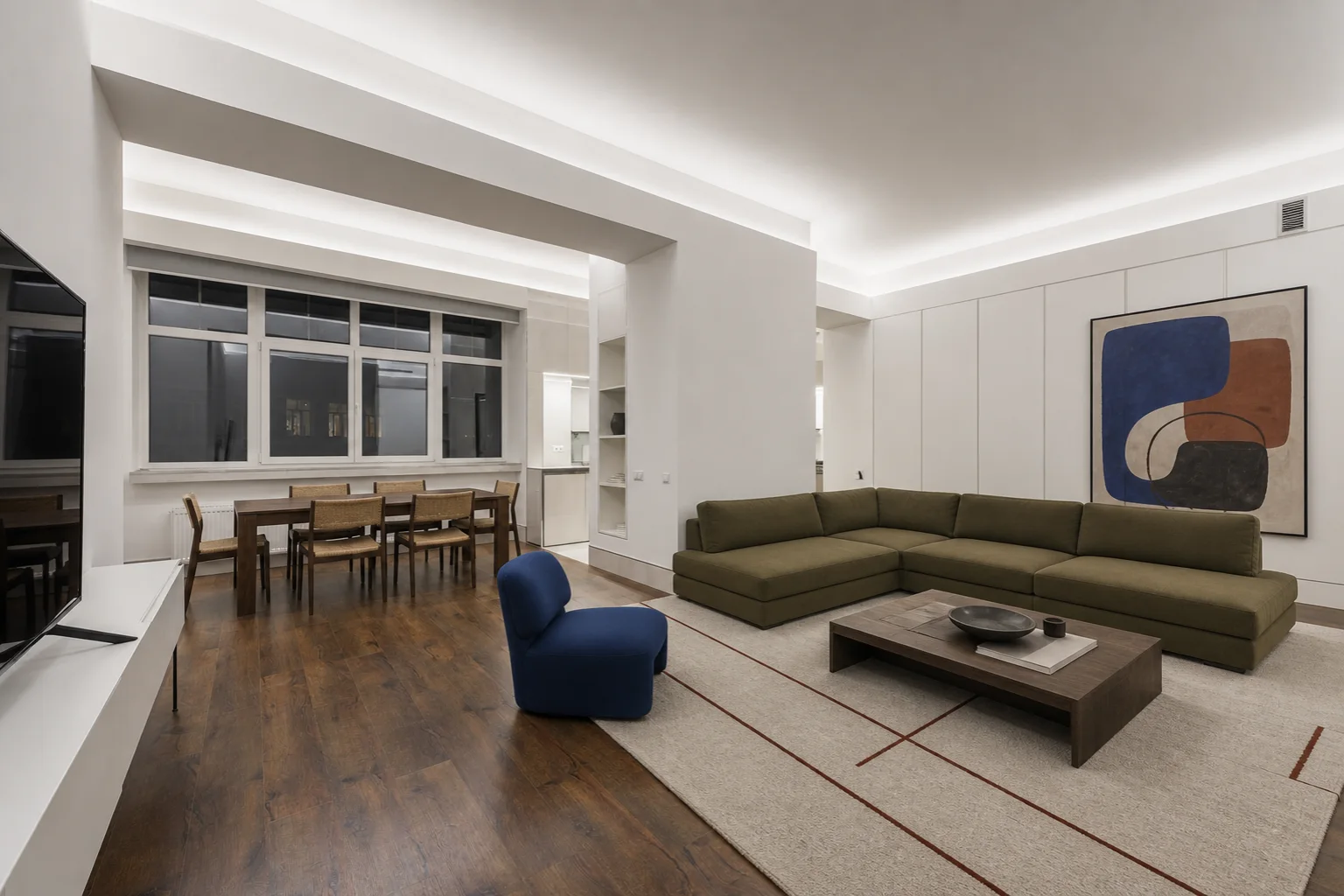
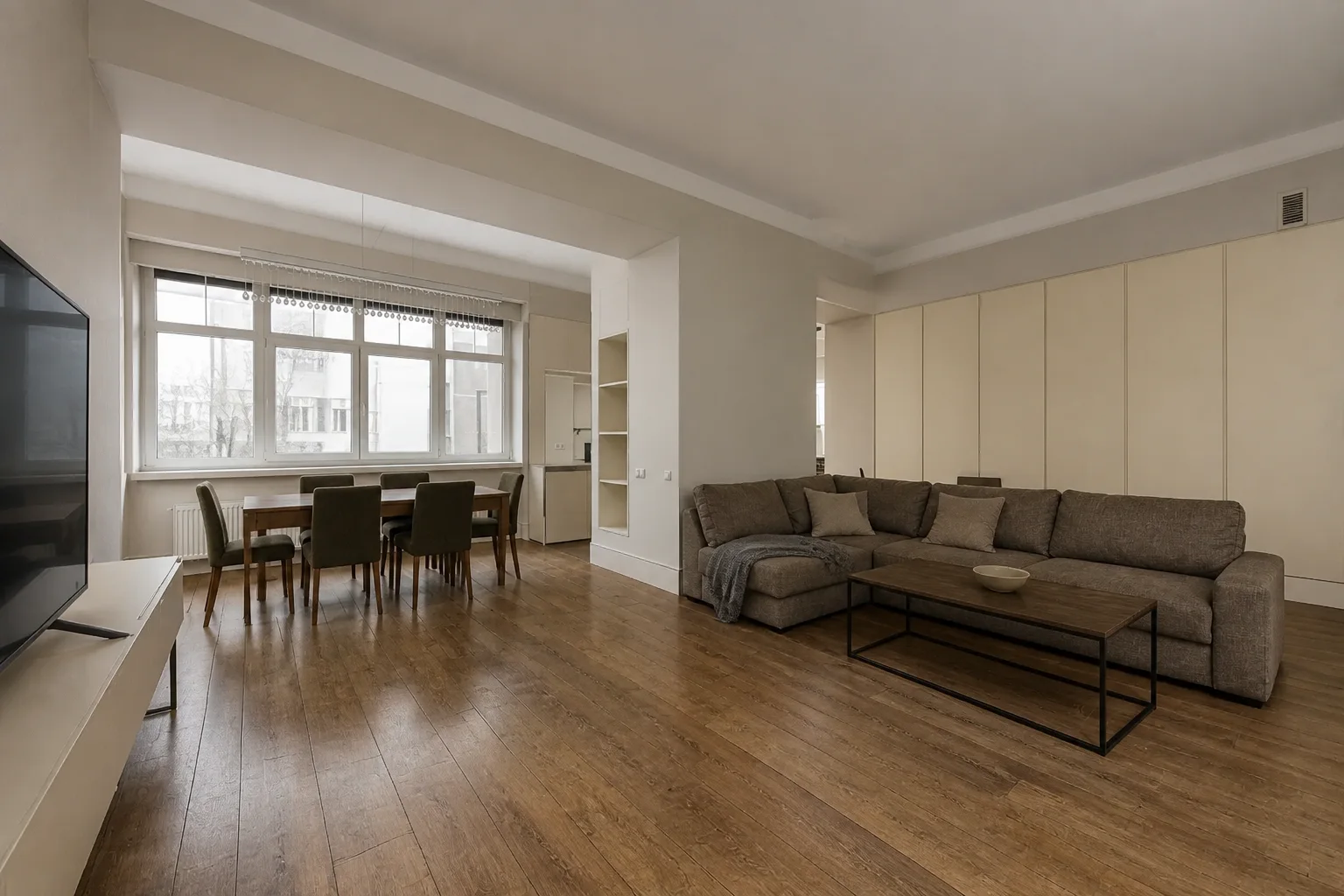
Olive seating, a cobalt accent chair, walnut dining furniture, and brick-red lines add identity to a large gray room while preserving its dining zone and circulation.
Use the generated design to compare purchases, establish a palette, and communicate the room before spending.
Evaluate seating scale, rug coverage, storage, color, and visual balance against your living room's true windows and proportions.
Try contemporary, mid-century, Scandinavian, traditional, colorful, coastal, or warm modern directions from the same photo.
Use a preferred concept to narrow sofa, chair, rug, storage, curtain, lighting, and decor choices before shopping.
Use a photo-based concept whether the room is empty, compact, already furnished, or shared with a dining area.
Establish seating, rug, table, media, storage, and lighting zones before buying furniture for a new home or rental.
Compare compact furniture, clearer storage, color, and circulation ideas without pretending the room has extra square footage.
Coordinate living and dining furniture, colors, rugs, artwork, and lighting while keeping both zones visually connected.
Use a level image that shows the main seating area, floor, principal walls, windows, openings, and any media or fireplace feature.
Living Room is already selected. Pick a style and palette, then add details such as sofa color, wood tone, storage, rug, or lighting.
Create several designs from the same living room photo and compare complete furniture and palette combinations before choosing one.
Upload a living room photo, choose a style and optional preferences, then generate a redesigned image that coordinates seating, rugs, tables, storage, wall colors, decor, curtains, and lighting.
Yes. You can compare sofa or sectional styles, accent chairs, coffee tables, rugs, media storage, and different visual arrangements on your own living room photo.
The workflow is designed to keep the living room's camera perspective, wall geometry, windows, doorways, and flooring recognizable while exploring new sofas, seating arrangements, rugs, and decor.
Yes. Upload a clear empty-room photo to explore complete living room furniture and palette directions. For property-listing workflows focused specifically on empty spaces, Virtual Staging is also available.
No. The generated image is a visual design concept. Confirm furniture dimensions, clearances, outlets, mounting, safety, and construction details before purchasing or installing anything.
AI Living Room Design opens the studio with Living Room already selected and focuses its guidance on seating, conversation layouts, rugs, media storage, decor, and living-room purchases. AI Room Design is the broader entry point for many room types.
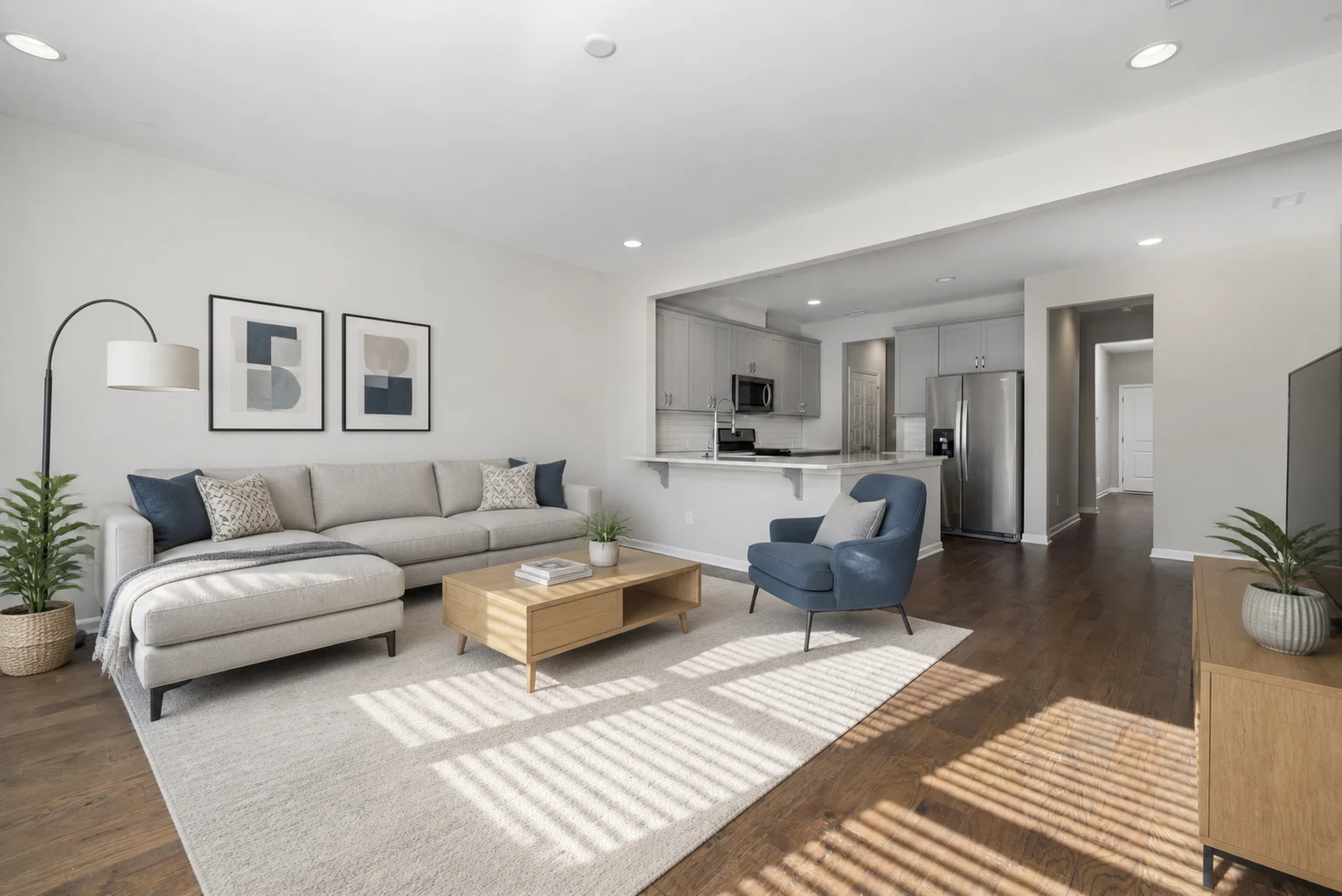
Redesign bedrooms, living rooms, kitchens, bathrooms, and other spaces from a photo.
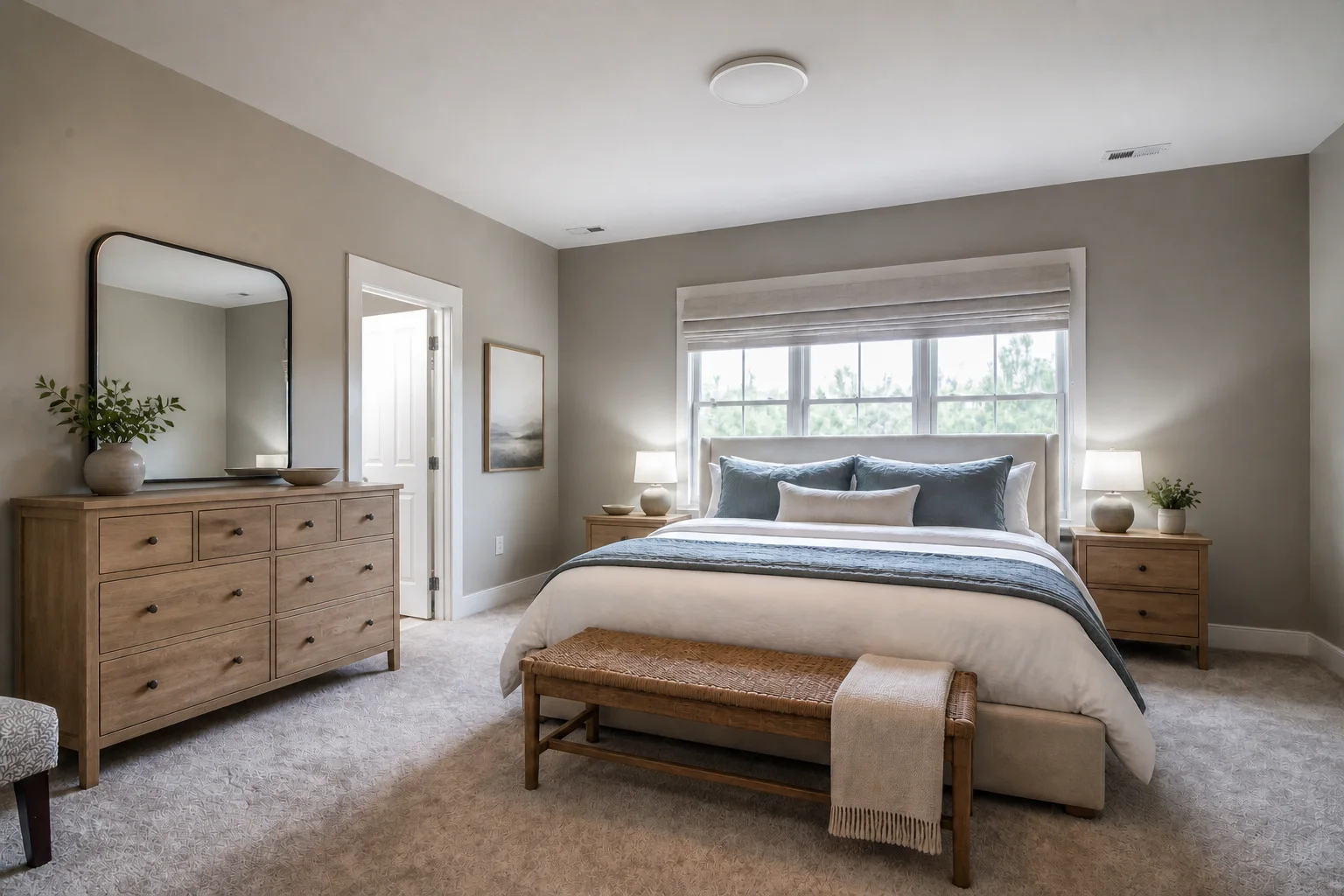
Focus on beds, storage, textiles, lighting, and practical bedroom makeovers from your photo.

Try a different paint color while keeping the furniture you have.

Furnish an empty room in a style that fits the space.