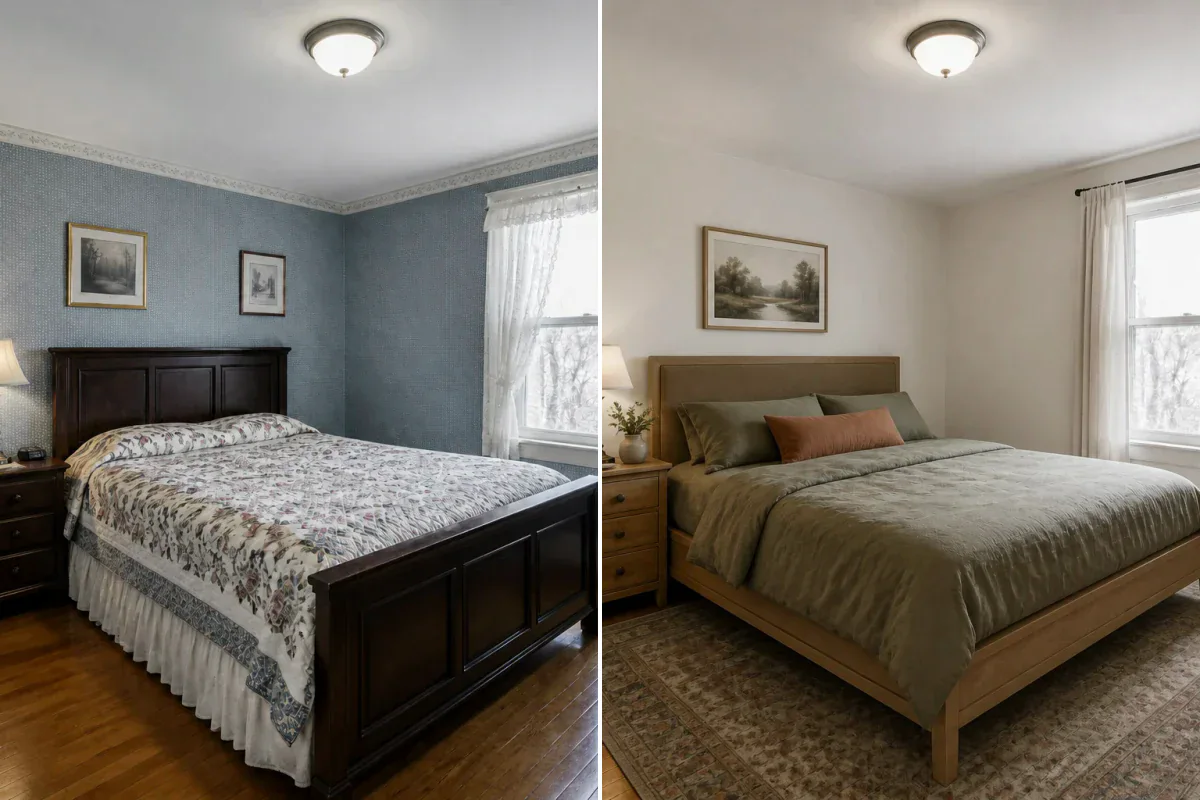
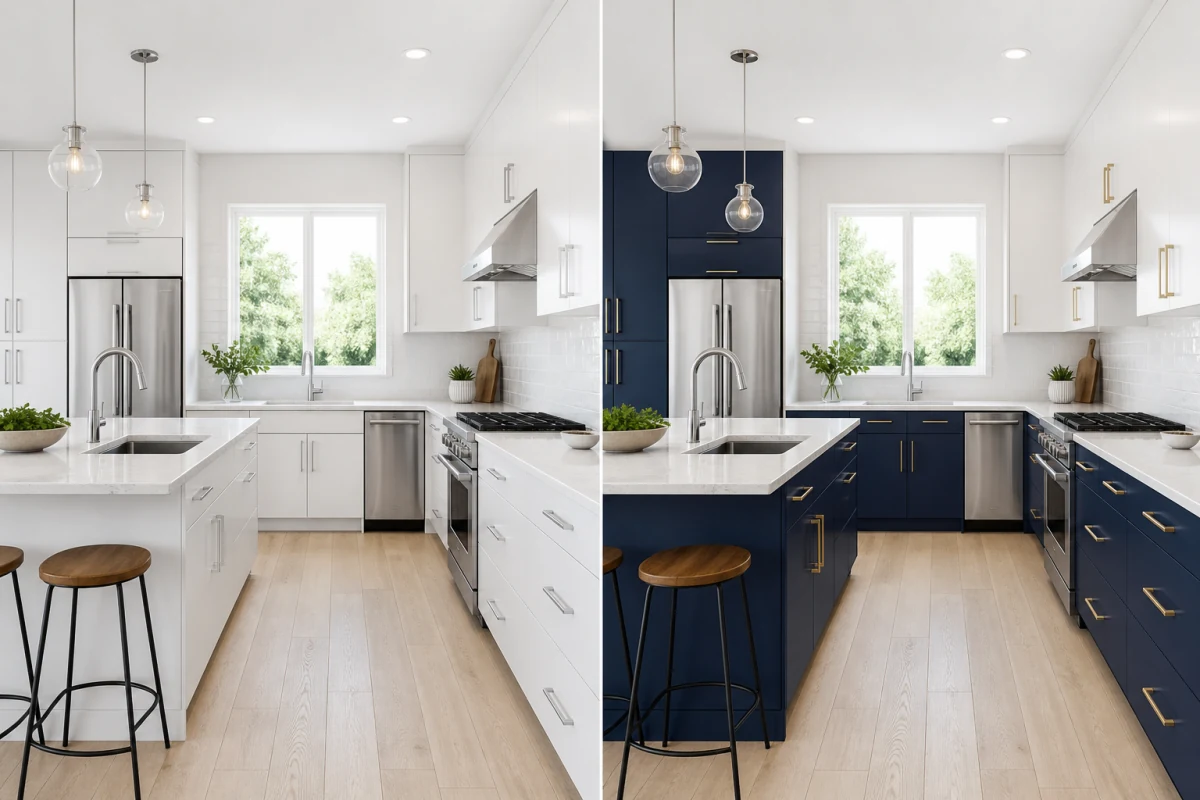
Time-of-Day Transformations
Turn ordinary midday light into golden hour, blue hour, soft overcast daylight, or an inviting evening scene.
Upload one photo and explore natural daylight, golden hour, warm evening, blue hour, or dramatic editorial contrast. The room stays yours—only the light and atmosphere transform.
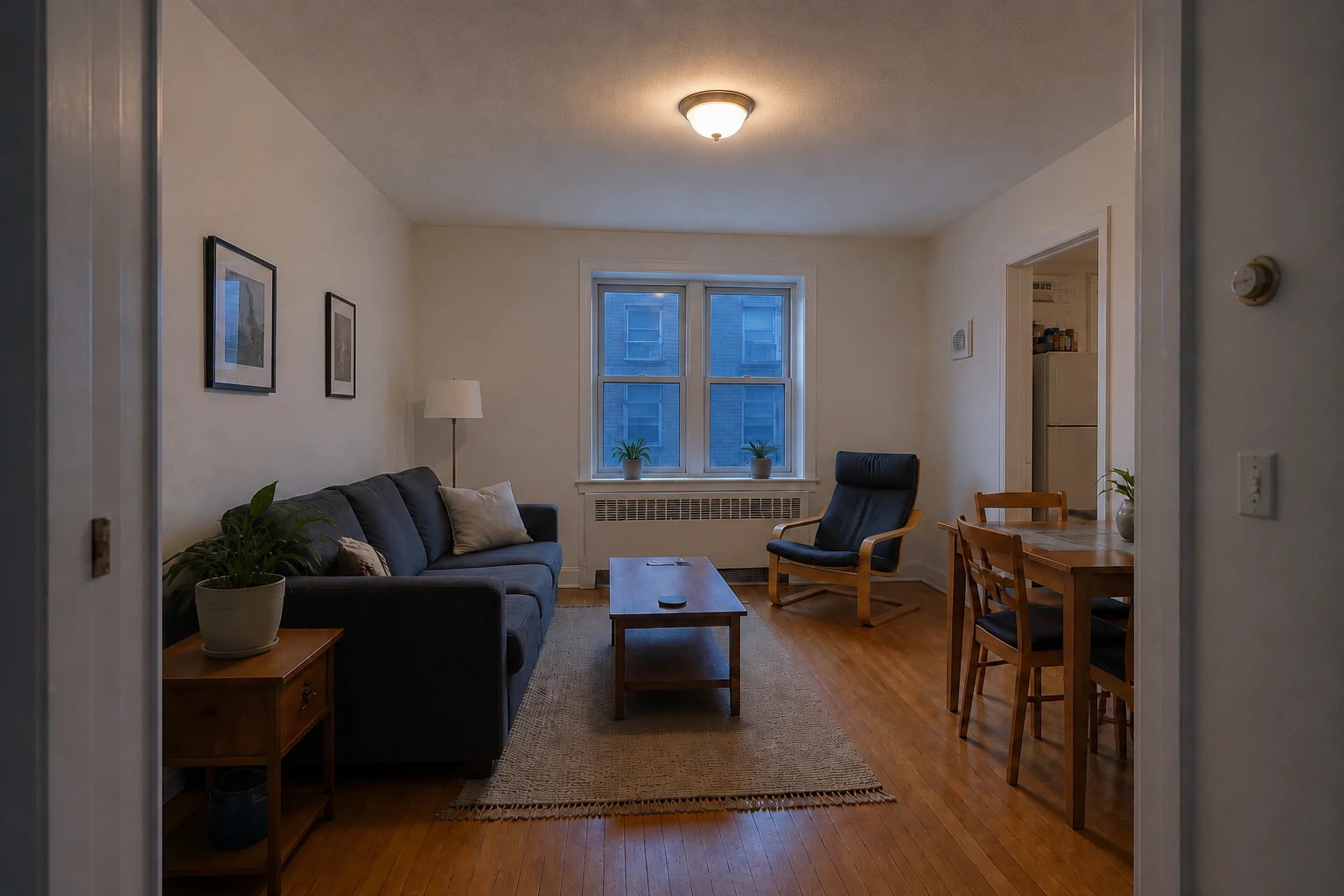
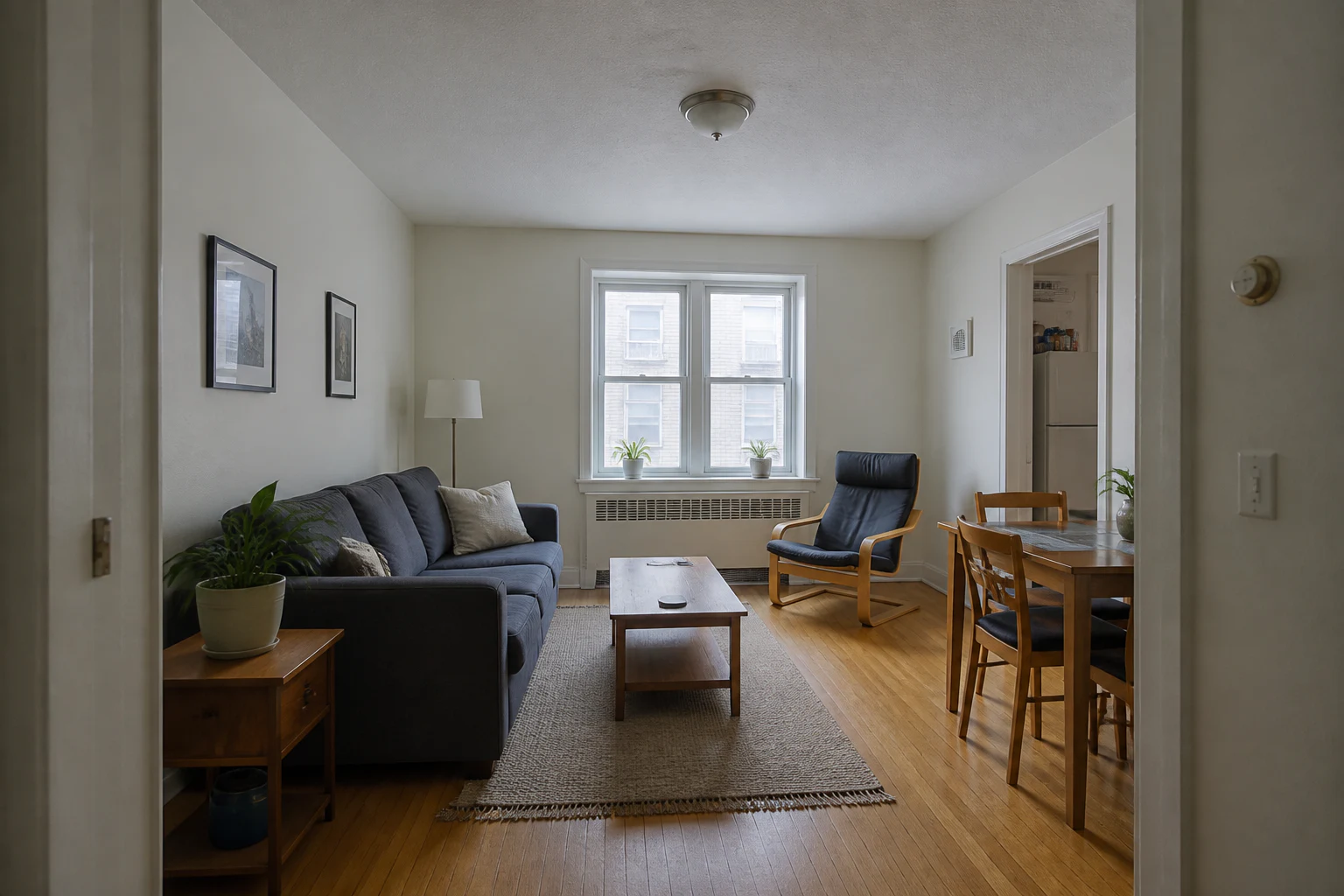
Shape the atmosphere of an existing photo while keeping its camera angle, furniture, finishes, and layout intact.
Turn ordinary midday light into golden hour, blue hour, soft overcast daylight, or an inviting evening scene.
Balance window light and fixtures with realistic highlights, ambient bounce, natural shadows, and balanced exposure.
Create polished listing photos, design presentations, and campaign-ready visuals with controlled contrast and cinematic depth.
Transform room atmosphere across natural daylight, golden hour, and cozy evening illumination while preserving original furniture and decor.
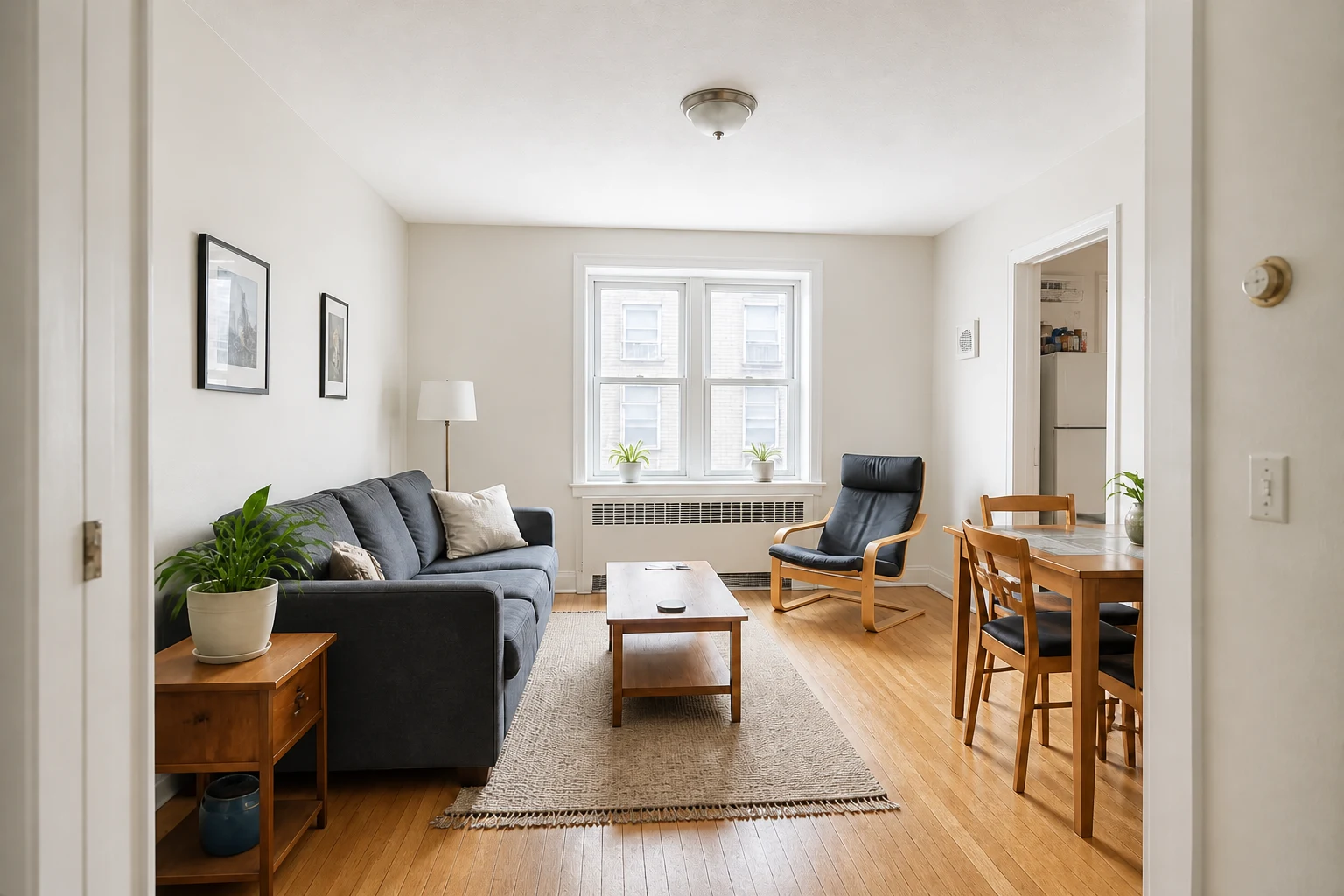
A dim, flat exposure becomes bright and evenly readable with softer window highlights, recovered shadows, and a neutral white balance.
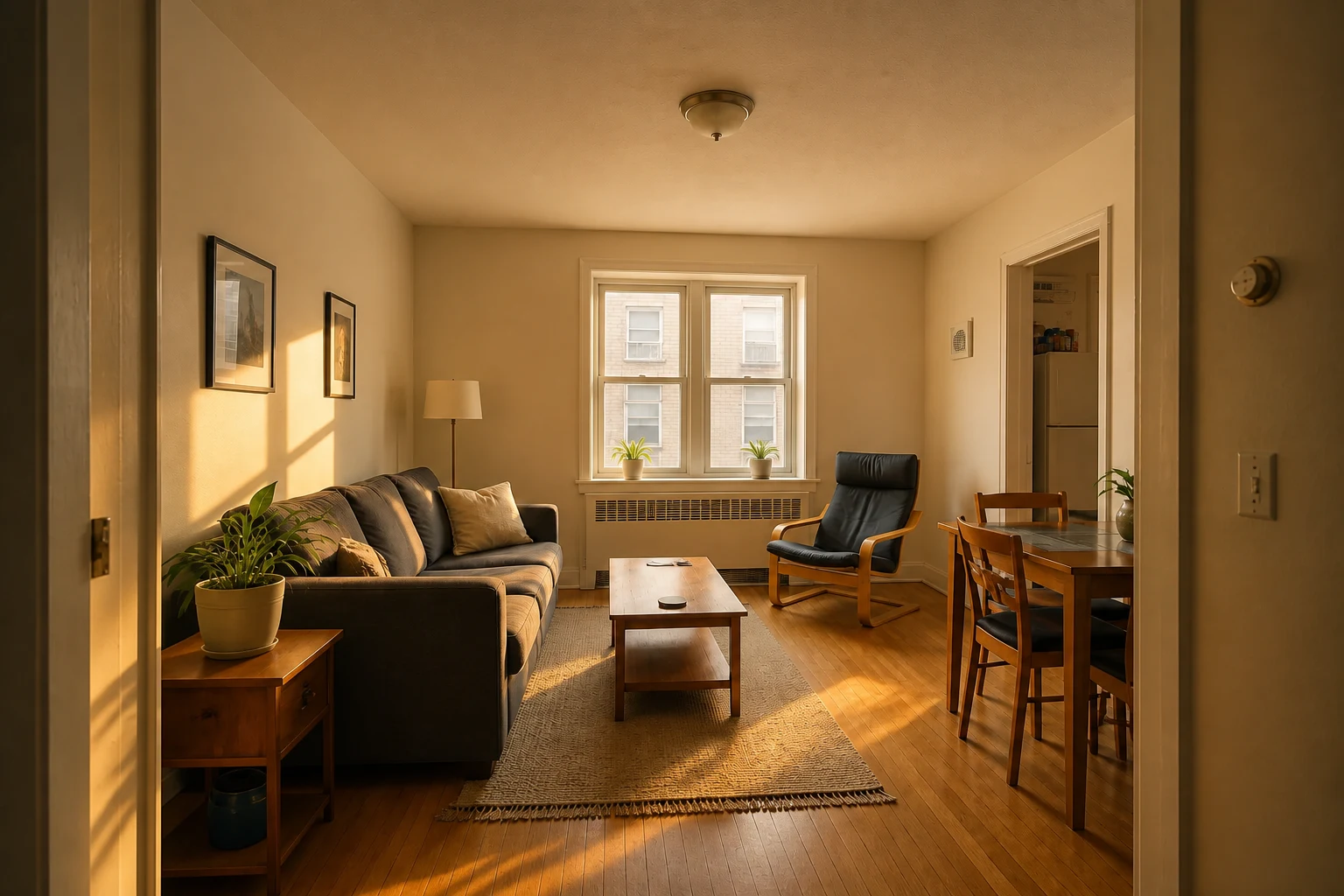
Late-afternoon sun adds believable amber highlights and long soft shadows while every furnishing and permanent surface stays in place.
The same room shifts into a warm evening mood with balanced practical lighting and deeper contrast while its layout remains recognizable.
Lighting transforms how a room feels before a single piece of furniture moves. Explore the perfect mood for your project in seconds.
Add rich depth, dimension, and inviting focal points to images captured in uninspiring or harsh light.
Preview daylight, dusk, and evening directions before planning photography, staging, or expensive lighting setups.
Explore fresh atmospheric lighting without altering the underlying room architecture or furniture layout.
Generate a versatile portfolio of marketing, listing, or presentation moods from a single source photo.
Use AI relighting wherever the right atmosphere matters as much as the space itself.
Give interiors and exteriors a warm, welcoming feel when the original photoshoot was flat, overcast, or poorly timed.
Show clients how daylight, warm ambient lighting, or moody contrast enhances the character of a finished space.
Create atmospheric visual assets for portfolios, hotels, restaurants, rentals, and social campaigns from one strong composition.
Choose a clear interior, exterior, or architectural photo with visible surfaces and room structure.
Select natural daylight, soft overcast, golden hour, warm evening, blue hour, or dramatic editorial light.
Create your new lighting treatment in seconds, compare it side-by-side with the original, and download your favorites.
AI Relight intelligently adjusts illumination, exposure, color temperature, shadows, and time-of-day ambiance while preserving your original furniture, architectural details, materials, and composition.
Yes. Choose Warm Evening or Blue Hour to create a believable dusk or nighttime scene using only lamps already visible in the photo, balanced with soft exterior twilight.
No. Relight is built specifically for lighting and atmospheric adjustments without remodeling or restyling. Use AI Interior Design or AI Image Editor when you want to change furniture or room decor.
Sharp, well-composed photos with visible room geometry work best. Neutral or slightly flat daylight gives the AI the greatest flexibility to craft realistic shadows and rich highlights.
Yes. AI Relight supports interior rooms, building exteriors, patios, gardens, and commercial property photos.
Yes. Select a lighting mood preset, then open Details to add custom prompts—such as 'soft morning sunlight from the left window' or 'turn on the existing table lamp for a dim evening mood'.