Bed and furniture direction
Compare bed frames, nightstands, dressers, benches, rugs, and seating at a scale that fits your room.
Upload a real photo of your bedroom to preview a coordinated new direction for the bed, furniture, storage, colors, textiles, and lighting—without guessing how separate choices will work together.
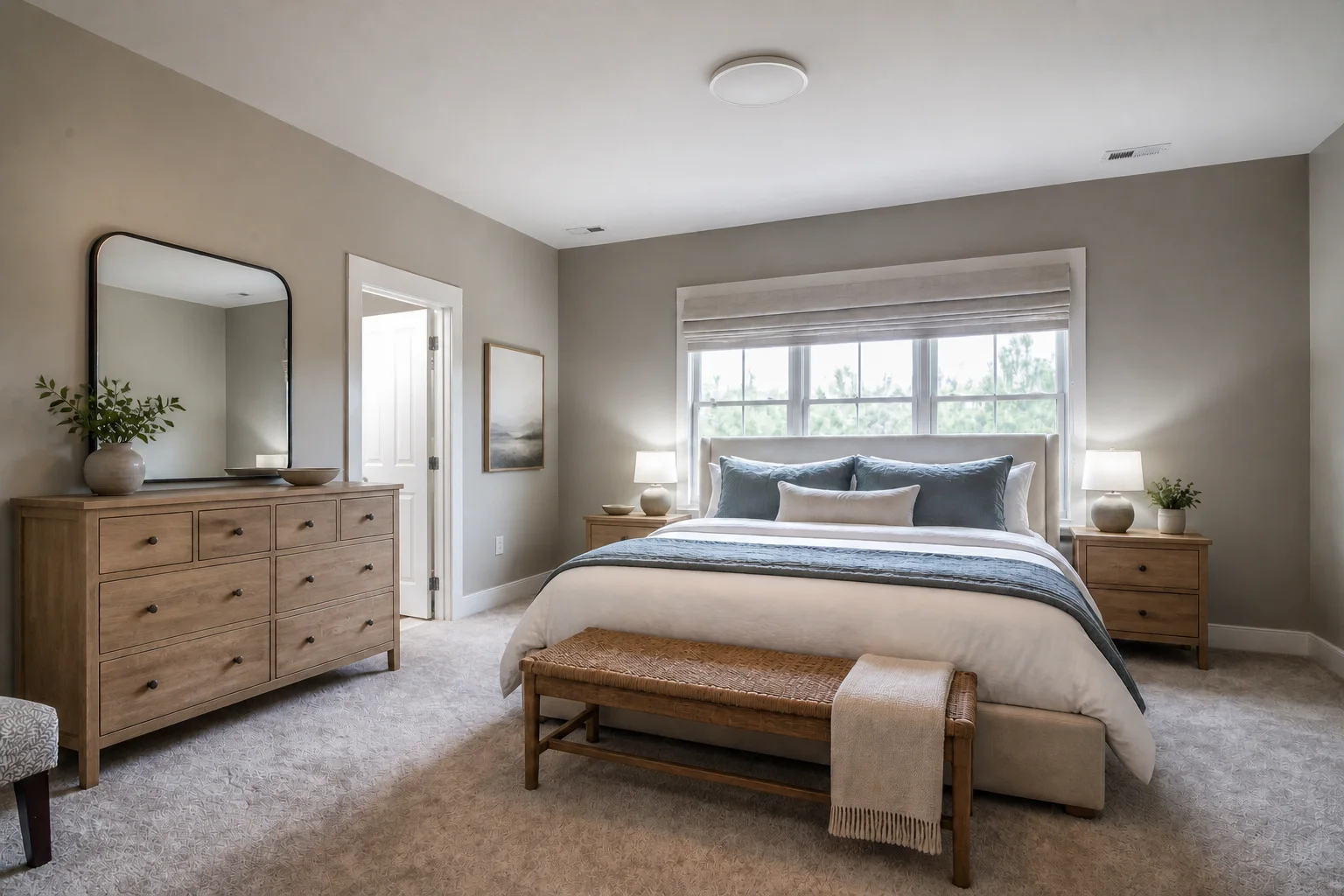
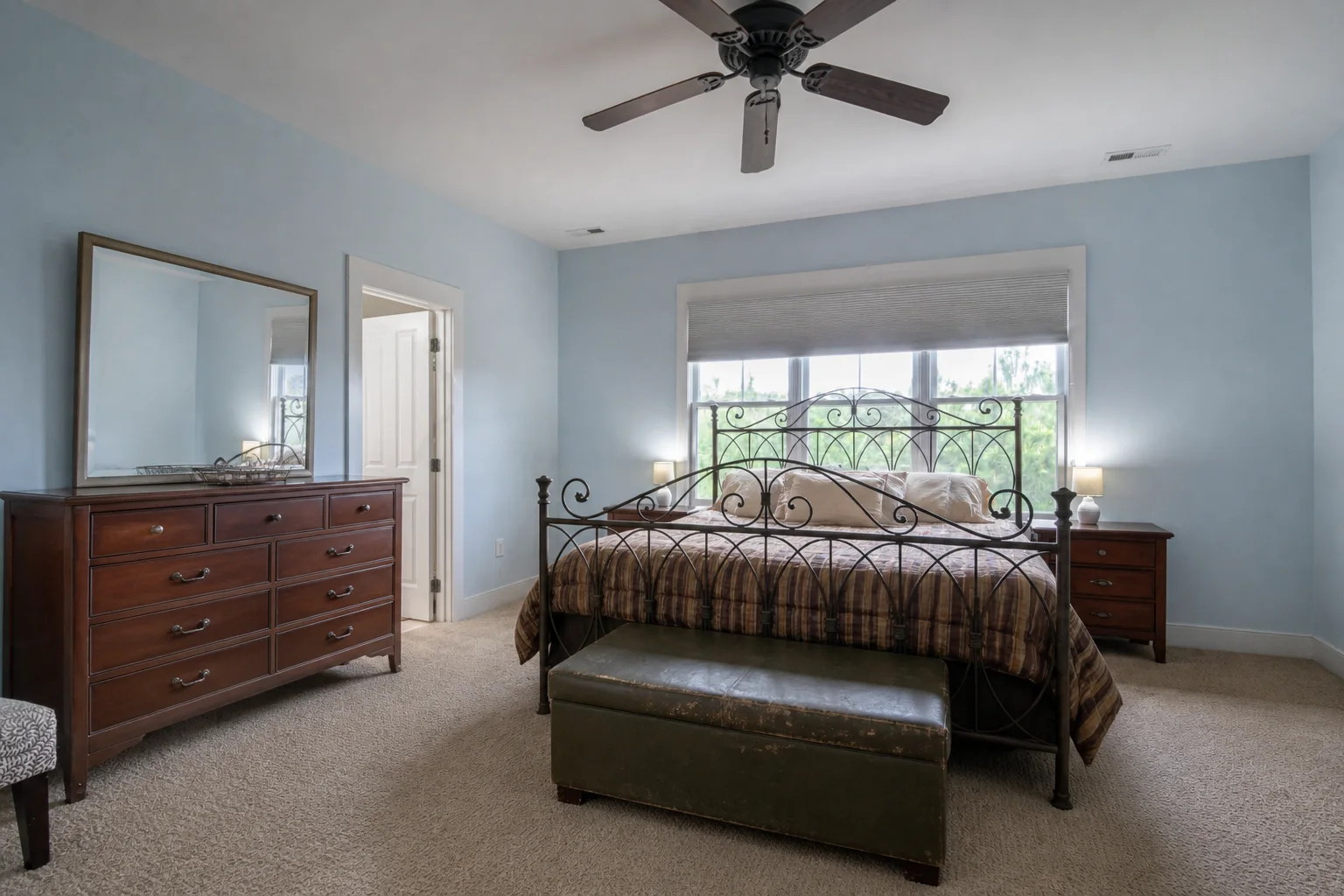
See how the pieces that shape comfort and function work together in the bedroom you already have.
Compare bed frames, nightstands, dressers, benches, rugs, and seating at a scale that fits your room.
Explore wardrobes, under-bed storage, floating shelves, and compact furniture without losing useful circulation.
Test coordinated wall colors, bedding, curtains, materials, and layered light as one calm bedroom concept.
Explore curated bedroom makeovers while preserving core walls, window positions, and spatial proportions.
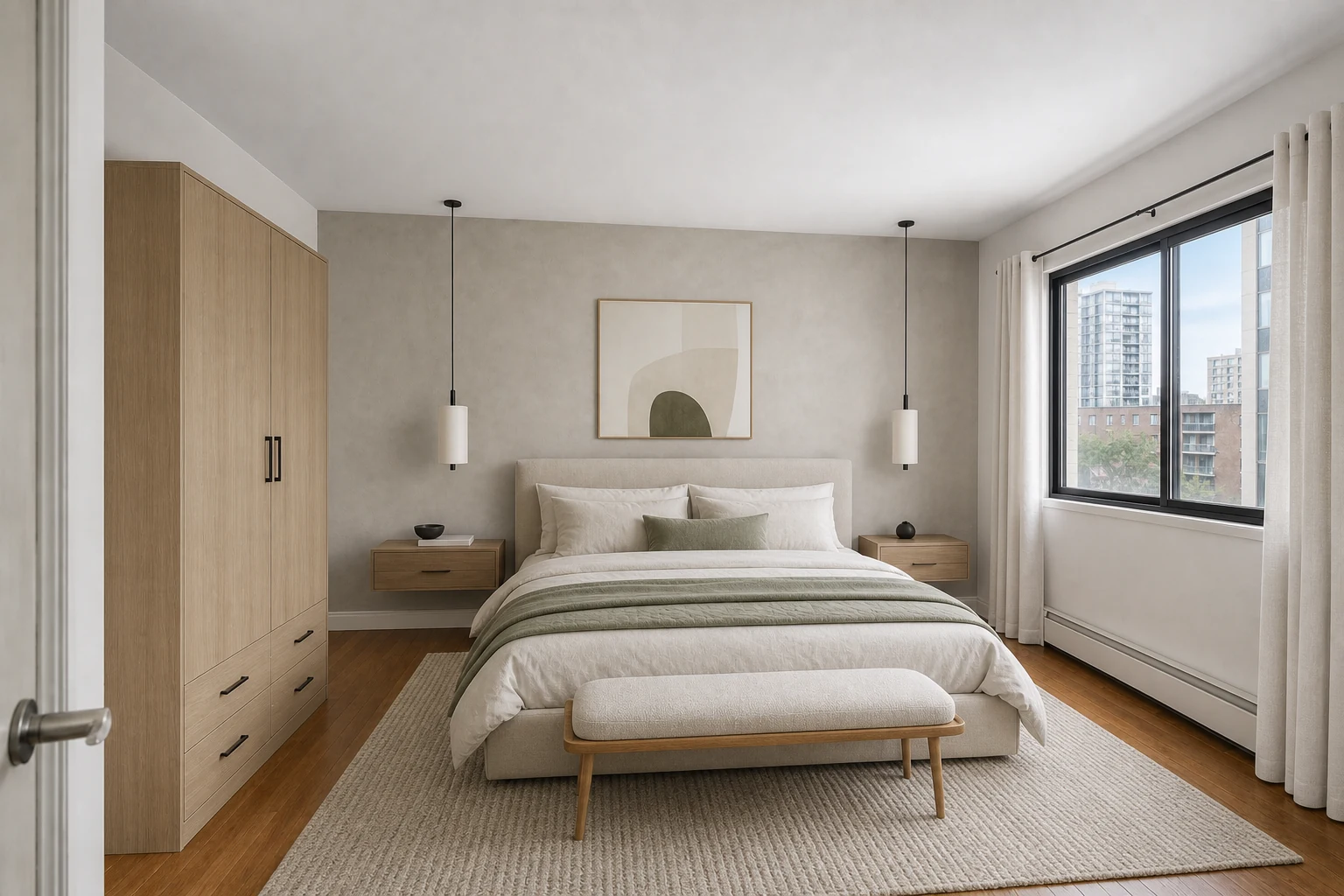
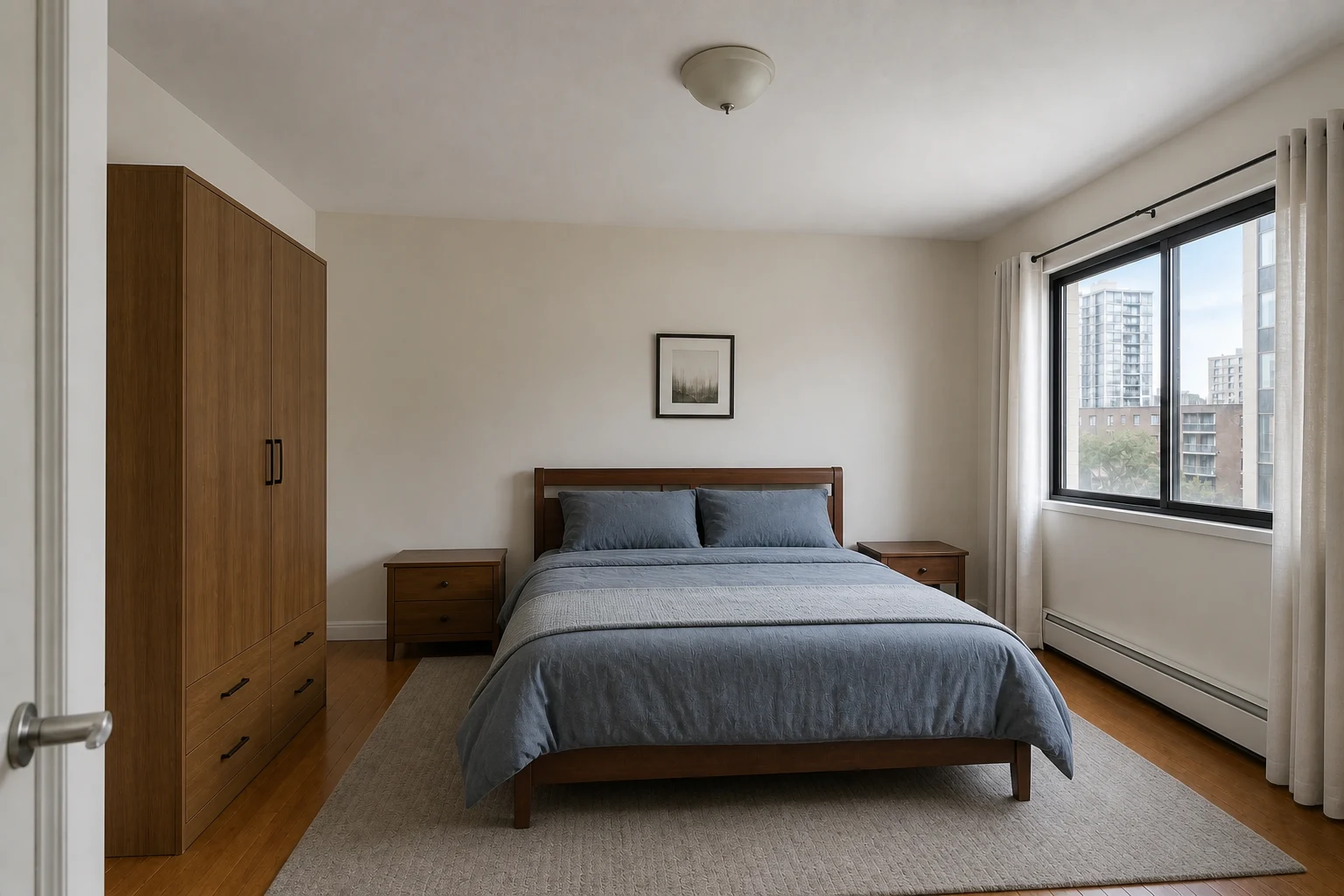
Light oak storage, an upholstered bed, and blue-gray textiles replace heavy dark furniture while the window, doorway, and circulation stay in place.
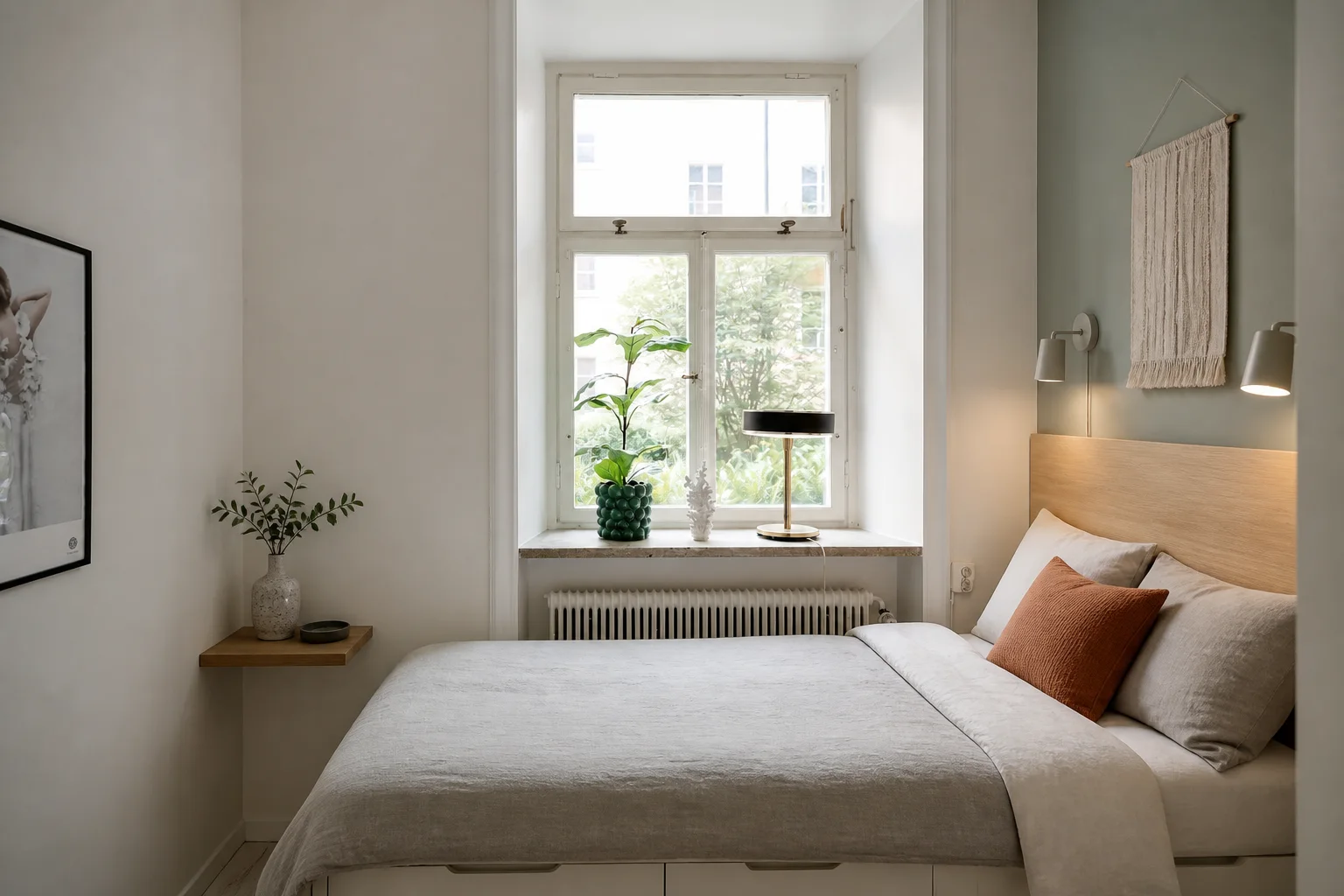
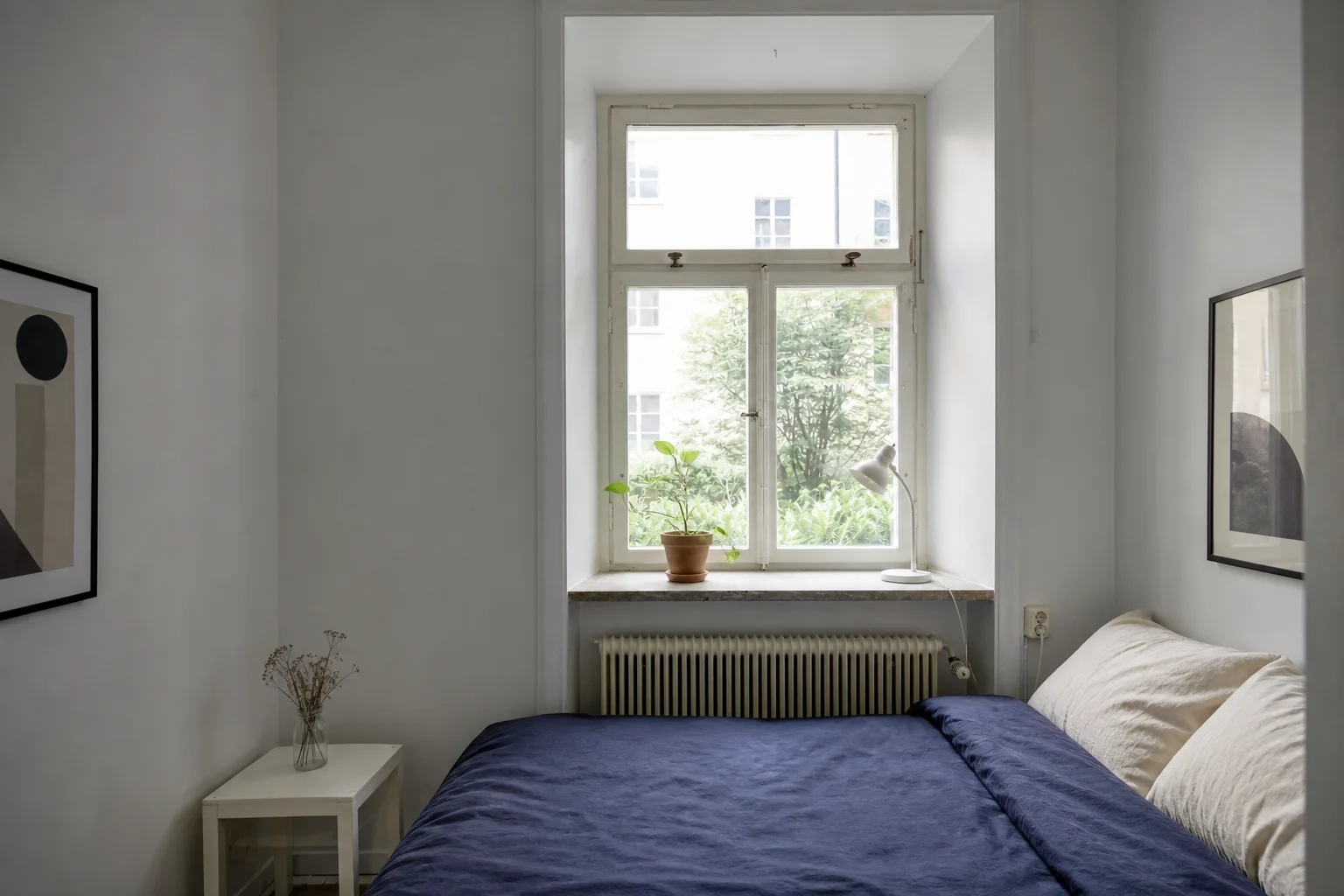
A slim oak headboard, floating bedside shelf, and under-bed drawers add function without pretending the compact room is larger than it is.
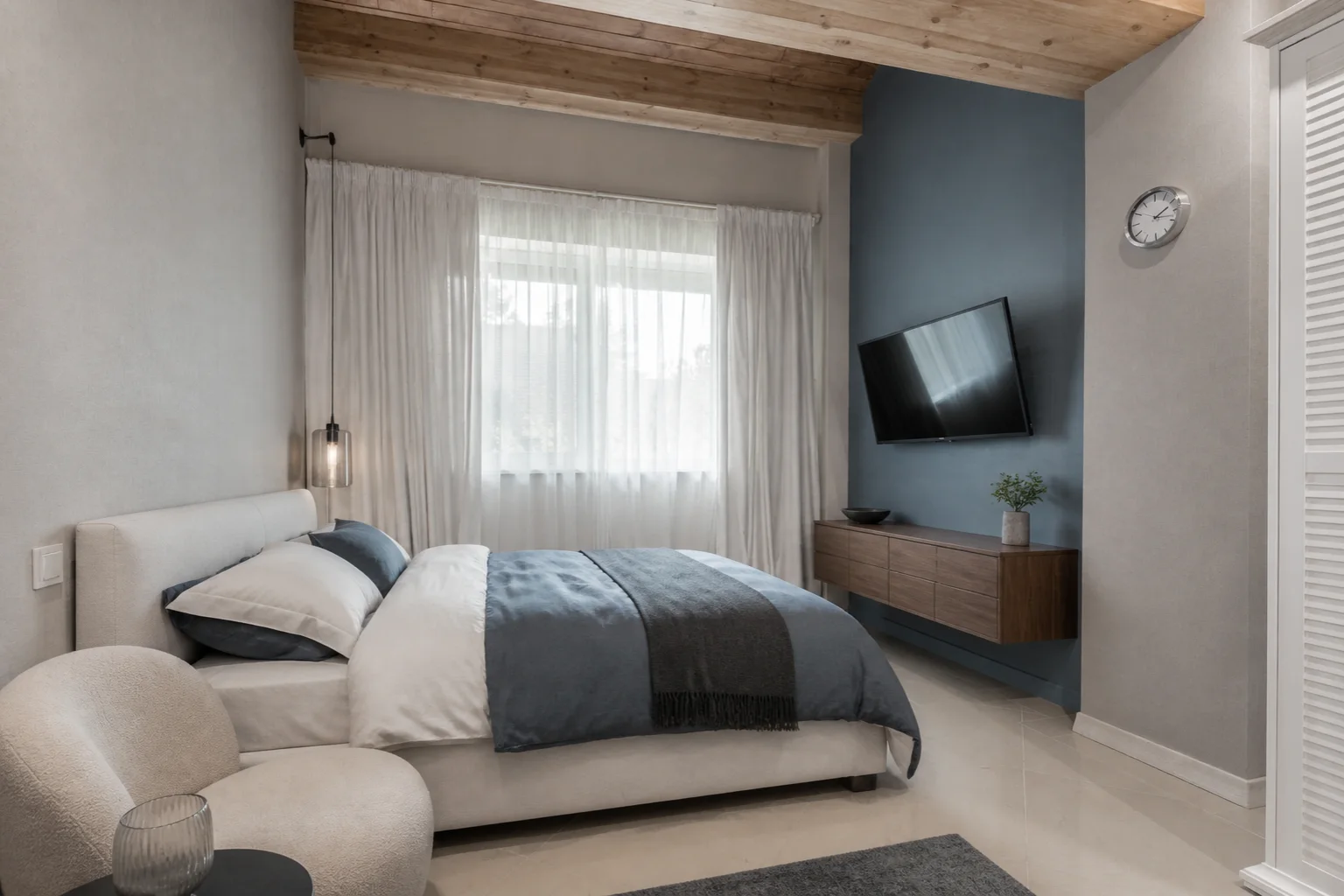
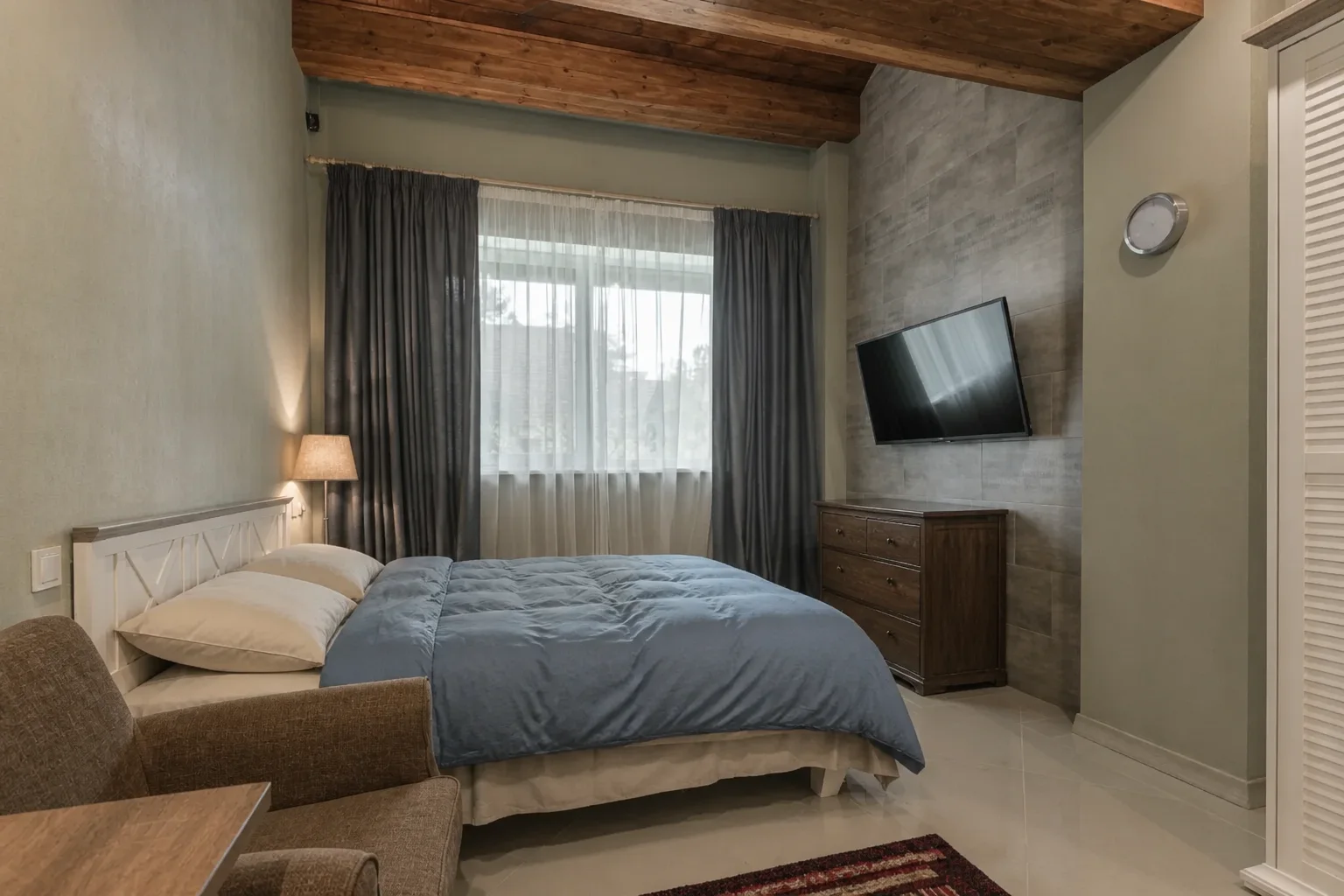
A cool blue media wall, floating walnut storage, and crisp layered bedding sharpen the room while preserving its ceiling, window, television, and closet.
Use the generated image as a practical visual direction, not just a generic inspiration photo.
Judge a bedroom direction against your real windows, floor area, wall proportions, and existing circulation.
Try Scandinavian, modern organic, Japandi, traditional, or bolder directions from the same starting photo.
Create a visual reference for furniture, bedding, paint, lighting, and storage before spending money.
Switch between airy minimalism, tailored modern lines, and warm layered textiles to see how finishes and lighting shift the entire feel of the room.
Start with the type of bedroom problem you need to solve, then compare visual directions on your own photo.
Coordinate a new bed, nightstands, dresser, textiles, wall colors, and lighting without redesigning each item separately.
Explore compact storage and furniture ideas while keeping the true size and walking space visible.
Compare welcoming, practical bedroom looks before furnishing a guest room, apartment, or short-term rental.
Use a level, well-lit image that shows the bed wall, floor, windows, doors, and the furniture you want the design to consider.
Bedroom is already selected. Pick a style and palette, or leave the remaining preferences on Auto.
Try several bedroom looks from the same photo, compare the details, and save the direction that fits your space.
Upload a bedroom photo, choose a visual style and optional preferences, then generate a redesigned image that coordinates furniture, storage, color, textiles, decor, and lighting.
Yes. You can use photos of small bedrooms, primary bedrooms, guest rooms, apartment bedrooms, and other sleeping spaces. Keep the room type set to Bedroom so the generated furniture and details match the space.
Yes. It visualizes coordinated bed, nightstand, dresser, and storage arrangements within your real room proportions to guide furniture buying and layout decisions.
The workflow is designed to keep the bedroom's camera view, wall geometry, windows, and door openings recognizable while exploring new furniture, textiles, colors, and lighting.
A furnished bedroom works well for a complete makeover. For a completely empty room, Virtual Staging is the more focused option when your main goal is to add realistic furniture.
AI Bedroom Design opens the same design studio with Bedroom already selected and focuses its guidance on beds, storage, textiles, lighting, and sleep-space decisions. AI Room Design is the broader entry point for bedrooms, living rooms, kitchens, bathrooms, and other spaces.
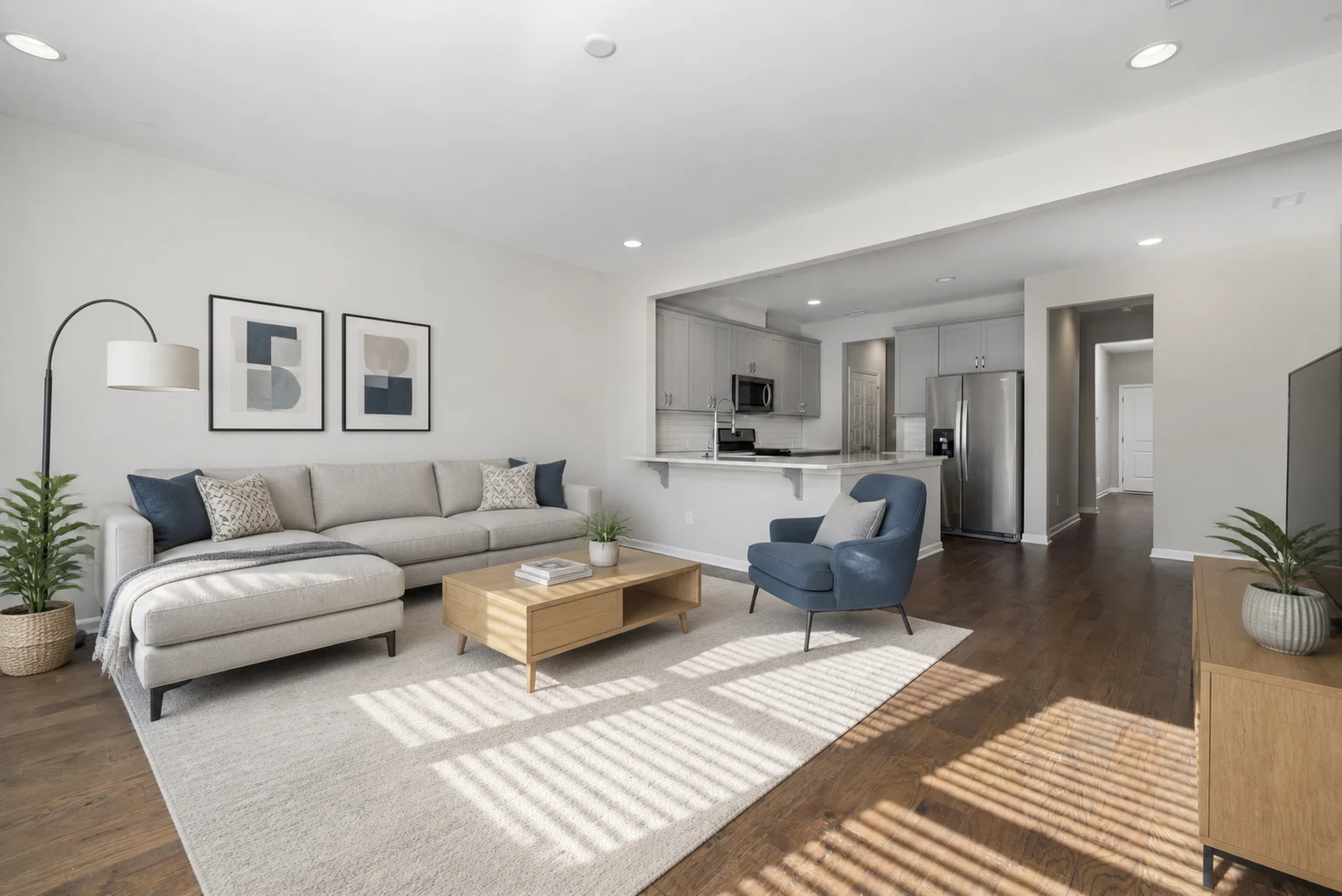
Redesign bedrooms, living rooms, kitchens, bathrooms, and other spaces from a photo.
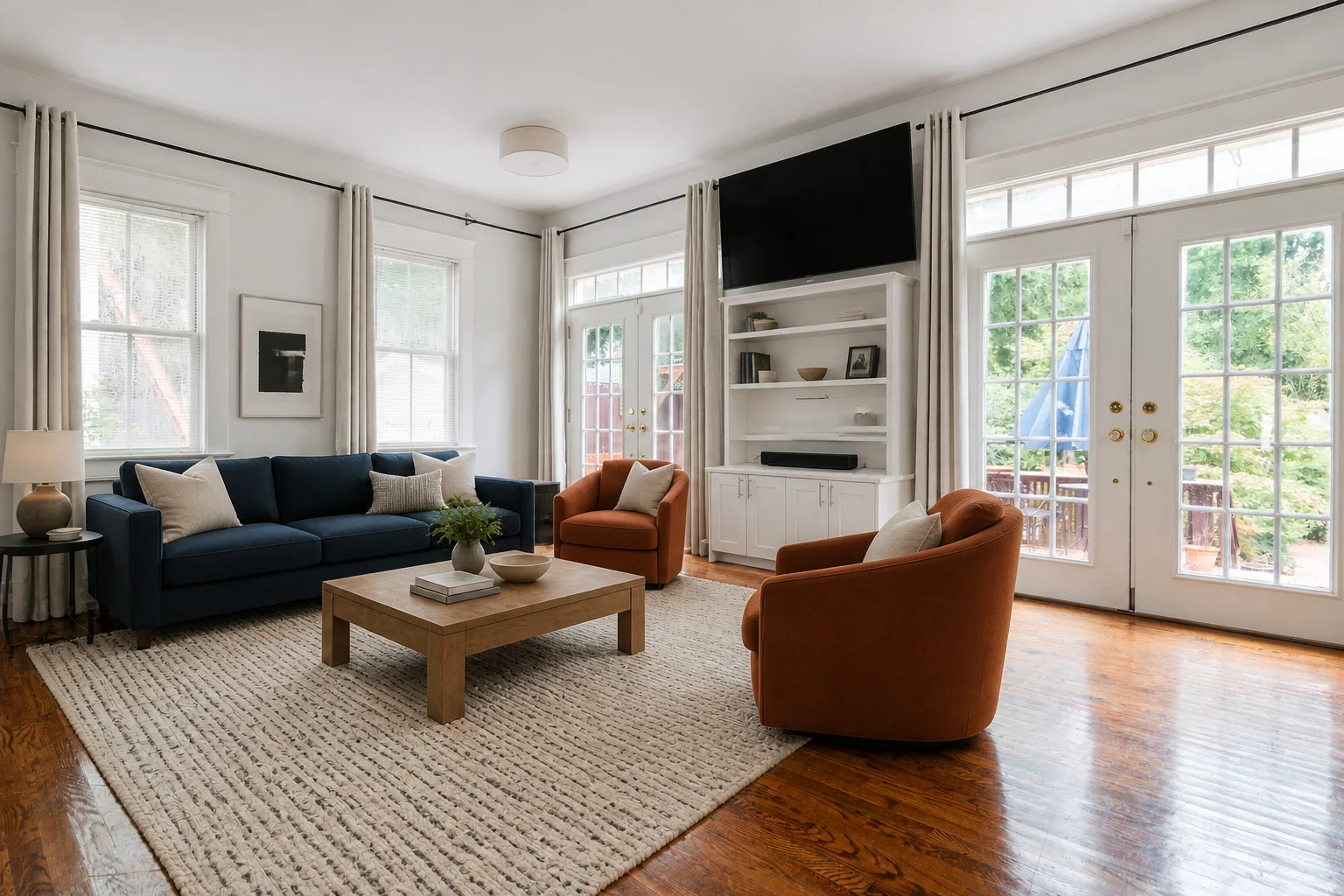
Compare sofas, seating layouts, rugs, colors, storage, decor, and lighting on your living room photo.

Try a different paint color while keeping the furniture you have.
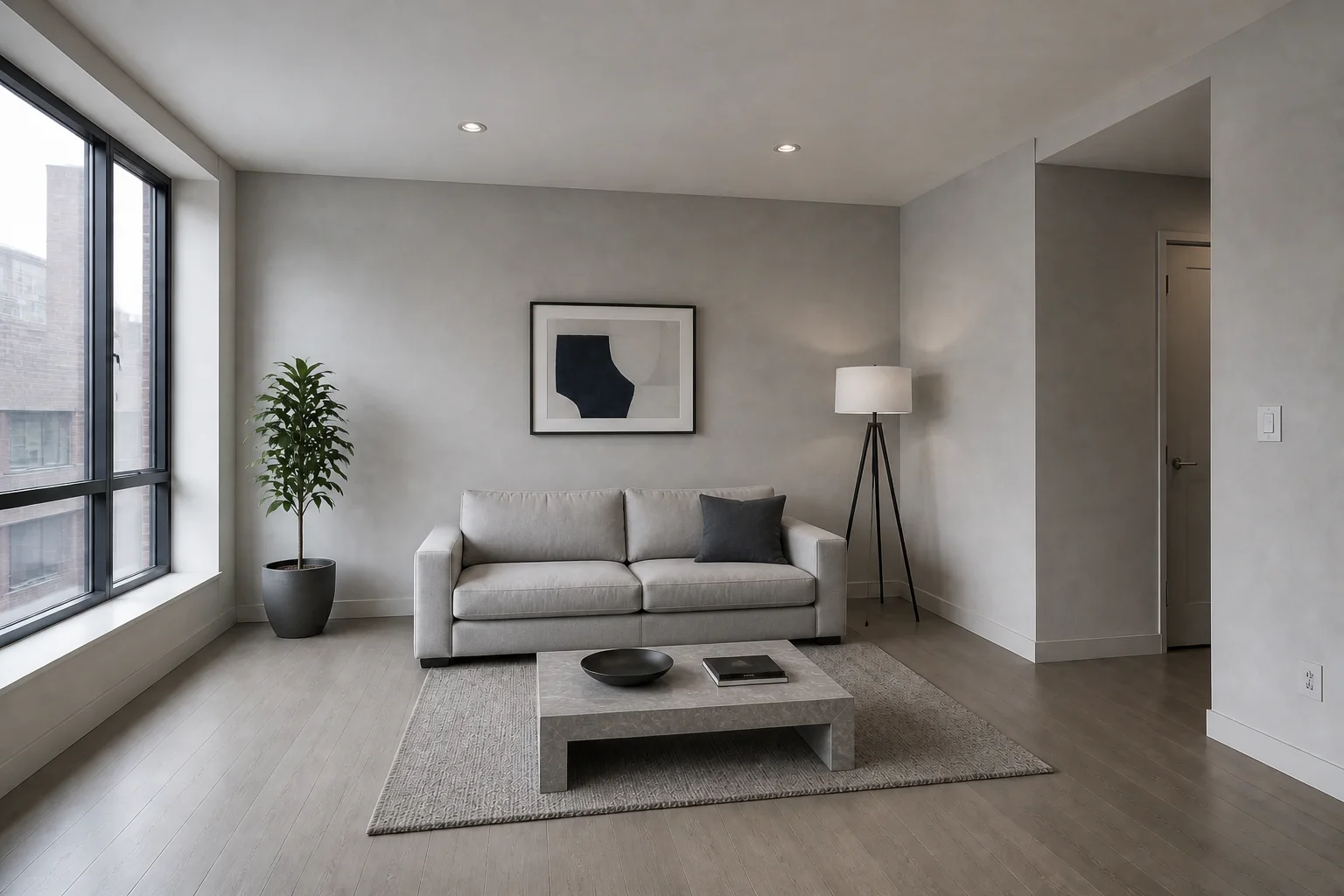
Apply the look of any reference image while preserving your source composition.