Sharper edges and textures
Improve definition in upholstery, wood grain, brick, roof shingles, foliage, cabinetry, tile, and other fine surface details.
Upload a small or compressed property image and restore cleaner edges, natural texture, and finer detail while keeping the original framing, objects, colors, and architecture unchanged.
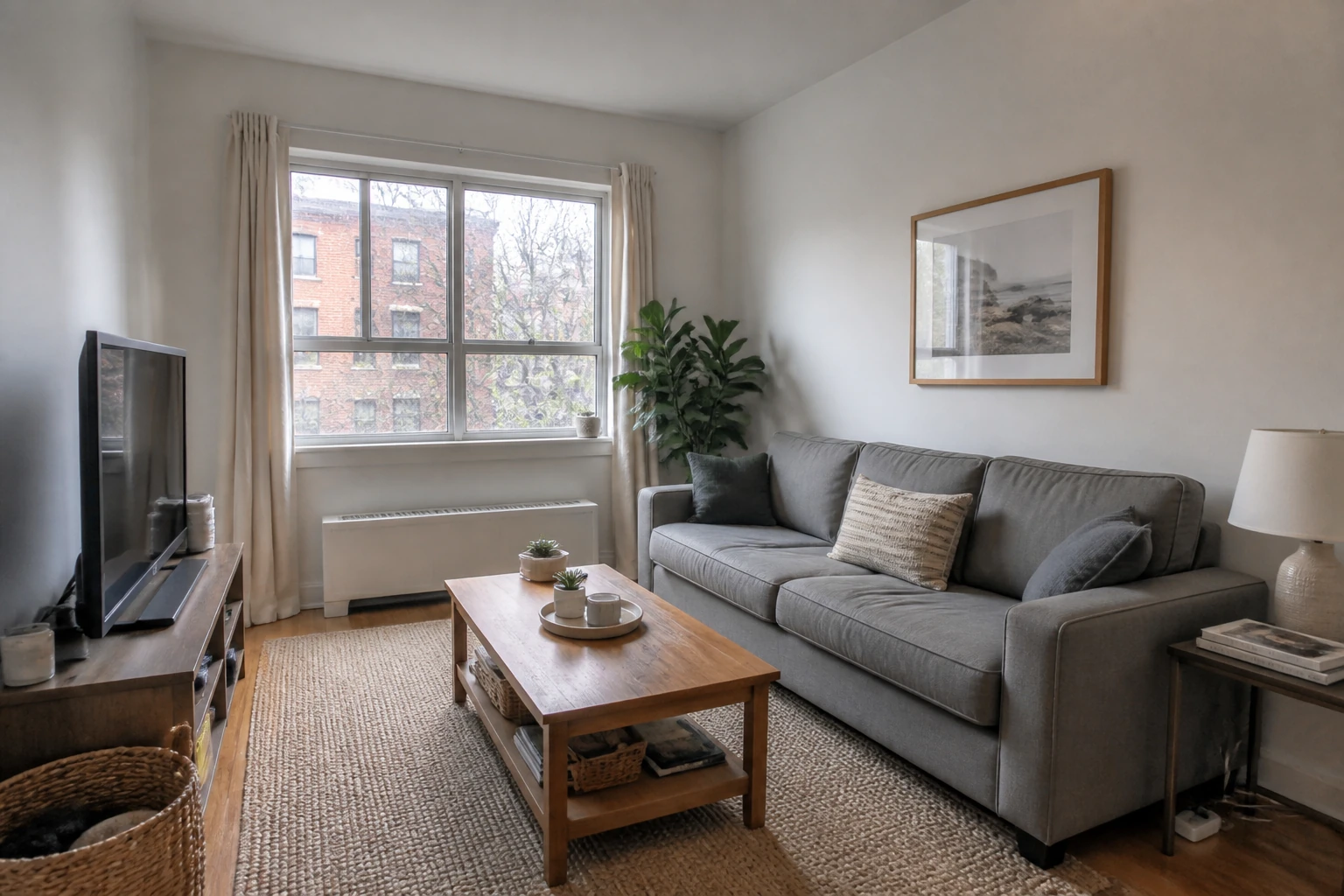
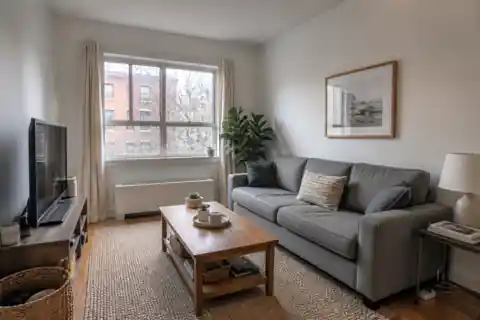
A focused enhancement workflow for images that need to look cleaner and larger while remaining recognizable.
Improve definition in upholstery, wood grain, brick, roof shingles, foliage, cabinetry, tile, and other fine surface details.
Reduce blockiness, ringing, soft edges, and distracting noise commonly found in small downloads and heavily compressed photos.
Keep the original crop, perspective, layout, objects, materials, colors, lighting, and spatial relationships instead of introducing a new design.
Recover sharp textures, crisp architectural edges, and fine details across real estate interiors, exteriors, and 3D renders.
Recover readable fabric, rug, timber, wall, and window detail from a small property photo while keeping the room untouched.
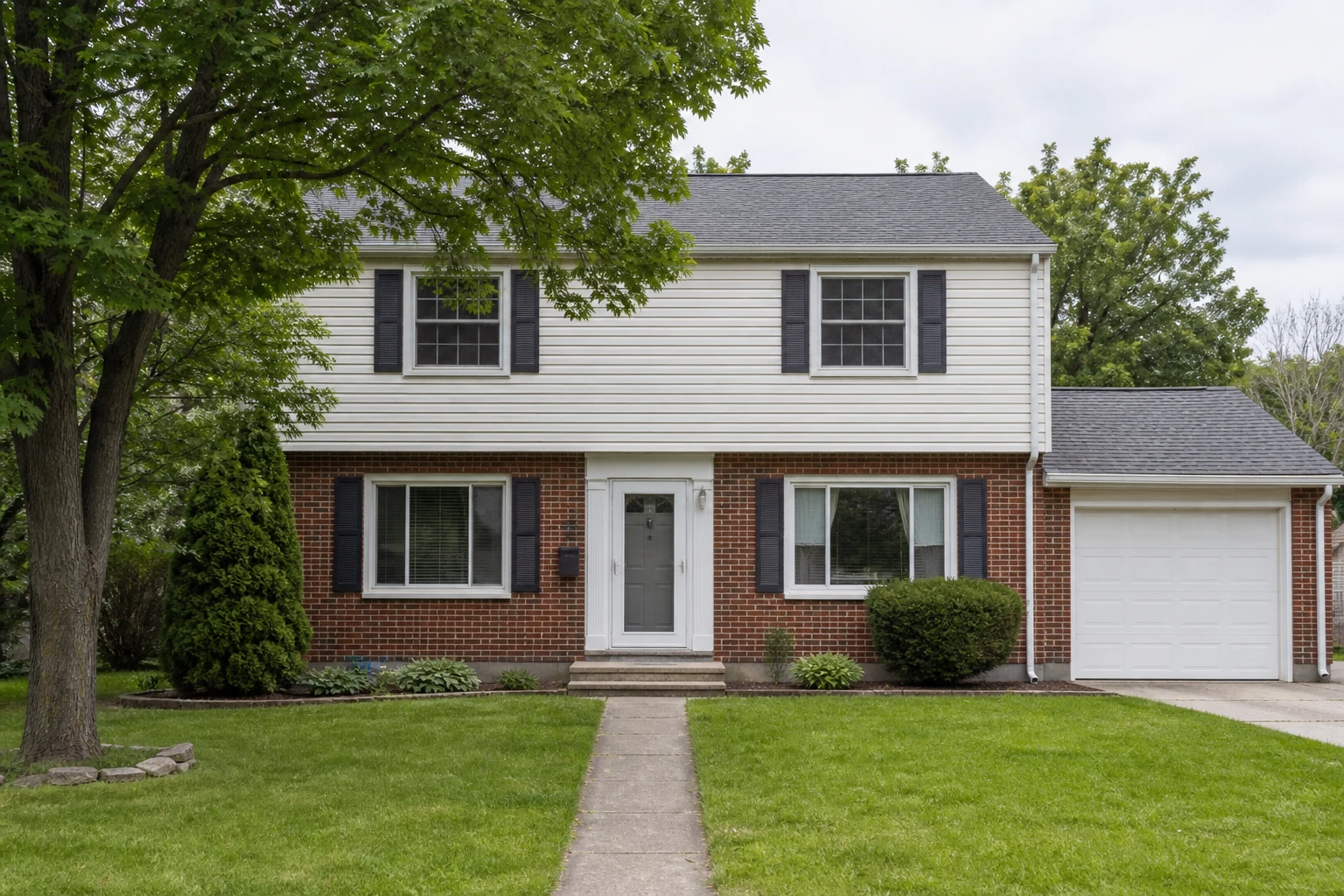
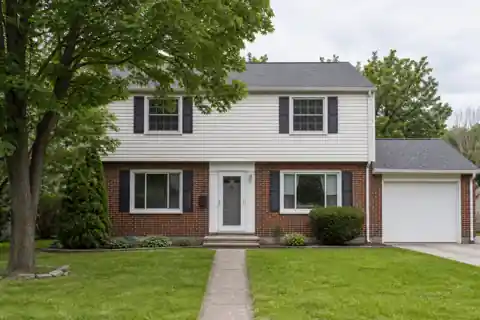
Bring back definition in brick mortar, siding, roof shingles, window frames, grass, and foliage without changing the facade.
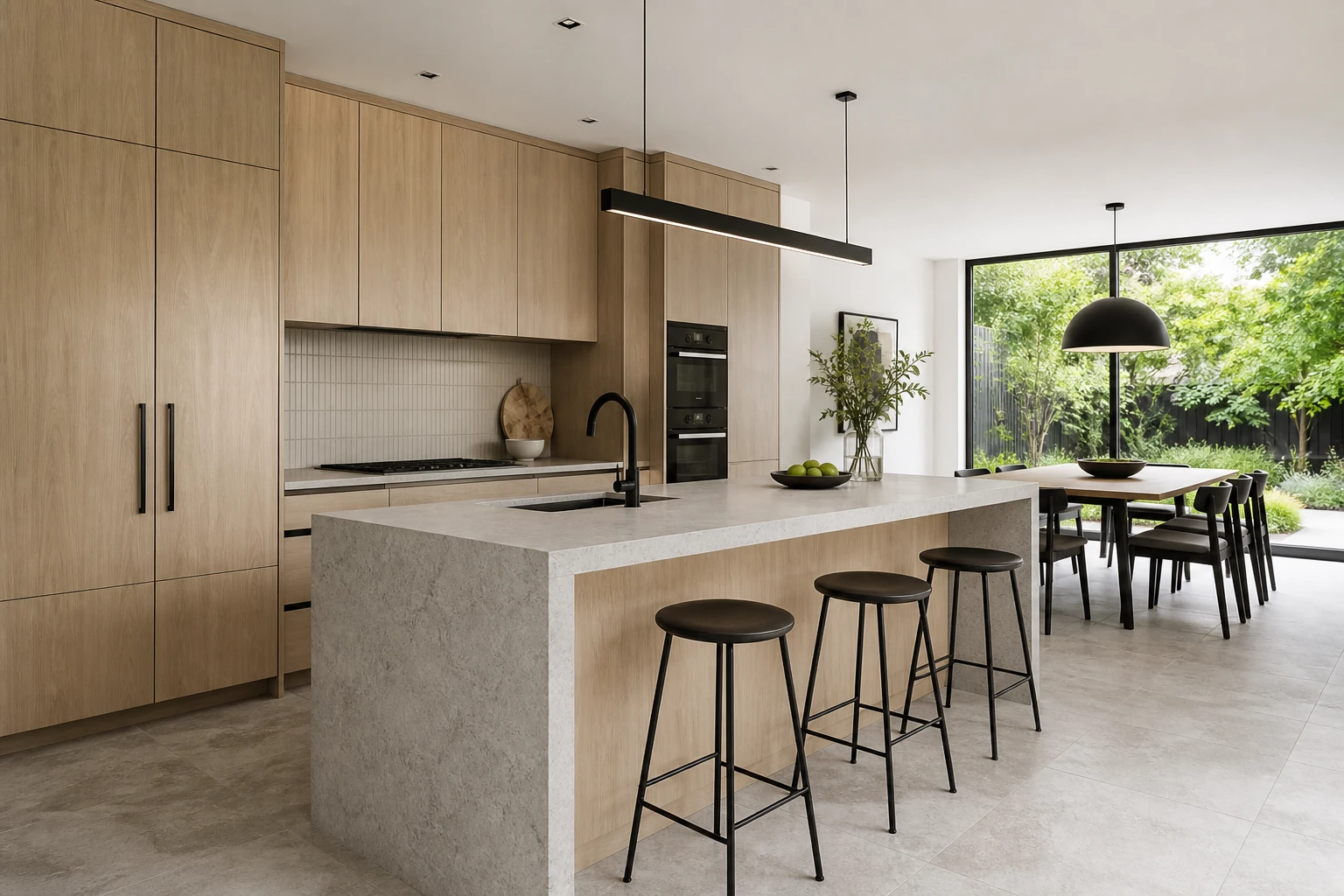
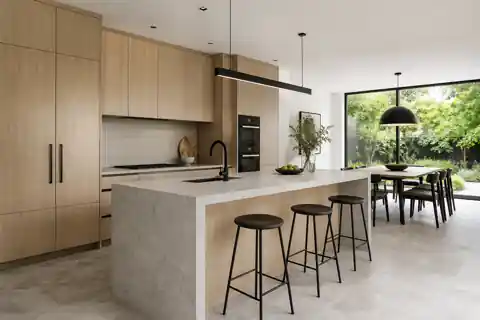
Clean up cabinet lines, material textures, lighting edges, glass, stone, and planting detail in a presentation render.
Improve the assets you already have before publishing a listing, preparing a presentation, or sharing a design concept.
Give small or compressed property photos enough clarity for modern listing pages, social posts, and client communication.
Prepare cleaner architectural renders and design images for pitch decks, portfolios, and approval documents.
Use a dedicated preservation prompt that prioritizes the original composition rather than turning enhancement into a redesign.
Use the AI image upscaler when the right image already exists but its resolution or compression is holding it back.
Improve photos downloaded from old listing systems, messaging apps, email threads, or low-resolution property archives.
Restore fine material and furnishing detail before showing concept images or completed rooms at a larger display size.
Enhance small renders, facade images, and presentation screenshots without rebuilding the entire visual from scratch.
Choose a JPG, PNG, or WebP with readable structure. A small but coherent image usually works better than a severely blurred or damaged one.
Choose Standard HD for quick web sharing or Ultra HD when fine texture and presentation detail matter most.
Compare the restored image with the source, review sensitive details such as text and faces, then download the result you prefer.
An AI image upscaler enlarges an image while reconstructing plausible edge and texture detail that ordinary interpolation cannot recover. This workflow also aims to reduce visible compression artifacts and noise.
No. It uses generative image restoration to improve perceived sharpness, fine texture, and edge definition instead of simply stretching the existing pixels.
No. The AI is engineered to preserve the exact composition, geometry, furniture, materials, and lighting while reconstructing missing texture and clarity.
Small or moderately compressed property photos and renders with coherent geometry work best. Images with extreme blur, unreadable text, or large missing areas give the model less reliable information to reconstruct.
Yes. The same workflow supports interiors, building exteriors, landscape photos, real-estate imagery, and architectural visualizations.
Use caution with small labels, dimensions, logos, and technical annotations. Generative enhancement can alter tiny characters, so always compare the result with the source and keep the original file for reference.
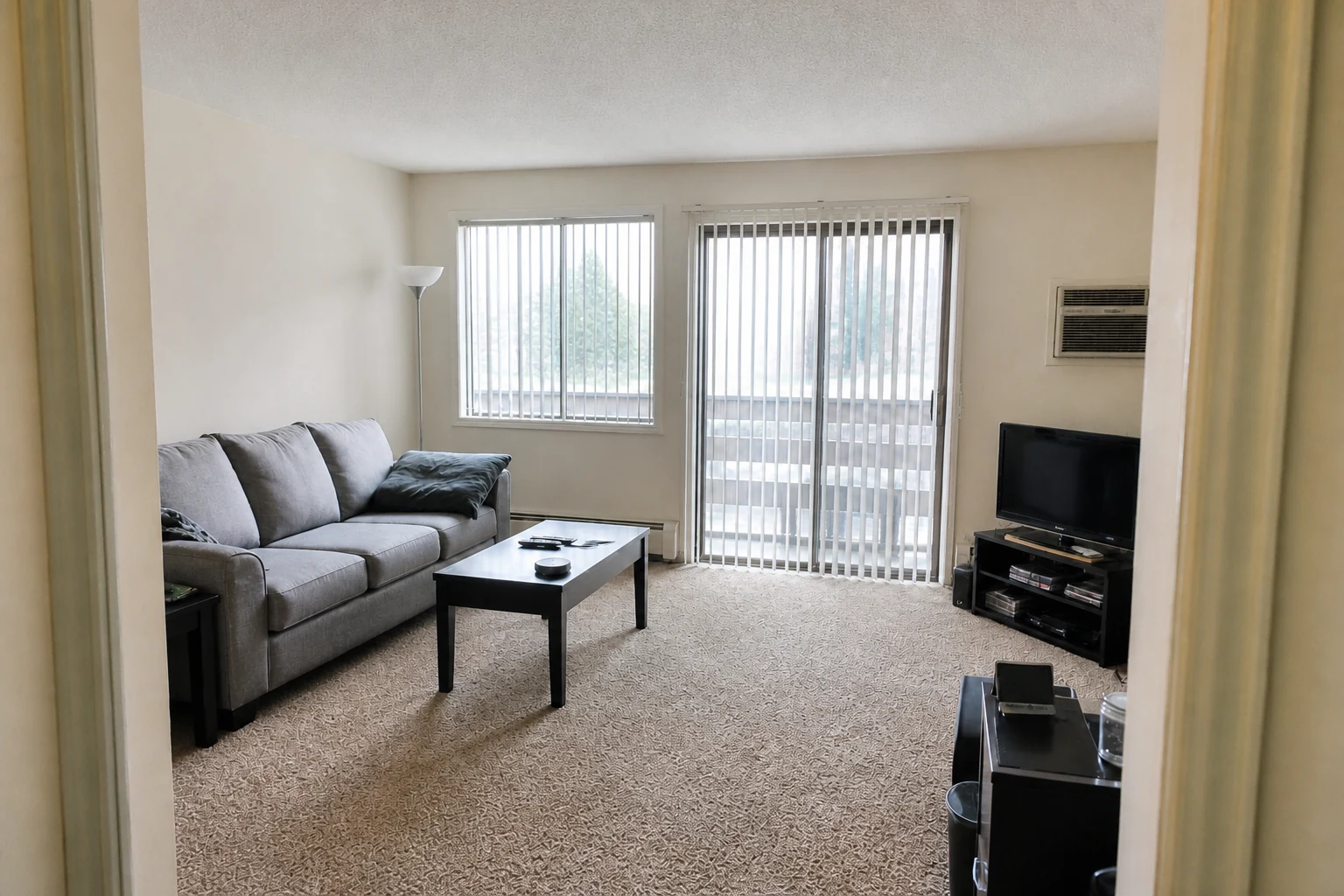
Fix lighting, color, clarity, and noise while keeping the scene unchanged.
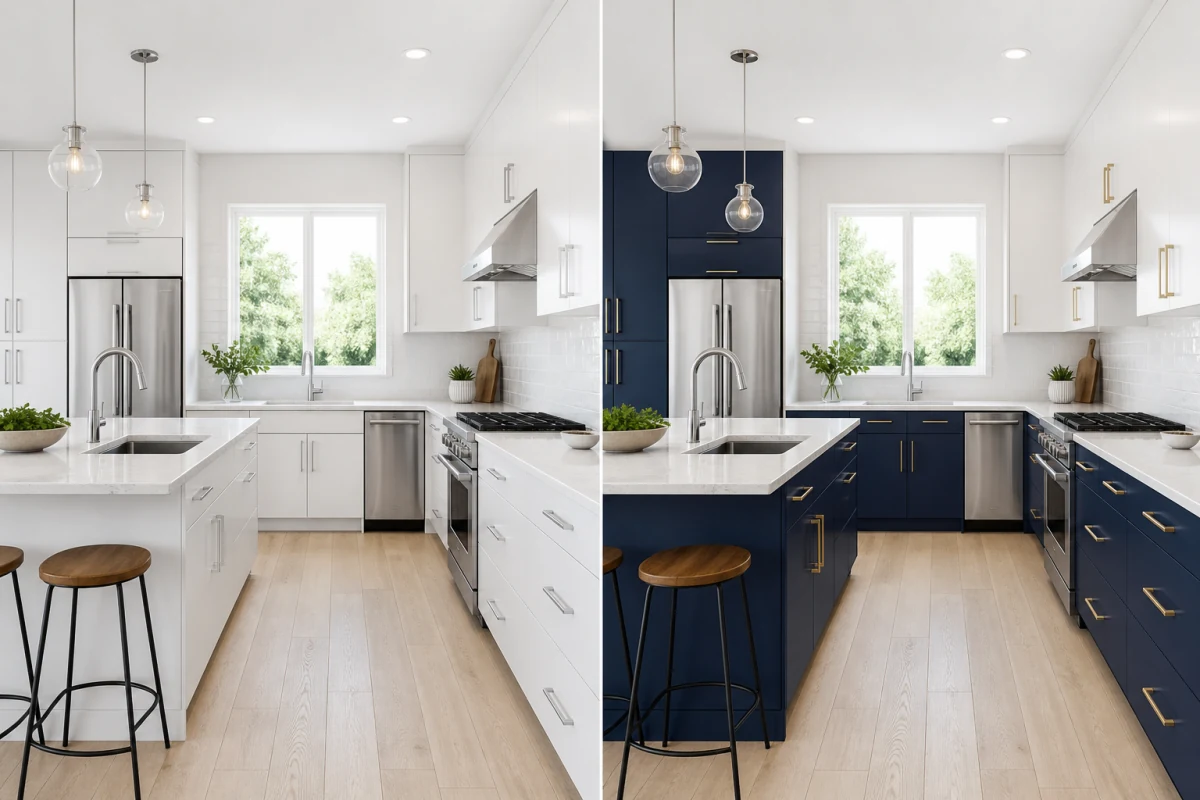
Describe exactly what you want to change in your photo.
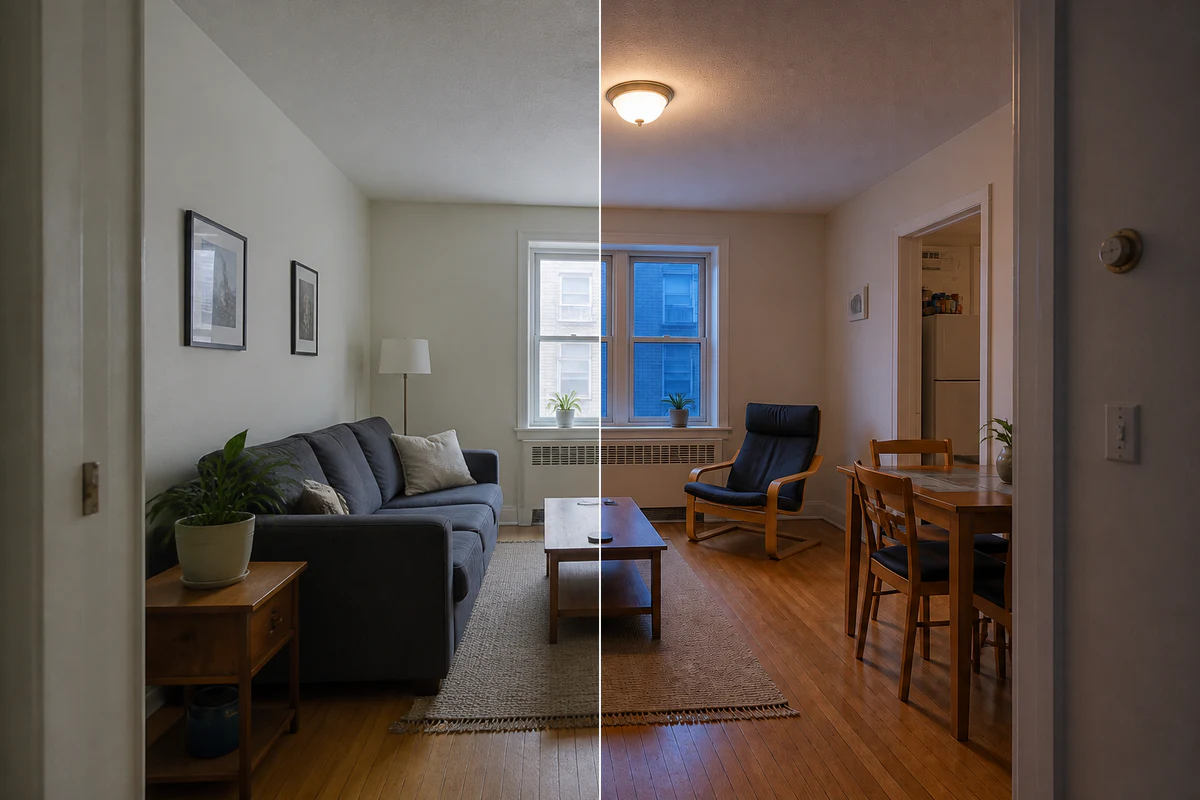
Change the light and mood without redesigning the space.
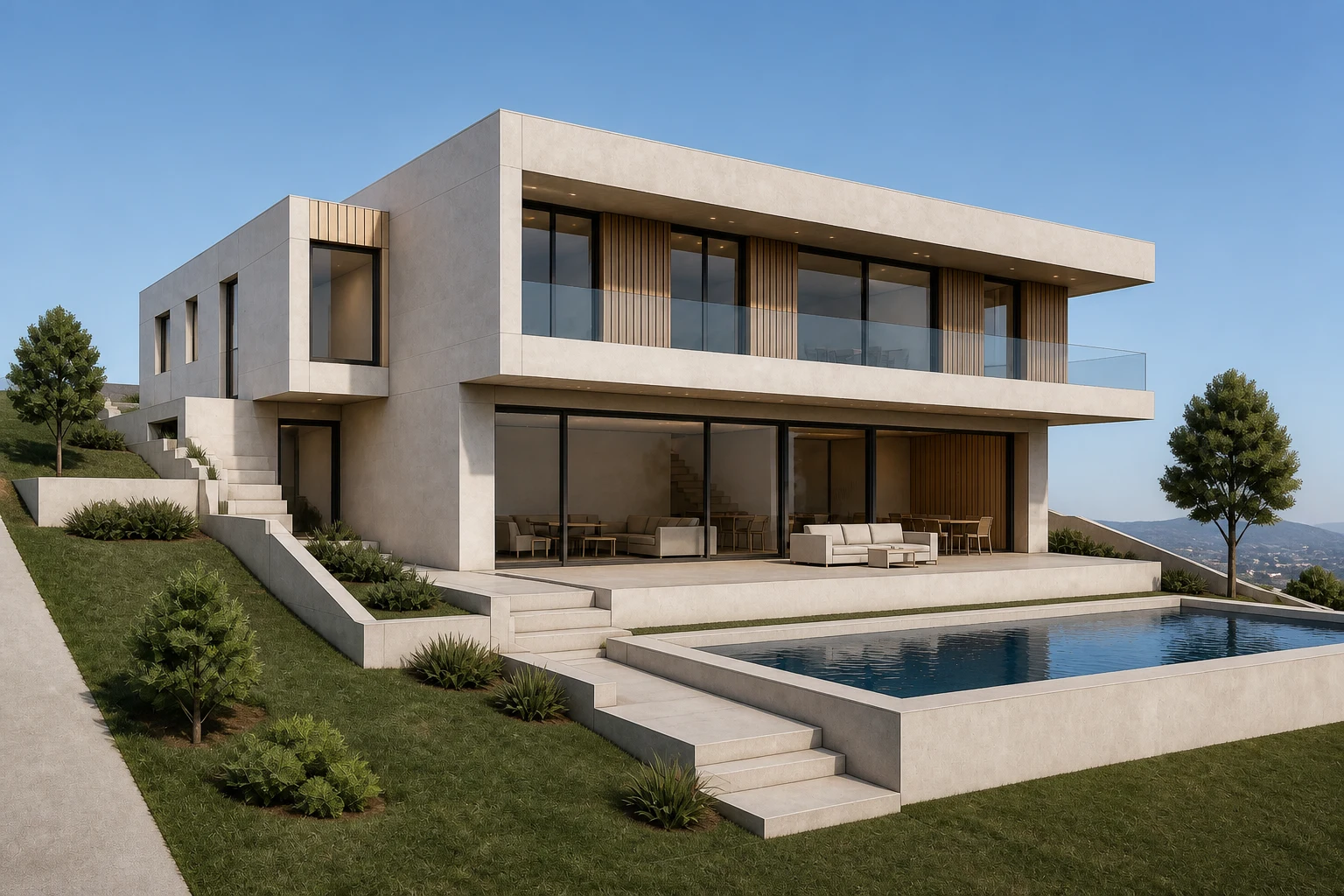
Create realistic interior and exterior renders from sketches, model views, and concept images.