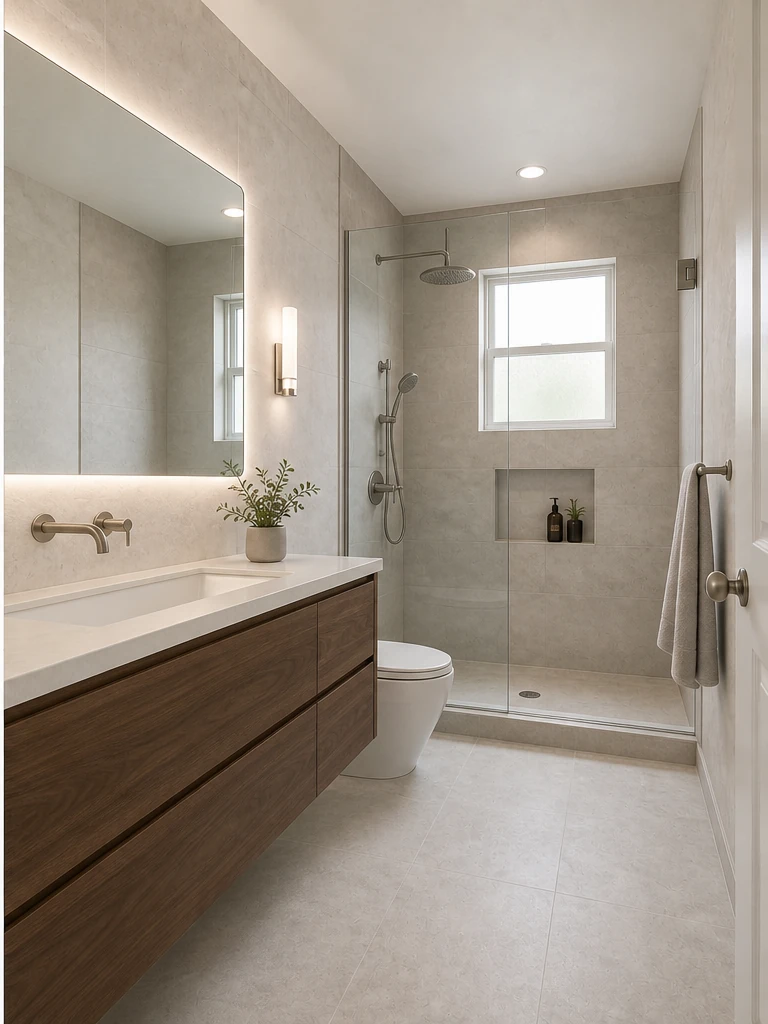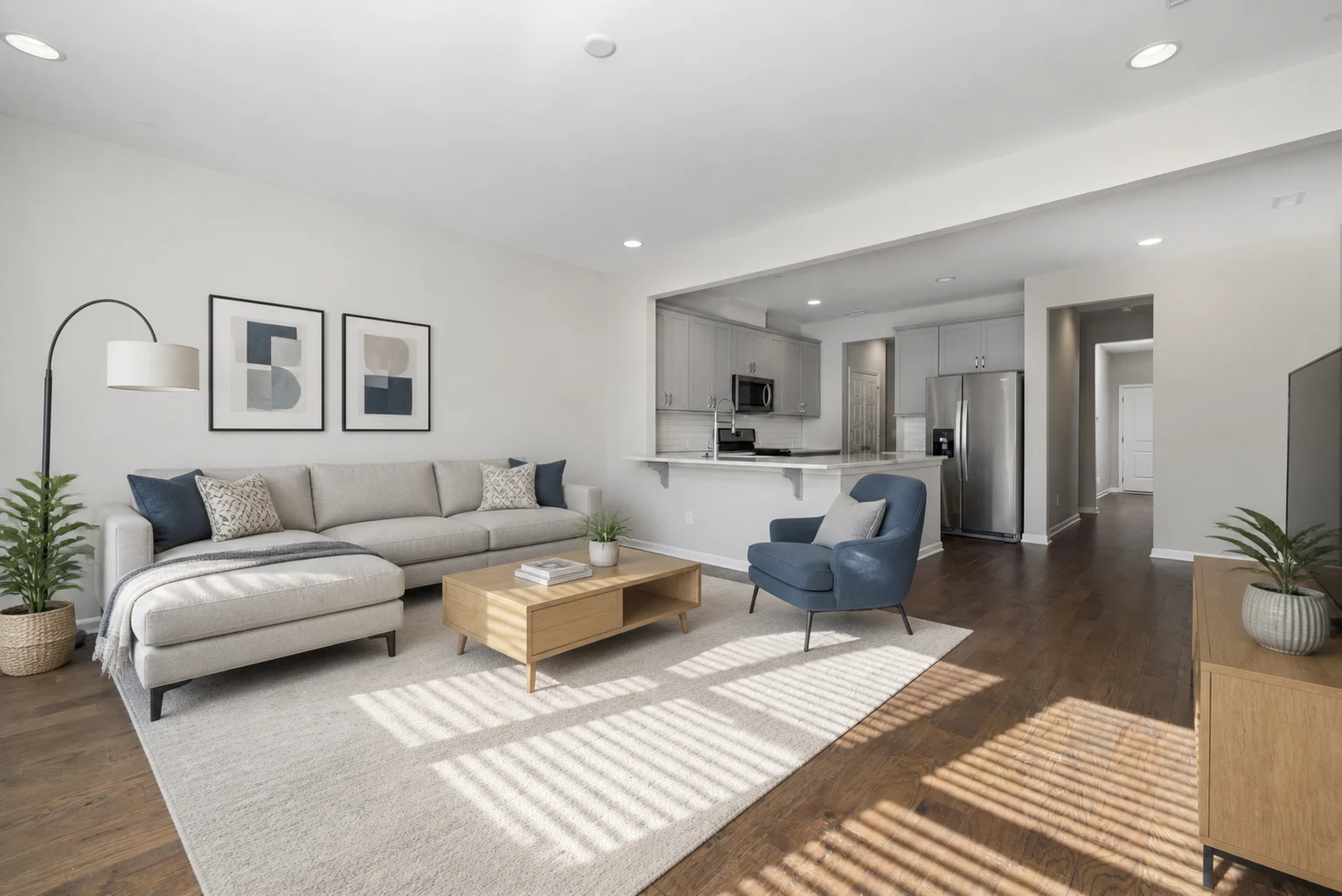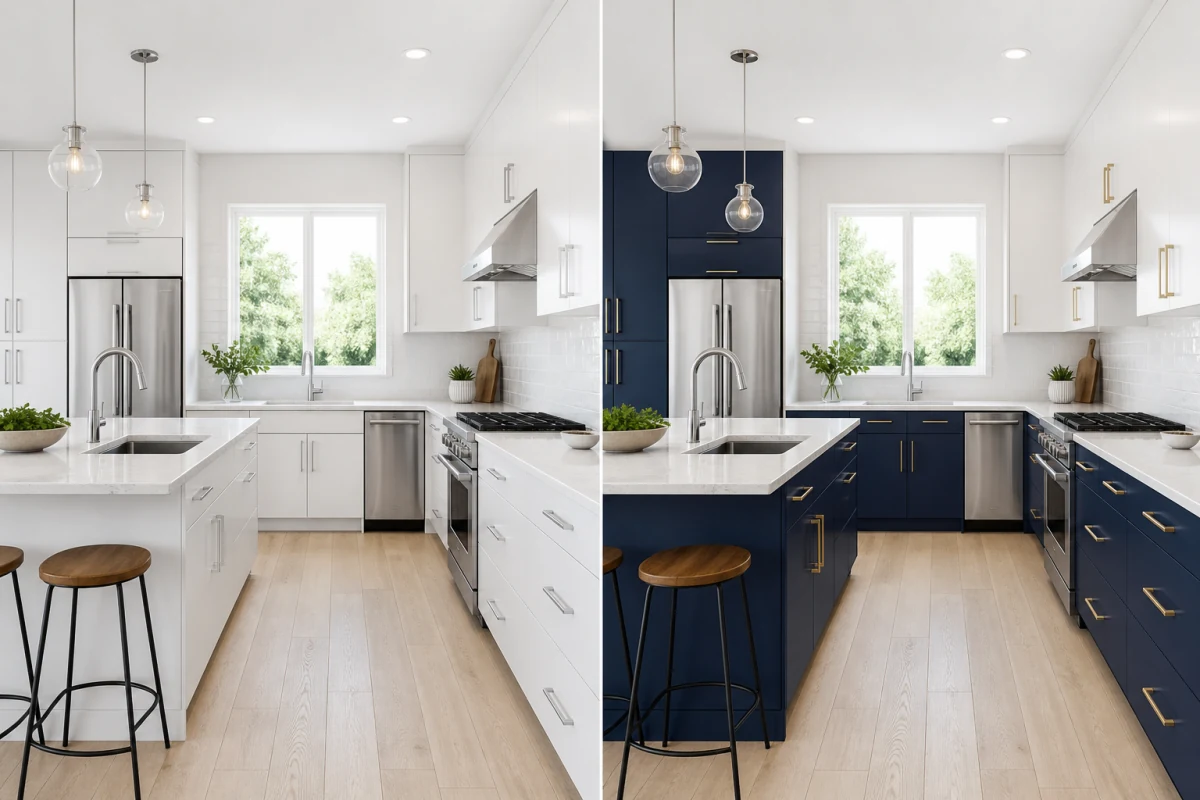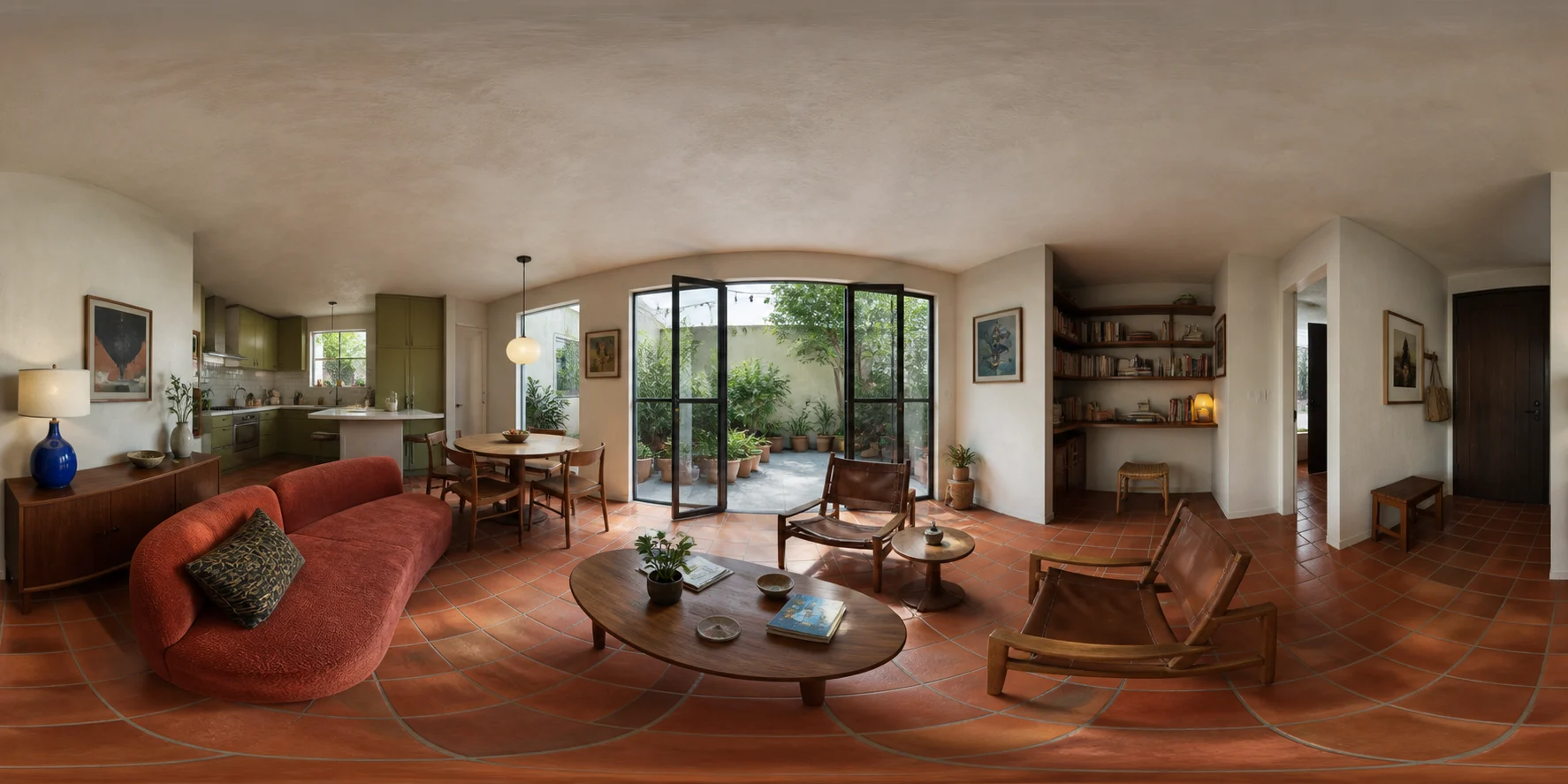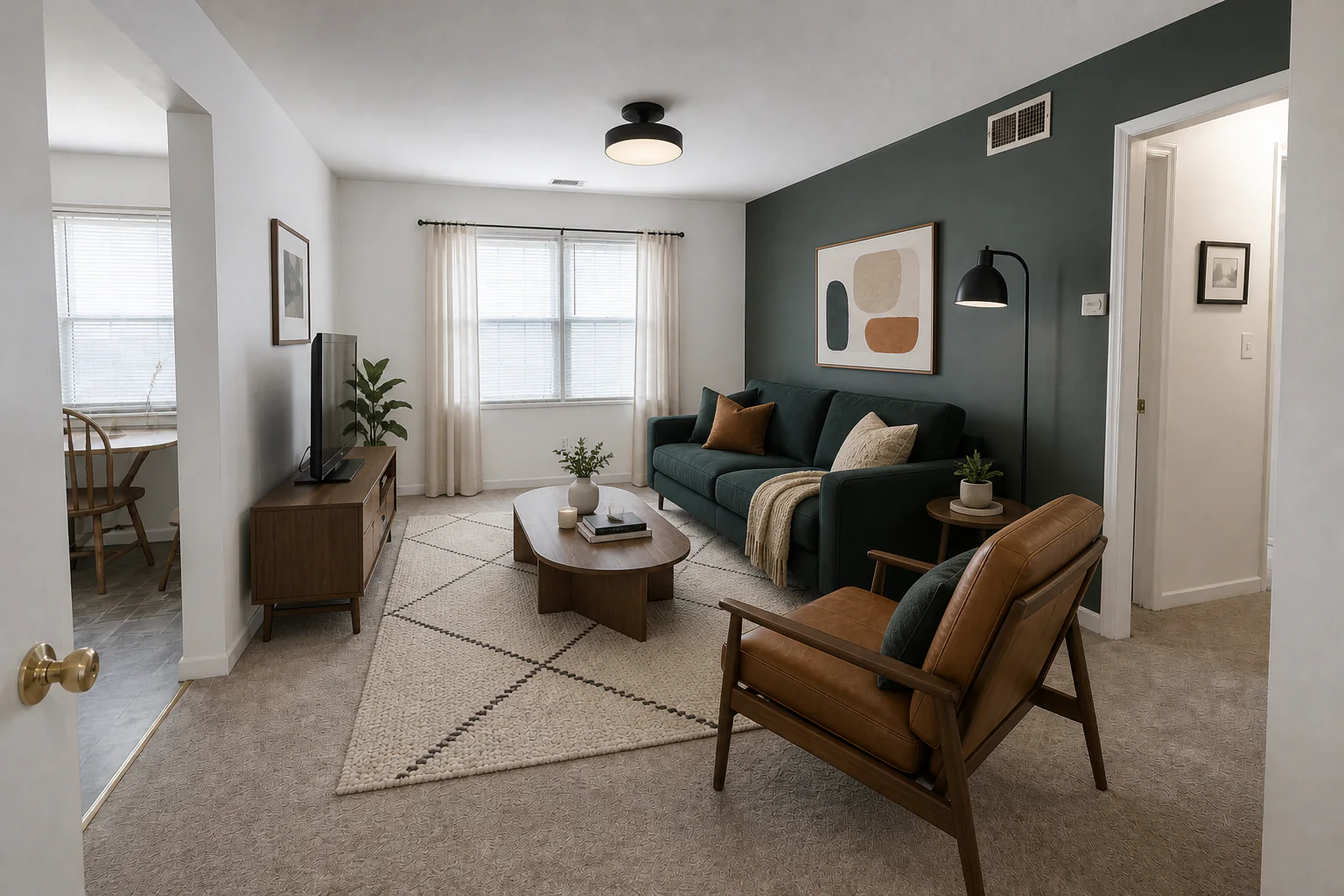
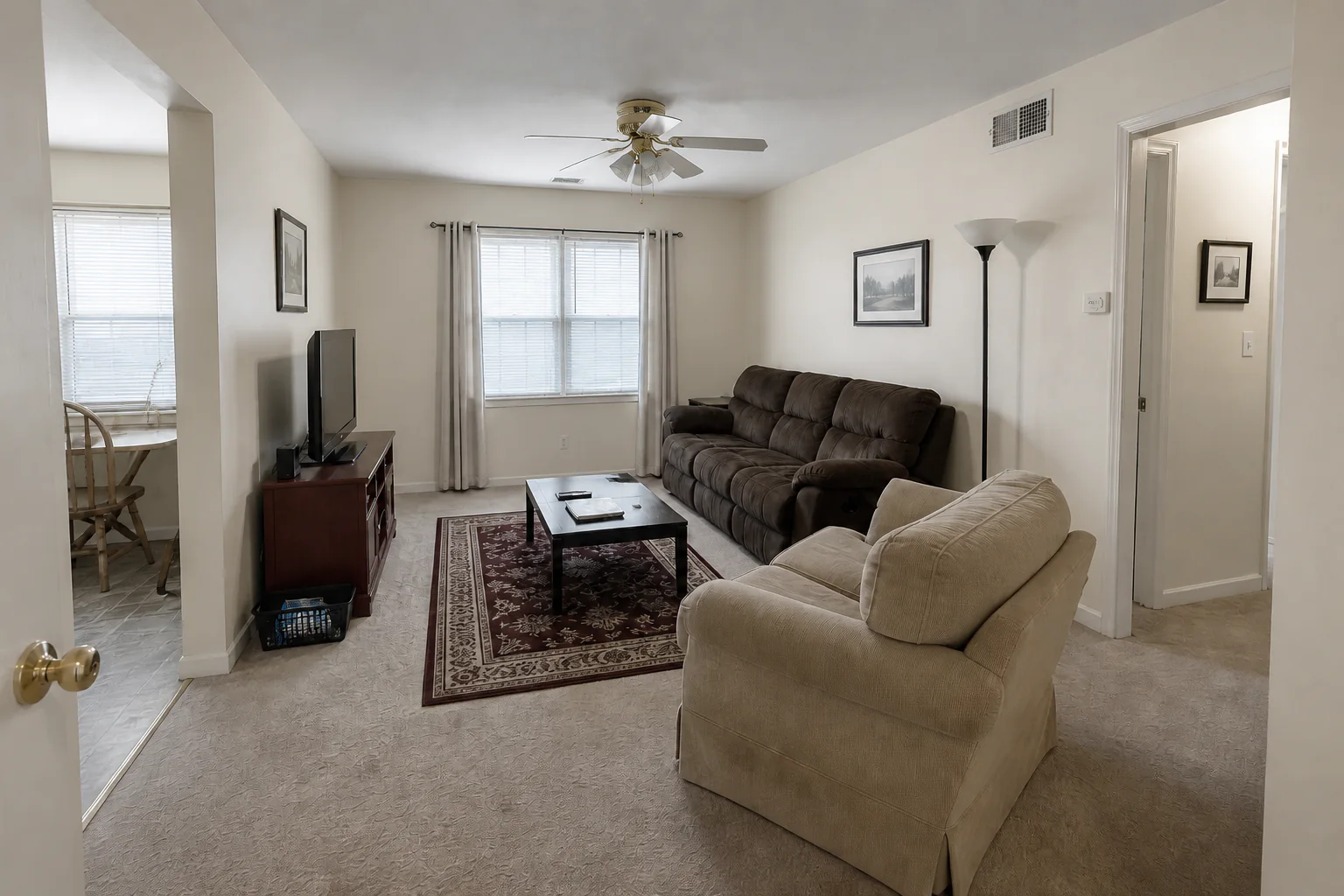
Interior Design example showing the original space and a transformed result

Visualize your room in any interior style

Start with a photo of your bedroom, living room, kitchen, or bathroom. Explore realistic redesign ideas in seconds—from Japandi and Warm Modern to Scandinavian and Art Deco.

Design my room now
Living room transformed with modern organic AI interior design
Original living room photo

Complete interior decisions in one visual concept

Rather than guessing how individual furniture pieces or paint swatches look together, preview your entire room as a cohesive design concept.

01

Coordinated Furniture & Layout

See how sofas, dining sets, lighting, rugs, and storage relate harmoniously within your room's actual proportions.

02

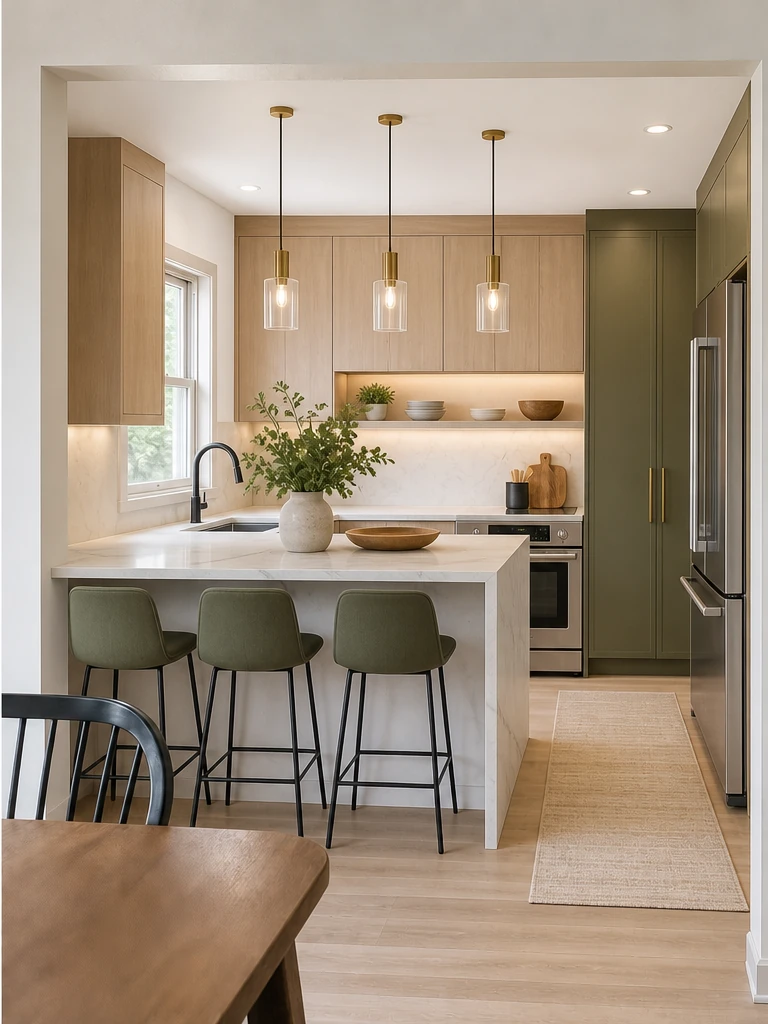
Finishes, Materials & Color

Preview complementary wall colors, flooring textures, cabinetry tones, and decorative accents before buying materials.

03

Atmosphere & Lighting Control

Instantly brighten dark rooms, warm up plain spaces, and create an inviting ambiance that highlights your room's best features.

Explore curated interior design directions

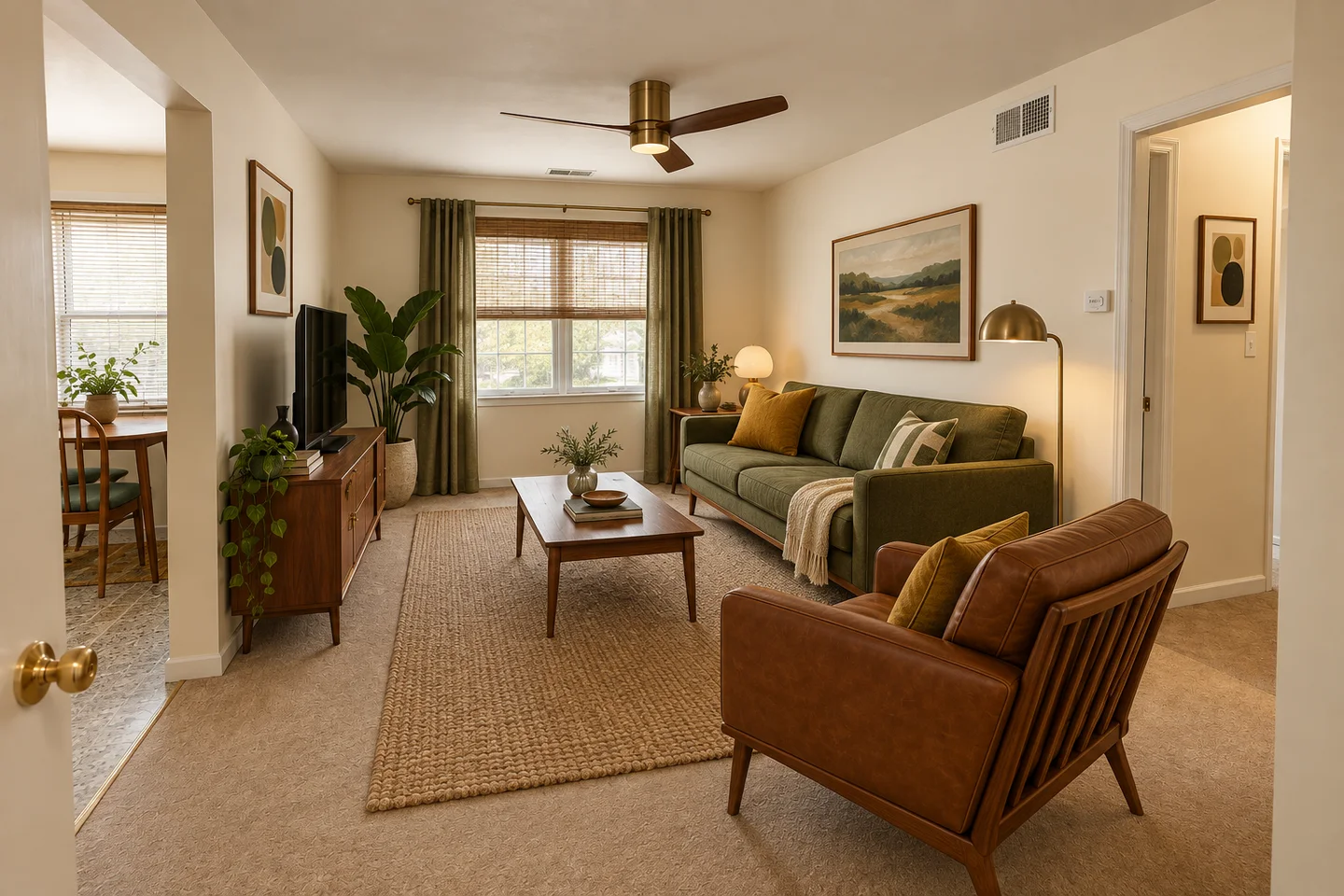
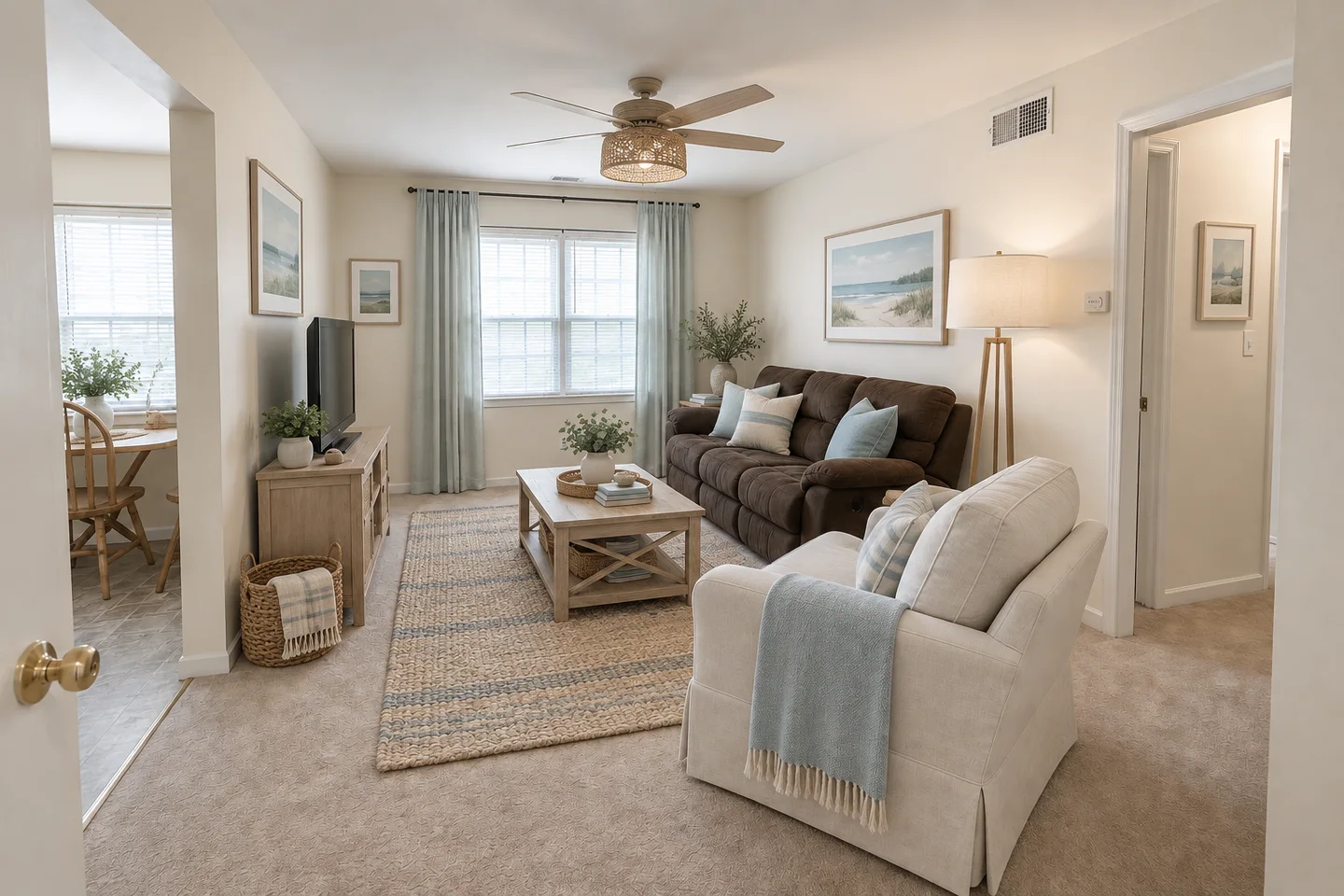
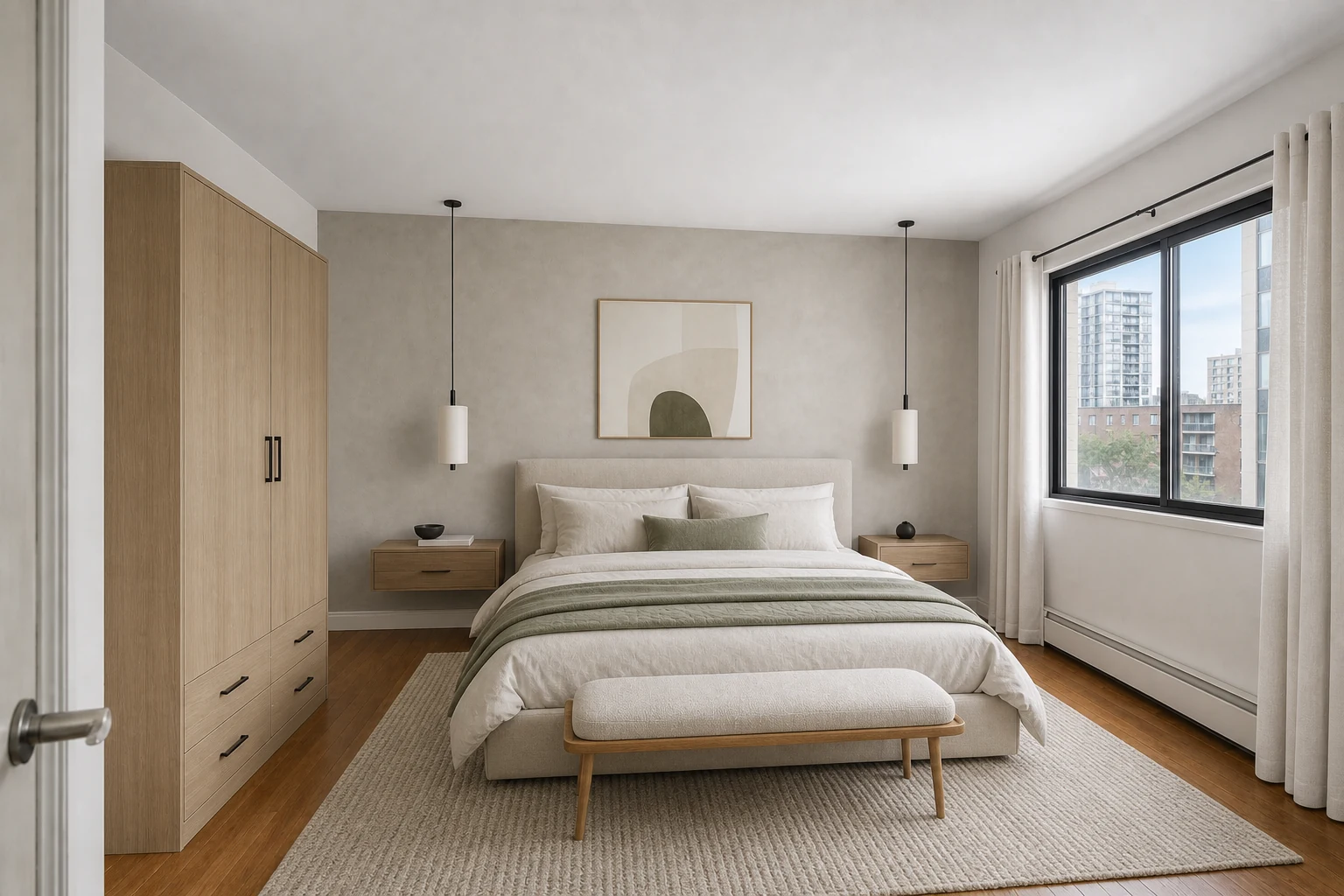
Japandi AI interior design with pale wood, soft neutral textiles, and natural light
Quiet Japandi
Contemporary AI interior design with rich upholstery, walnut accents, and warm ambient light
Warm Modern
Cozy AI interior design with layered textiles, warm lamps, and inviting color palette
Cozy Sanctuary

Designed for every home transformation

Whether you are planning a weekend redecorate or a full home remodel, AI interior design gives you instant clarity.

01

Plan a Room Refresh

Test new furniture arrangements and color palettes on your photo before committing to expensive purchases.

02

Align with Designers & Contractors

Share photo-realistic concepts to clearly communicate your preferred visual style, materials, and priorities.

03

Compare Multiple Styles

See how the exact same room looks with Japandi, Scandinavian, Modern, or Traditional styling side by side.

From photo to redesign in three simple steps

01

Upload a Room Photo

Take a clear, well-lit photo showing the main area of your room, including key walls and flooring.

02

Choose Your Preferences

Select your room type and design aesthetic, or leave controls on Auto for intelligent automatic styling.

03

Generate & Compare

Instantly preview your new room design, try alternative directions from the same photo, and save your favorites.

Frequently asked questions

Do I need to choose a room type and style manually?

No. You can leave room type, style, and palette on Auto. The AI will analyze your space and recommend a balanced design automatically.

What kind of room photo produces the best results?

A clear, level photo taken in daylight showing most of the room works best. Ensure main walls, windows, and floor areas are clearly visible.

Will the AI preserve my room's structural layout?

Yes. The AI preserves your room's camera perspective, doors, windows, and core architectural shell while re-imagining furnishings and finishes.

Can I try multiple design styles on the same photo?

Yes. You can re-use your uploaded photo as many times as you like to compare different styles, color palettes, and specific design details.

How can I use the generated room designs?

Use them as visual inspiration for buying furniture, selecting paint and materials, or sharing a clear vision with contractors and interior designers.