Living & Dining Spaces
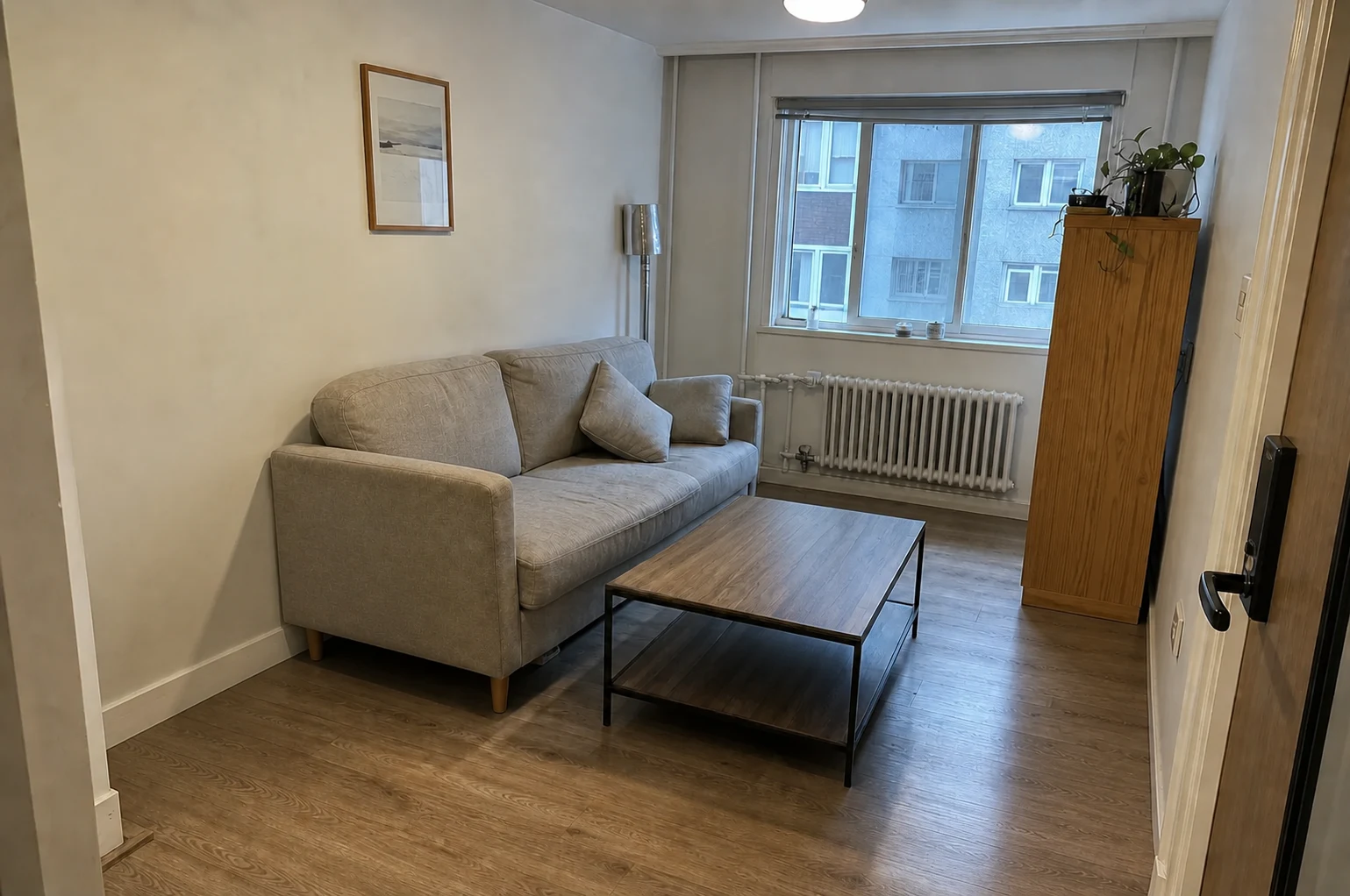
Add coordinated sofa sets, dining tables, accent chairs, rugs, and ambient lighting to open living areas.
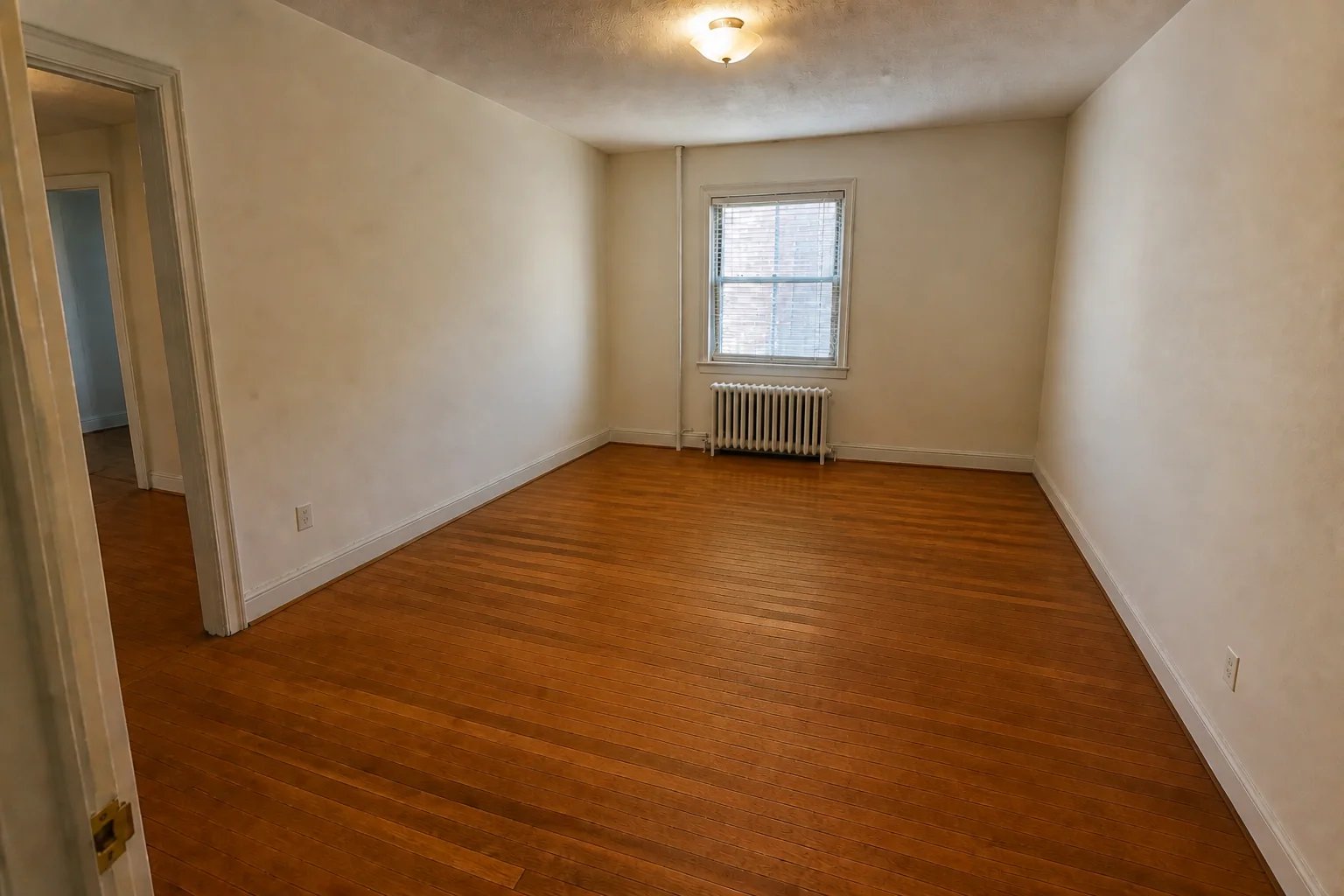
Furnish vacant bedrooms, living rooms, and dining areas in seconds with beautifully curated interior styles.

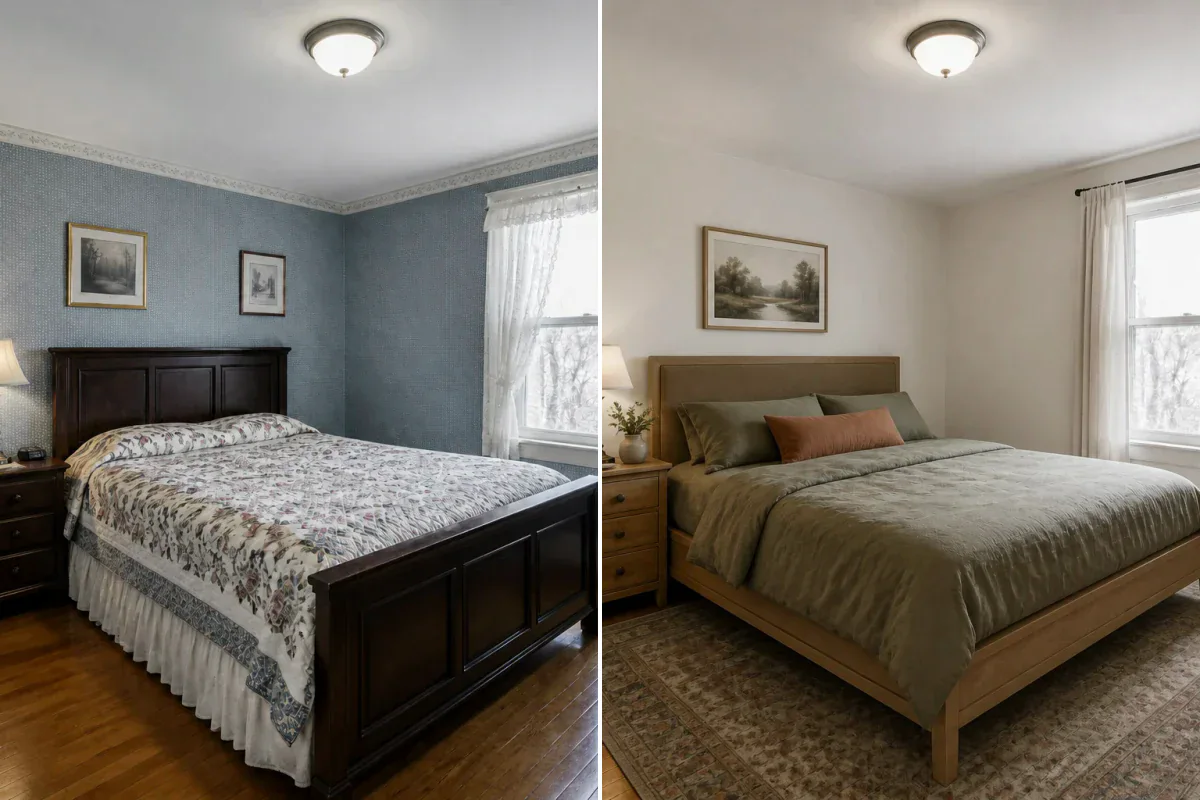
Help buyers and homeowners instantly visualize the full potential, scale, and warmth of empty rooms.
Add coordinated sofa sets, dining tables, accent chairs, rugs, and ambient lighting to open living areas.
Furnish unfurnished bedrooms and work areas with naturally proportioned beds, desks, artwork, and decor.
Create stunning, market-ready virtual staging photos for real estate listings, rental platforms, and portfolios.
See how proportionally scaled furniture helps buyers visualize room potential without altering the architectural shell.
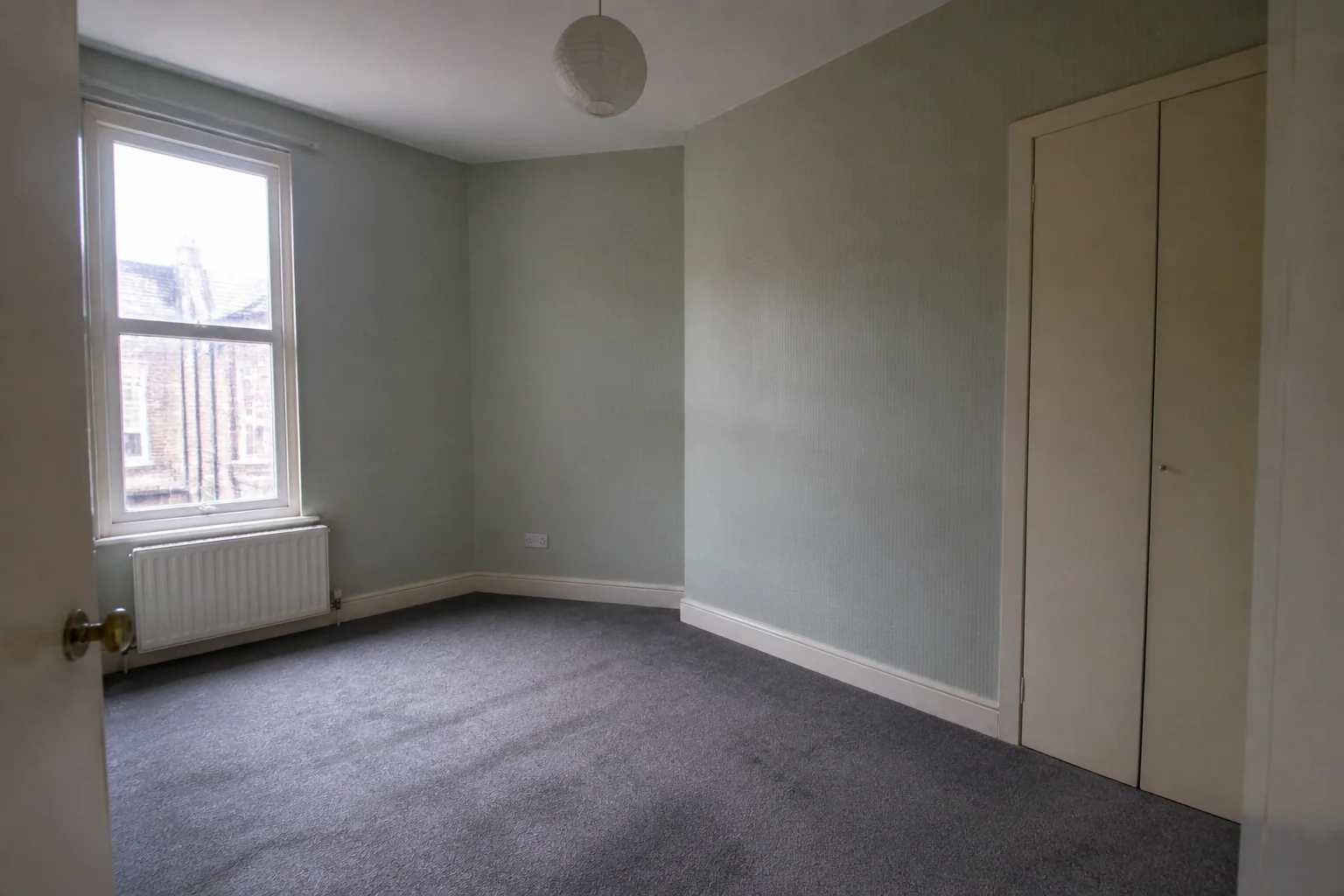
A vacant older bedroom gains an attainable bed, nightstands, rug, and restrained decor while the window, radiator, wardrobe, carpet, and circulation remain unchanged.
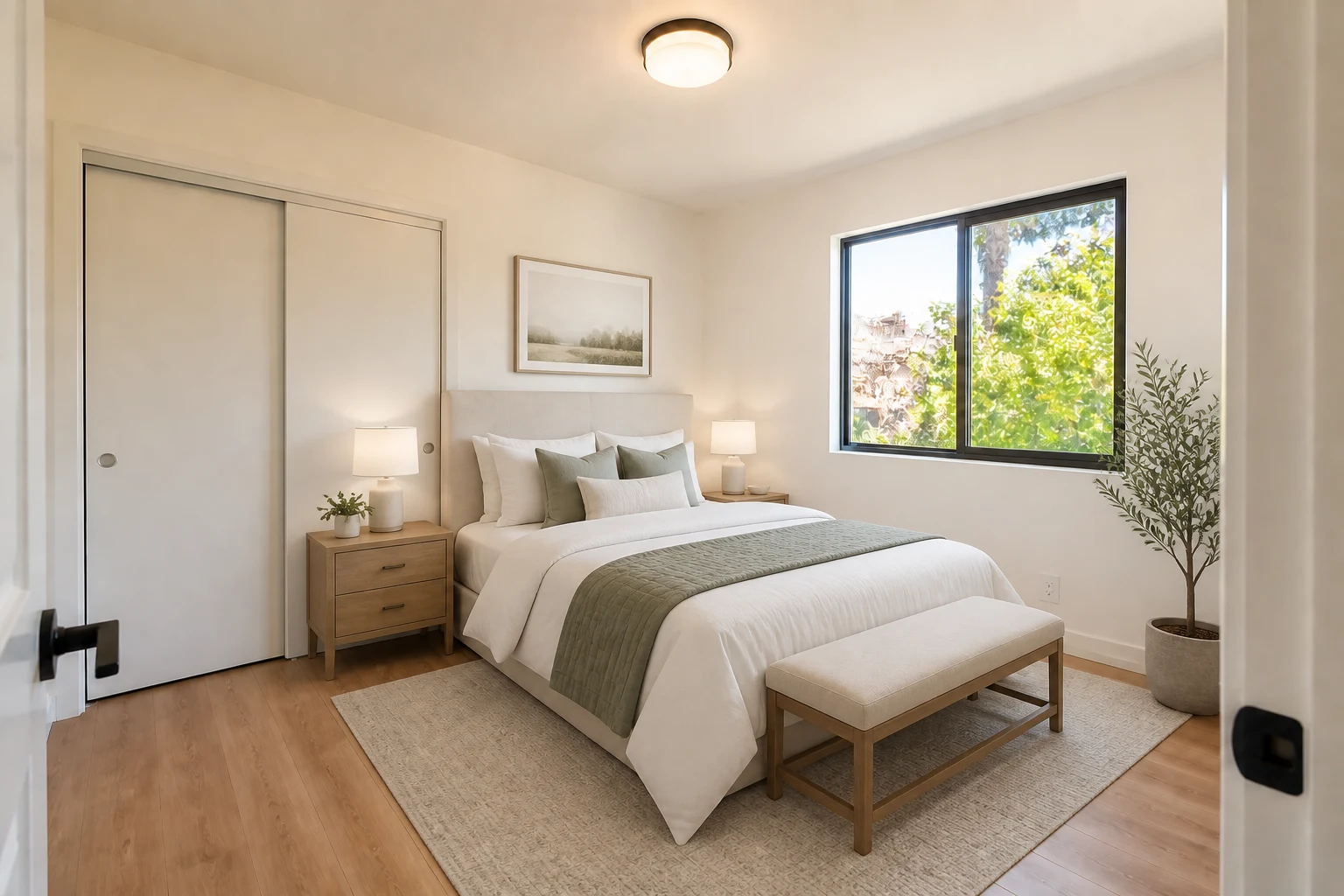
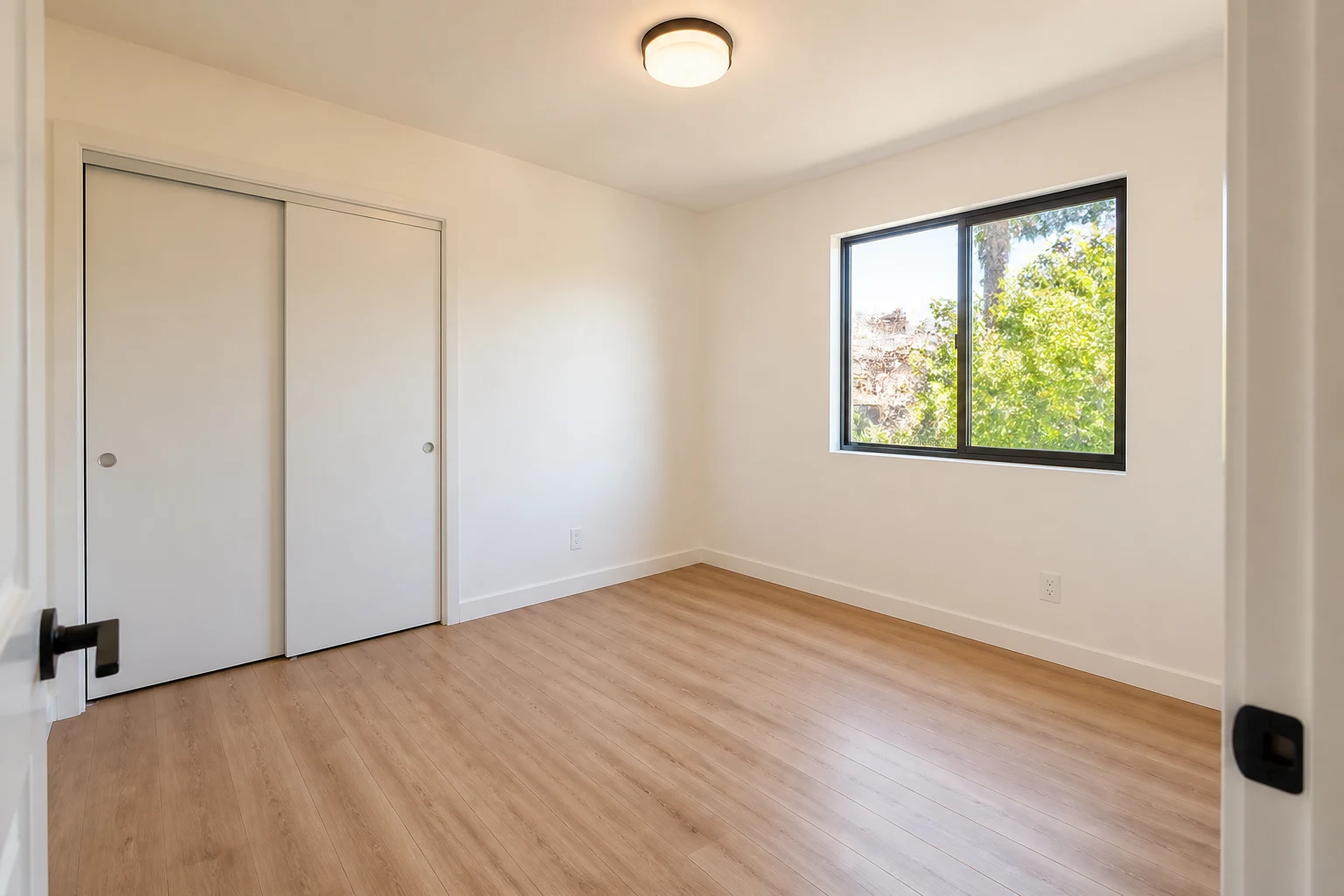
An empty rental bedroom is staged with a queen bed, nightstands, bench, rug, and restrained decor without blocking the closet or window.
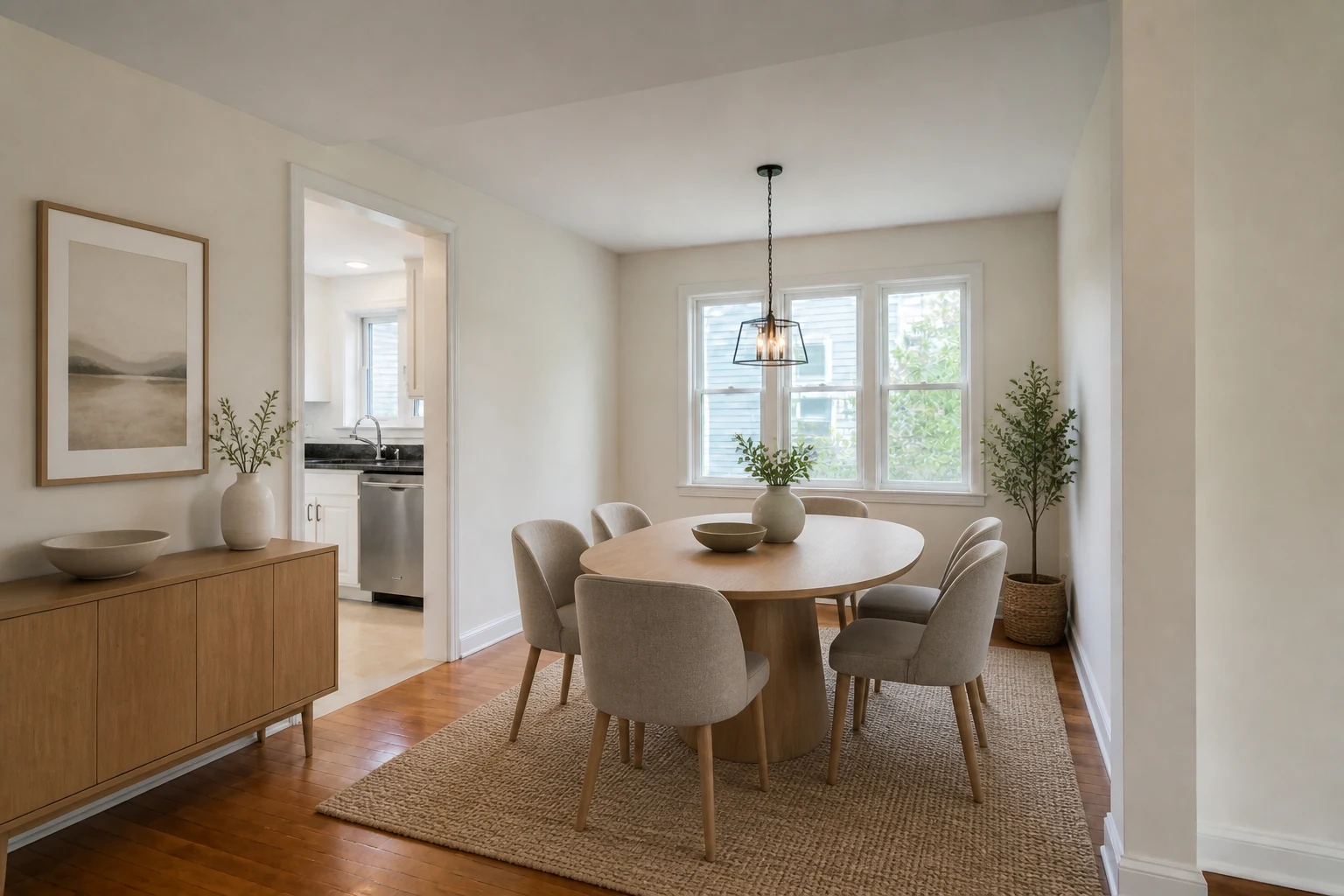
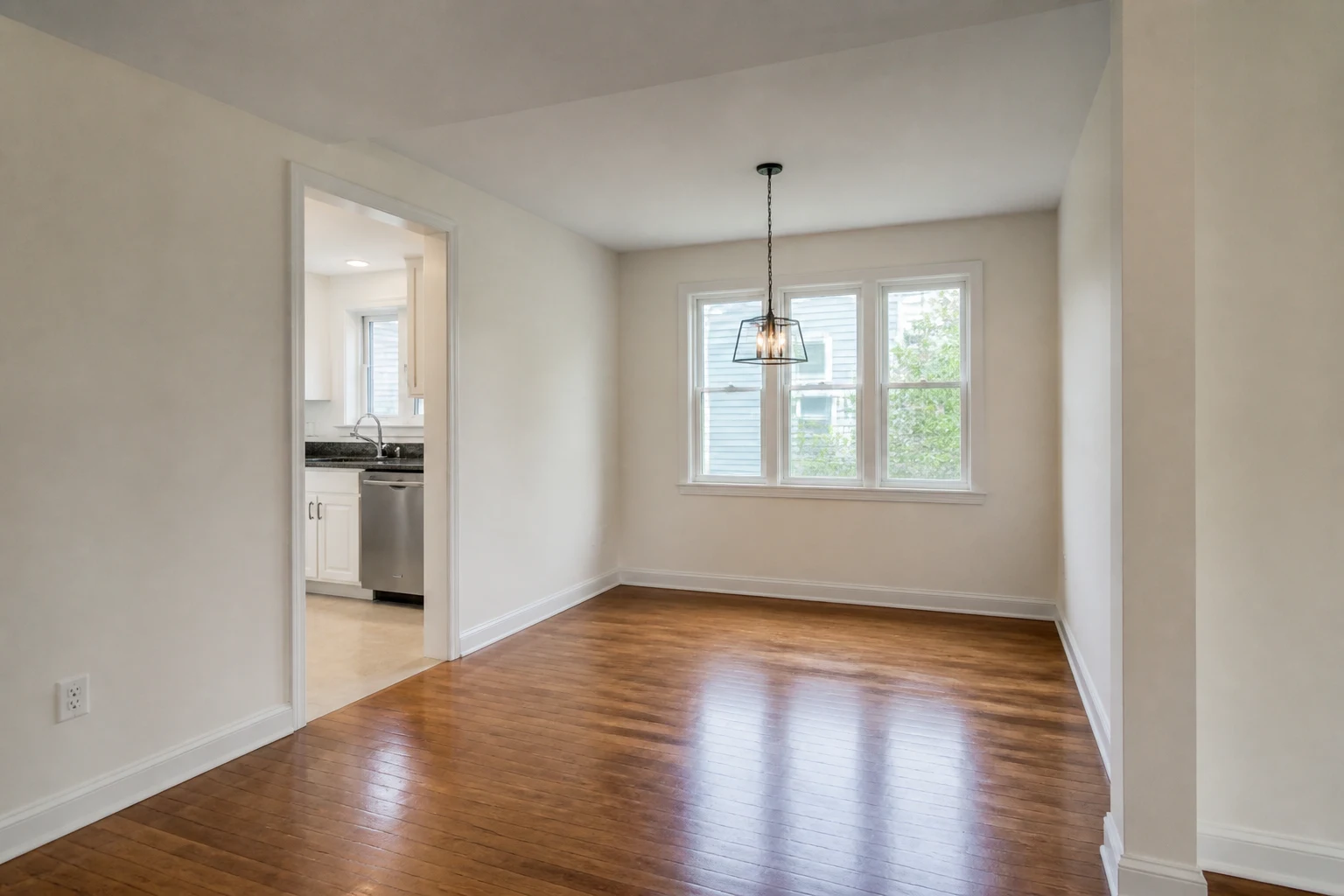
A bare dining area becomes an easy-to-read six-seat layout with a sideboard, rug, artwork, and simple accessories.
Virtual staging eliminates physical staging costs while delivering beautiful visual marketing results.
Help home buyers understand room size, layout flow, and warmth without expensive physical staging.
Compare Modern, Japandi, Scandinavian, or Coastal furniture directions using one empty-room photo.
Generate high-resolution staged photos in seconds at a fraction of the cost of physical furniture rental.
Select a clear, level photo of an empty or nearly empty room showing walls and floor space.
Select the room category (Living Room, Bedroom, Dining) and your preferred staging aesthetic.
Instantly generate your virtually staged room photo, compare variations, and download.
Clear, well-lit photos of empty or nearly empty rooms work best. Ensure main floor areas and walls are visible.
For best results, use our AI Furniture Removal tool first to create a clean empty room, then apply Virtual Staging AI.
You can select from Warm Modern, Japandi, Scandinavian, Coastal, Contemporary, and Traditional staging styles.
Yes. You can stage living rooms, master bedrooms, guest bedrooms, dining rooms, home offices, and outdoor patios.
Yes. AI virtual staging is widely used by real estate agents, brokers, and landlords to attract more buyer inquiries.