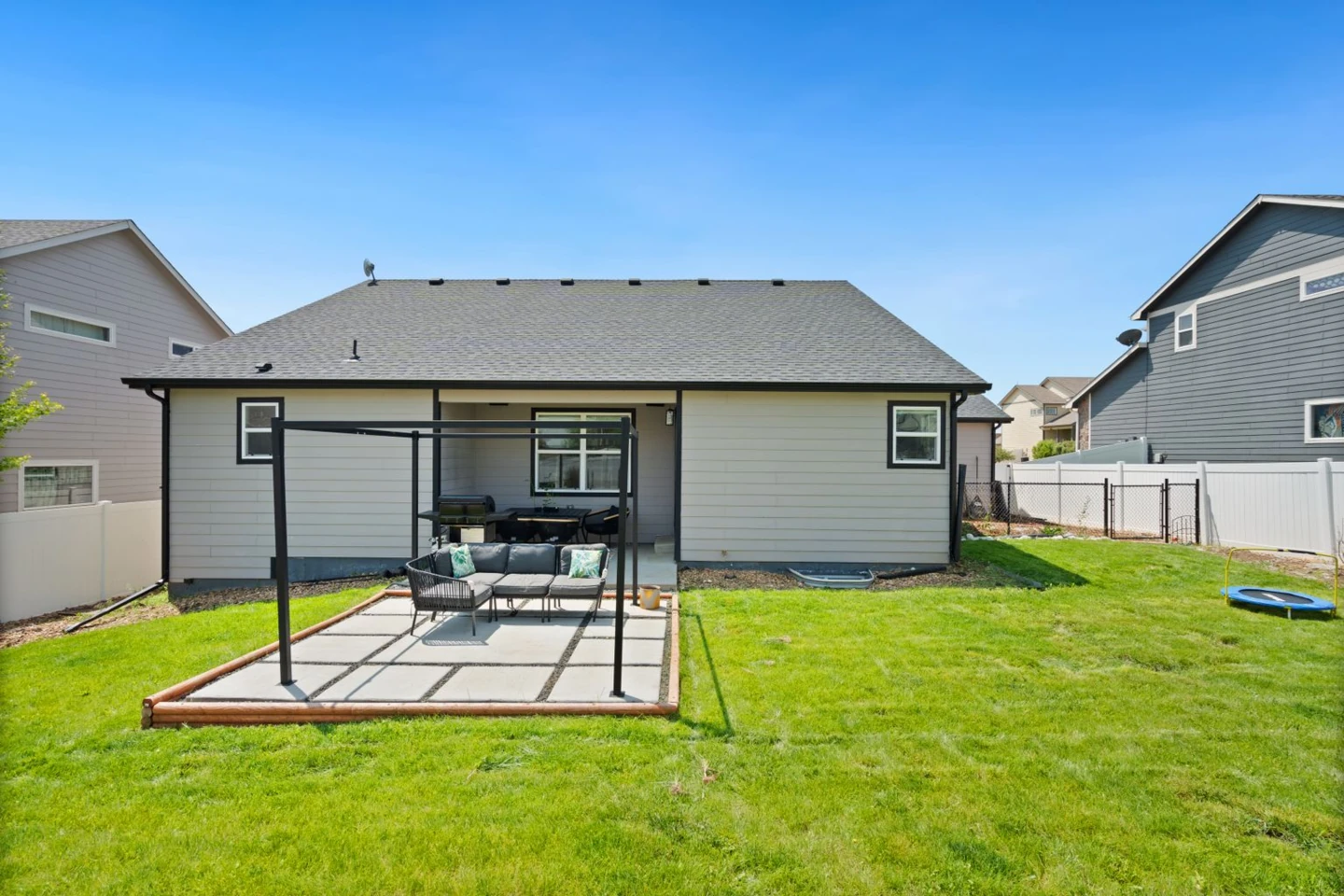
A compact pool beside the family patio
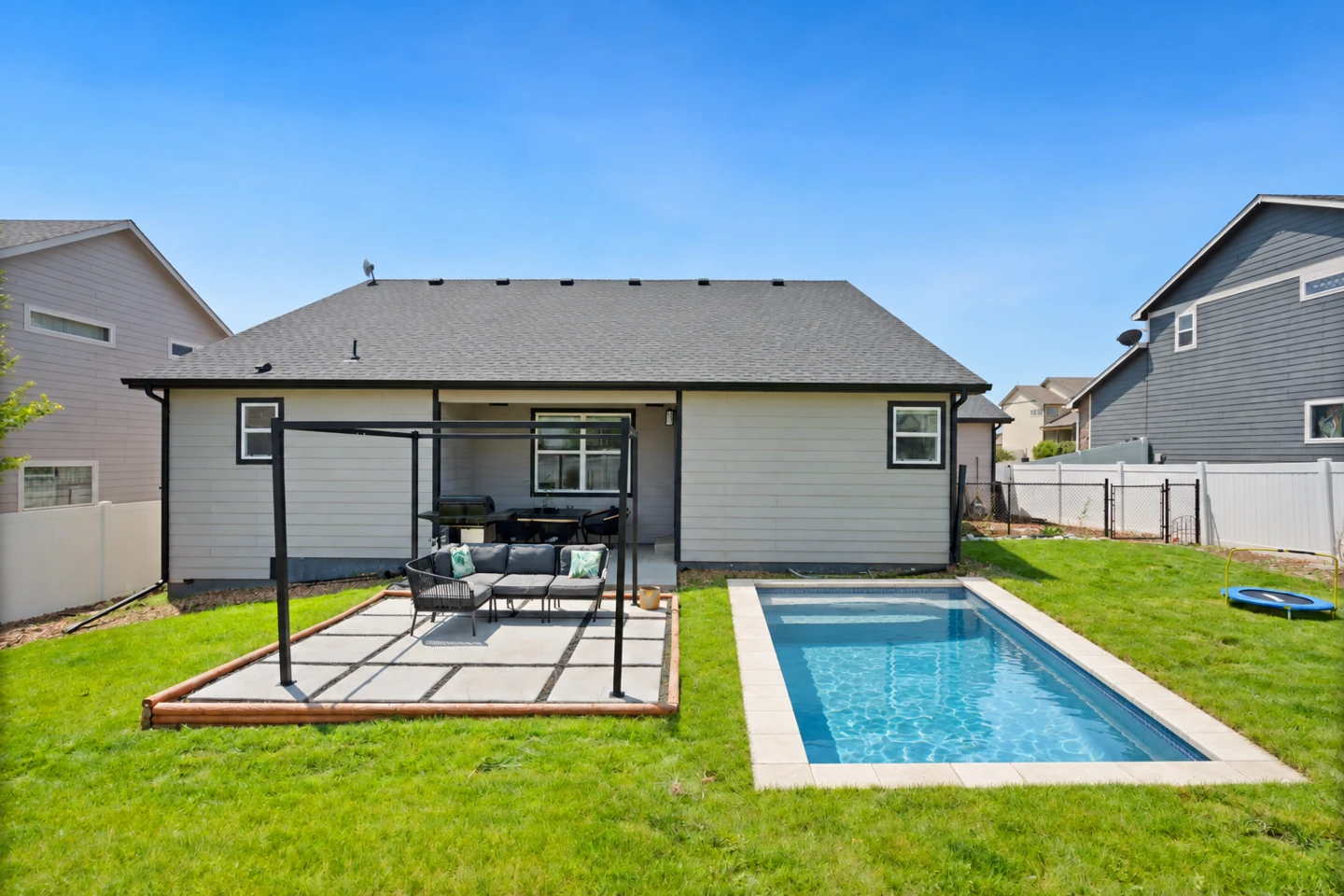
A small rectangular pool explores the open lawn beside an existing pergola. The house, seating area and garden boundaries remain the starting point.
Upload your yard photo and explore a pool shape and surround before planning the build.
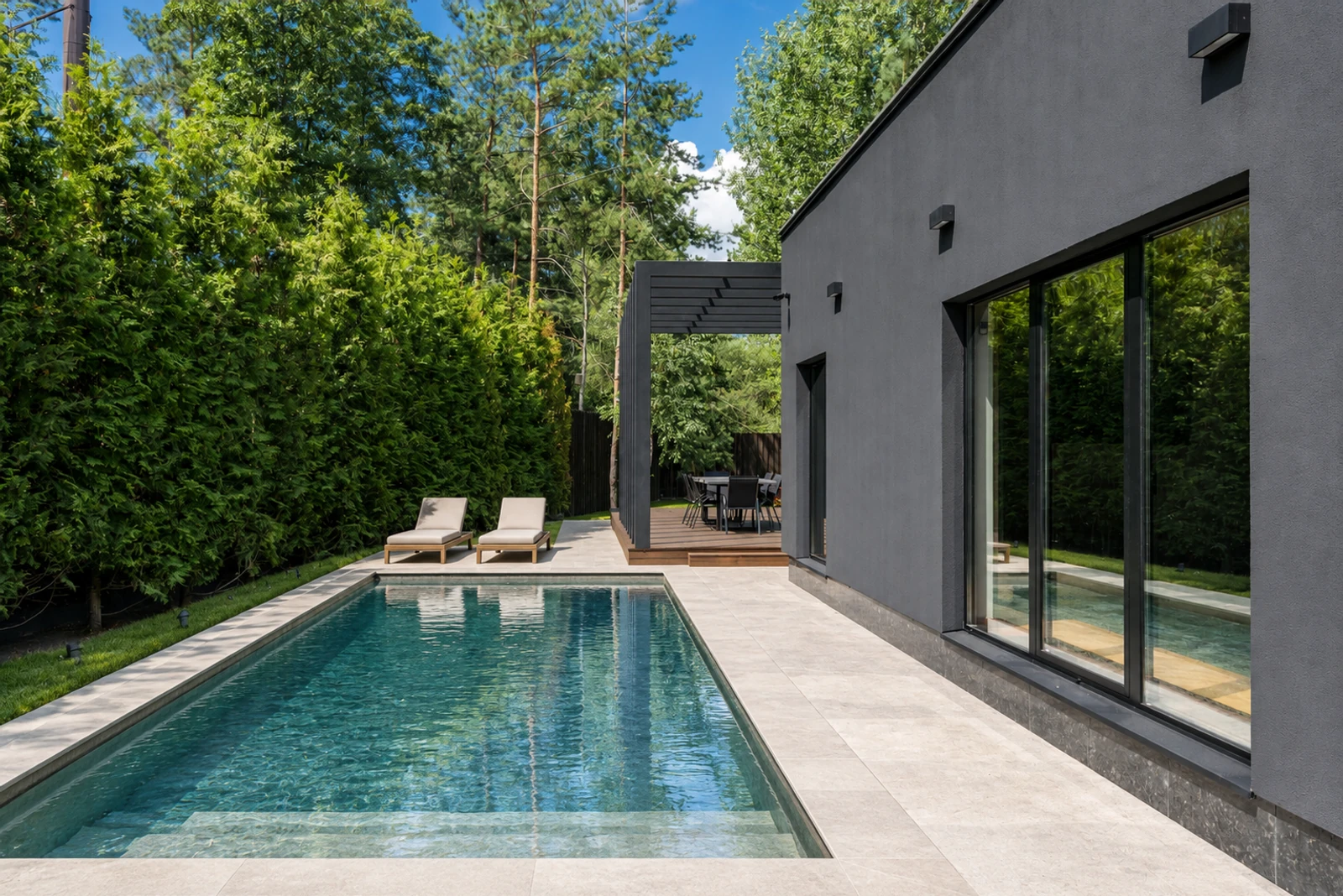
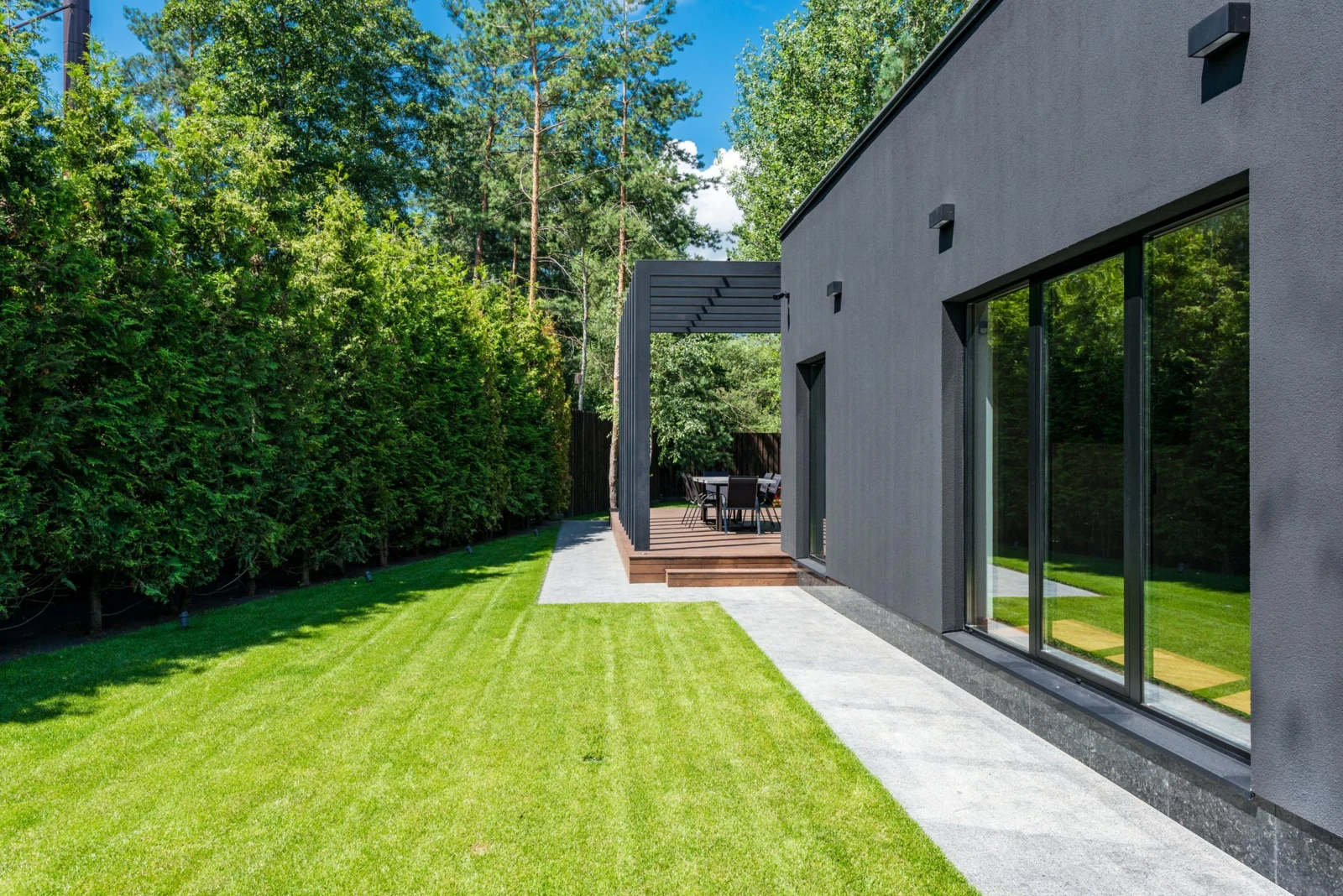
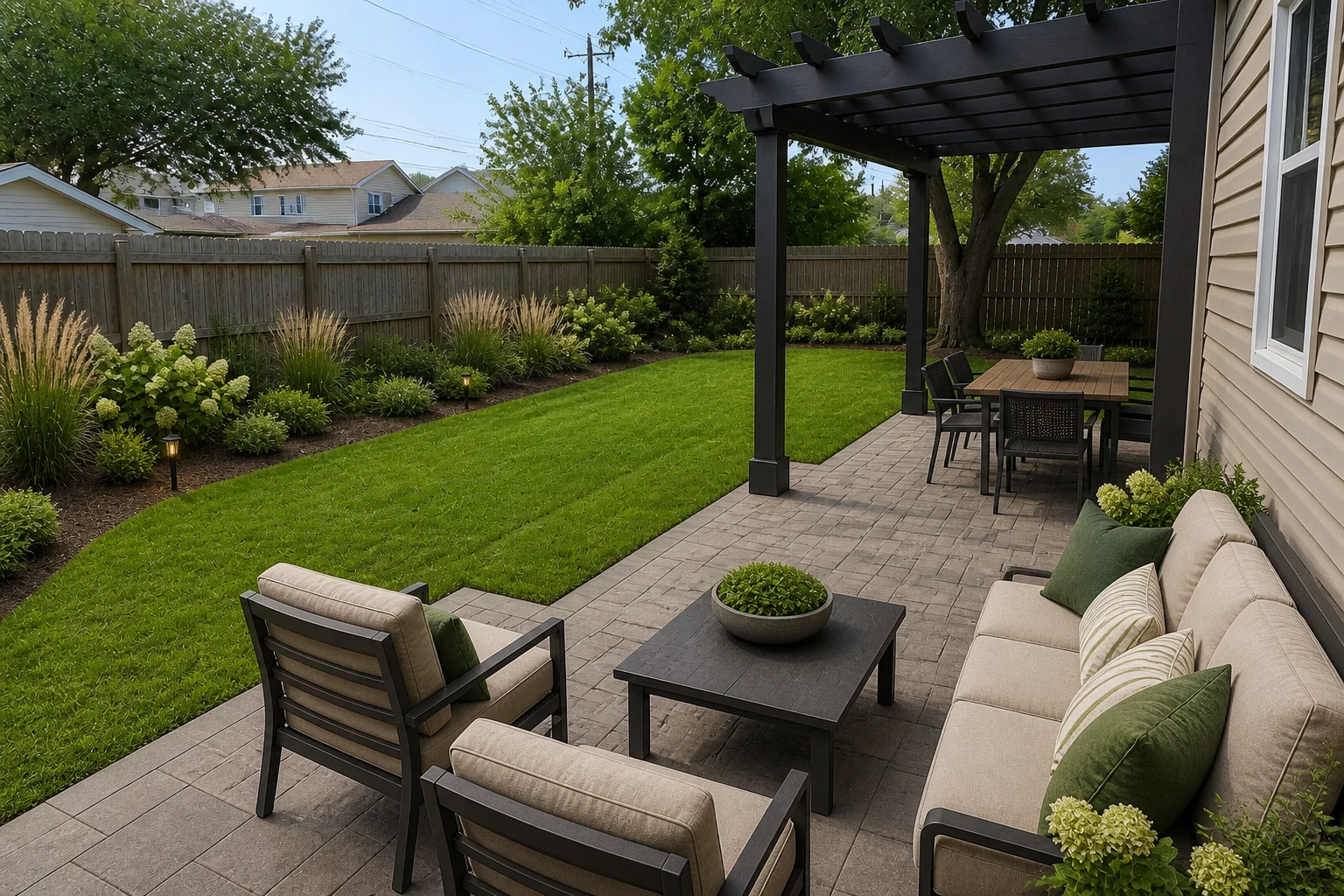
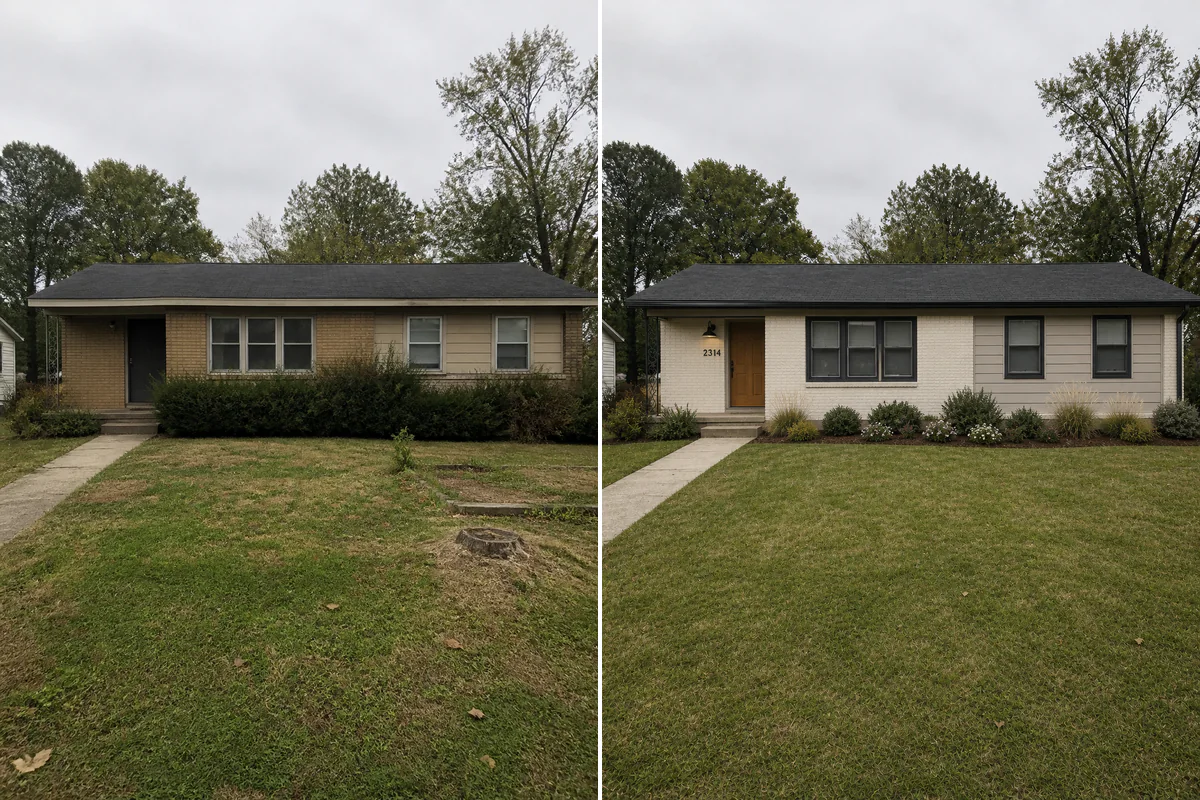
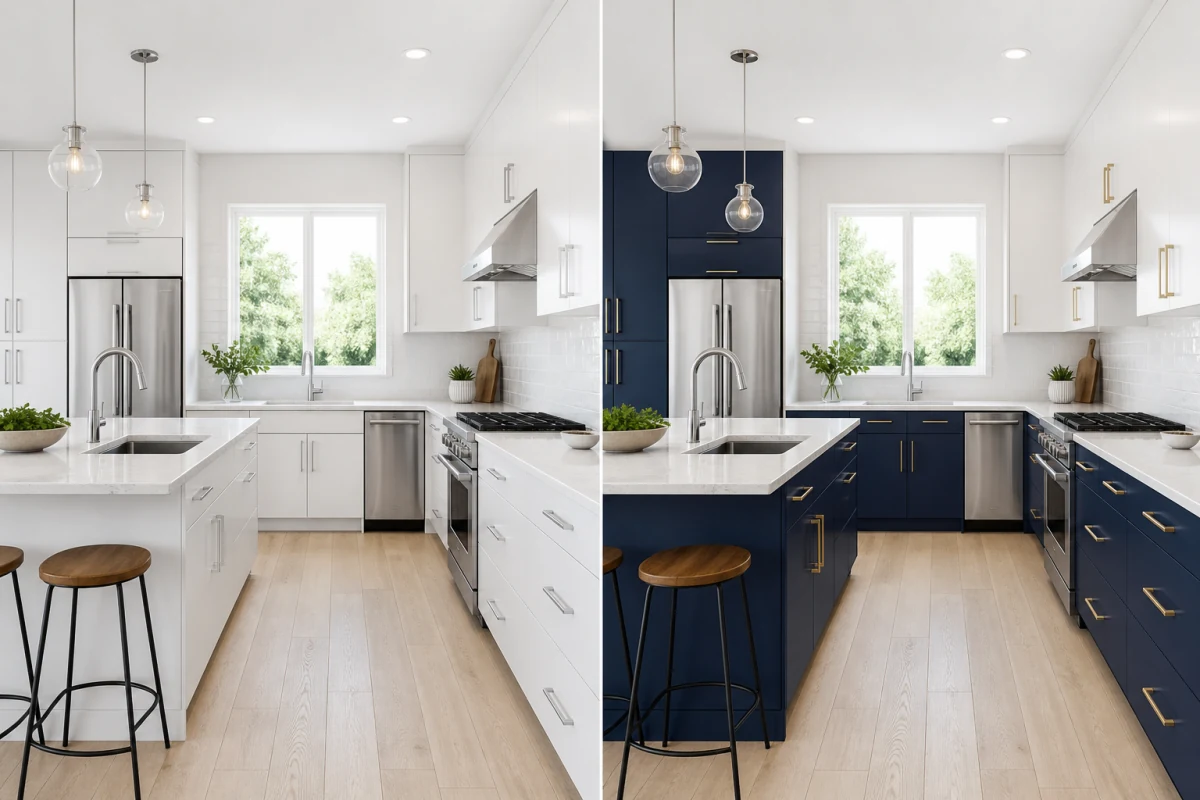
Compare different pool shapes and surrounds in photographs of existing backyards.
A small rectangular pool explores the open lawn beside an existing pergola. The house, seating area and garden boundaries remain the starting point.
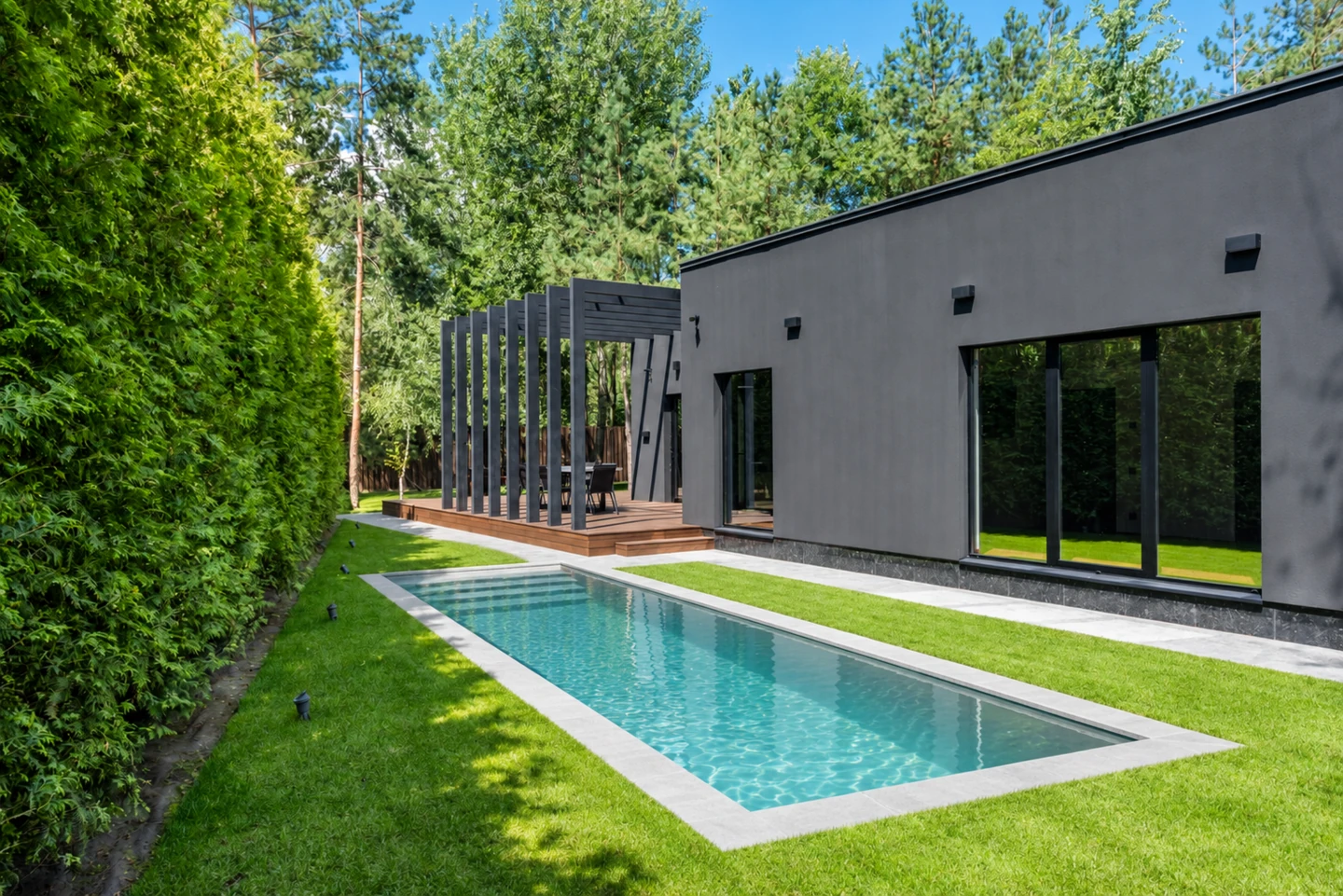
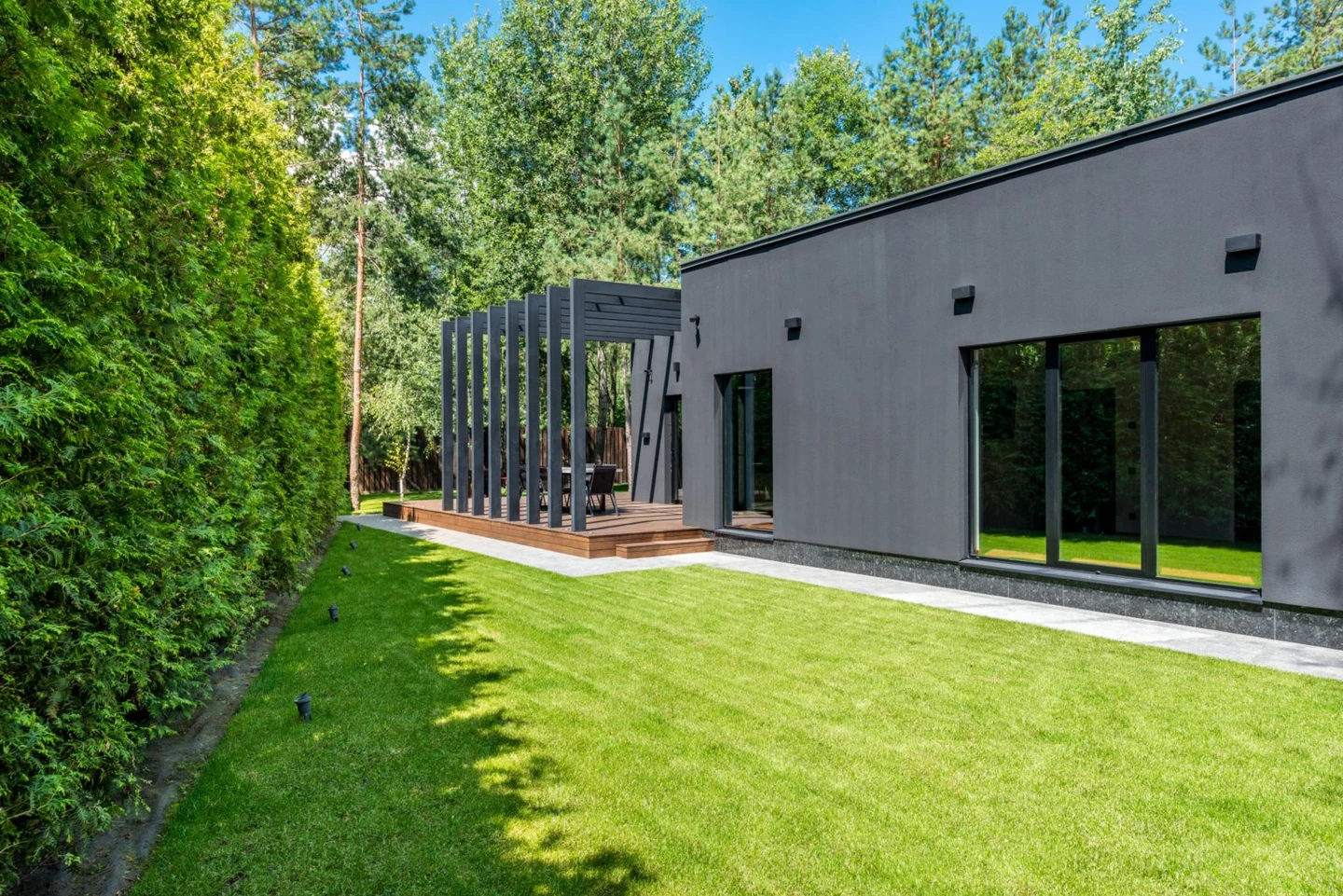
A straight pool and restrained concrete surround follow the long garden. The existing facade, hedge and terrace keep the concept connected to the original yard.
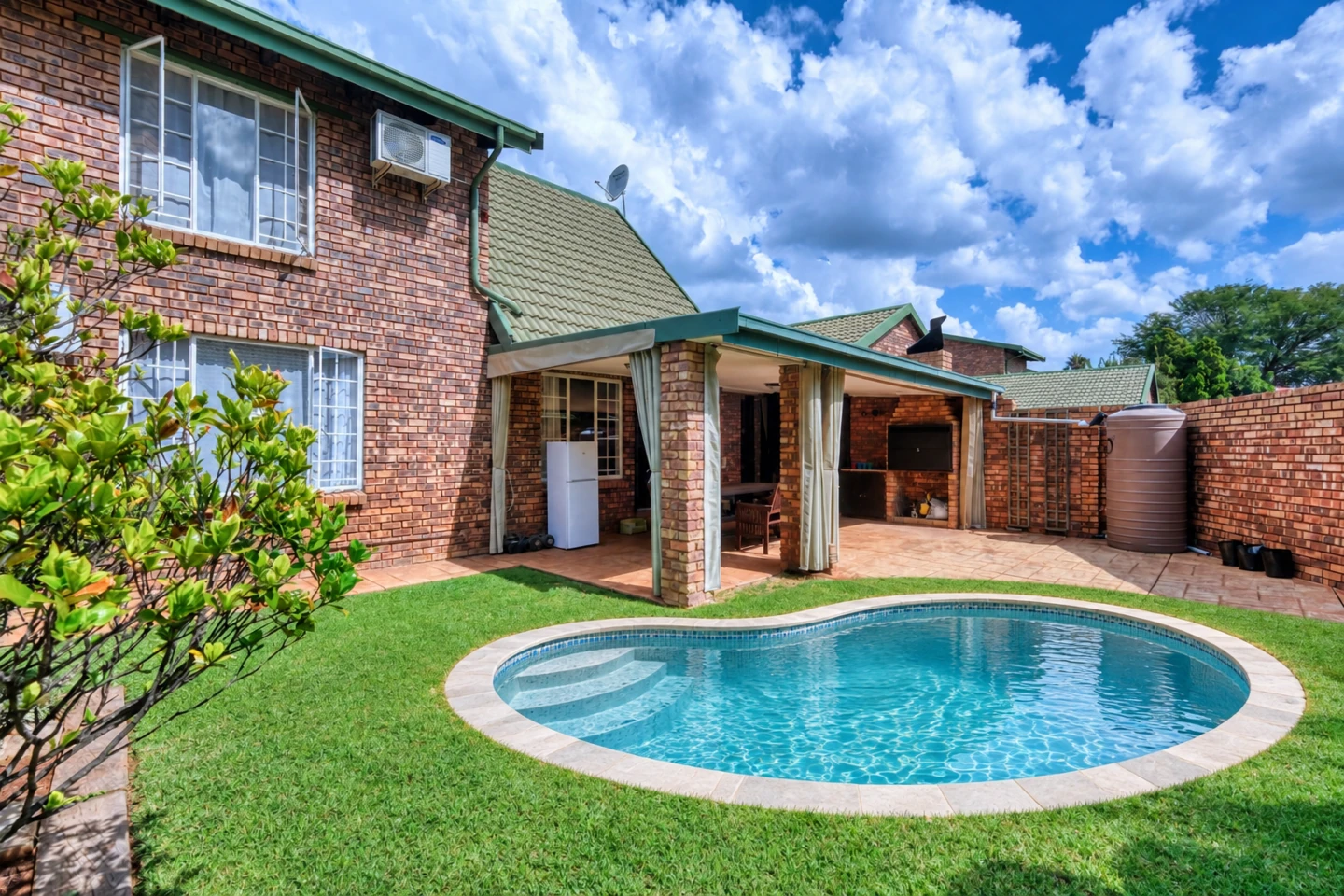
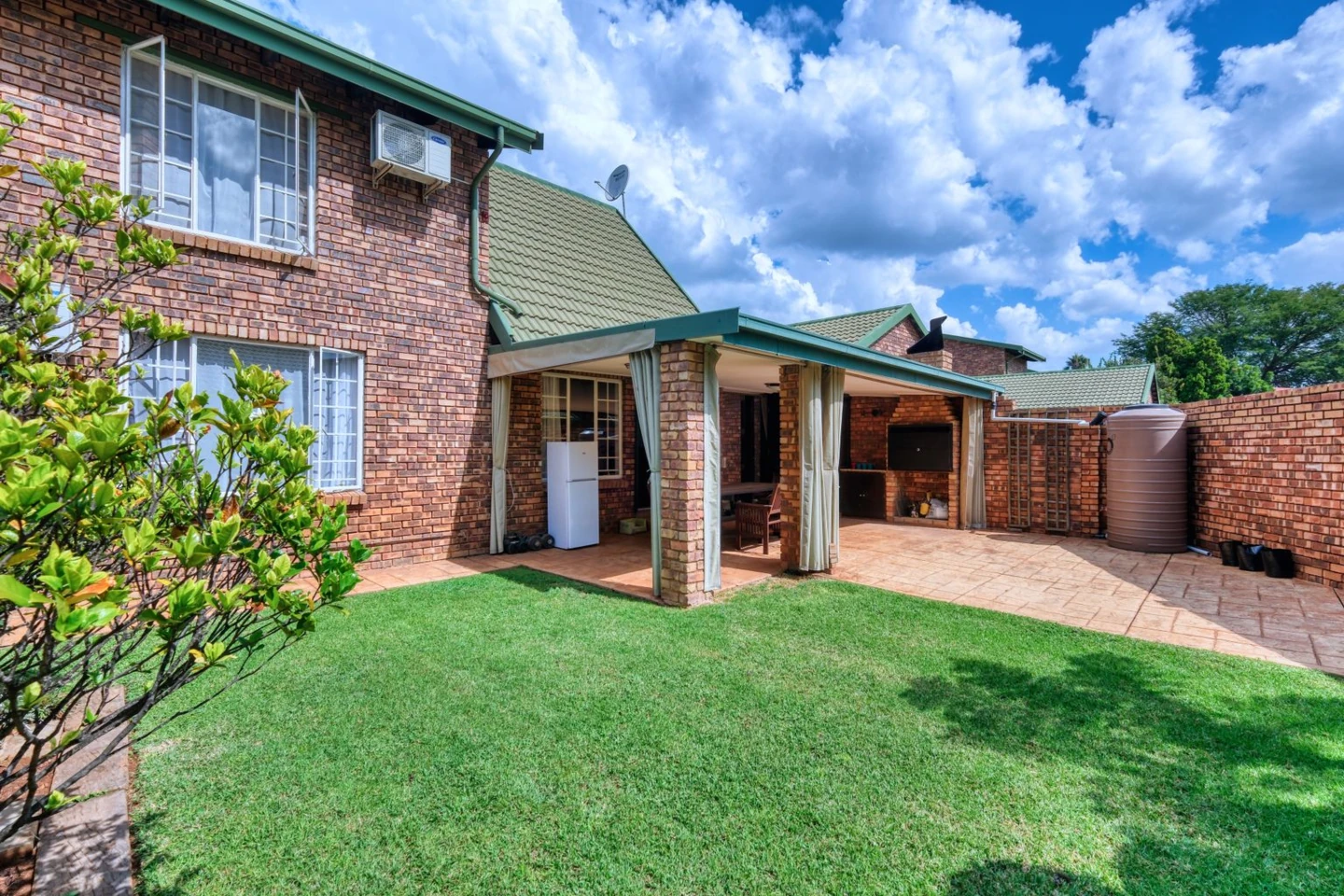
A compact freeform pool introduces organic curved edges beside the covered patio while preserving open lawn and garden beds.
Start with your existing house, patio and garden rather than a blank canvas.
Choose rectangular, rounded rectangle or freeform. See how the outline relates to the patio and the open ground in your photo.
Select a compact plunge pool or a family-sized layout to visualize how the water footprint balances with your lawn, patio, and outdoor living areas.
Try light stone, concrete pavers or timber decking around the pool. Keep the comparison focused on the pool and its immediate surround.
Turn a broad idea into something you can compare and discuss.
Try a smaller visual footprint while retaining some lawn. Use the result to discuss priorities before a professional checks usable space.
Generate separate concepts from the same photo to see which outline sits more naturally beside an existing patio or garden.
Bring your original photograph and preferred concept to a qualified designer. Ask them to verify measurements, ground conditions, access and safety provisions.
Use a clear JPG, PNG or WebP showing the ground, house and boundaries. A wide view from ground level gives more context than a tight crop.
Pick a pool shape, relative footprint and edge material. In Details, describe the intended area or a path that must stay clear.
Sign in and check the displayed credit cost. Compare realistic pool concepts with your original yard, then use your preferred direction to consult a builder.
Yes. Upload a photo of your yard, select your preferred shape, size, and surround material, and generate a realistic pool concept that blends naturally with your landscape.
You can choose from classic rectangular, soft rounded rectangular, or organic freeform pool outlines, with scalable footprints tailored to plunge pools or larger family yards.
The tool is designed to preserve them while changing the pool area. AI can still alter small details or misjudge space, so compare the original carefully. Try a wider photo or a more specific placement note if needed.
Yes. In the Details field, specify where you want the pool positioned, such as in the central lawn, tucked into a corner, or aligned directly alongside the patio.
This page is set up to add a new pool concept to open ground. Pool removal, exact pool resurfacing and detailed construction changes are outside this version's scope. For broader garden ideas, use Landscape Design. Explore landscape design
Yes. The generated images serve as an ideal visual brief to share with landscape architects and pool contractors to communicate your desired shape, coping, and placement.
Browsing the examples and choosing settings does not require payment. Generating an image uses ImagineMyHouse credits at the cost shown in the tool. View pricing