Preserve source composition
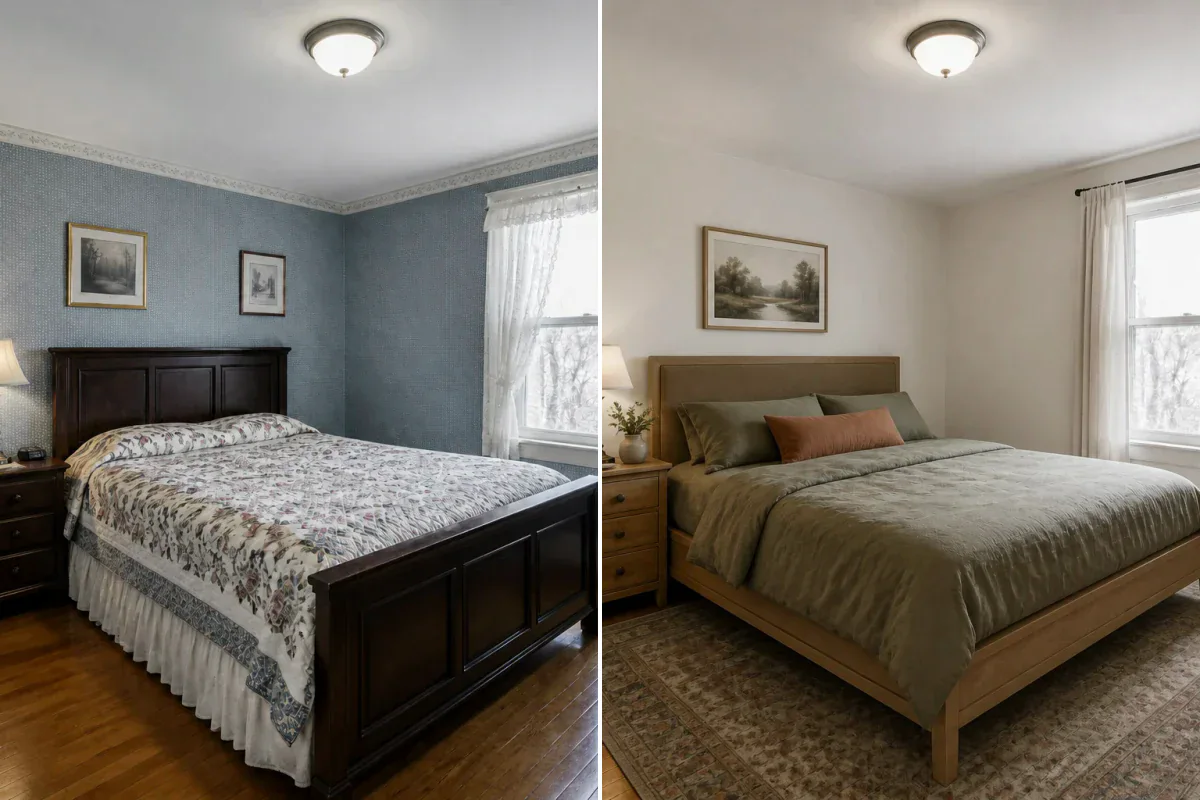
Your source photo anchors the camera angle, walls, windows and spatial proportions while the reference guides the new visual treatment. Compare important details with the original before choosing a design.
Upload your room photo, add a reference image you love, and see its materials, color palette, lighting, and furniture language reimagined while keeping your room layout recognizable. No preset style lists, and no need to describe what is easier to show.
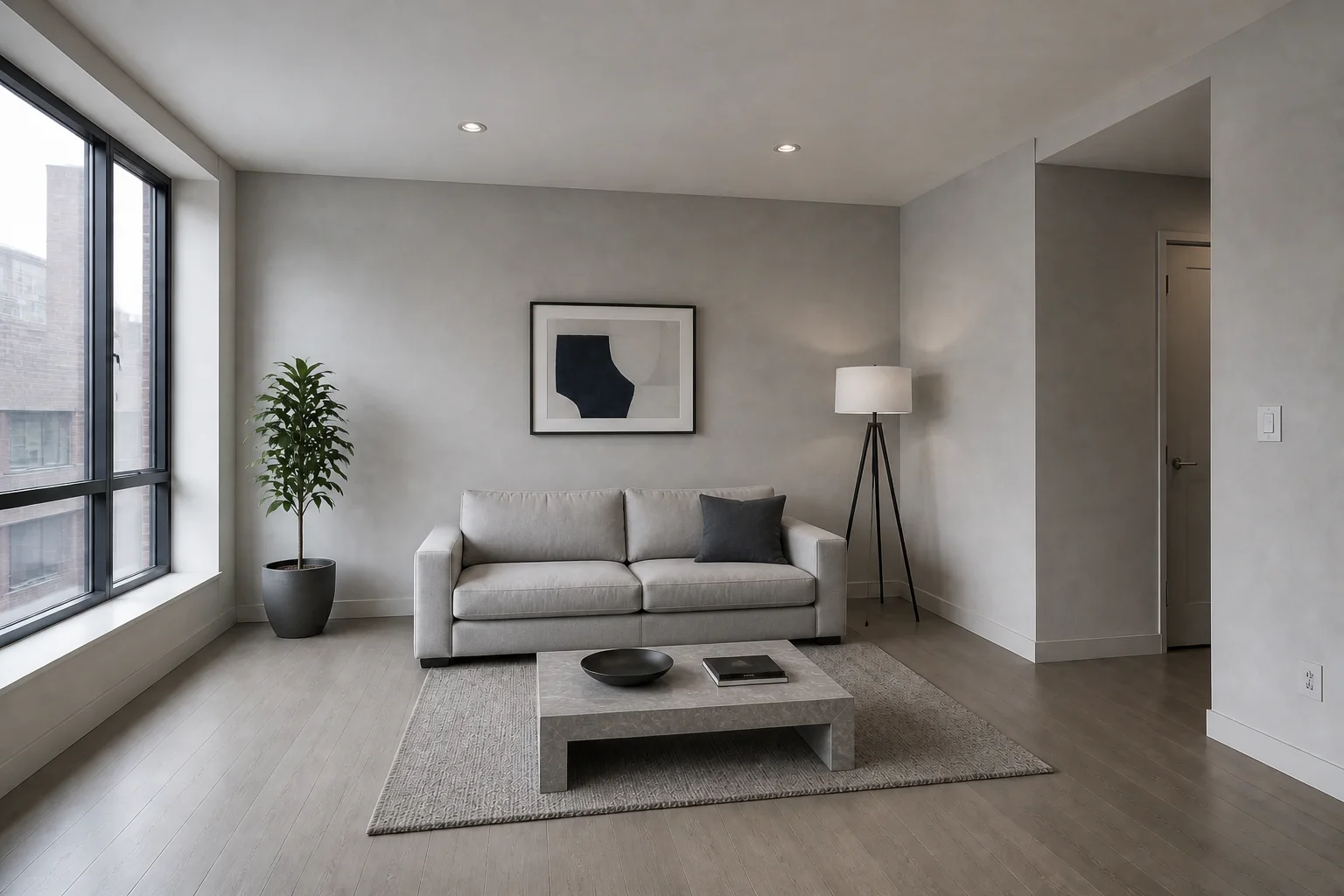
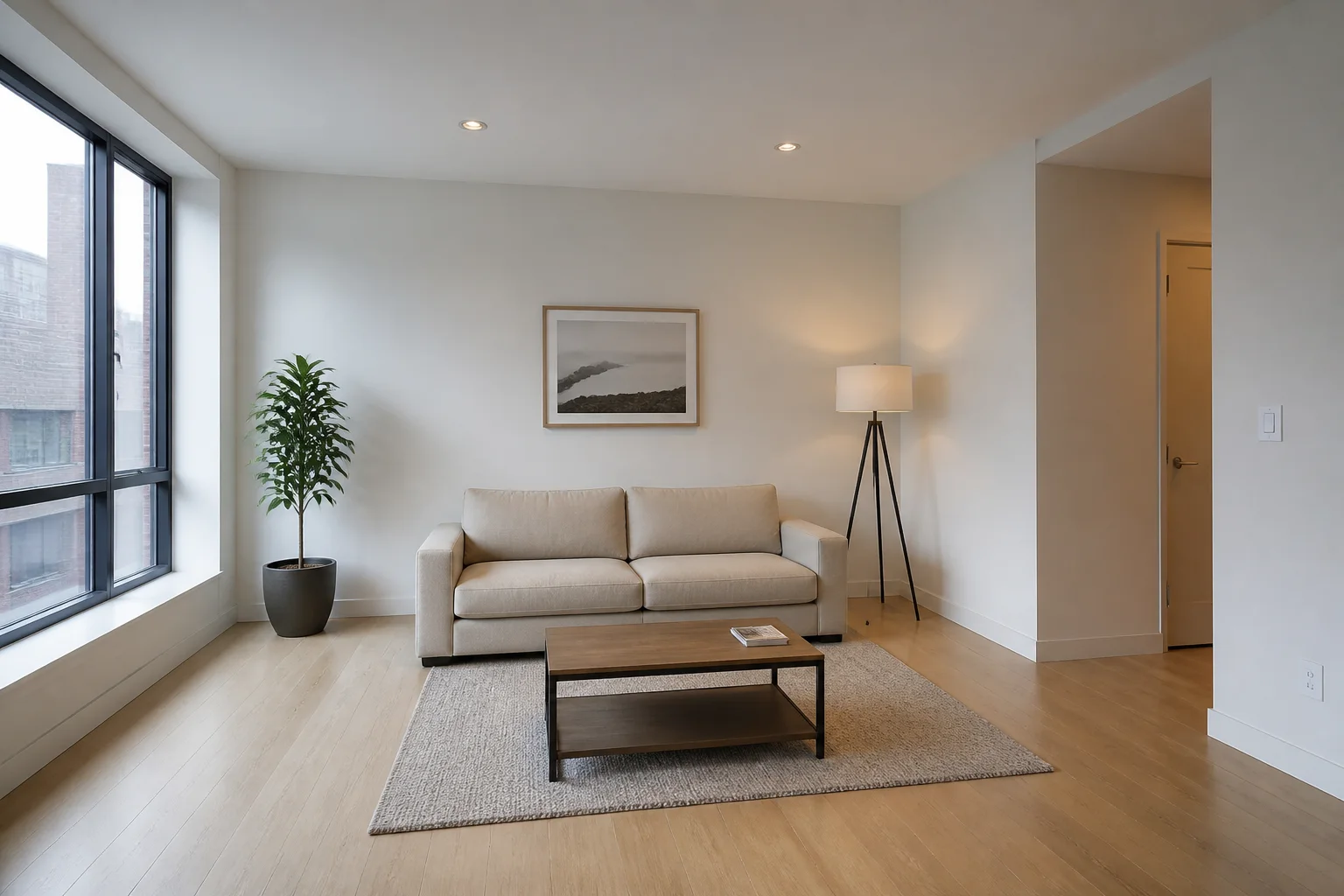
The source image and reference image have different jobs, allowing you to explore bold new aesthetics without losing the space you started with.
Your source photo anchors the camera angle, walls, windows and spatial proportions while the reference guides the new visual treatment. Compare important details with the original before choosing a design.
Use any room photo, mood board, or architectural render to communicate materials, color palette, furniture language, decor, and lighting atmosphere.
Choose subtle, balanced, or strong impact depending on whether you want a soft seasonal refresh or a completely different design direction.
Reference-guided AI style transfer turns visual inspiration into a practical design conversation around your actual space.
You are not limited to labels such as modern, coastal, or Japandi. If you can upload or photograph the look, you can explore it.
Translate a mood board or hero reference into the client's own room before committing to samples, finishes, or custom furniture.
A fixed, recognizable camera perspective makes it effortless to judge how the new palette, finishes, and design language transform the existing space.
Transform Pinterest pins, magazine screenshots, and saved inspiration photos into actionable design directions instead of leaving them on a mood board.
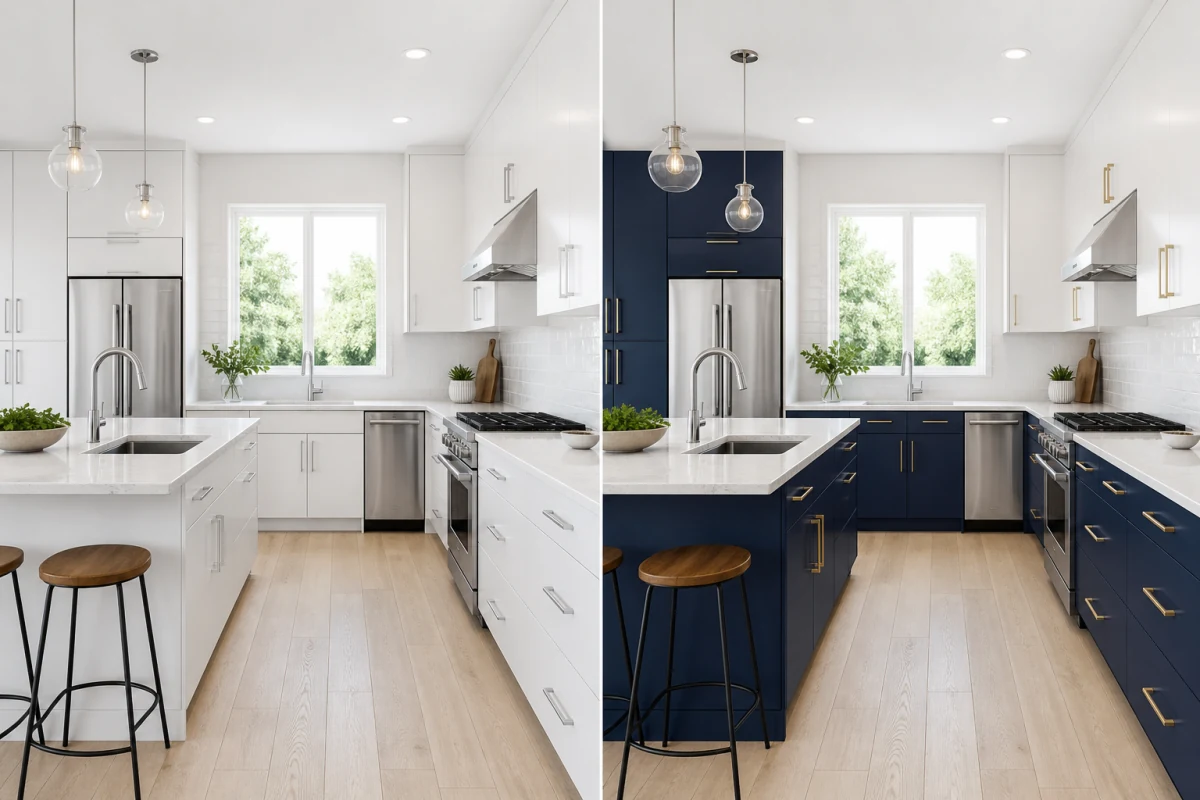
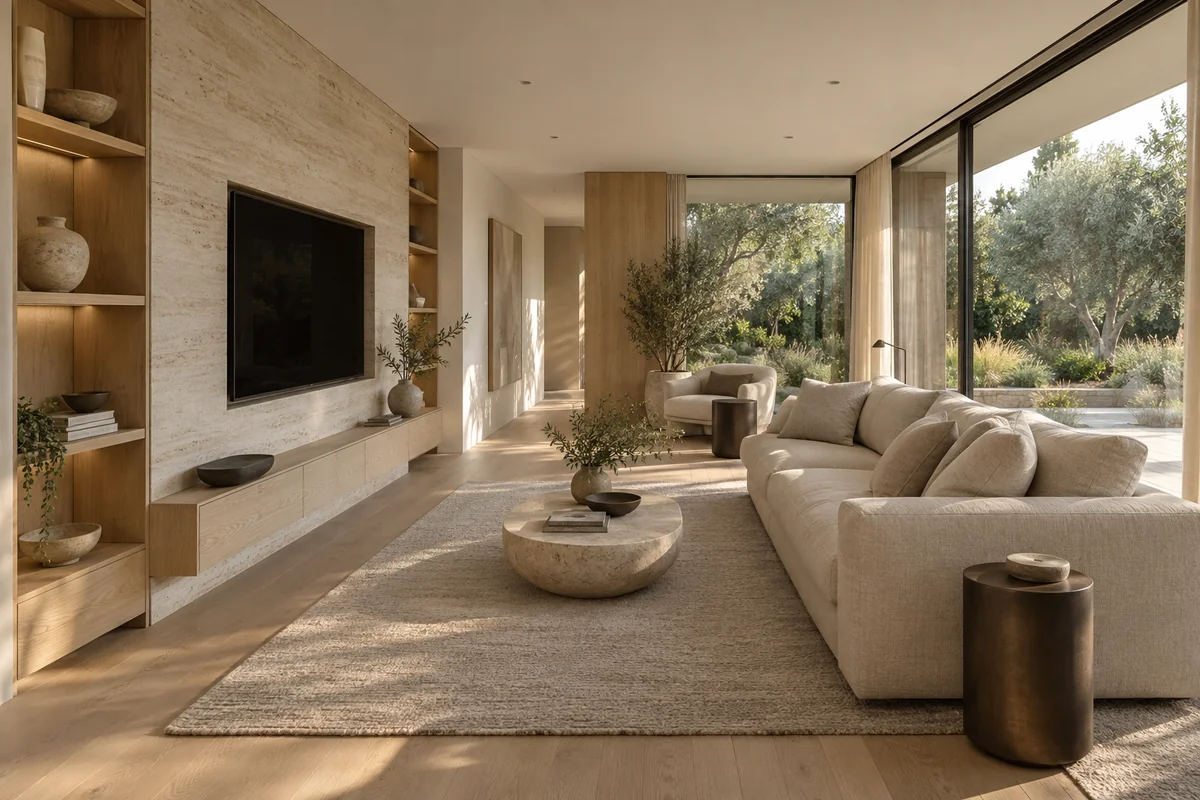
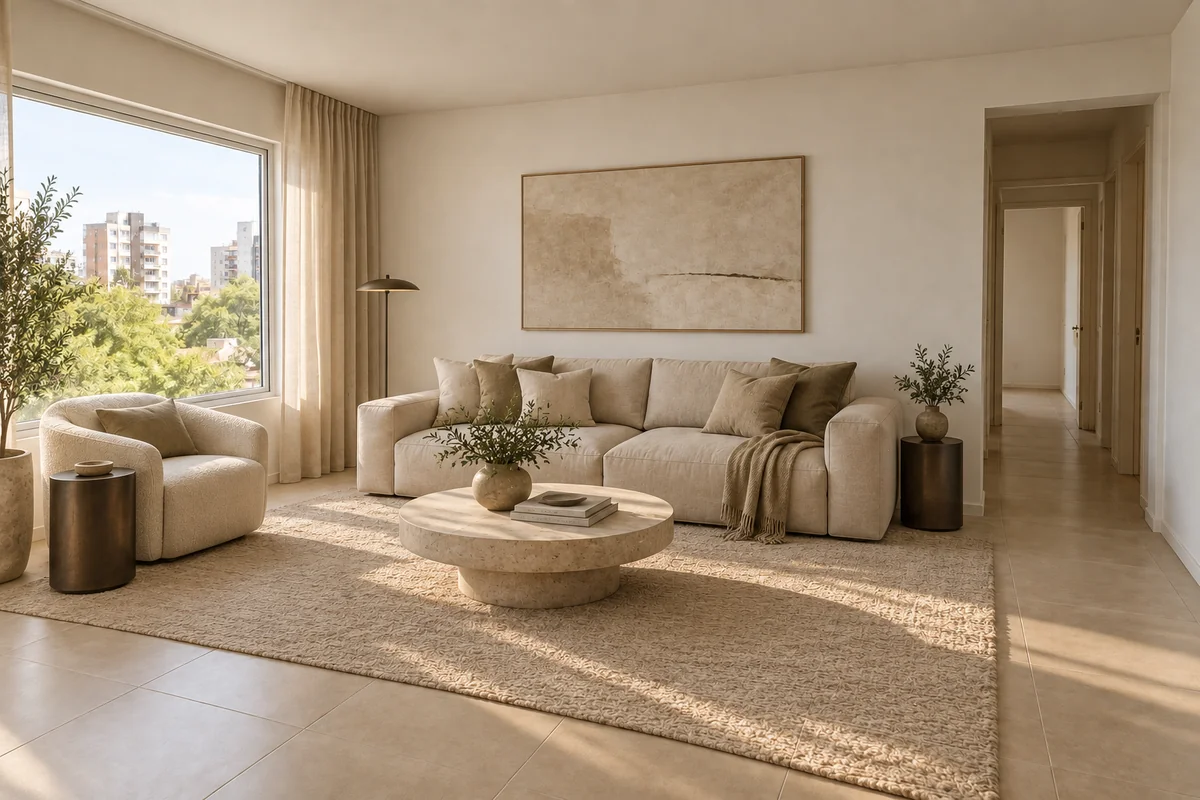
Borrow cool mineral tones, textured stone, and smoked oak from an inspiration photo—updating surfaces and seating without altering your room's architectural footprint.
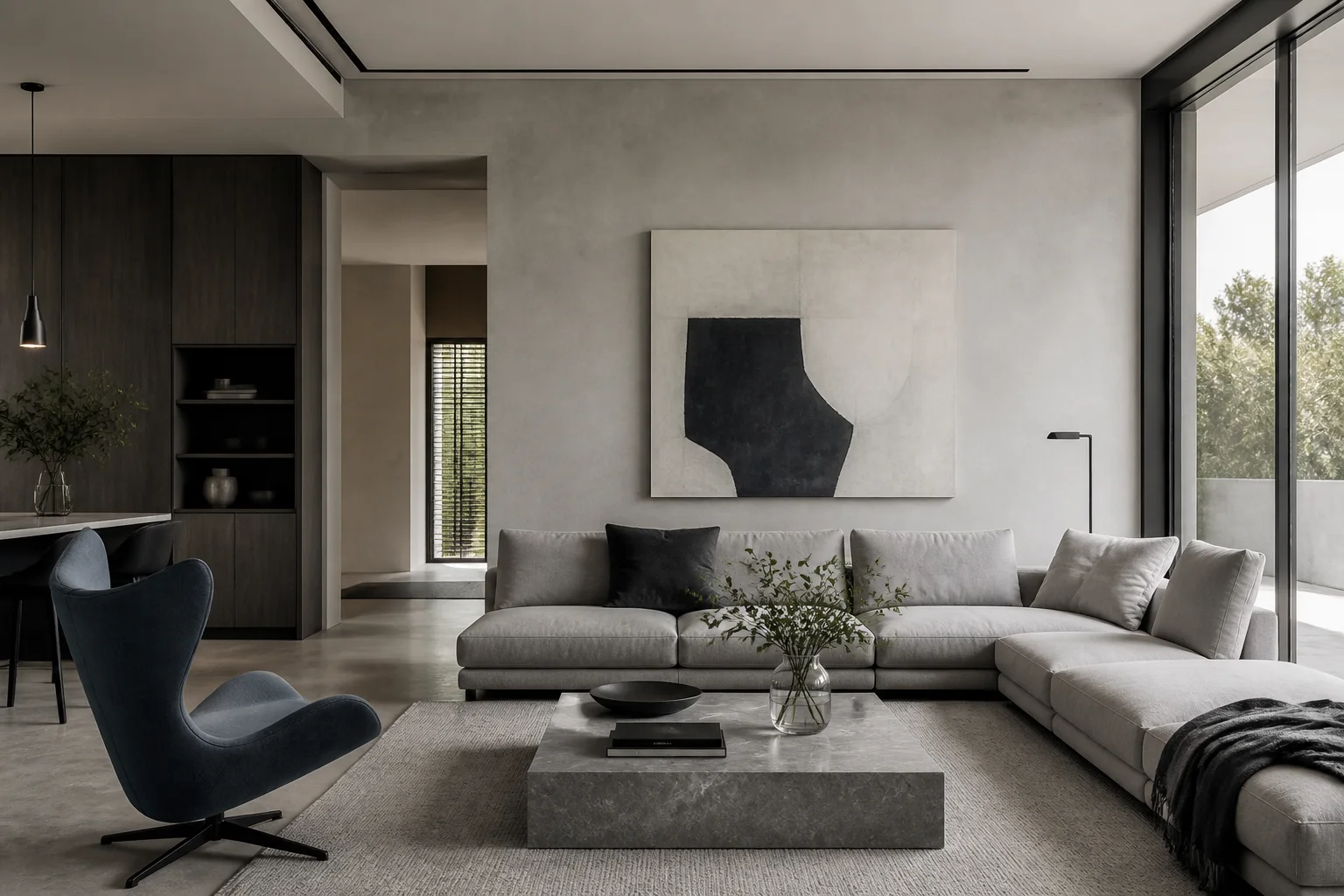
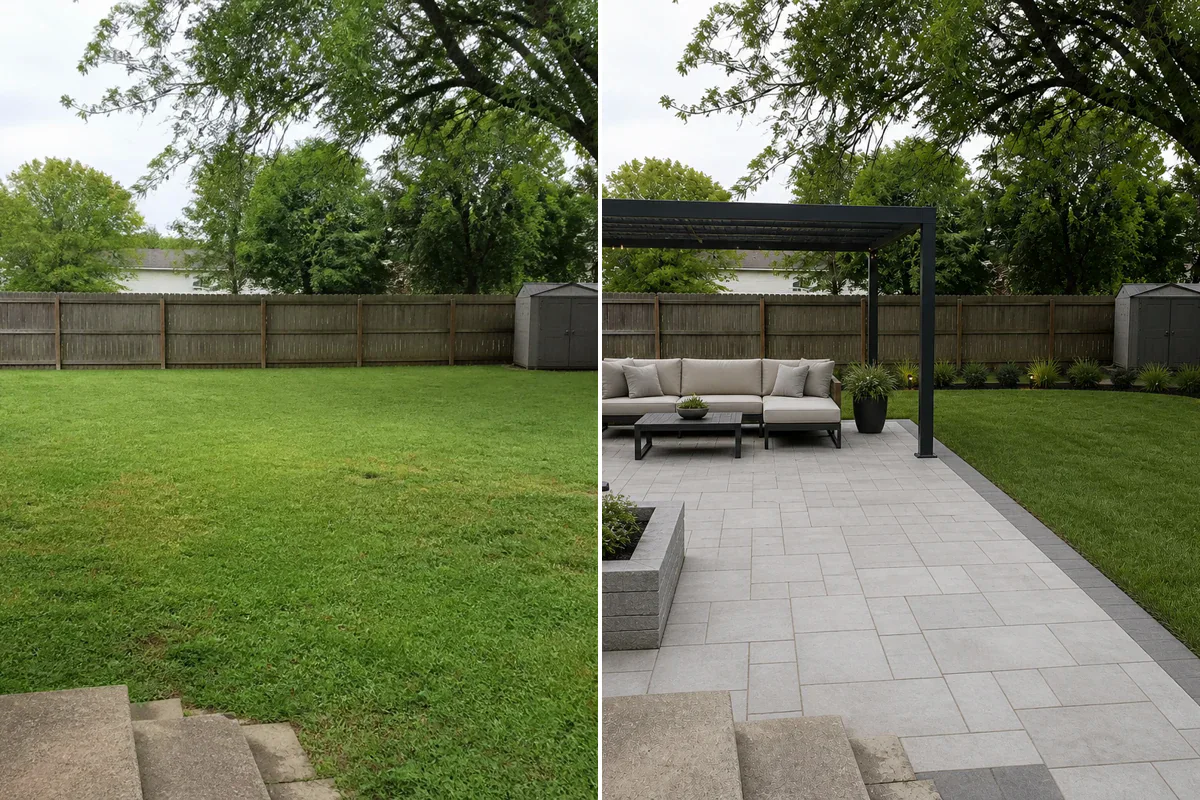
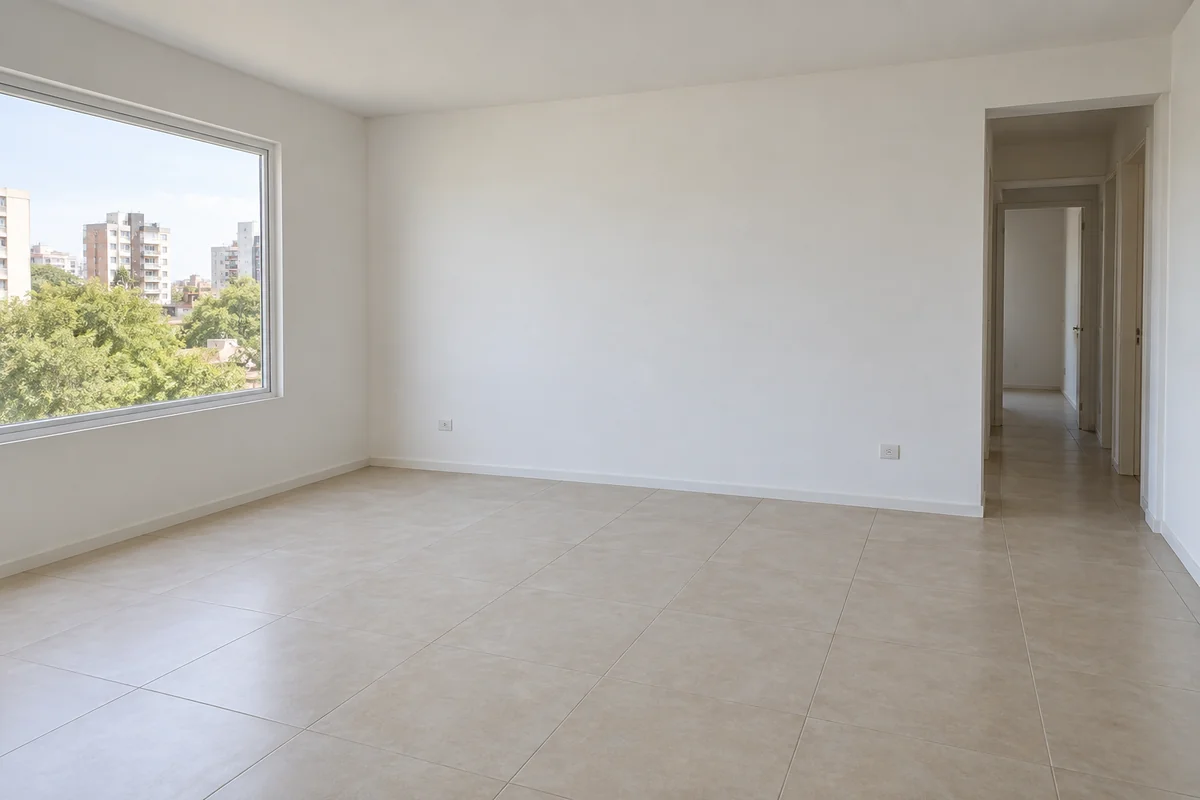
Turn a bare space into a fully furnished concept. Cream upholstery and natural wood fill the room naturally, leaving doorways and hallway circulation completely unobstructed.
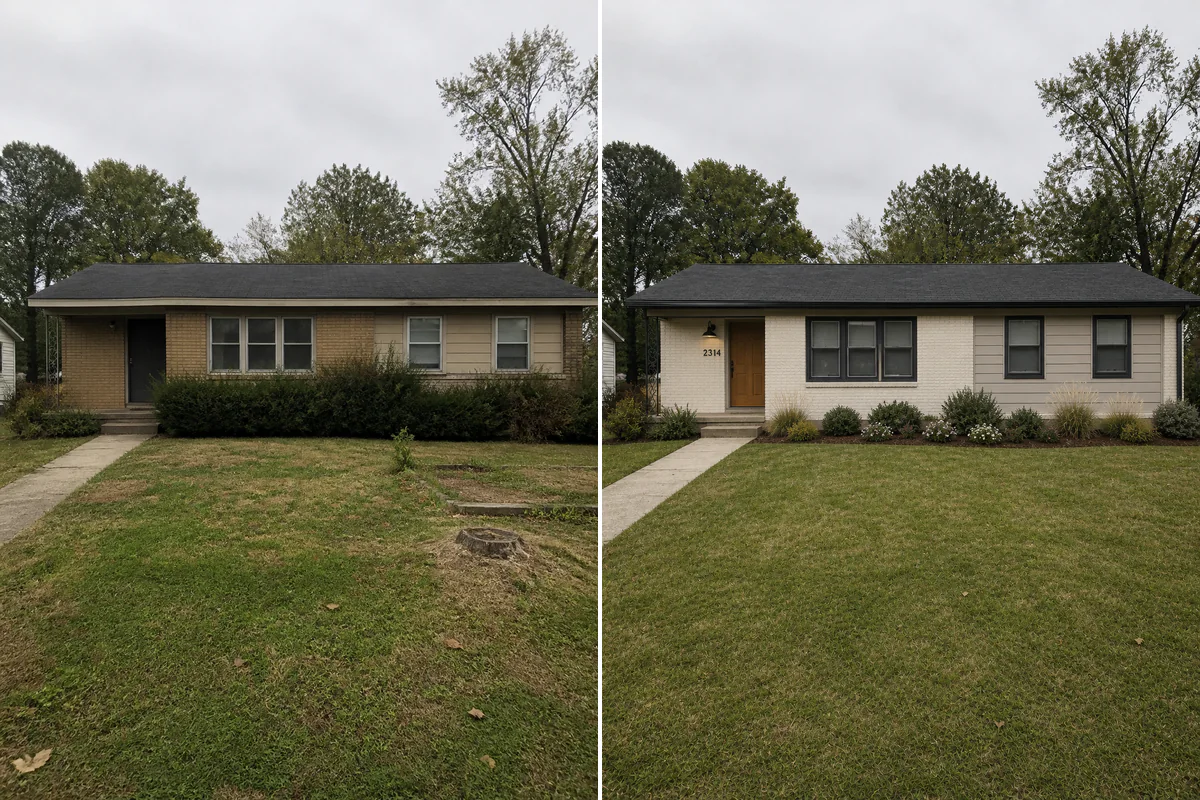
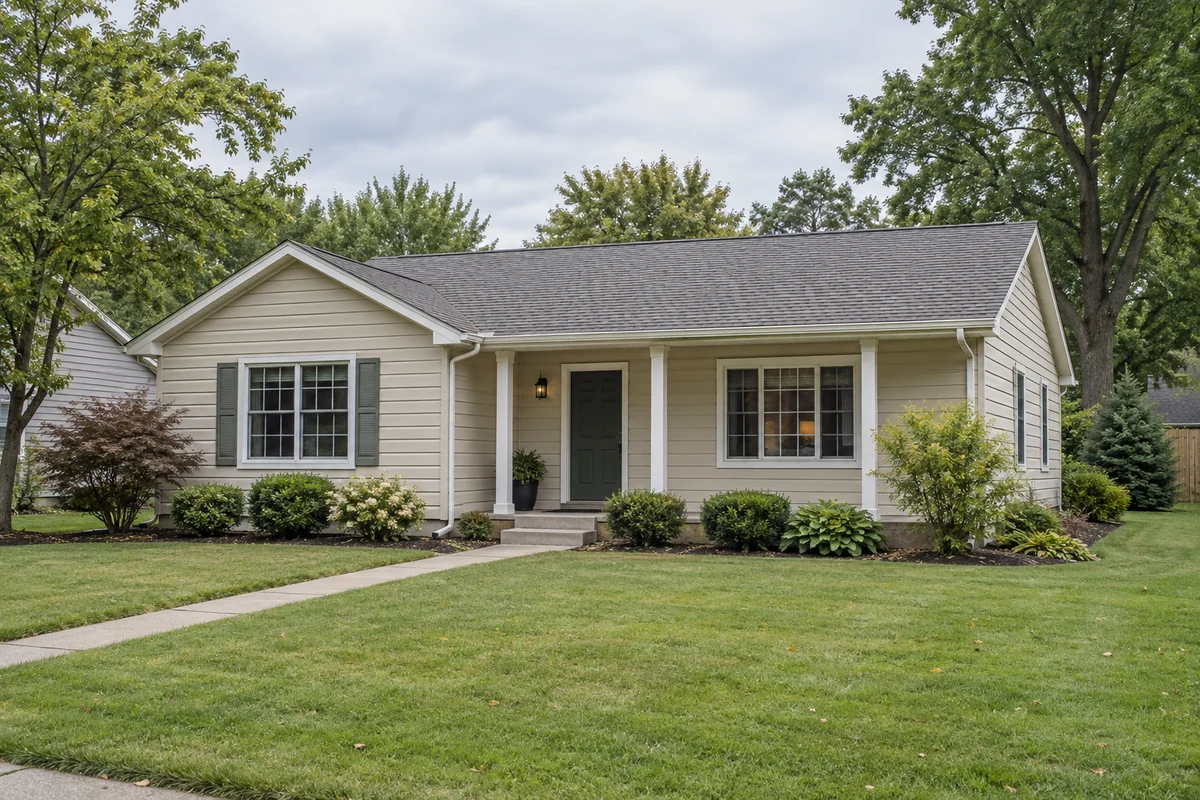
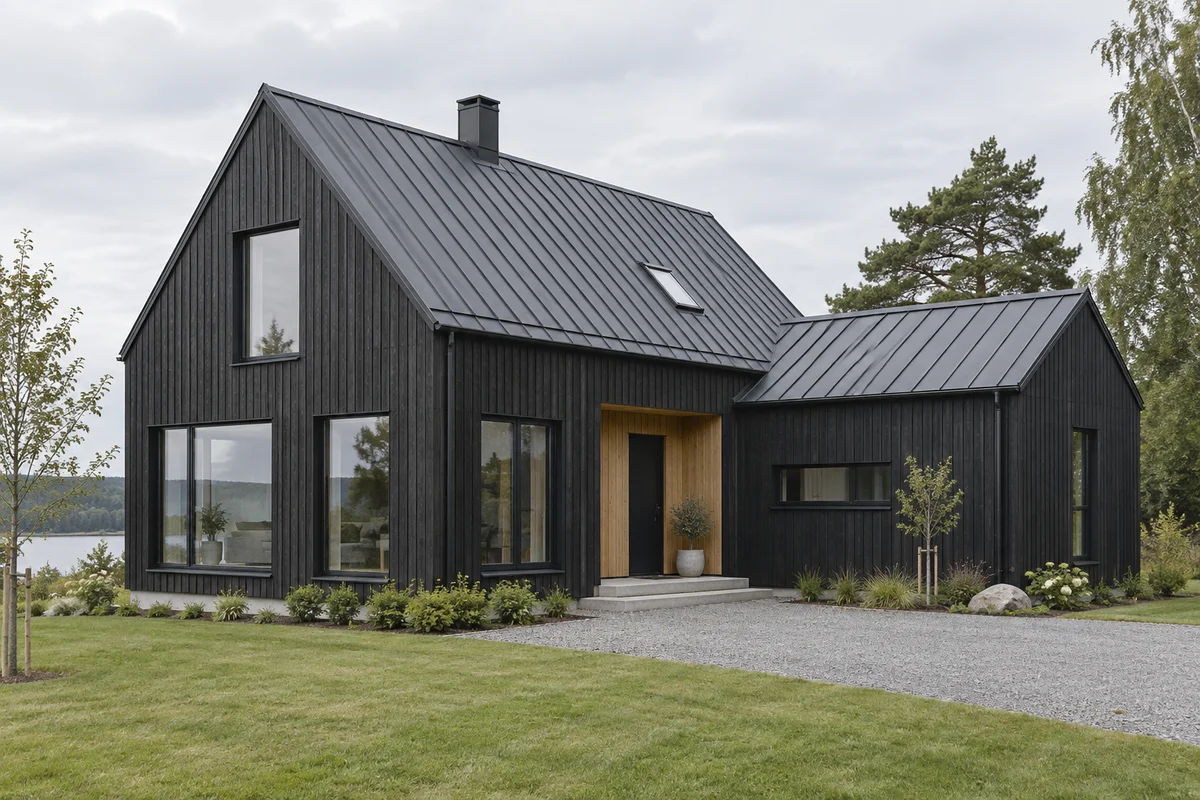
Swap dated horizontal siding for vertical charcoal timber and a standing-seam metal roof. Explore modern Scandinavian finishes while locking in the original roofline, porch, and window placements.
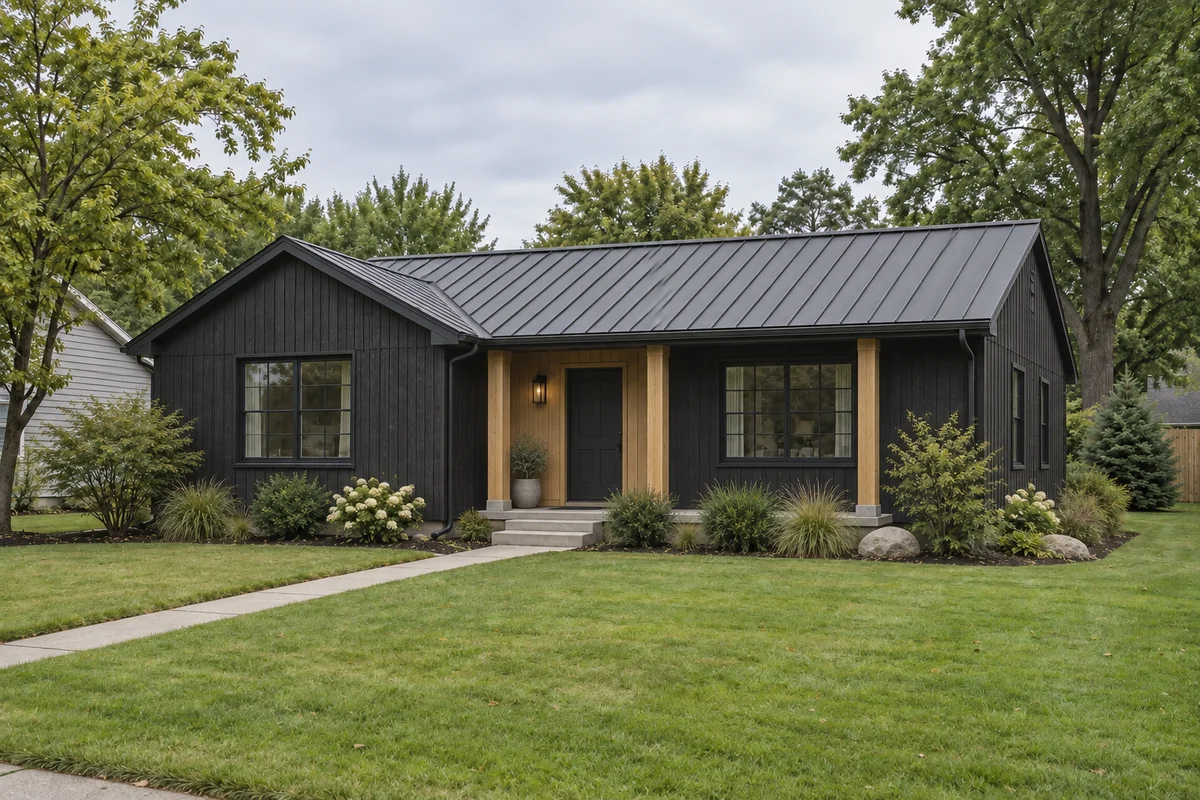
Use reference image style transfer anywhere the exact character and atmosphere of an inspiration image matters.
Test whether the dream room you saved online actually works with your home's proportions, natural lighting, and architectural layout.
Apply a chosen design language across client photos, early concepts, or 3D renders to compare directions before detailed production.
Explore campaign-ready atmospheres for listings, rental properties, hotels, and restaurants while keeping each space authentic.
Choose a clear room, exterior, or architectural photo with defined surfaces and readable lighting. This image dictates the physical composition.
Upload a second image with the materials, palette, furniture language, or mood you want. It does not need to show the same layout or room type.
Choose subtle, balanced, or strong transfer, add optional custom notes for details to borrow or protect, then compare and download your results.
It uses your room photo as the structural foundation and a second image as the visual reference. ImagineMyHouse is designed to keep the source room layout and architecture recognizable while borrowing the reference image's materials, color palette, furniture language, decor, and lighting atmosphere.
Preset style tags compress complex design choices into broad labels. A reference image allows you to communicate the exact combination of texture, color harmony, styling, and atmosphere you want, including bespoke looks that do not fit into generic categories.
Your source photo guides the camera angle, walls, windows and spatial proportions; the reference provides materials, colors and furniture styling. The tool aims to adapt that style to your space rather than copy the reference floor plan. Some details can change, so compare openings and important features with the original.
Choose a clear, high-quality photo where the desired textures, colors, furniture forms, and lighting are easy to distinguish. A focused, coherent image produces a much more intentional design than a cluttered collage.
Yes. You can borrow the palette and material language of a luxury hotel lobby for your living room, or use a boutique cafe photo to inspire your kitchen finishes. Any image with rich aesthetic details works.
Subtle asks for a lighter change to palette, finishes and furniture character. Balanced asks for a clearer restyle, while Strong explores more of the reference's material and furniture language. All three use your source space as the starting layout. The amount of change varies with the images, so compare results to find the right balance.
Yes. Use the Details field to specify exact preferences—such as keeping your original hardwood floor, borrowing only the color palette, or excluding specific materials.
Yes. When signed in, all your generations are automatically saved to your private Design History. You can view, compare, and download high-resolution results at any time, and failed attempts are automatically refunded.
It can. When your source is an empty room and your reference includes furniture, the tool can propose a furnishing scheme for the visible space. An already furnished room is restyled around its main functional areas. Add notes about furniture you want to keep, or ask to keep the room empty when exploring finishes. For furnishing-focused concepts, try AI virtual staging.
Yes. Use your house photo as the source and an exterior reference to explore siding, stone, timber, trim colors and architectural mood. Your original building provides the starting form. Compare rooflines, windows and entry access with your photo before choosing ideas to take further. For garden layouts and planting ideas, explore AI landscape design.