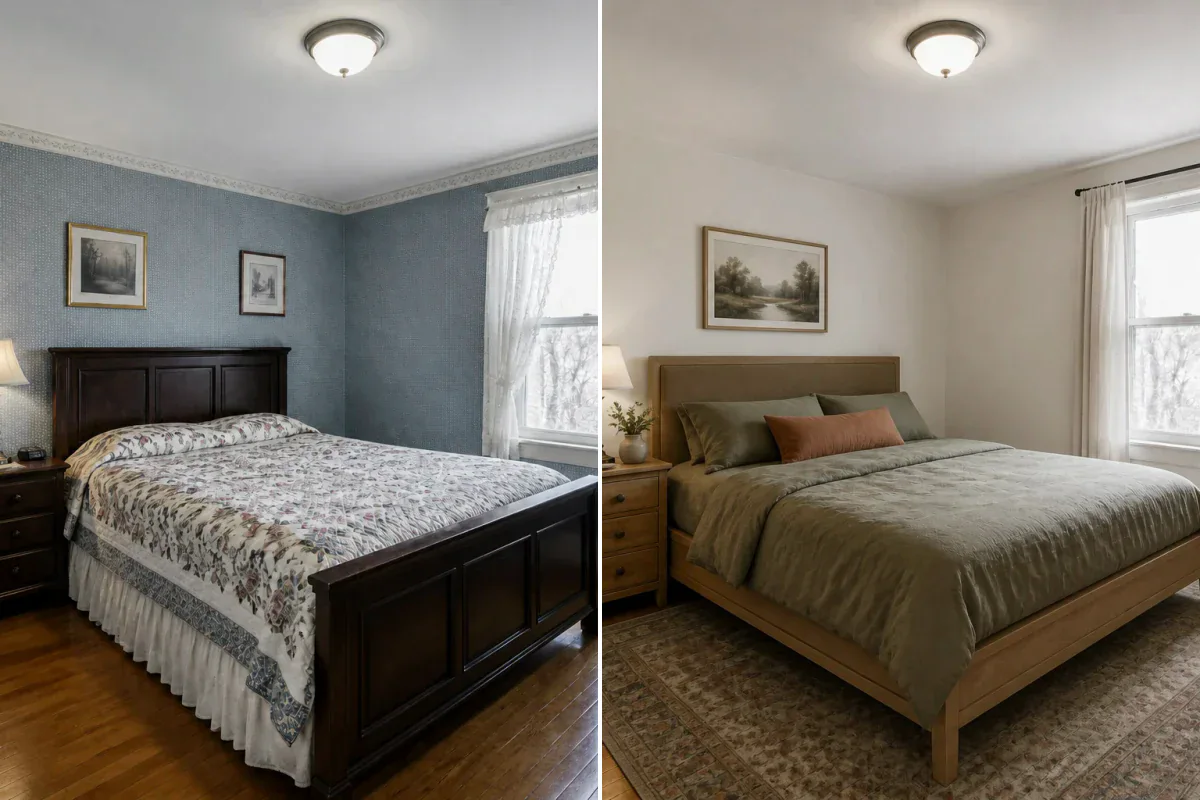
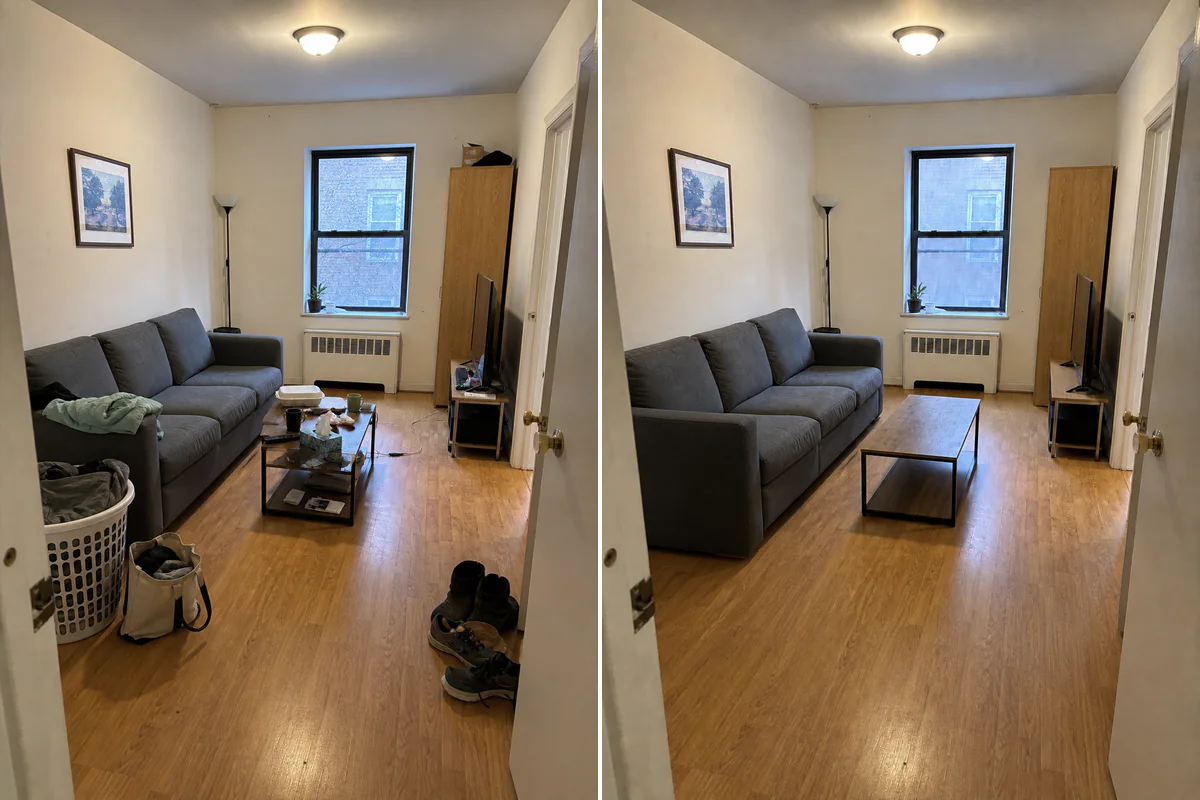
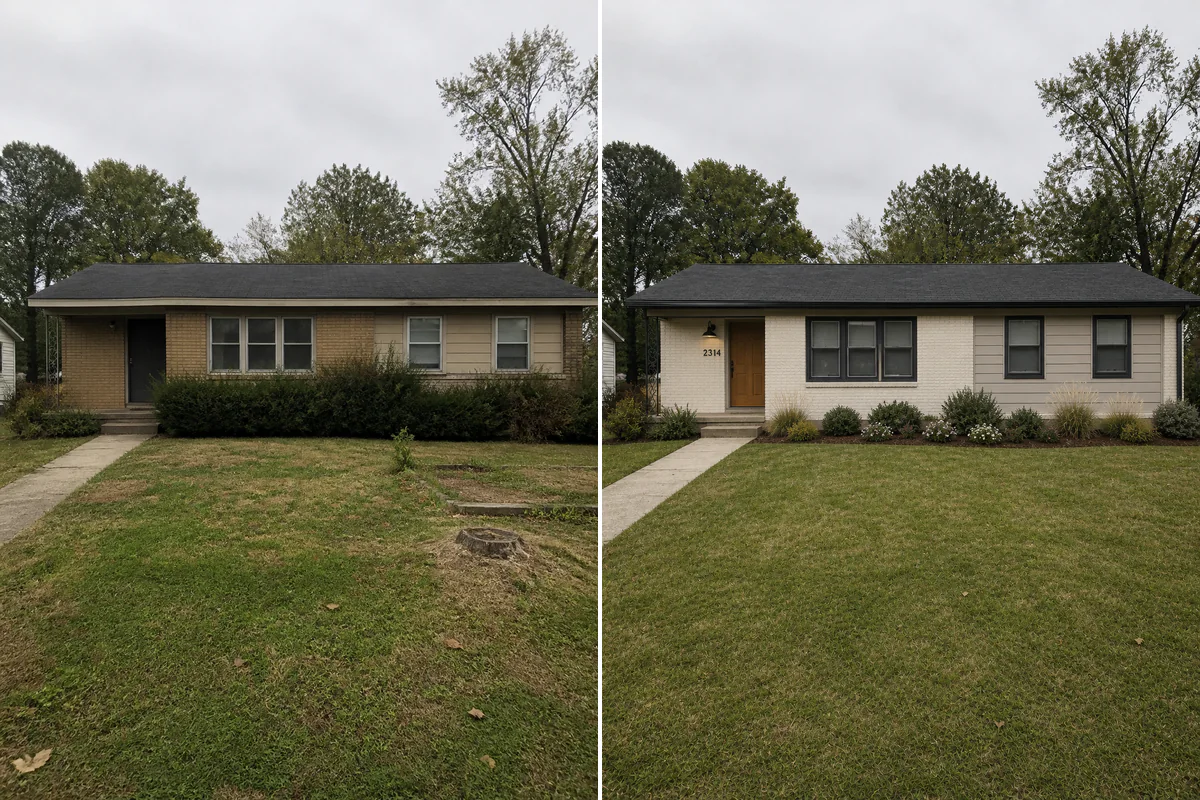
Colors, Finishes & Materials
Change kitchen cabinet colors, wall paint, tile patterns, hardwood flooring tones, or countertop textures.
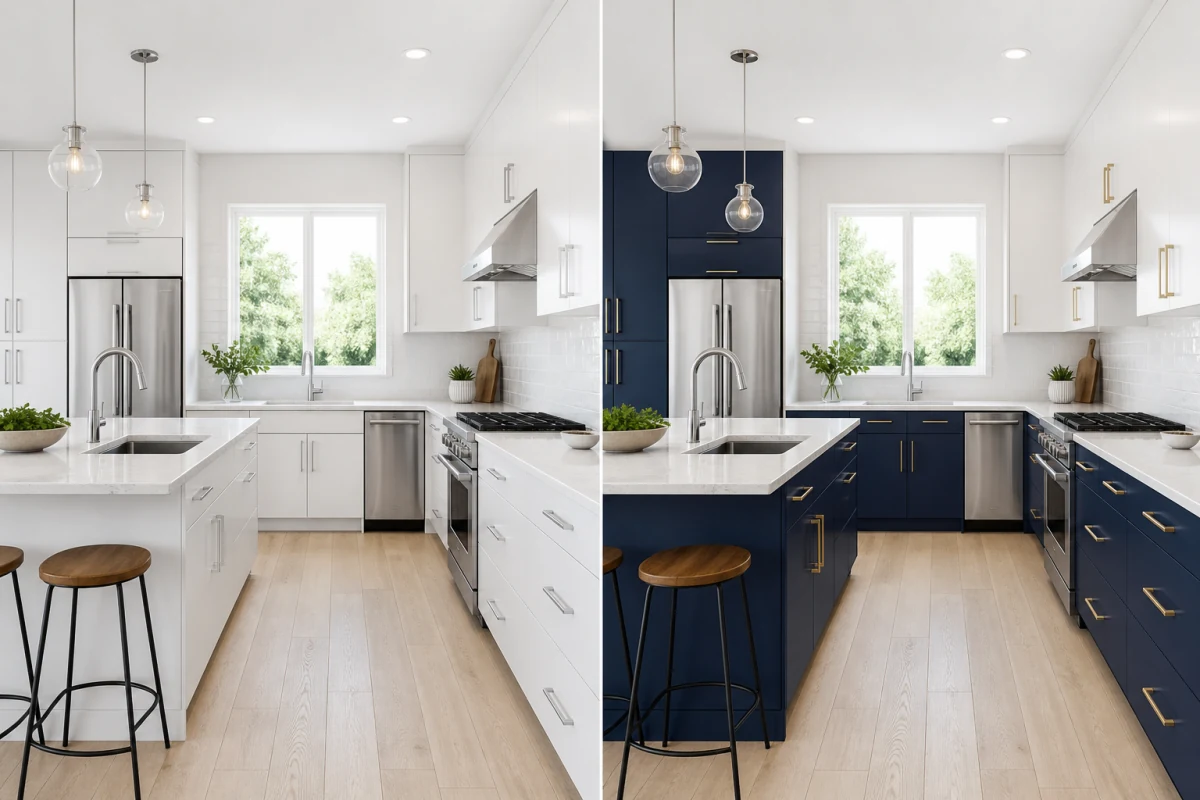
Use natural language instructions to test custom wall colors, cabinet finishes, furniture pieces, or ambient lighting on your room photo.
Edit room photo nowSpecify exact changes and architectural constraints using plain English instructions.
Change kitchen cabinet colors, wall paint, tile patterns, hardwood flooring tones, or countertop textures.
Request modern pendant lights, a different couch color, new curtains, or specific decor styles while keeping the overall room layout.
Take any generated concept and continue fine-tuning details until your vision is complete.
When presets aren't specific enough, custom text editing gives you precise creative control.
Preview navy kitchen cabinets, sage green bedroom walls, or warm oak flooring before buying paint or ordering materials.
Keep a generated design direction you love while making small follow-up adjustments like changing light fixtures or adding artwork.
Create exact visual references for contractors, painters, cabinet makers, or clients.
Select a clear photo of the room or a previously generated design concept.
Write a clear, concise instruction stating what to add, change, or preserve (e.g. 'Make kitchen cabinets matte black, keep white marble counters').
Instantly preview your customized room edit, refine if needed, and save your results.
You can request changes to cabinet colors, wall paint, flooring materials, lighting fixtures, furniture colors, window trims, and decor.
Keep prompts clear and direct. Name the primary change first, followed by any key items to retain (e.g., 'Change sofa to cognac leather, keep wood floor').
Yes! You can take any design generated in ImagineMyHouse and use the AI Room Editor to refine specific details step by step.
Yes. The AI targets your requested edit while preserving the surrounding room geometry, camera angle, and unmentioned features.
Use them to select paint colors and material samples, order furniture, or brief interior designers and contractors.