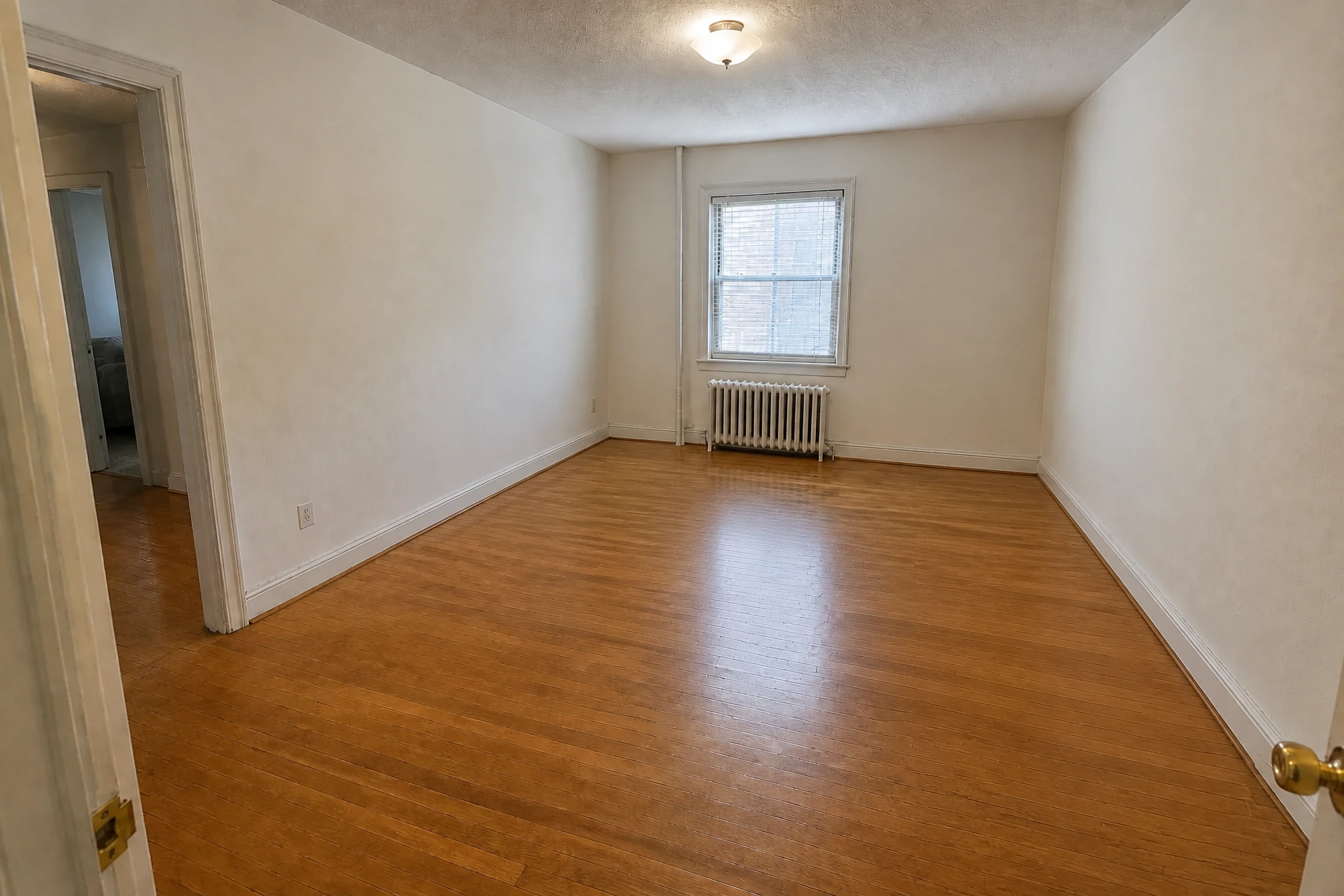
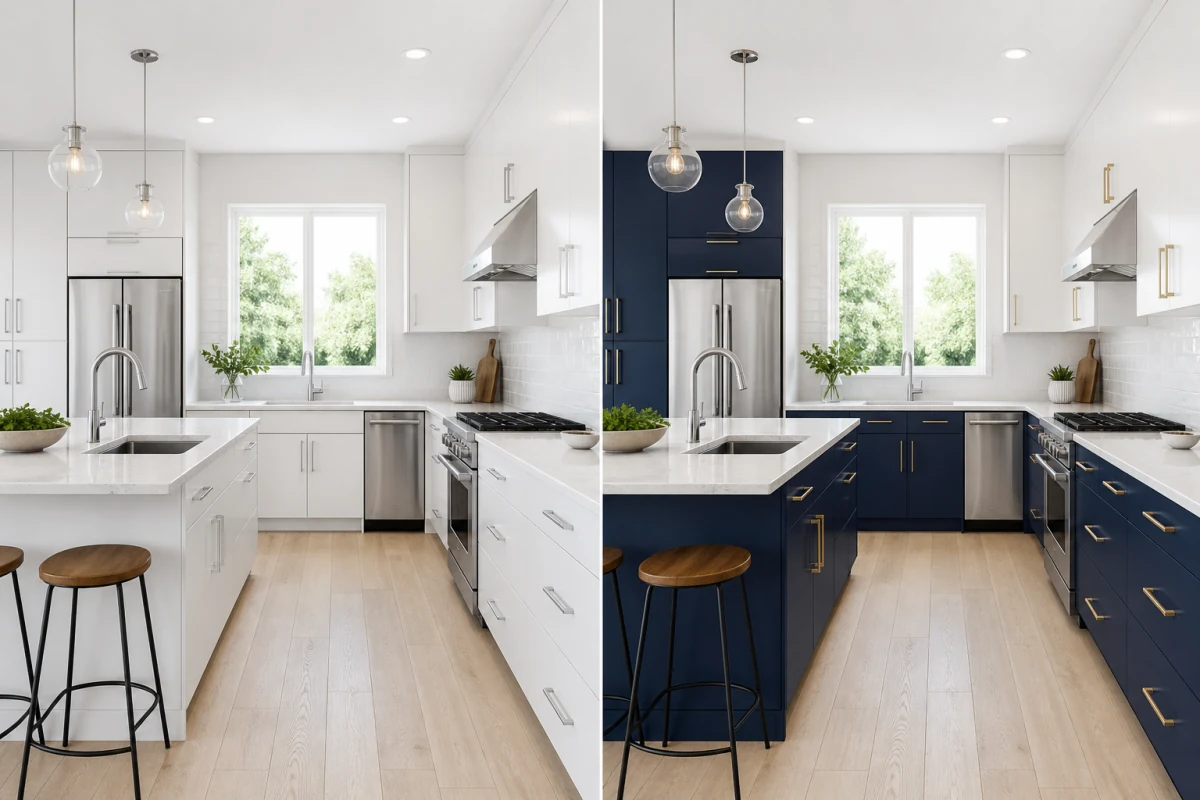
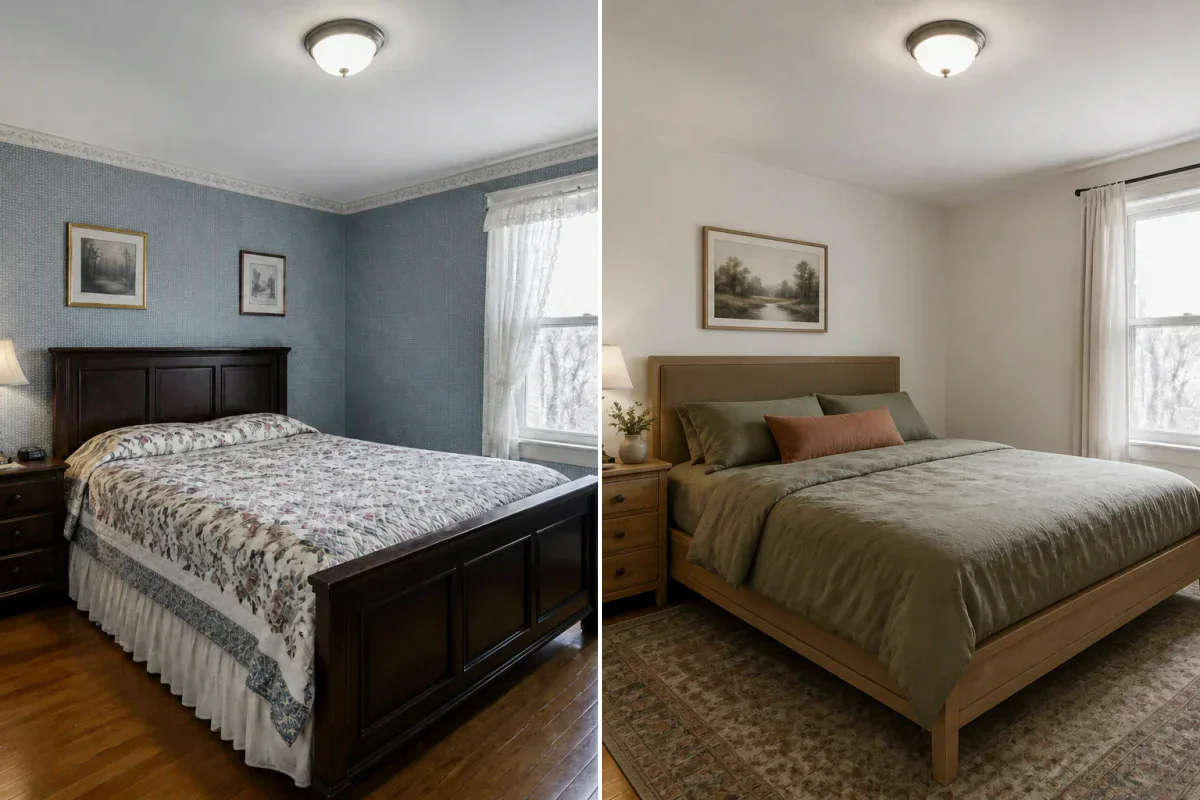
Selective Clutter Removal
Remove scattered clothes, shoes, toys, papers, boxes, loose cables, and dishes.
Remove clothes, papers, boxes, and loose items from your room photo while keeping the main furniture in place.
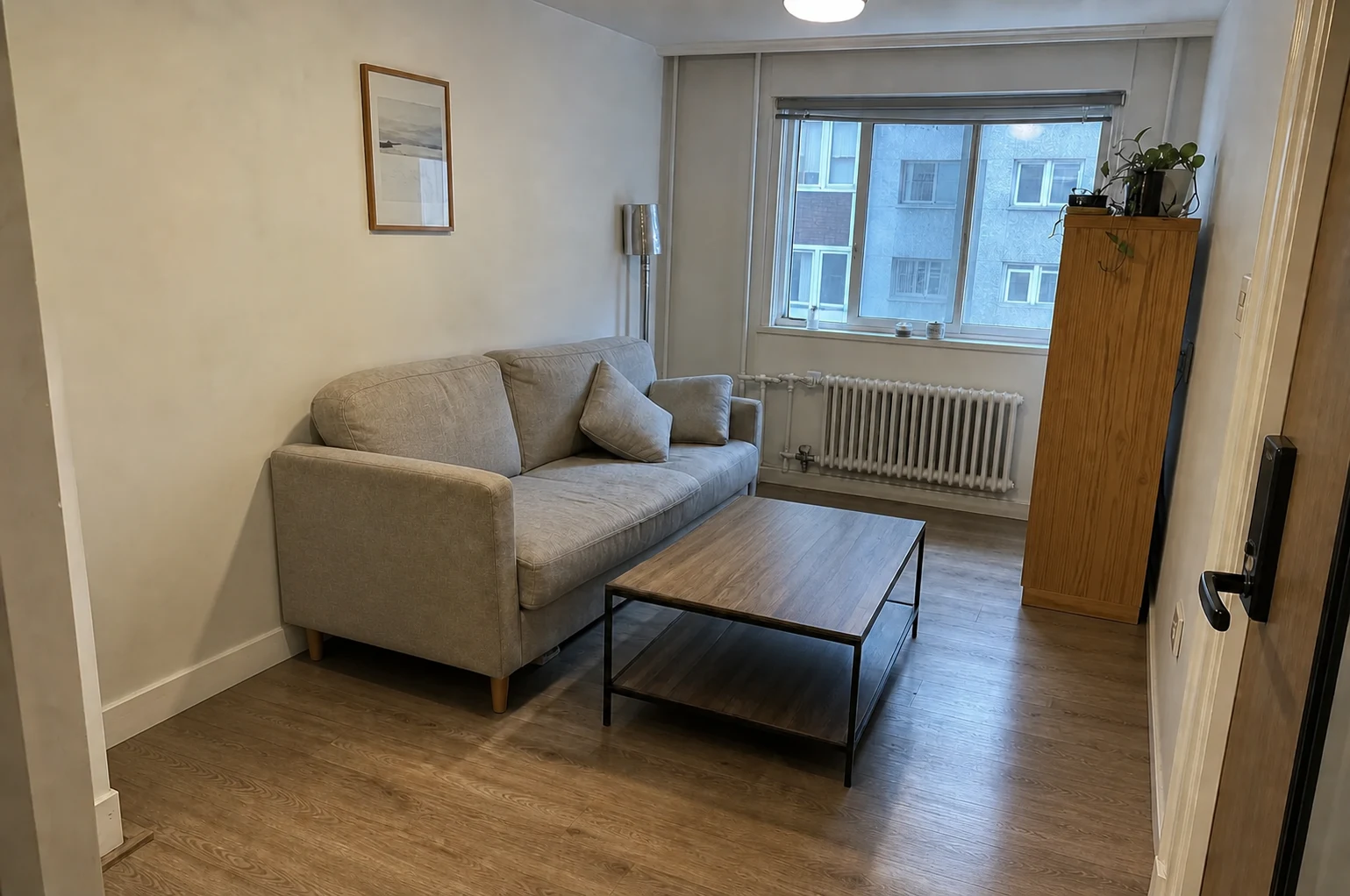
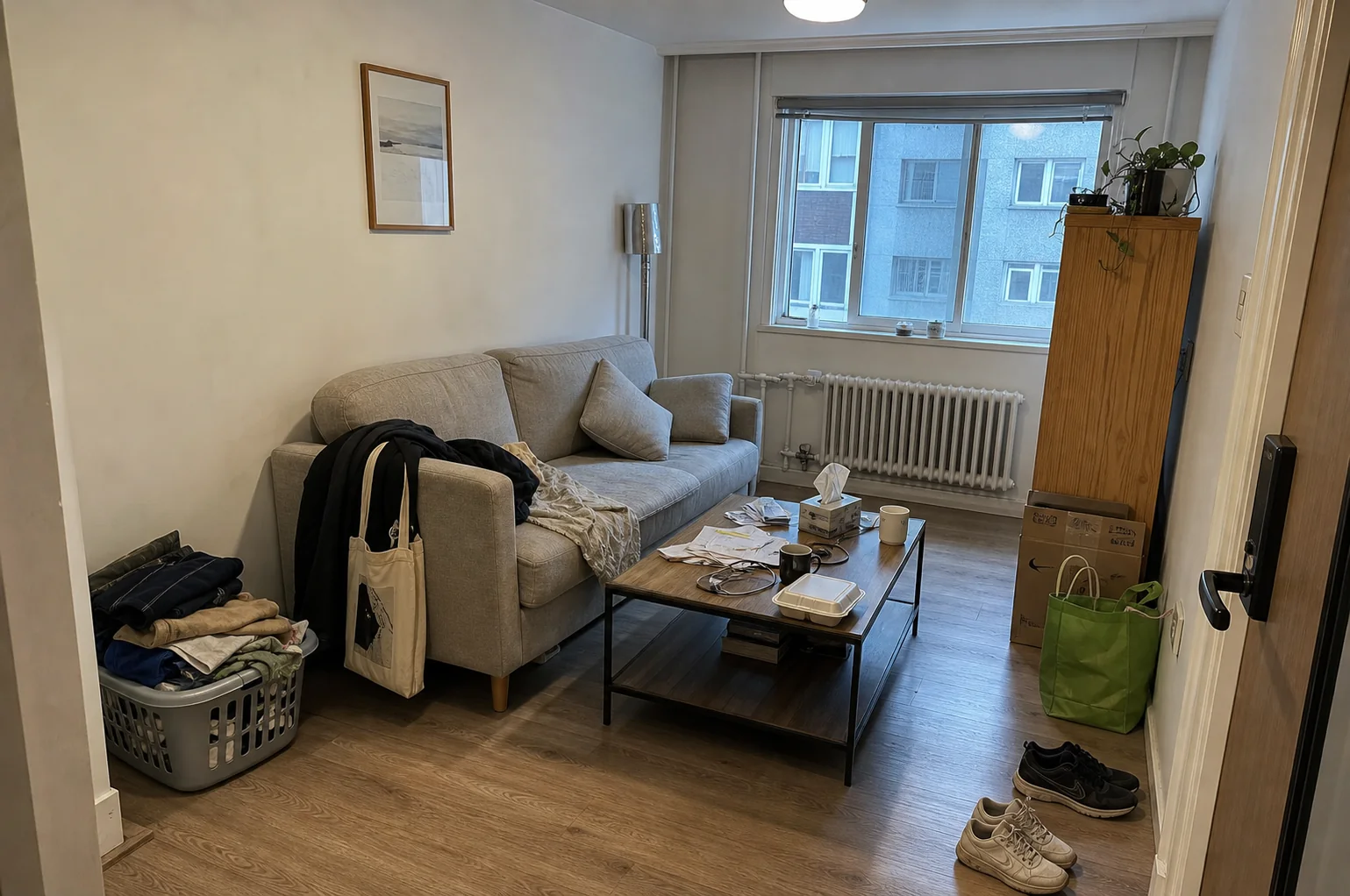
Clear floors and surfaces to show the room and the furniture already in it.
Remove scattered clothes, shoes, toys, papers, boxes, loose cables, and dishes.
Clear loose items from kitchen worktops, coffee tables, desks, and nightstands.
Keep beds, sofas, tables, and cabinets as part of the furnished room. Add Details for particular items you want to retain.
See the desk and workspace without the boxes, papers, and loose belongings around them.
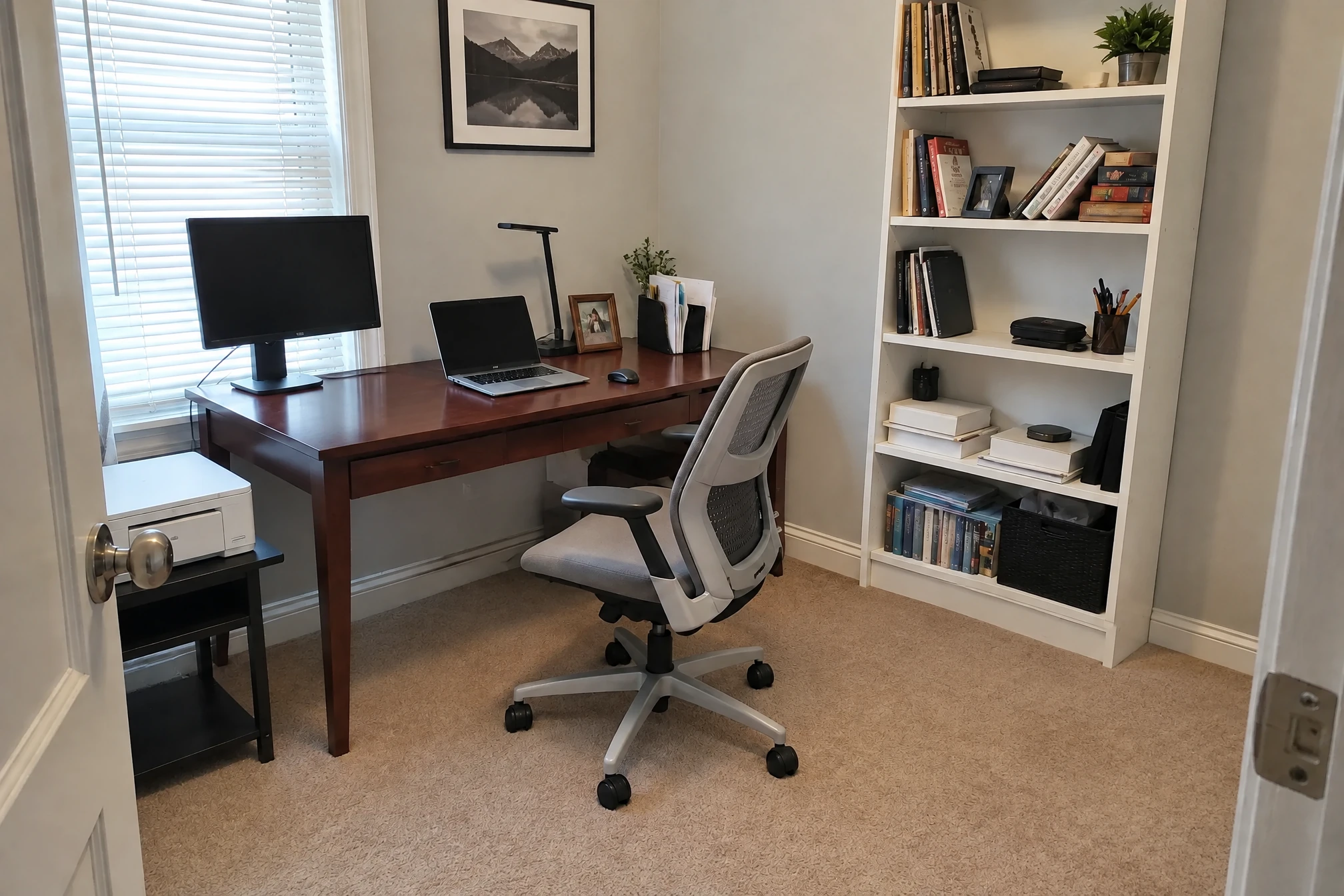
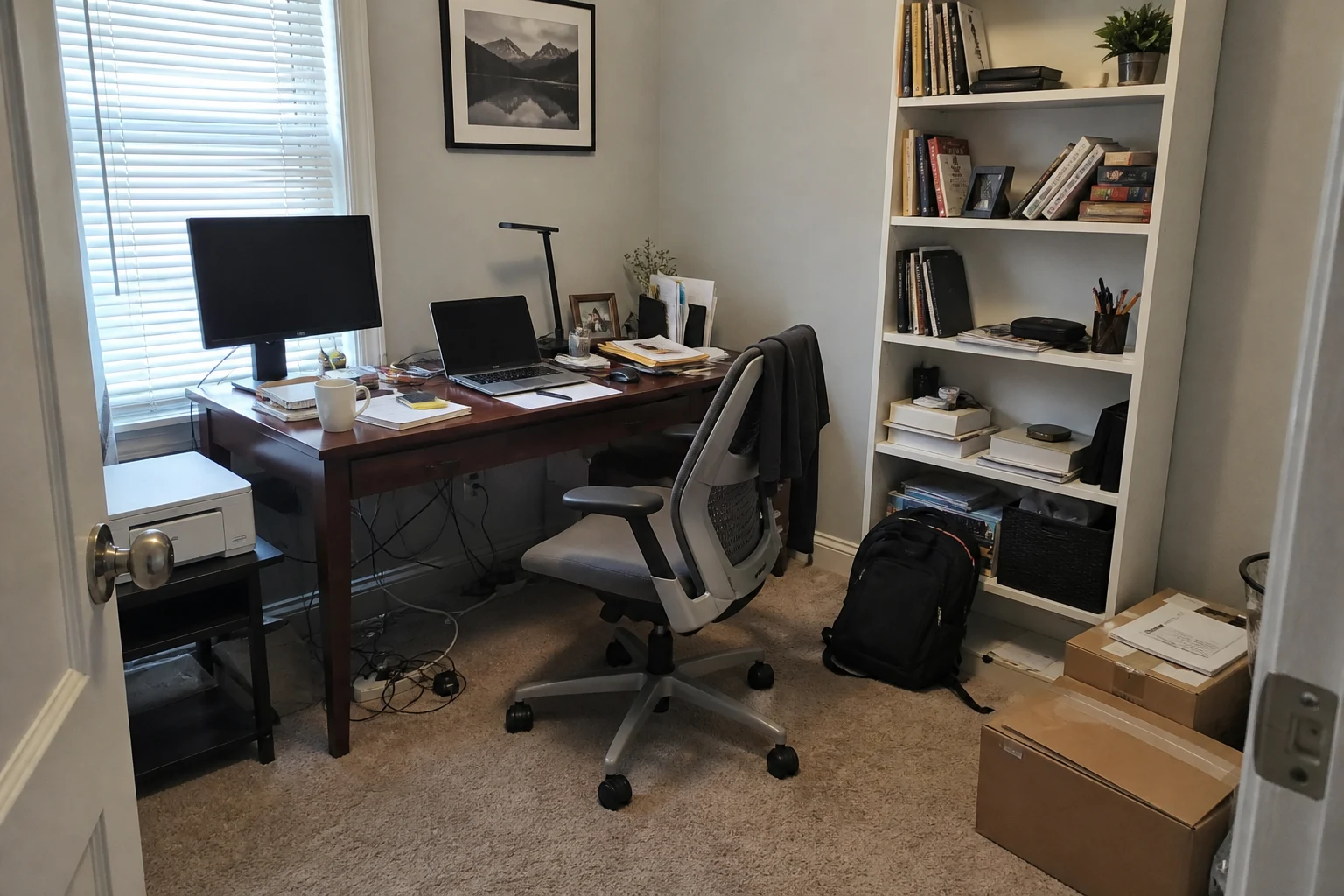
Prepare room photos for a listing, a design project, or a conversation about your space.
Show the layout and furniture with fewer personal belongings distracting from the room.
Clear everyday clutter before trying new colors, finishes, or furniture arrangements.
Clean up a room photo without selecting every loose object by hand.
Select a clear photo of the room showing both the furniture and clutter you want removed.
Name what to remove and what to keep, such as papers to clear and a desk lamp to retain.
Generate the cleaned photo, compare it with the original, and download the result.
AI Room Cleaner removes loose clutter while keeping the room furnished. Use AI Furniture Removal to remove movable furniture and create an unfurnished room.
The cleanup focuses on loose belongings, leaving sofas, beds, tables, and cabinets in place. Name particular items to keep in Details, then compare the result with your original.
Clothes, shoes, toys, papers, boxes, loose cables, and dishes on counters or tables. Use Details to name particular objects you want removed or retained.
A cleaned room photo can help present the layout and furniture in a property listing.
Use the cleaned photo in AI Interior Design for a new look, or open it in the Image Editor for a change to one area.