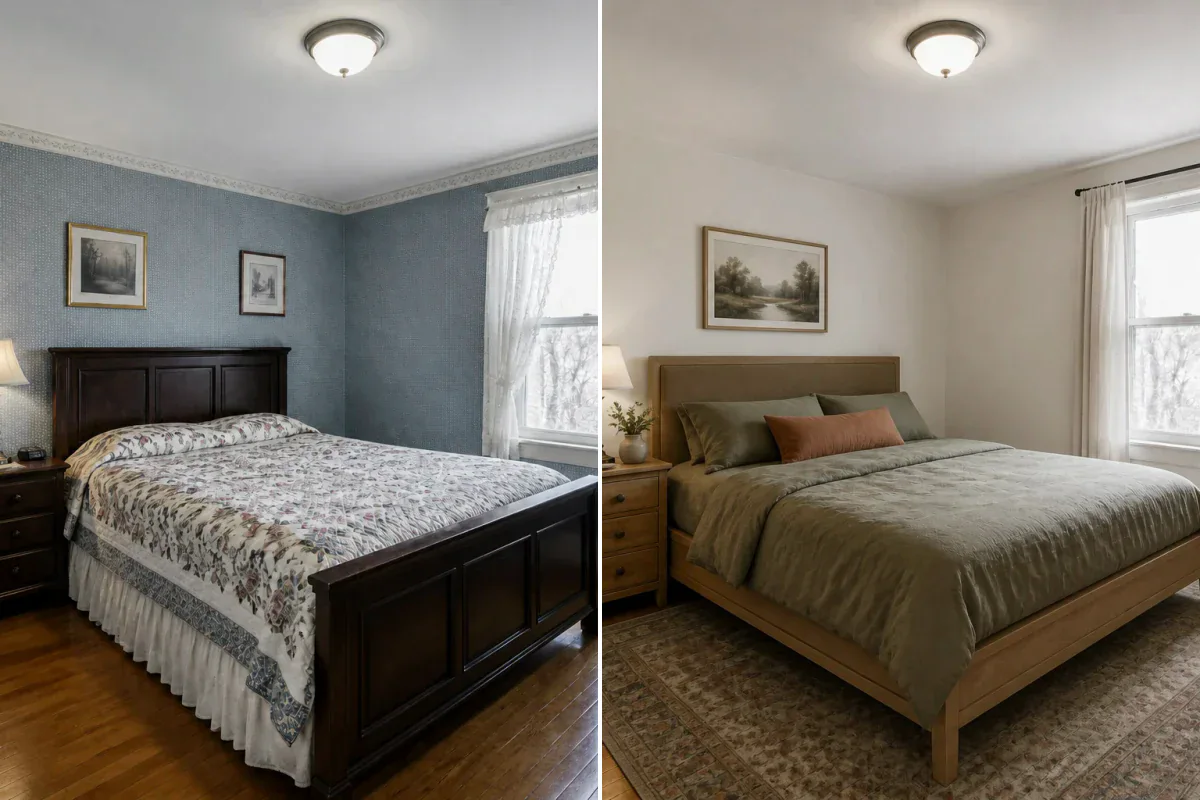
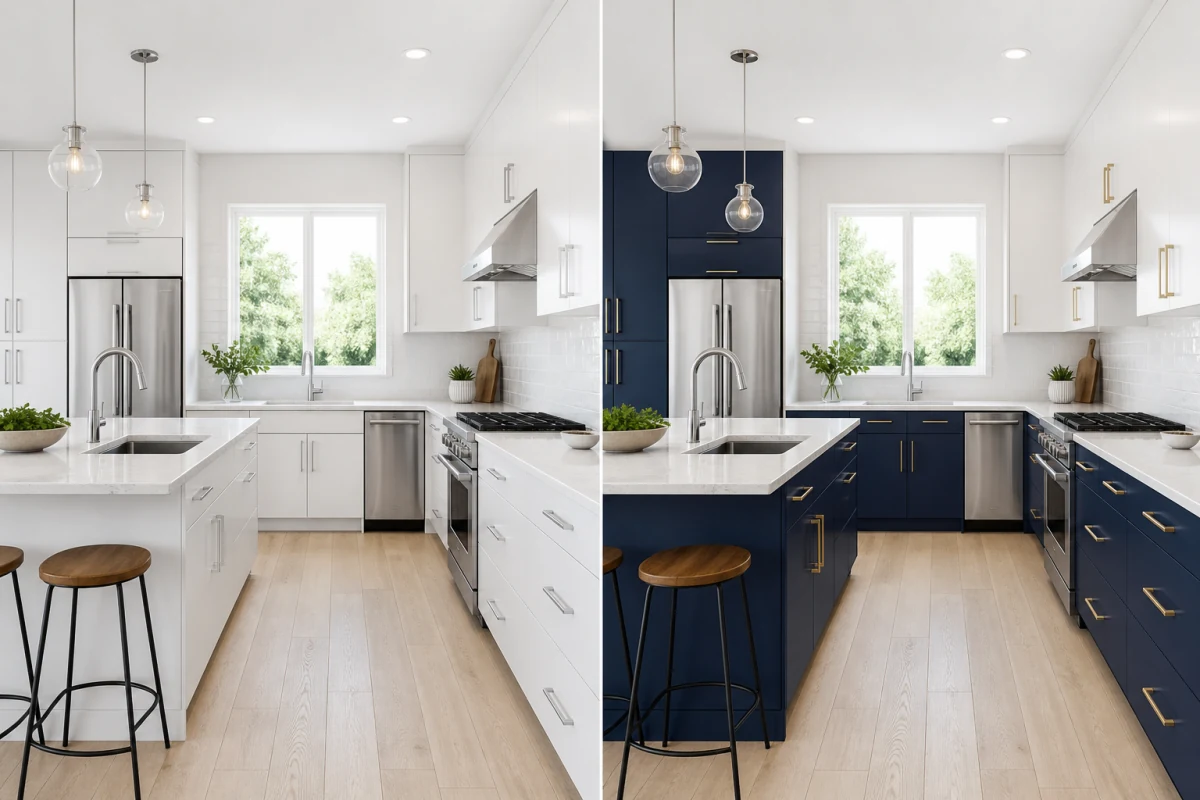
360° environment expansion
The AI reads architectural lines, furniture, lighting, and textures in your photo, organically extending them beyond the frame to create a complete, cohesive room.
Upload a room photo, architectural render, or landscape concept and let AI extend it into a complete surrounding scene. Drag the interactive viewer to explore it, then download the standard 2:1 equirectangular result. Directions outside the source frame are AI-inferred concepts, not captured evidence of the real space.
Using your uploaded image as a visual anchor, AI intelligently infers lighting, materials, and geometry to generate a complete, continuous 360° sphere around your viewpoint.
The AI reads architectural lines, furniture, lighting, and textures in your photo, organically extending them beyond the frame to create a complete, cohesive room.
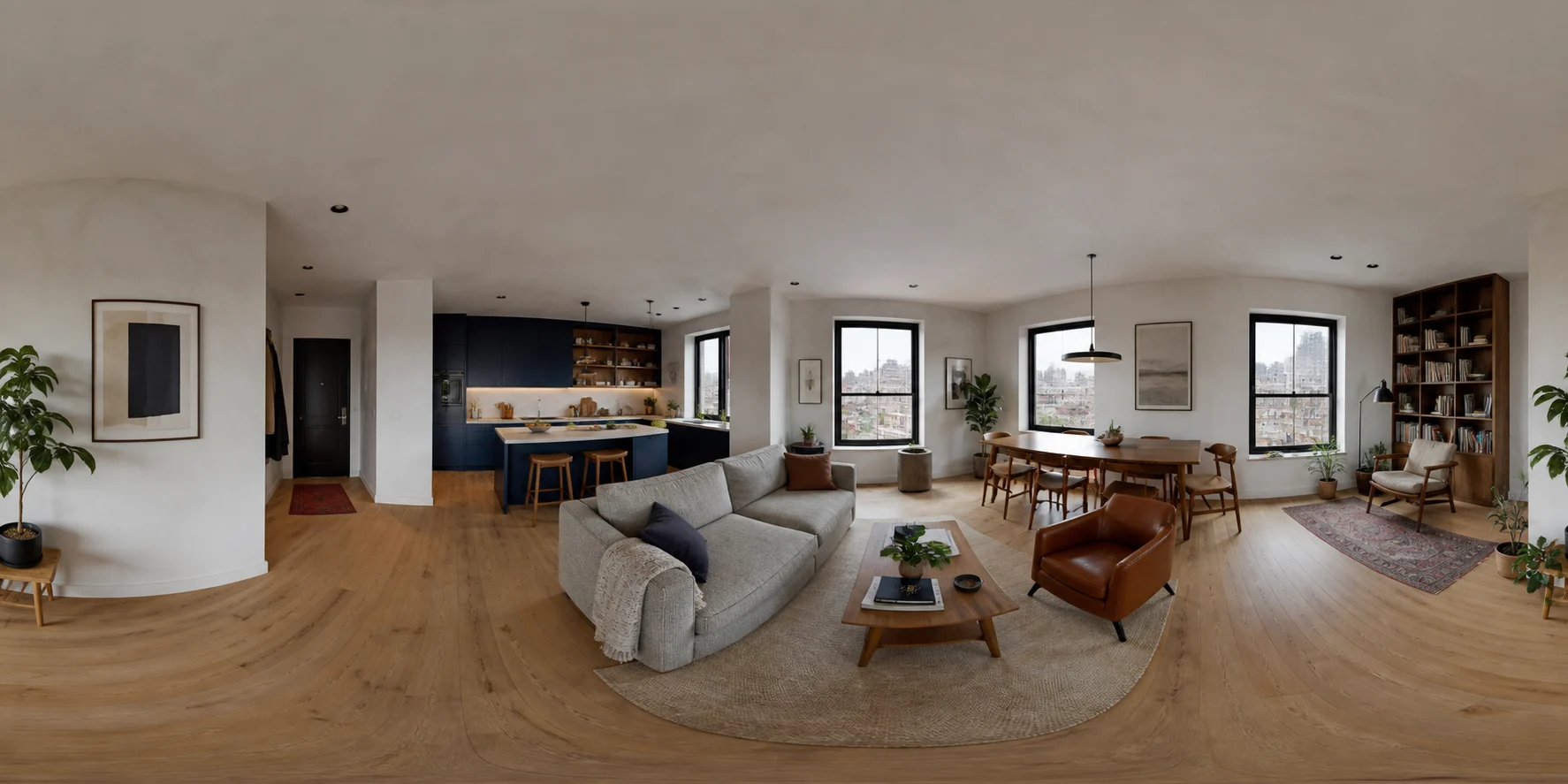
Outputs in universal 2:1 equirectangular format (360° horizontal × 180° vertical)—the gold standard for panoramic viewers, virtual staging, and VR platforms.
Experience your space in real time with our built-in 3D viewer, or switch to the 2D flat view to review and export high-resolution panoramas.
The interactive viewer wraps the result around you. The flat equirectangular view below exposes the entire 360° × 180° image in the standard file format you can download and use elsewhere.
Elevate static 2D designs into explorable spatial concepts—no expensive 360° cameras, complex 3D modeling, or manual stitching needed.
Move beyond single-angle photos. A 360° panorama lets you and your clients look around freely, giving an intuitive sense of scale, depth, and layout.
Impress clients and stakeholders with interactive walkthroughs that make design reviews and property pitches feel tangible and real.
Export standard equirectangular images ready for virtual tour software, web embeds, real estate listings, and VR headsets.
Generate full-room concepts in seconds. Manage your creations with saved history, instant previews, and one-click high-resolution downloads.
AI panoramas provide rich conceptual environments to visualize spatial possibilities, perfect for creative ideation and client presentations.
Transform a single render or photo into an explorable room to communicate color palettes, furniture arrangements, and material flows.
Expand terrace, garden, or patio photos into full spherical scenes to showcase outdoor living spaces in full context.
Turn static architectural renders into 360° environments to align teams and stakeholders on overall aesthetic direction.
Provide engaging interactive room previews for pre-renovation properties or off-plan listings before scheduling on-site shoots.
Preview the ambiance of hotel rooms, restaurant dining areas, or event venues while projects are still in the planning phase.
Give clients a full 360° view so they can review lighting, finishes, and spatial harmony from every angle with confidence.
Upload a sharp JPG, PNG, or WebP image. A wide room view with clear lighting and perspective produces the most impressive results.
The AI model interprets structural geometry, light direction, and materials to generate a continuous 360° environment around the viewpoint.
ImagineMyHouse automatically applies optimized panorama parameters and formats the 2:1 standard—ready for instant 3D exploration.
Pan, tilt, and look around your new space using the interactive 3D viewer, then download the high-resolution 2:1 equirectangular panorama.
It creates a high-resolution 360° spherical panorama in standard 2:1 equirectangular format (360° horizontal by 180° vertical), which can be explored interactively in 3D directly in your browser or exported for external viewers.
Yes. Any clear photo showing good lighting, perspective, and visible surfaces works great. Architectural 3D renders and exterior landscape photos work equally well.
No. A single photo does not capture hidden physical angles. The AI creatively infers visually harmonious surroundings based on existing architecture, lighting, and materials as a realistic concept, not a measured architectural survey.
The 2:1 aspect ratio (360° horizontal by 180° vertical) is the common industry format for spherical panoramas. ImagineMyHouse exports this format so your generated concept is ready for compatible 360° viewers without manual cropping.
A standard photo captures only a single, fixed direction. A 360° spherical panorama captures every angle around a central viewpoint, allowing you to freely look anywhere in 3D space from floor to ceiling.
Yes. Every result includes an interactive 360° viewer where you can pan, tilt, and look around the room. You can easily toggle between the 360° interactive view and the 2D flat view whenever you want to inspect or download the image.
Yes. Generated panoramas are exported as standard 2:1 equirectangular JPG/PNG files, which are universally compatible with popular virtual tour platforms (such as Kuula, Matterport 360, or 3DVista), web embeds, and VR headsets.
No. It produces standard high-resolution sRGB visual images for design visualization, presentations, and virtual staging, rather than 32-bit floating-point HDR lighting maps.