

Wrap the bedroom in deep blue
Deep blue continues across the bed wall, window wall and corner returns. The white ceiling and trim frame the color, while the original bed, lamps and nightstands remain in place.
Choose a shade, keep the furniture. Preview a full repaint or a single accent wall from your room photo.


Preview wall color changes across bedrooms, living rooms, and empty spaces while keeping all existing furniture and finishes.
Deep blue continues across the bed wall, window wall and corner returns. The white ceiling and trim frame the color, while the original bed, lamps and nightstands remain in place.


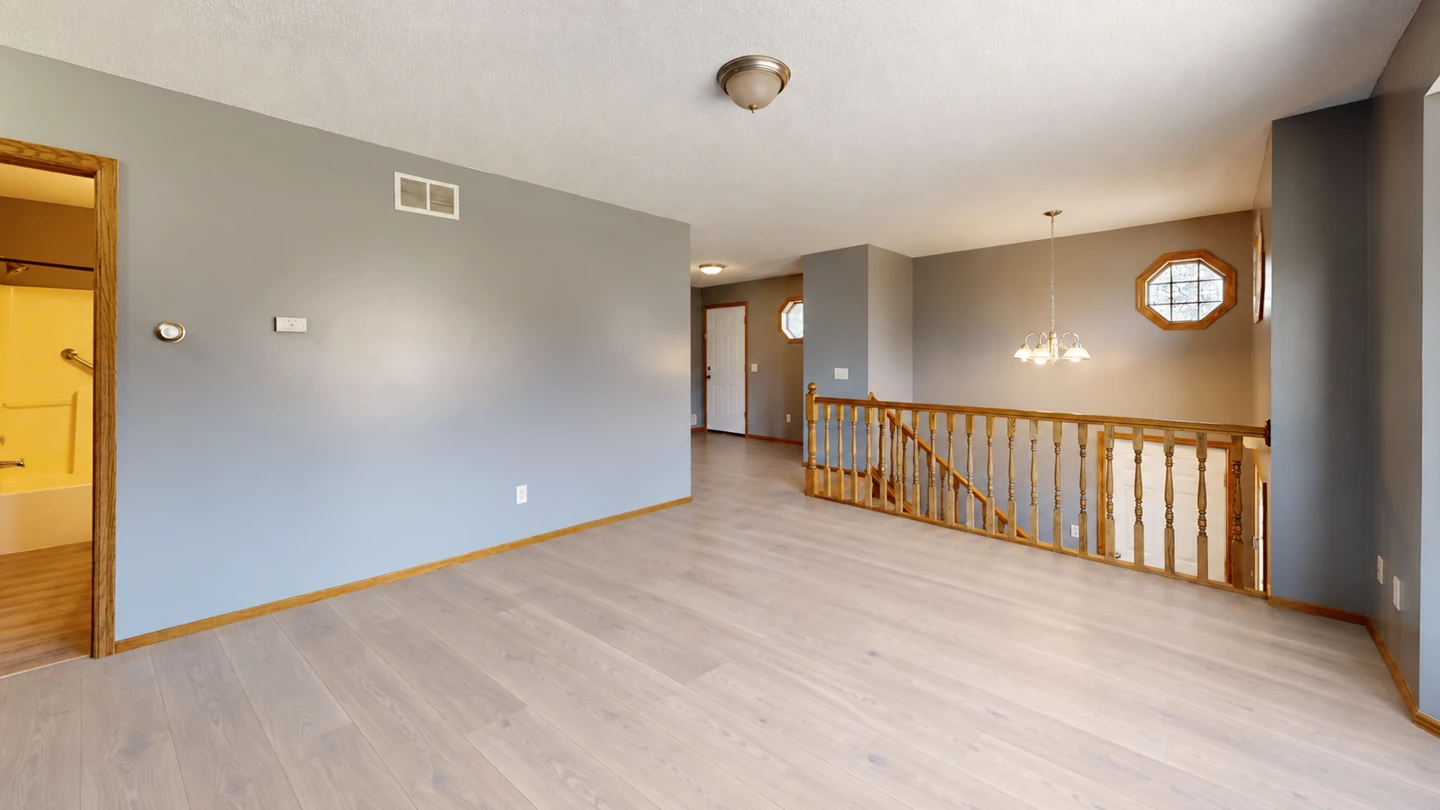
Test a lighter wall color in an unfurnished room while keeping the wood floor, white built-in cabinet, curtains and window frames as the reference points.
Compare wall colors against the floor, furniture and daylight you already have.
Try six starting shades or choose a custom color. A soft sage, crisp blue or deep charcoal can read very differently next to your sofa and flooring.
Repaint the visible walls or describe one accent wall, such as the wall behind a bed. The ceiling, trim and furniture stay unchanged.
Narrow down undertones and contrast levels visually before buying paint samples or testing swatches on your wall.
Small, focused paint decisions for rooms you already live in.
Check whether a new wall color works with a sofa, patterned rug or wood floor you intend to keep. Explore the paint change without a full makeover.
Try a stronger shade behind a bed or sofa before committing the whole room. Describe the wall by the furniture or opening next to it.
Bring a visual reference to a decorator or discuss a few color ideas at home. Treat it as a conversation starter, not a paint specification.
Use a JPG, PNG or WebP taken in even daylight. Include the wall edges, floor and nearby furniture so the color has useful context.
Choose a preset or custom shade, then select all walls or one accent wall. Add a short note if a particular wall or surface should stay unchanged.
Sign in and generate using the credit cost shown in the tool. Download a direction you like, then check a real paint sample in both daylight and evening light.
Upload a room photo, choose a wall color and specify the paint area. The AI repaints the selected walls while keeping furniture, trim and room structure recognizable.
Yes. Use the custom color picker to choose a shade instead of a preset. The selected color is a visual target, not a certified match to a paint formula or brand color.
Yes. Select One accent wall and describe it, for example the wall behind the bed. This version uses a written wall description, not a brush mask, so check the result for unwanted changes around the edges.
The tool is designed to keep them unchanged. AI can still alter small details, so compare the result with your original before using it as a decorating reference. Use AI Interior Design if you want a broader furniture and style makeover. Explore AI Interior Design
It is an approximation. Your screen, camera white balance, wall texture, light and the actual paint finish all affect the color you see. Test a physical sample in the room before purchasing paint.
You can browse the examples and set up an edit before signing in. Generating an image uses ImagineMyHouse credits; the required amount is shown beside the generate action. Check Pricing for current credit options. View pricing
Compare wood, tile and other flooring with your wall color.

Preview trees, wreaths and a festive table in your existing room.
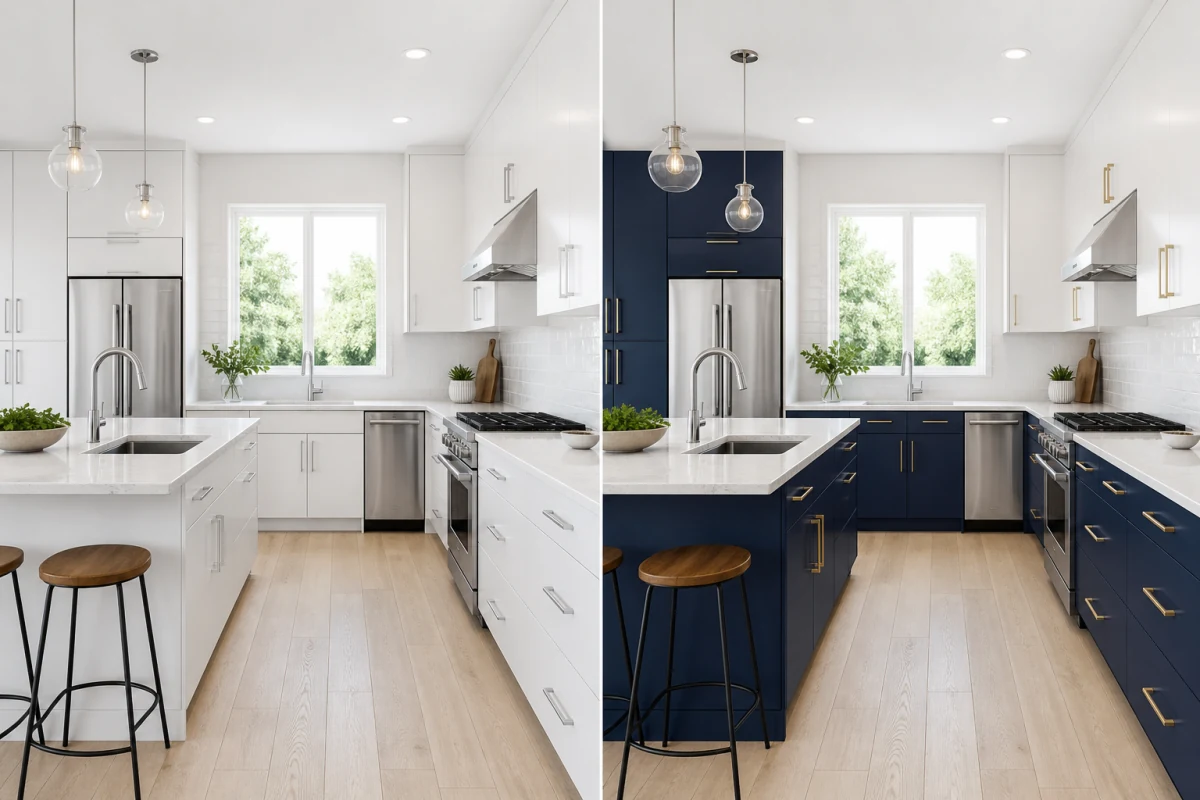
Describe exactly what you want to change in your photo.
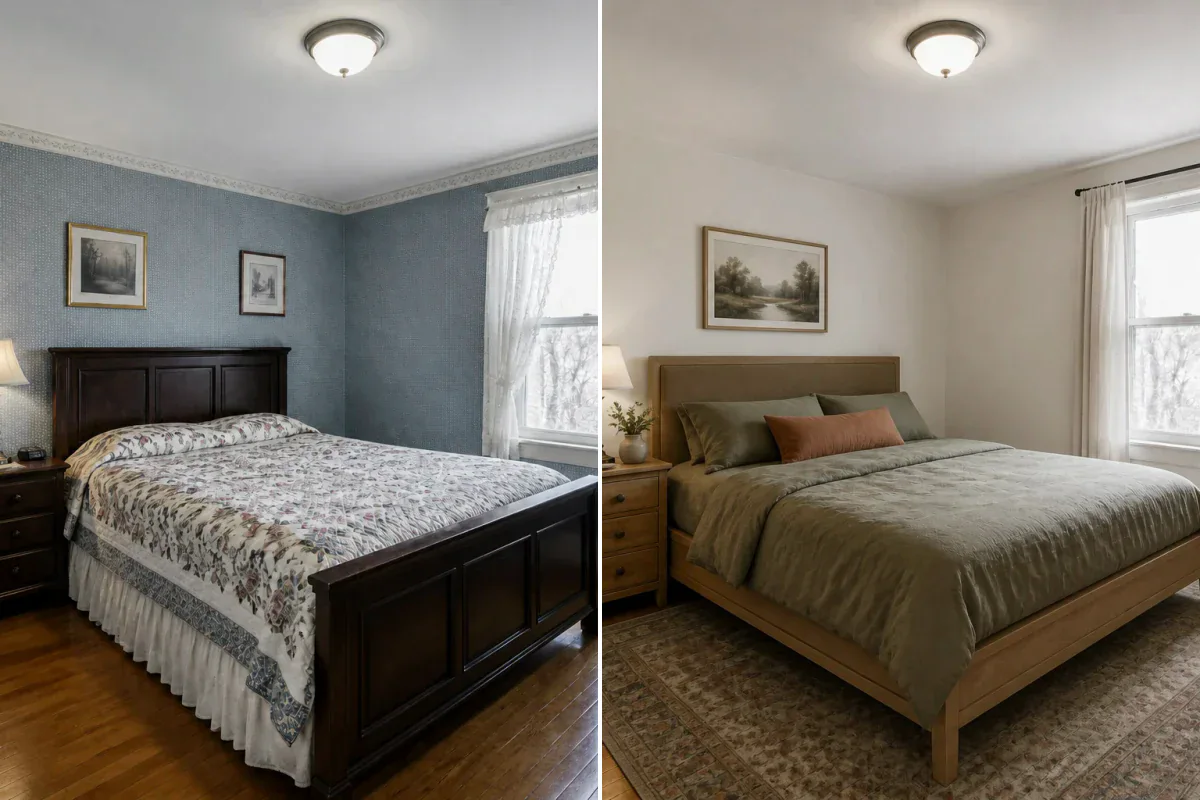
Redesign a furnished room while keeping its layout recognizable.