Keep the room structure recognizable
Designed to retain the camera perspective, primary walls, windows, and door openings while exploring fresh aesthetics.
Upload a photo of your bedroom, living room, kitchen, or bathroom to generate realistic before-and-after makeovers in seconds. Explore new design directions before you decorate, shop, or remodel.
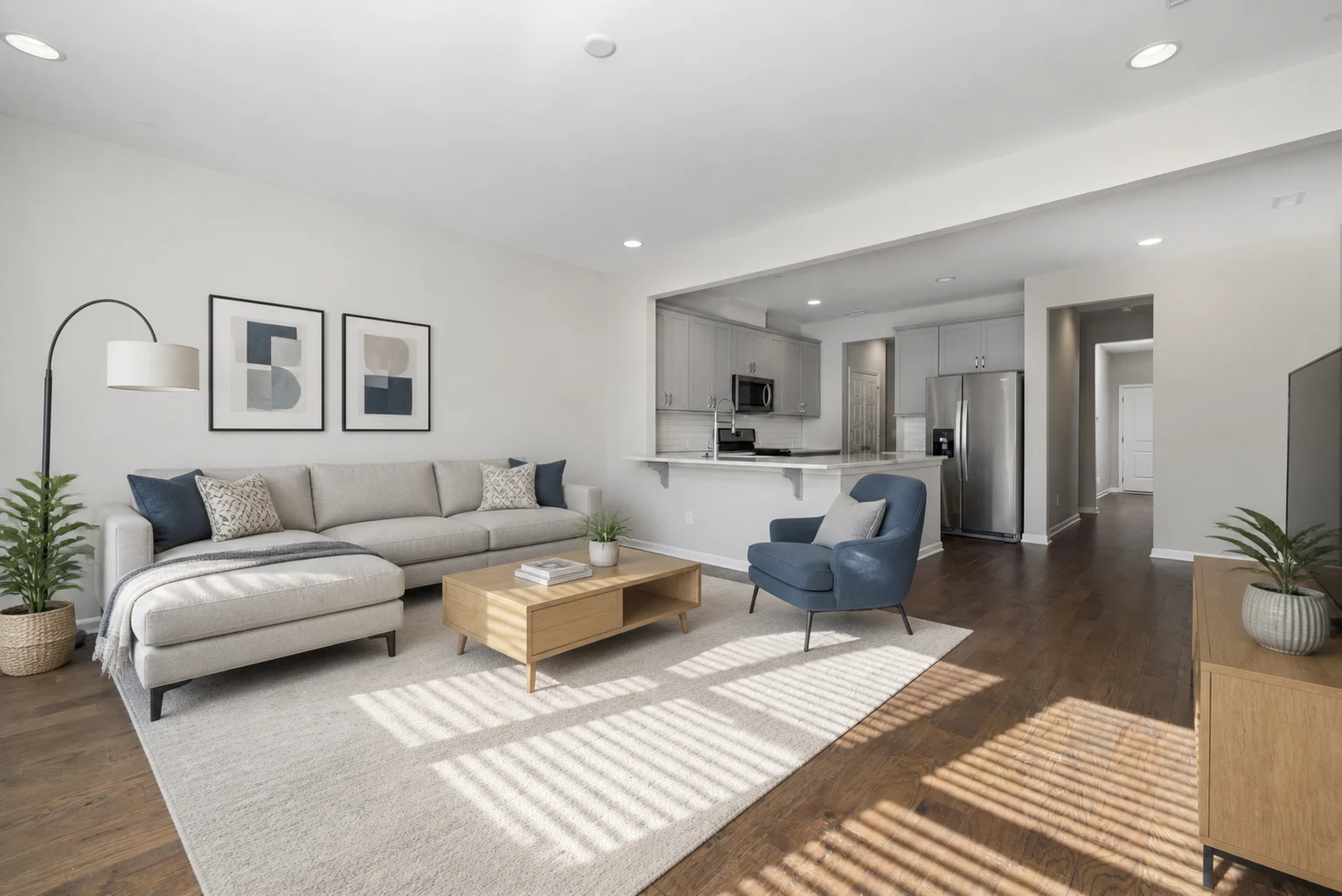
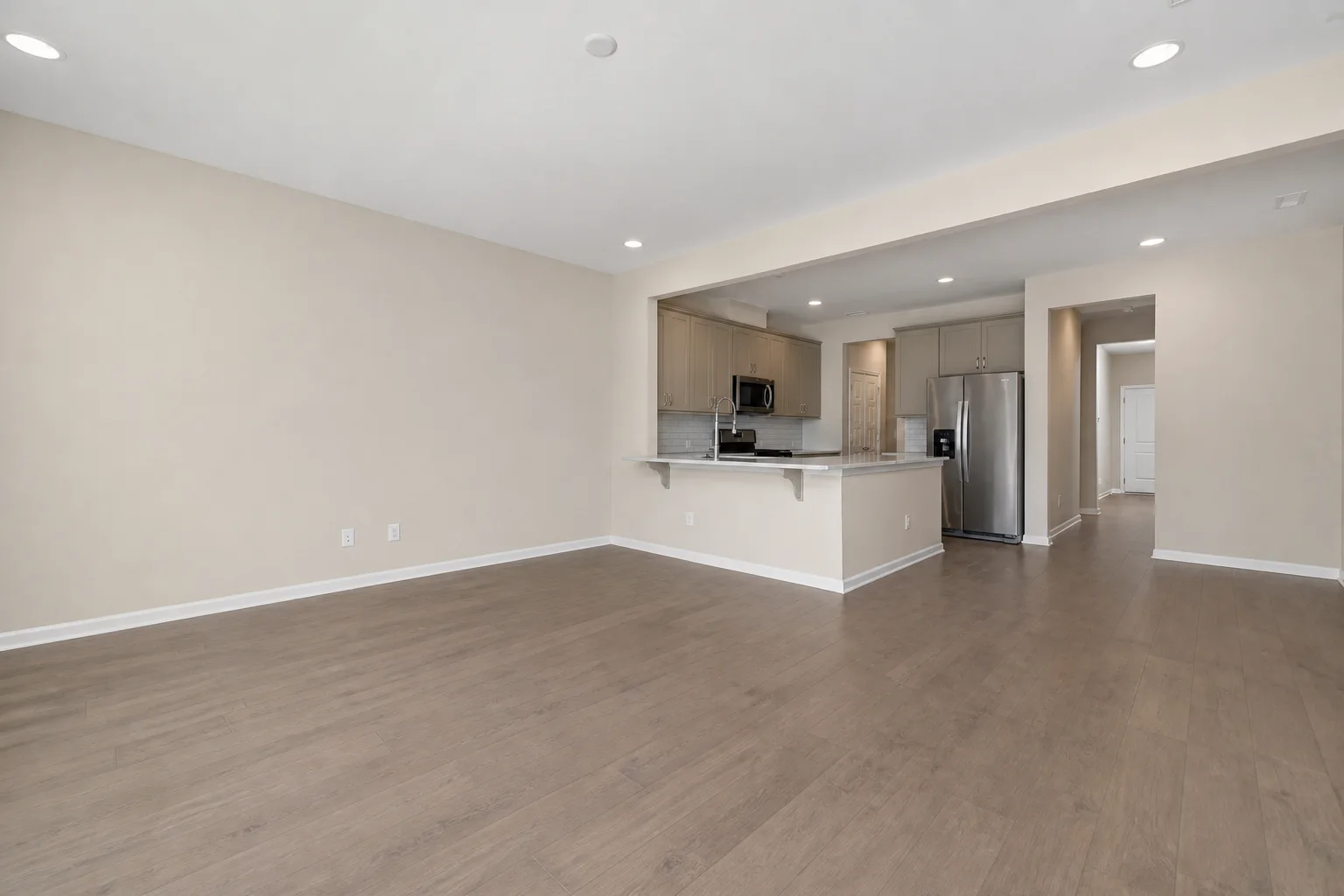
Use one photo to test coordinated furniture, colors, finishes, and lighting in the room you already have.
Designed to retain the camera perspective, primary walls, windows, and door openings while exploring fresh aesthetics.
Redesign furniture, finishes, color palettes, decor, and lighting together instead of testing isolated pieces.
Generate multiple interior directions from the same photo to find your favorite look before purchasing furniture or materials.
Choose a room type to open the design studio with the right starting point already selected.
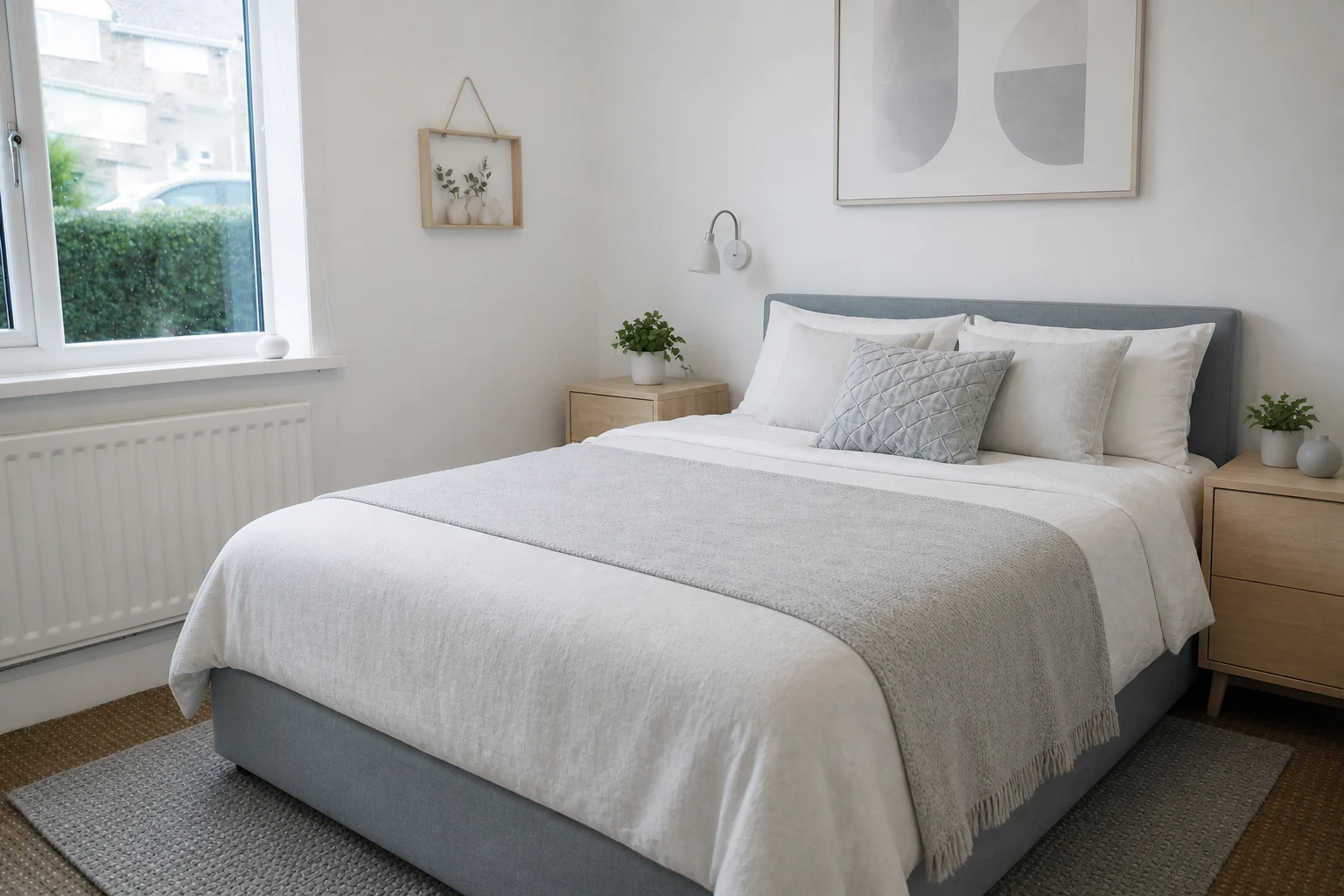
Try calmer palettes, coordinated furniture, layered textiles, and softer lighting.
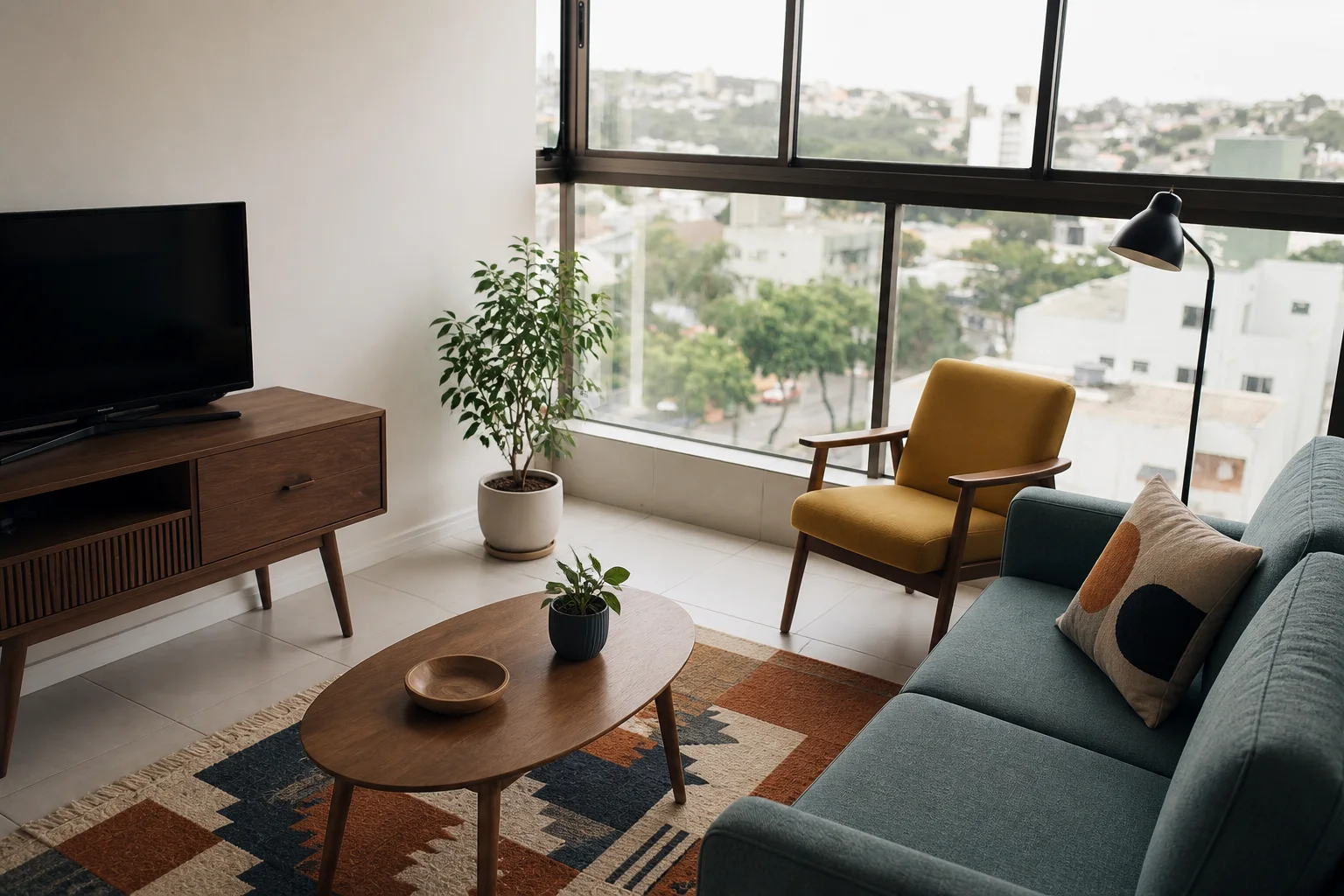
Compare seating, rugs, storage, wall colors, and lighting in one cohesive makeover.
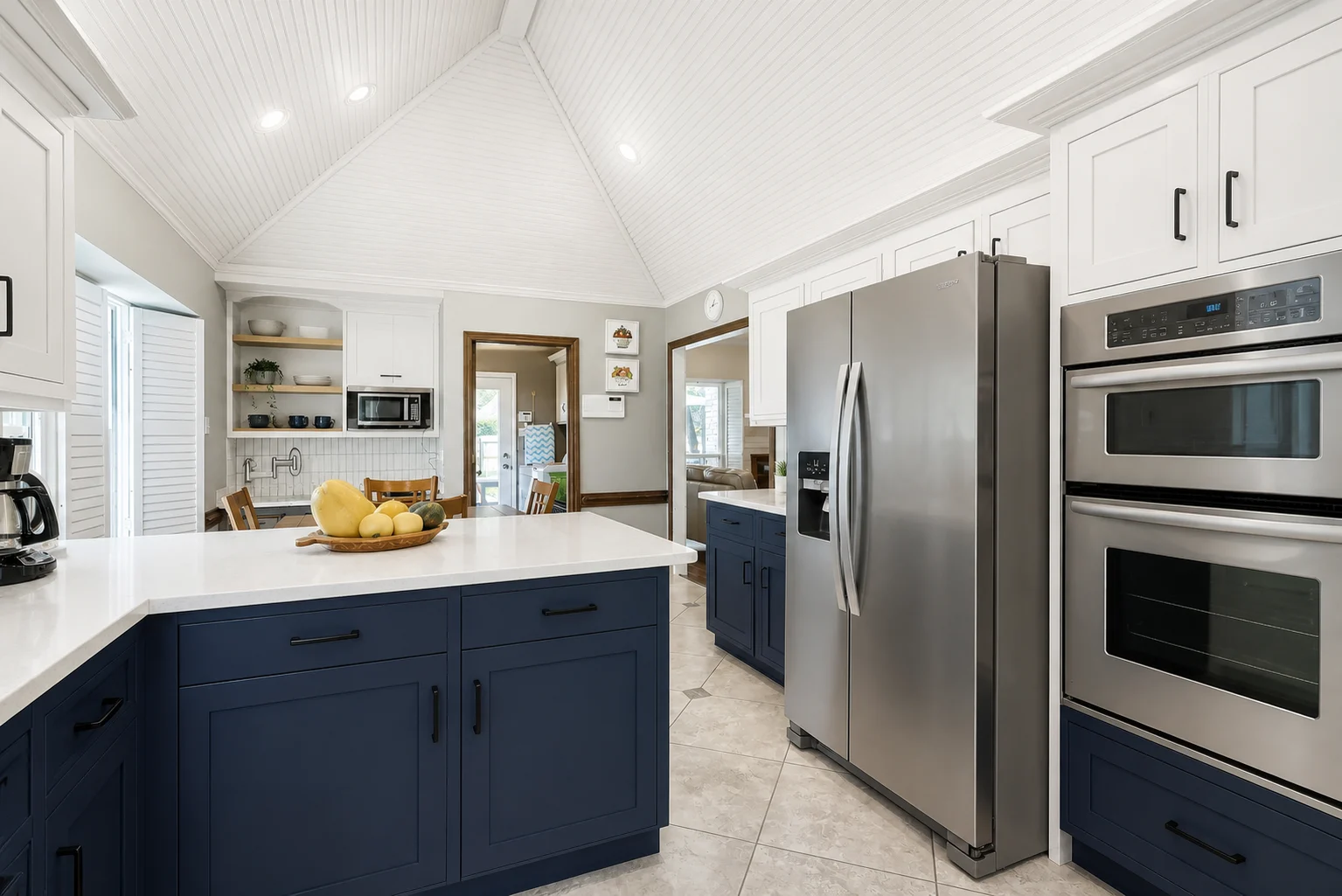
Preview cabinetry, counters, backsplashes, flooring, and fixtures before remodeling.
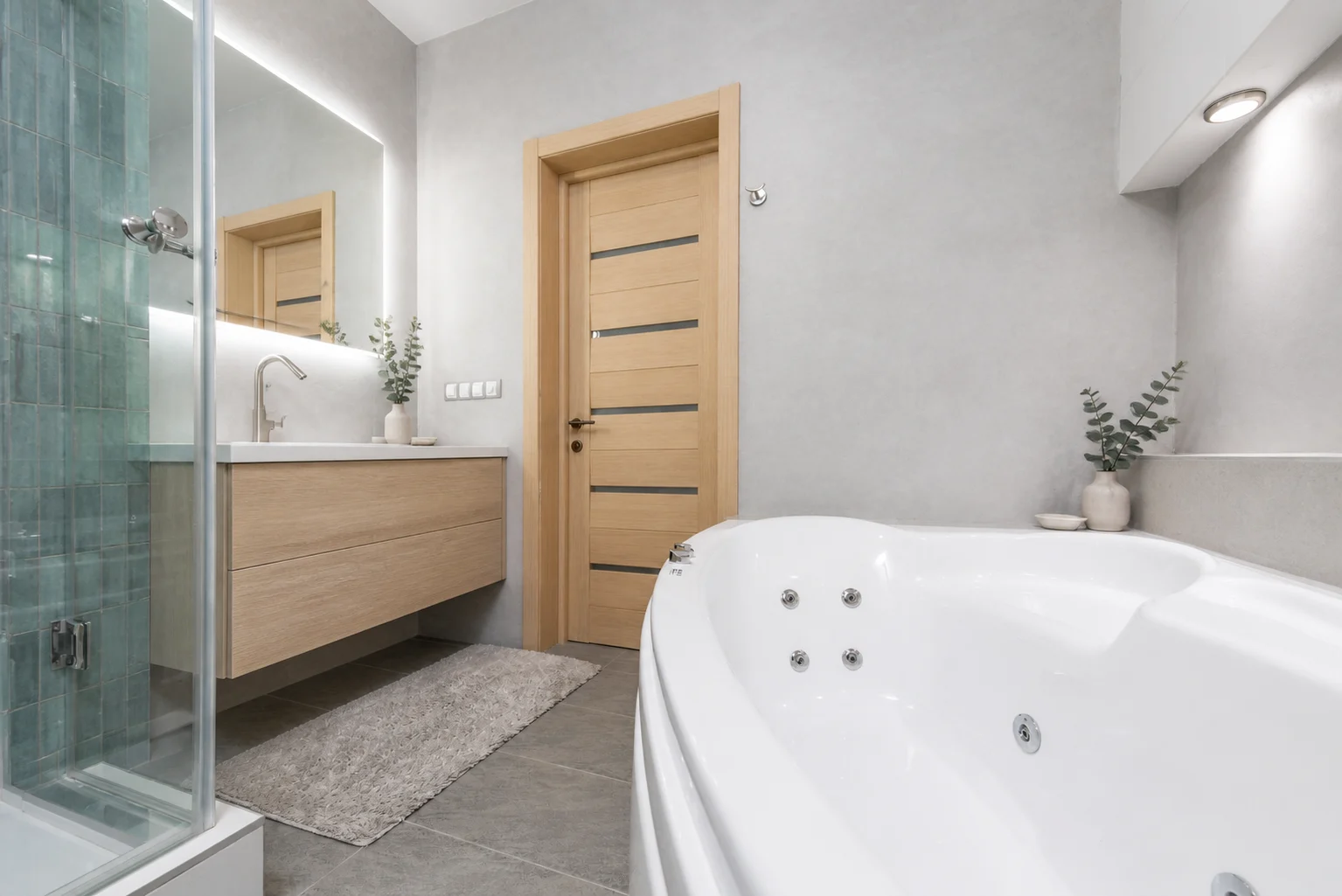
Test tile, vanity, storage, fixtures, and lighting as a complete bathroom direction.
Explore complete room makeovers while preserving core walls, windows, and spatial proportions.
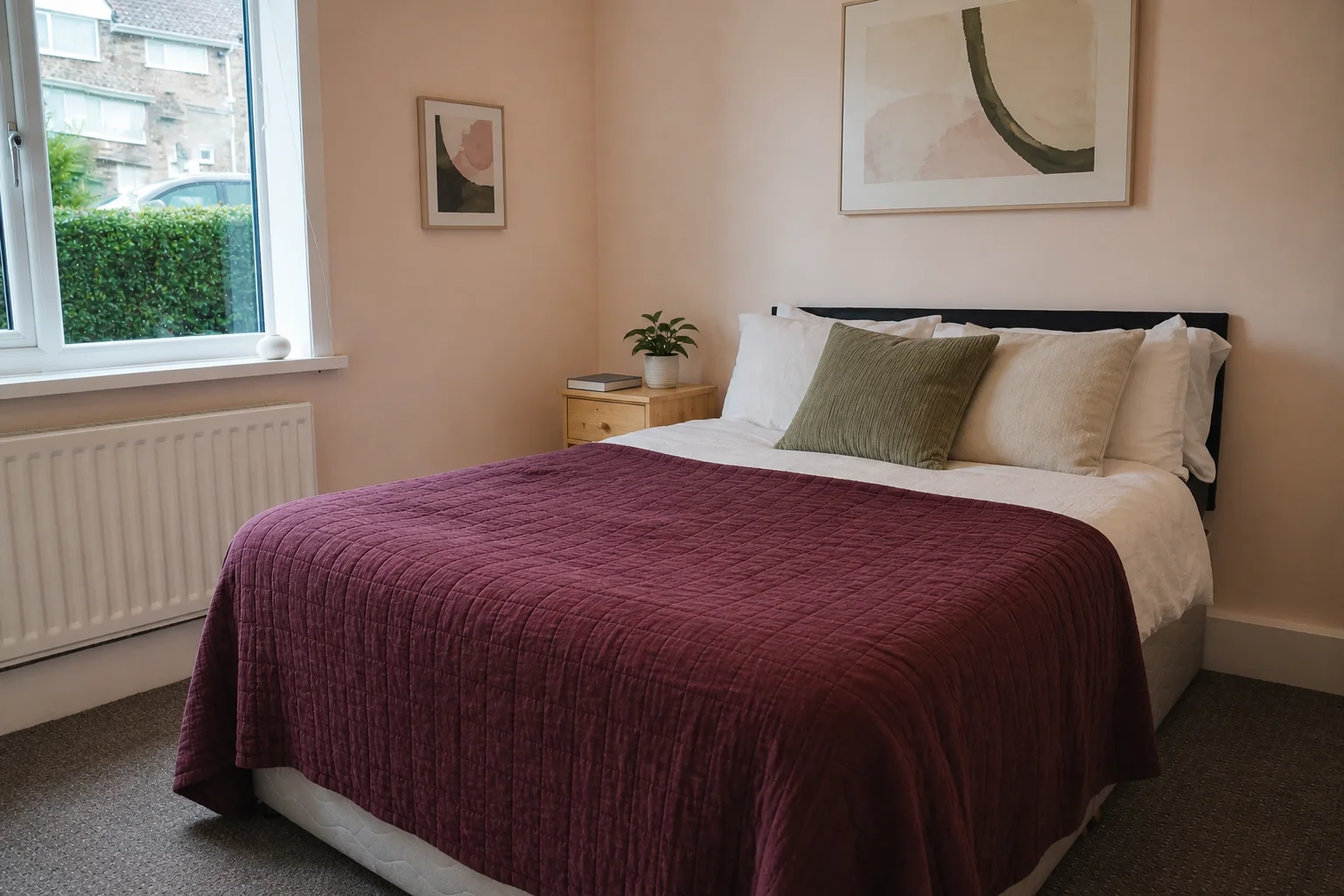
A compact furnished bedroom shifts to crisp blue-gray Scandinavian styling without changing the window, radiator, or bed position.
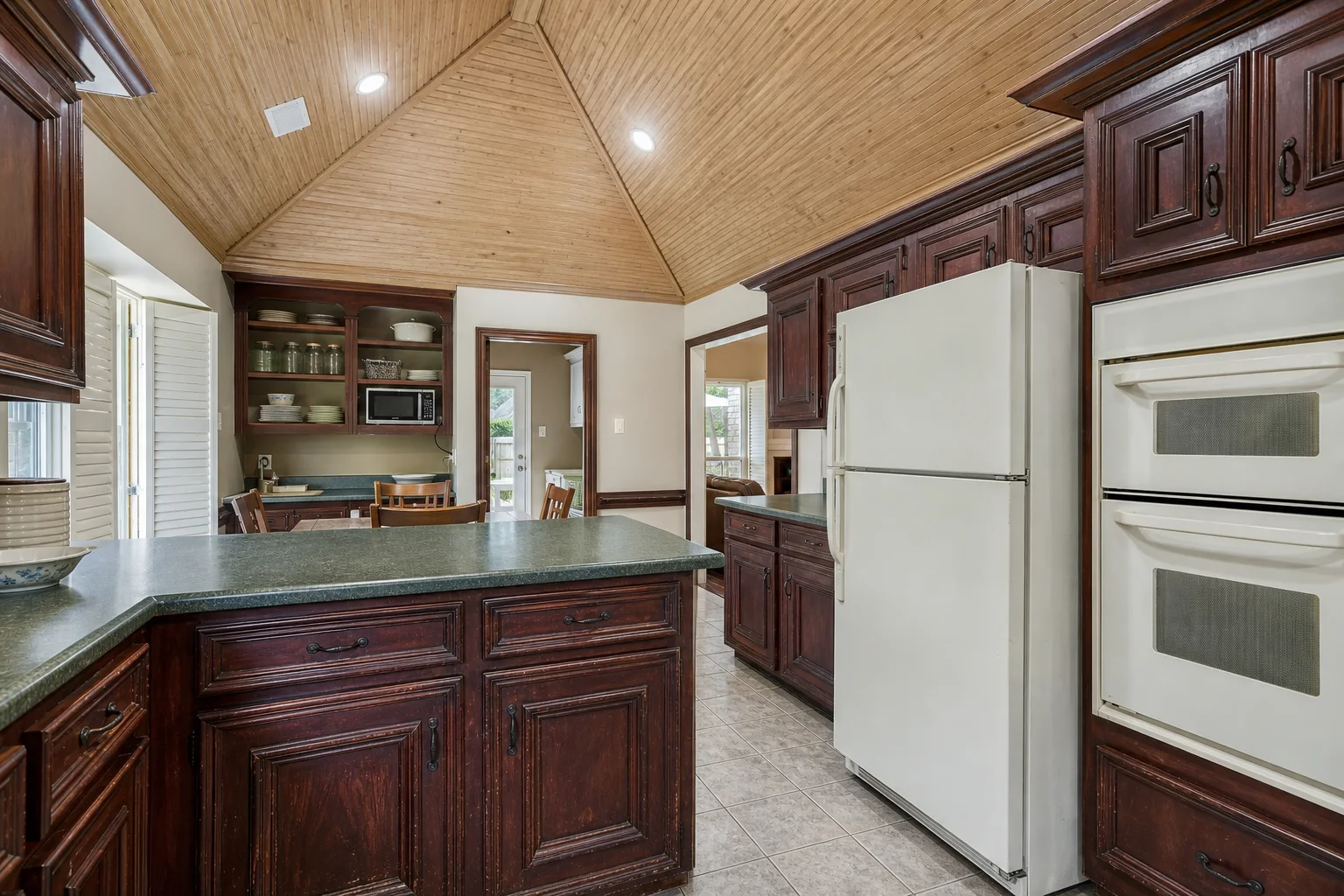
The existing vaulted ceiling, island, openings, and appliance layout stay fixed while the finishes move in a sharper direction.
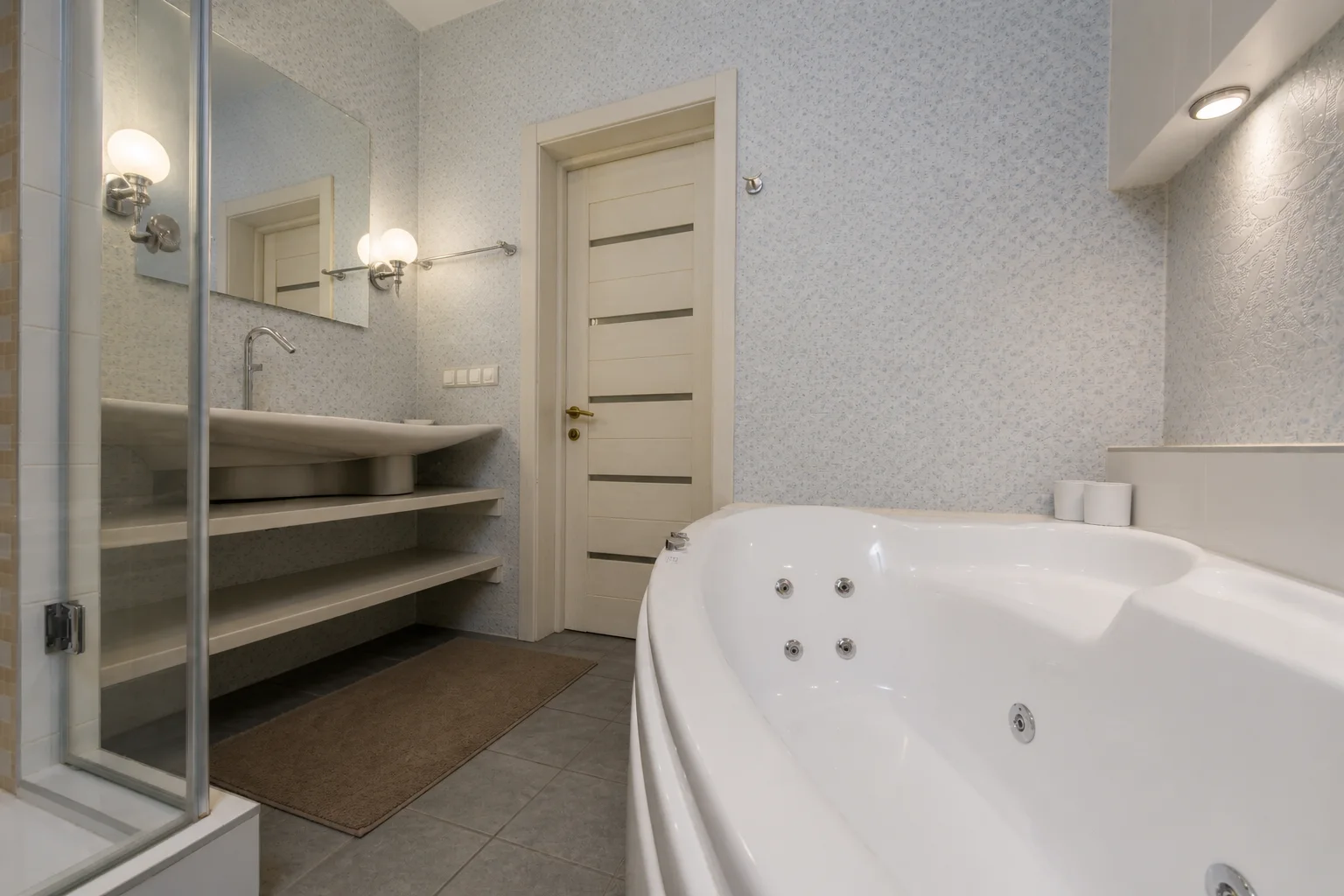
Gray mineral walls and blue-green shower tile replace the dated cool palette while the tub, shower, door, and circulation stay in place.
Turn an existing photo into a concrete visual direction for decorating, remodeling, or moving into a new space.
Explore a new palette, furniture direction, and lighting plan without changing the room's core architecture.
Test how coordinated furniture and decor could look before ordering pieces for an unfamiliar space.
Create a visual brief for materials, cabinetry, fixtures, and atmosphere to discuss with a designer or contractor.
Use a level, well-lit image that shows the main walls, floor, windows, and existing furniture.
Select the space you are redesigning and a visual direction, or leave the controls on Auto.
Create multiple room designs from the same photo, compare the results, and save the strongest direction.
You can redesign bedrooms, living rooms, kitchens, bathrooms, dining rooms, home offices, and other indoor spaces from a photo.
Yes. AI Room Design is optimized for furnished rooms, reinterpreting furniture, decor, finishes, and lighting into a cohesive aesthetic. For empty spaces, Virtual Staging is also available to add furniture.
The AI is designed to preserve the room's camera perspective, primary walls, window openings, and door placements while transforming furniture, materials, colors, and lighting. Complex or obstructed photos can still vary, so compare the result with your source before using it for planning.
Use a sharp, level photo taken in even light. Show as much of the room as possible and avoid people, heavy blur, or objects blocking the main surfaces.
Yes. Reuse the same starting photo to generate several styles, palettes, and design directions, then compare them before choosing one.
Not exactly. AI room design rethinks a furnished room's overall look. Virtual staging focuses on adding furniture to an empty or sparsely furnished property photo.
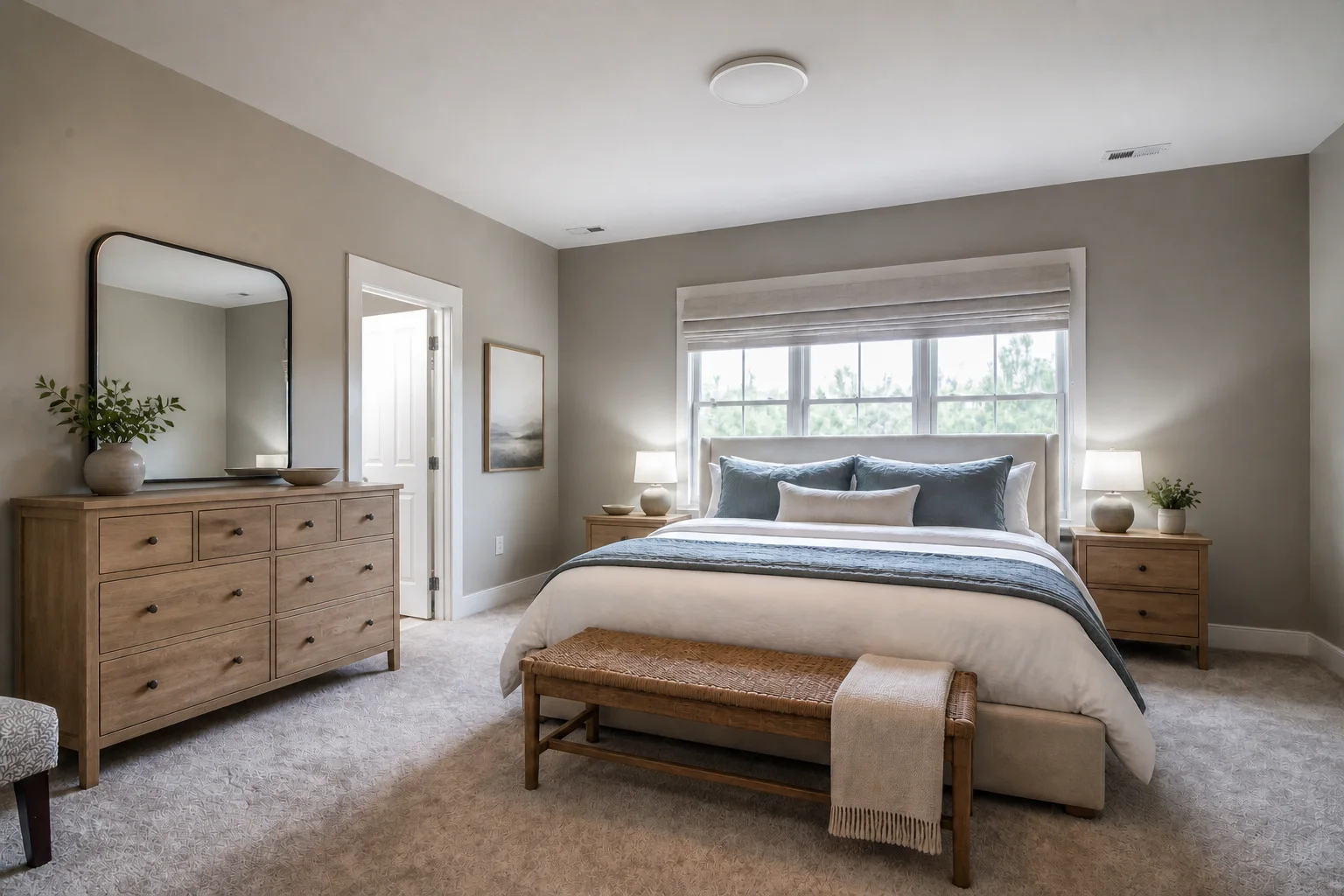
Focus on beds, storage, textiles, lighting, and practical bedroom makeovers from your photo.
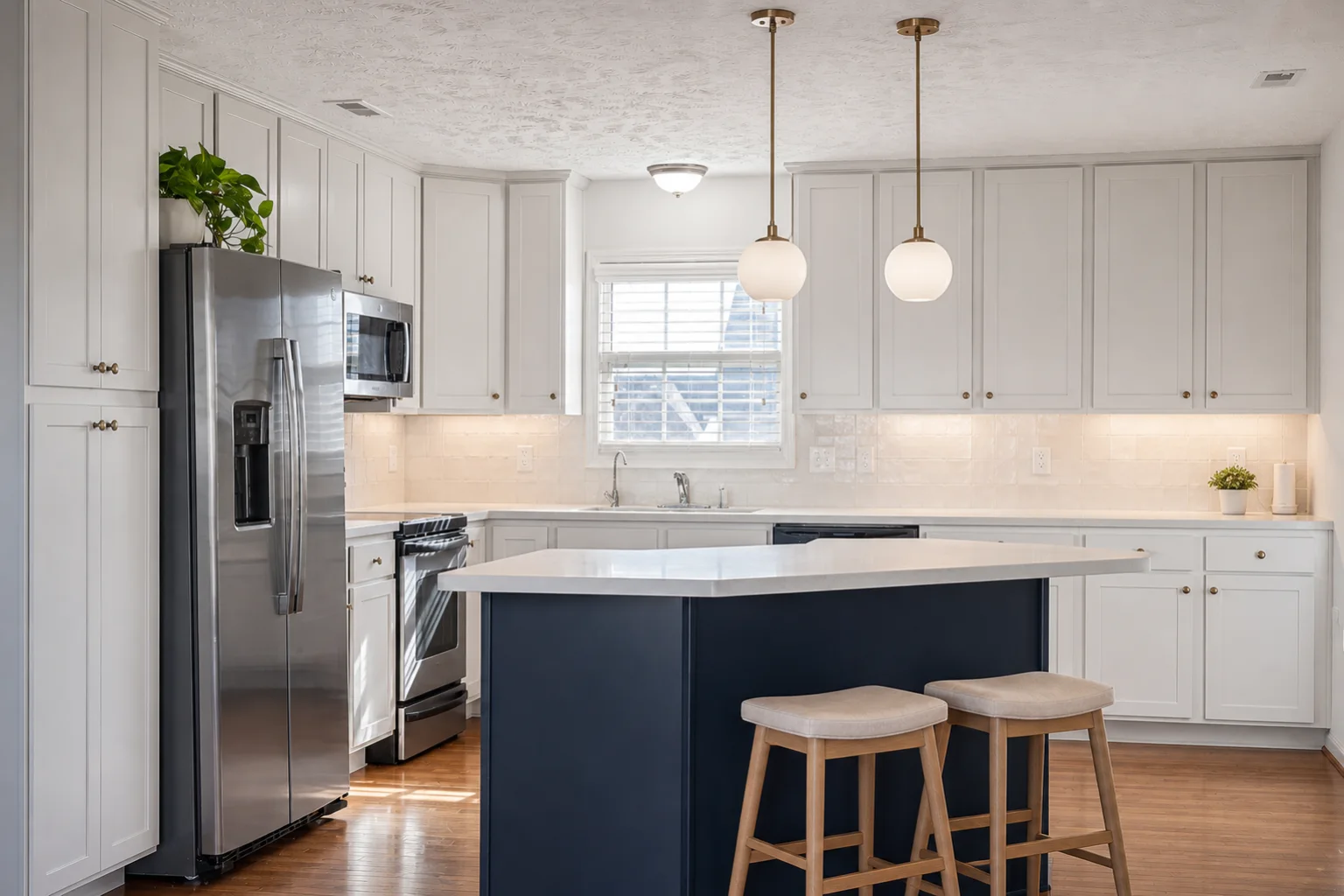
Compare cabinetry, counters, backsplashes, islands, colors, and lighting on your kitchen photo.
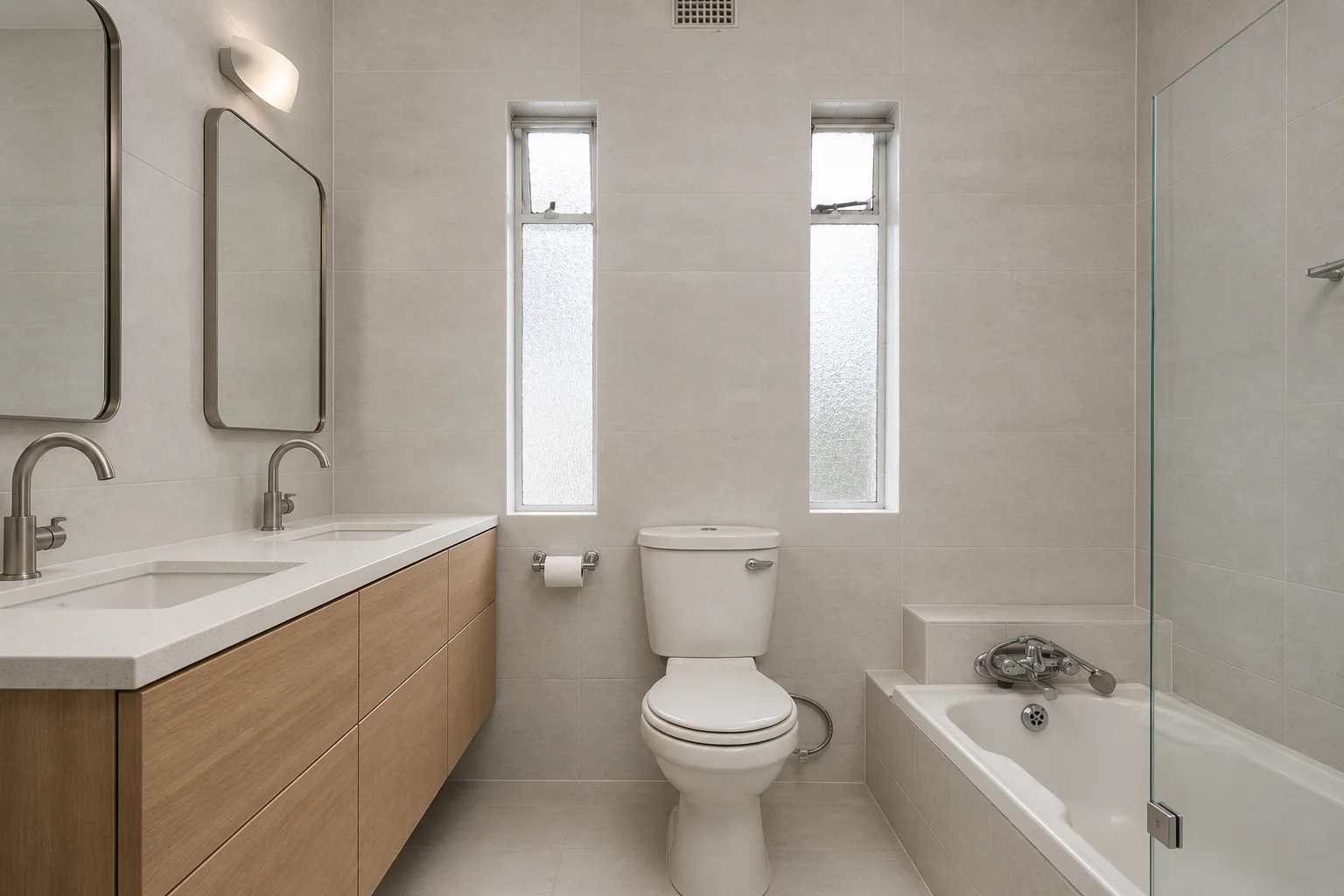
Compare vanity, tile, shower, tub, fixture, storage, and lighting directions on your bathroom photo.
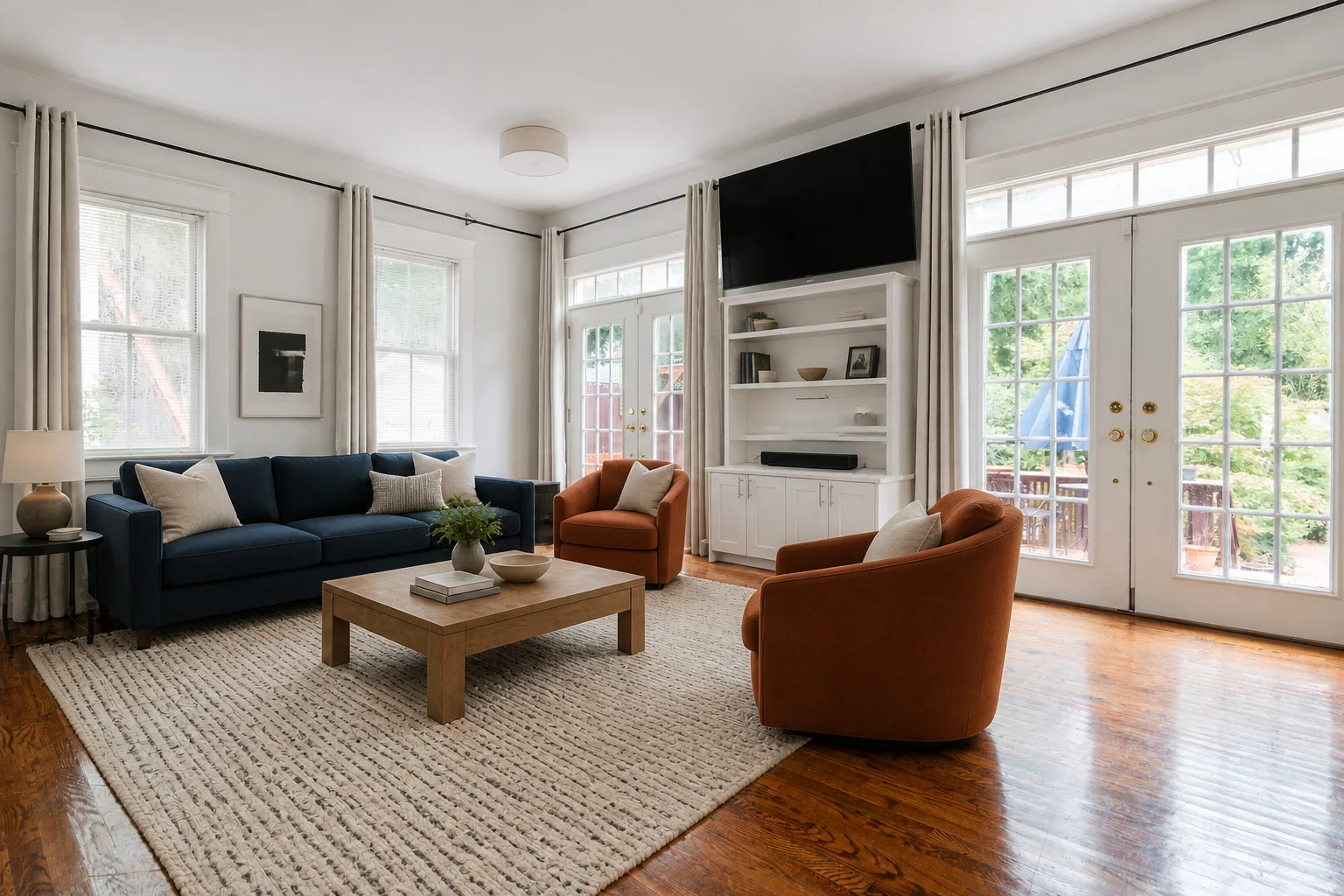
Compare sofas, seating layouts, rugs, colors, storage, decor, and lighting on your living room photo.